1. Entwodiksyon
This manual provides instructions for the safe and efficient use of your Itel Magic3 it6350 feature phone. Please read this manual carefully before using your device to ensure proper operation and to understand its features.

Imaj: Devan view of the Itel Magic3 it6350 feature phone, showcasing its display and keypad.
2. Pake kontni
Verifye ke tout atik yo prezan nan pake pwodwi ou a:
- Itel Magic3 it6350 Device
- Battery (pre-installed in some units)
- Adaptè Charger
- Ekoutè
- Gid Quick Start
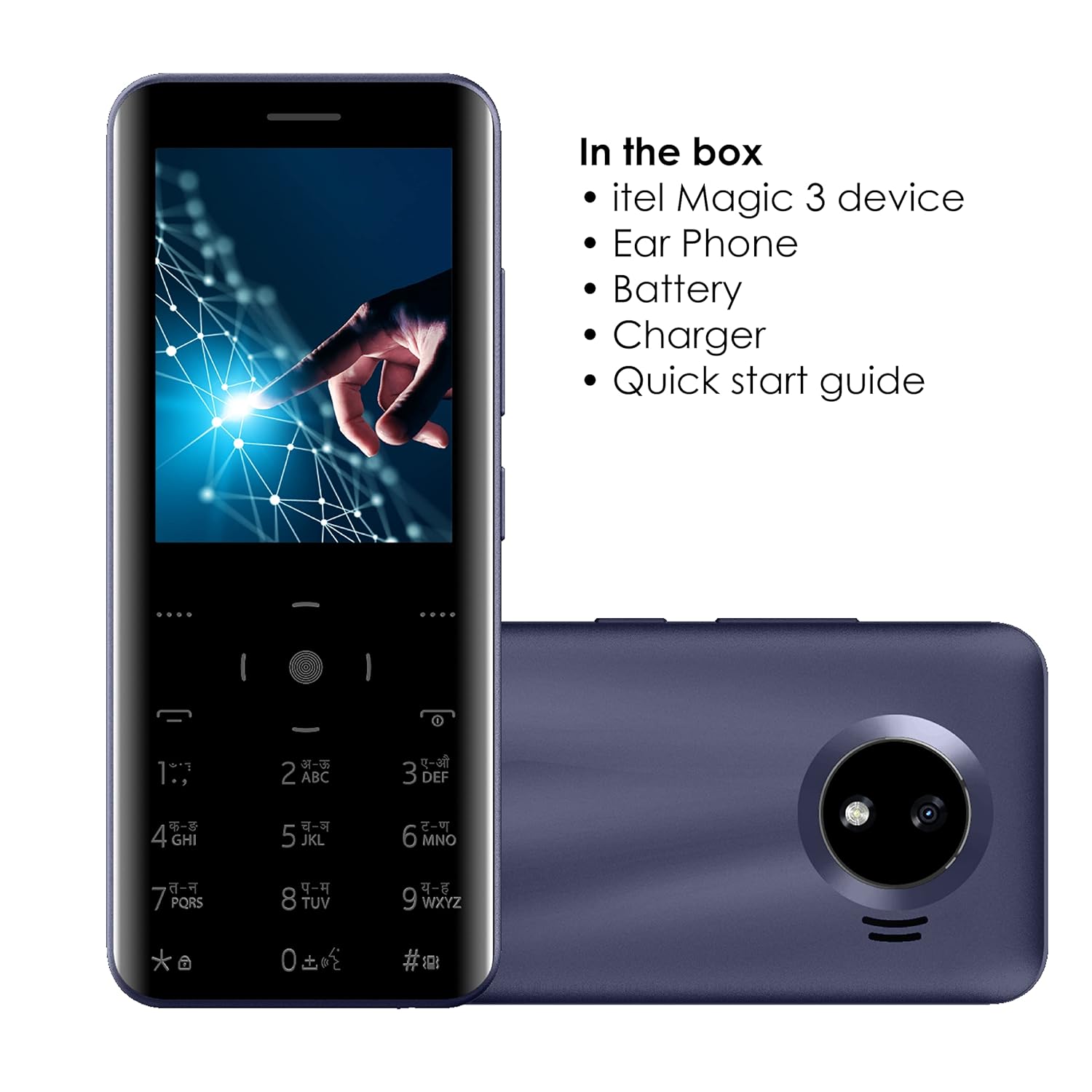
Image: Illustration of the Itel Magic3 it6350 phone alongside its included accessories: earphone, battery, charger, and quick start guide.
3. Layout aparèy
Familiarize yourself with the physical components of your Itel Magic3 it6350.

Imaj: Dèyè view of the Itel Magic3 it6350, highlighting the 1.3MP rear camera with LED flash.

Imaj: Bò kote view of the Itel Magic3 it6350, illustrating its slim 9.5mm unibody design.
4. Enstalasyon
4.1. Mete kat SIM ak batri a
- Power off the device and remove the back cover.
- Insert your SIM card(s) into the designated slot(s).
- Insert the battery into its compartment, ensuring the contacts align.
- Ranplase kouvèti dèyè a.
4.2. Premye Limen ak Chaje
- Press and hold the Power key until the screen lights up.
- If the battery is low, connect the charger to the device and a power outlet.
- Allow the device to charge fully before first use for optimal battery life.
5. Operasyon Enstriksyon
5.1. Navigasyon debaz
The Itel Magic3 it6350 features a Smart Touch Keypad and a 7.11cm (2.8") QVGA display for navigation.
- Use the navigation keys to move through menus and options.
- Press the center key to select an option.
- Use the 'Back' or 'End Call' key to return to the previous screen or exit a menu.

Image: A hand interacting with the Smart Touch Keypad of the Itel Magic3 it6350.
5.2. Fè apèl
- Sou ekran prensipal la, antre nimewo telefòn nan lè l sèvi avèk klavye a.
- Press the 'Call' key (usually green) to initiate the call.
- To end a call, press the 'End Call' key (usually red).
5.3. Voye mesaj
- Ale nan meni 'Mesaj' la.
- Select 'Create New Message' or 'New SMS'.
- Antre nimewo moun k ap resevwa a oubyen chwazi nan kontak yo.
- Tape mesaj ou a lè l sèvi avèk klavye a.
- Chwazi 'Voye'.
5.4. Anyè telefòn
The device supports a Smart Phonebook with up to 2000 contacts, including photo and icon support.
- Access the 'Contacts' or 'Phonebook' menu to manage your contacts.
- Add new contacts, edit existing ones, or search for contacts.
6. Karakteristik
6.1. Kamera
The Itel Magic3 it6350 is equipped with a 1.3MP camera and LED flash.
- Go to the 'Camera' application from the main menu.
- Ankadre foto ou a lè l sèvi avèk ekran an.
- Press the capture button (usually the center key) to take a photo.
6.2. Radyo FM san fil
Enjoy radio broadcasts without needing to connect earphones as an antenna.
- Access the 'FM Radio' application.
- Sèvi ak kle navigasyon yo pou chèche estasyon yo oubyen pou sintonize manyèlman.
- Recording functionality may be available within the FM Radio app.
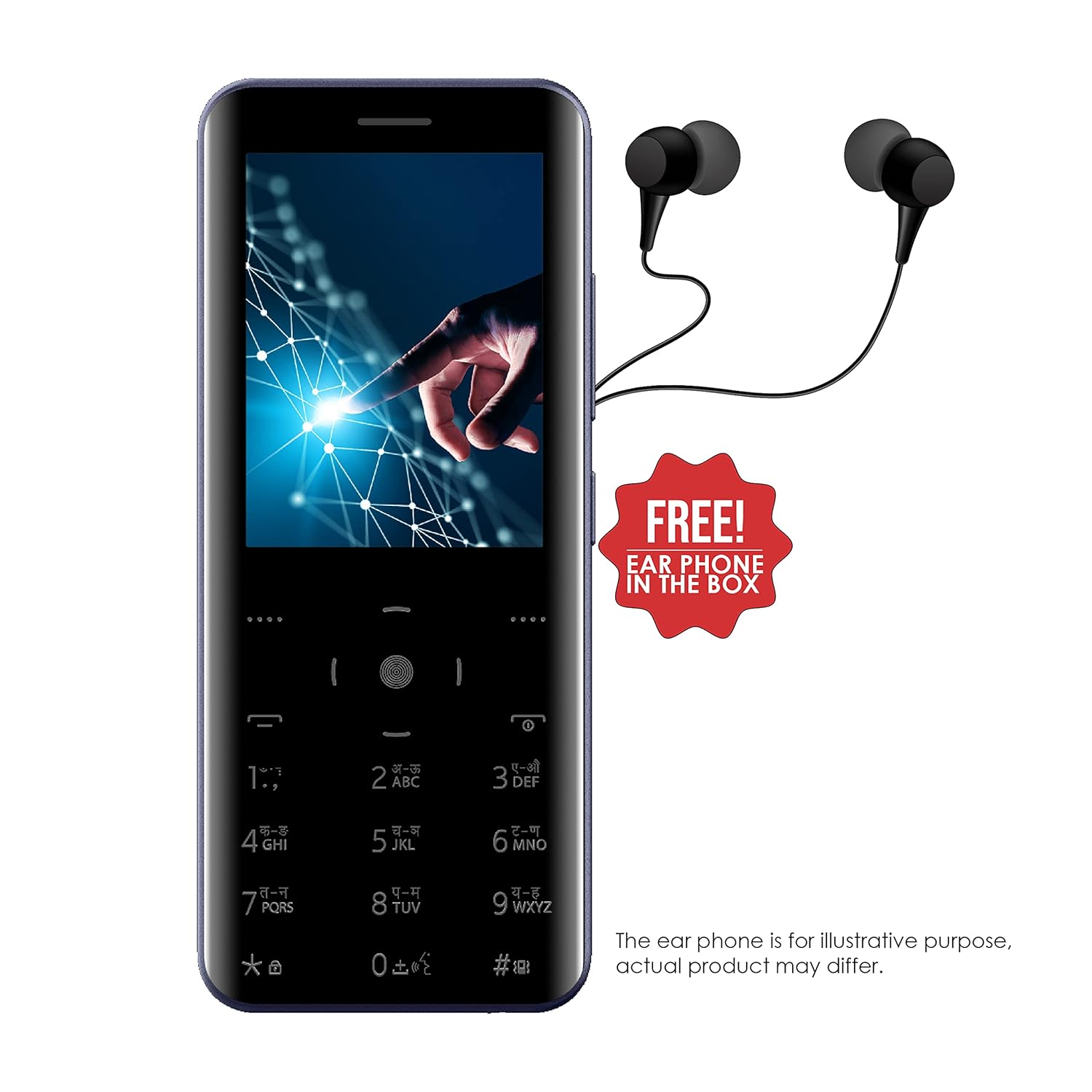
Image: The Itel Magic3 it6350 phone shown with included earphones, which can be used for private listening.
6.3. KingVoice
The KingVoice feature provides audio assistance for various phone functions, enhancing accessibility.
- Refer to the device settings to enable or disable KingVoice.
- KingVoice can read out menu options, incoming caller ID, and messages.
6.4. Connectivity (Bluetooth, Wi-Fi, USB)
The device supports basic connectivity options.
- Bluetooth: For connecting to compatible wireless accessories like headsets or for file transfer. Access via 'Settings' > 'Bluetooth'.
- Wi-Fi: For internet access where Wi-Fi networks are available. Access via 'Settings' > 'Wi-Fi'.
- USB: For charging and connecting to a computer for file transfè.
6.5. Lòt Karakteristik
- Sipò pou lang: Supports 9 Indian languages. Change language in 'Settings'.
- JAVA Games: The device supports JAVA games. Access via the 'Games' menu.
- WAP/GPRS Support: For basic internet browsing and accessing online content.
- Facebook Support: A pre-installed or downloadable Facebook application may be available.
- Smart Transfer: For easy sharing of files ant aparèy.
7. Antretyen
7.1. Swen batri
- Use only the original charger and battery provided with the device.
- Evite ekspoze batri a nan tanperati ekstrèm.
- Pa pike, demonte, oswa modifye batri a.
- Recycle used batteries responsibly.
7.2. Netwaye Aparèy la
- Siye aparèy la ak yon mou, twal sèk.
- Evite itilize pwodui chimik piman bouk, solvang netwayaj, oswa detèjan fò.
7.3. Depo
- Sere aparèy la nan yon kote ki fre epi sèk, lwen limyè solèy dirèk ak tanperati ekstrèm.
- If storing for an extended period, ensure the battery is partially charged (around 50%) to preserve its lifespan.
NAN. Depanaj
Si ou rankontre pwoblèm ak aparèy ou an, gade pwoblèm ak solisyon komen sa yo:
| Pwoblèm | Solisyon posib |
|---|---|
| Aparèy pa limen | Ensure the battery is correctly inserted and charged. Connect the charger and try again. |
| Pa ka fè oswa resevwa apèl | Check if the SIM card is properly inserted and activated. Verify network signal strength. |
| Move kalite odyo pandan apèl yo | Ensure the earpiece/speaker is not blocked. Adjust call volume. Move to an area with better network coverage. |
| Batri vide byen vit | Diminye klète ekran an. Fèmen aplikasyon ki pa itilize yo. Limite itilizasyon done an aryè plan. |
| Klavye pa reponn | Restart the device. Ensure the keypad is clean and free from debris. |
9. Espesifikasyon
Detailed technical specifications for the Itel Magic3 it6350:
- Modèl: li6350
- Ekspozisyon: 7.11cm (2.8") QVGA
- Konsepsyon: 9.5mm Slim Unibody Design
- Klavye: Smart Touch Keypad
- Kamera: 1.3MP with LED Flash (Rear)
- Batri: 1500mAh Lithium Ion (In-built)
- Koneksyon: Wi-Fi, Bluetooth, USB
- Audio Jack: 3.5 mm
- Kapasite Anyè telefòn: 2000 Kontak
- Karakteristik espesyal: KingVoice, 9 Indian Language Support, WAP/GPRS, JAVA Games, Facebook Support, Smart Transfer, Wireless FM Radio with Recording
- Dimansyon (LxWxH): 13.9 x 5.9 x 1 cm
- Pwa: 120 g
- Tan pou pale: Jiska 18 èdtan
- Tan sibstiti: Jiska 6 jou

Image: Diagram illustrating the dimensions of the Itel Magic3 it6350: 139mm length, 59mm width, and 9.5mm thickness.
10. Garanti ak sipò
Your Itel Magic3 it6350 device comes with a 1-year warranty. For warranty claims or technical support, please contact Itel's authorized service center.
- Peryòd garanti: 1 ane
- Manifakti: S MOBILE DEVICES PRIVATE LTD
- Enfòmasyon pou kontakte: Refer to the warranty card included in your package or visit the official Itel website for service center locations and contact details.


