1. Entwodiksyon
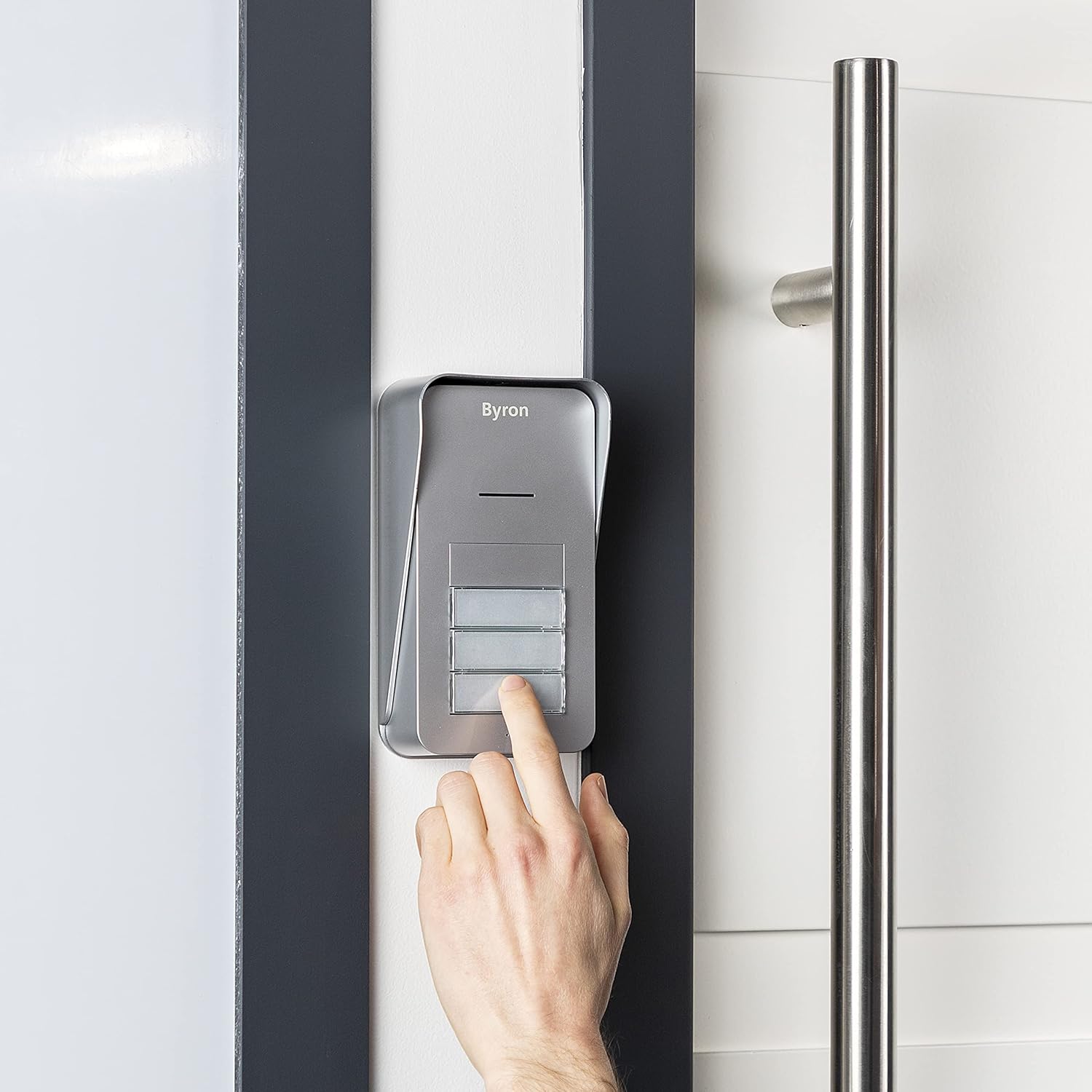
The Byron DIC-21535 is a wireless audio intercom system designed to facilitate communication between visitors at your entrance and residents across up to three apartments. This system offers convenient two-way audio communication and the ability to remotely open an electric door strike (if installed).
Karakteristik kle yo enkli:
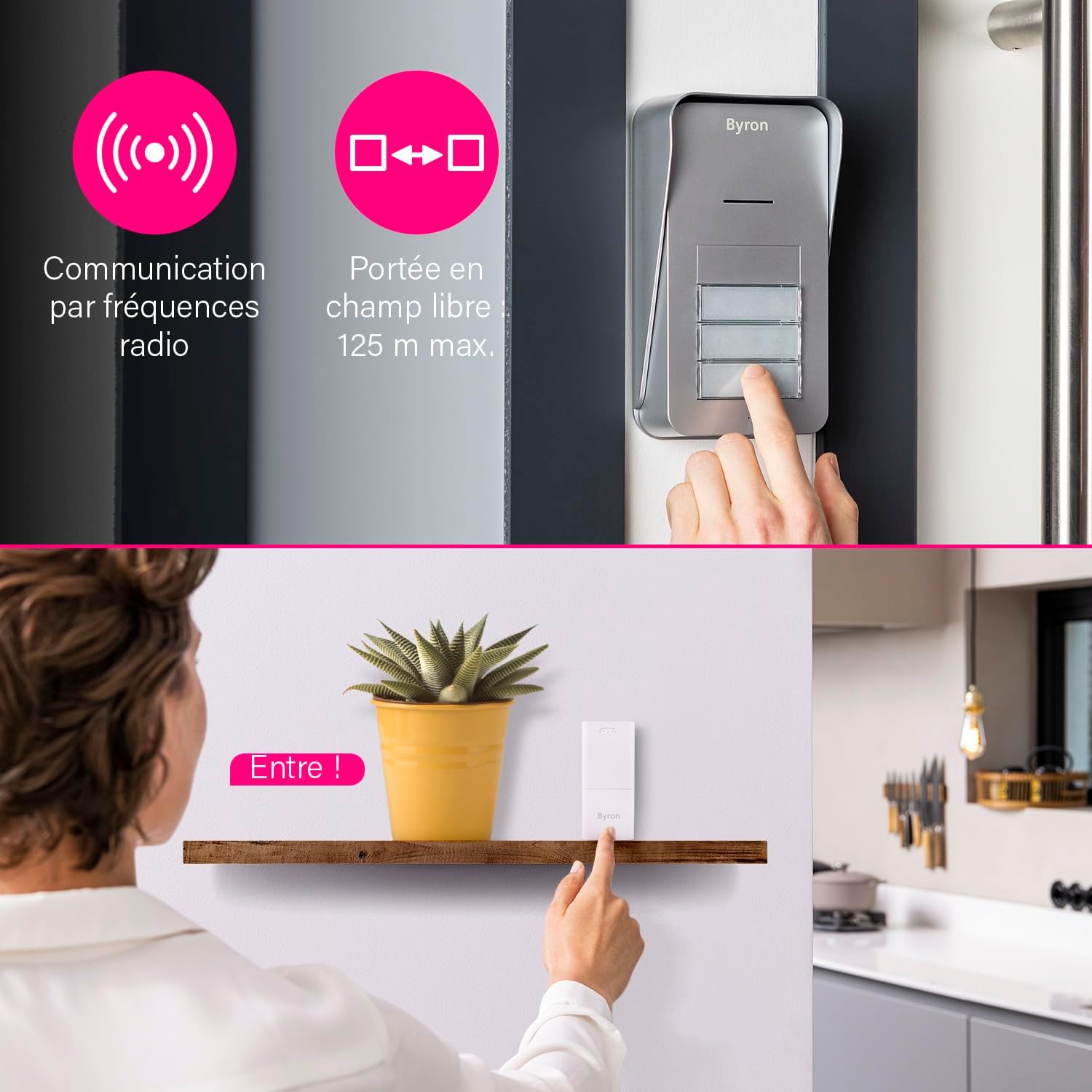
- Wireless communication via 868 MHz radio frequency.
- Up to 125 meters (open field) range.
- De-fason kominikasyon odyo.
- 5 adjustable volume levels (up to 80 dB).
- 15 melodi ou ka chwazi.
- Expandable system with additional indoor units.
2. Pake kontni
Tanpri asire w ke tout konpozan yo prezan anvan ou kòmanse enstalasyon an:
- 1 x Inite Eksteryè
- 3 x Indoor Units (Chimes)
- 3 x Power Adapters for Indoor Units
- 1 x Mounting Plate for Outdoor Unit
- Materyèl pou monte (vis, ploge miray)
- 1 x Manyèl Itilizatè (dokiman sa a)
Note: 6x AA batteries for the outdoor unit and an 8-24V adapter for wired outdoor unit power (if desired) are not included.
3. Enstalasyon ak Enstalasyon
3.1 Enstalasyon Inite Deyò
The outdoor unit can be powered by batteries or a wired connection.
Battery Power (Wireless)
- Open the battery compartment on the outdoor unit.
- Insert 6x AA batteries (not included), ensuring correct polarity.
- Fèmen lòj batri a byen.
- Mount the outdoor unit using the provided mounting plate and hardware in a suitable location near your entrance. Ensure it is protected from direct heavy rain.
Wired Power (Optional)
For continuous power and to enable the electric door strike function, the outdoor unit can be connected to an 8-24V DC adapter (not included).
- Connect the 8-24V DC power adapter to the designated terminals on the outdoor unit.
- If using an electric door strike, connect its wires to the appropriate terminals on the outdoor unit. Refer to the door strike's manual for specific wiring.
- Mount the outdoor unit using the provided mounting plate and hardware.
3.2 Indoor Unit (Chime) Installation
The indoor units are plug-and-play.
- Plug each indoor unit into a standard electrical outlet within range of the outdoor unit.
- Ensure the indoor units are placed in locations where the chime can be heard clearly by residents.

3.3 Pairing Units
The units are typically pre-paired from the factory. If re-pairing is needed or if adding new units:
- Ensure both the outdoor unit and the indoor unit are powered on.
- Refer to the specific pairing instructions in the detailed manual provided in the box, as the process may vary slightly for adding new components.
4. Operasyon Enstriksyon
4.1 Resevwa yon apèl
- When a visitor presses a call button on the outdoor unit, the corresponding indoor unit(s) will chime.
- To answer the call, press the talk button on the indoor unit. You can now engage in two-way audio communication with your visitor.
- To end the call, press the talk button again or the call will automatically end after a set period.
4.2 Opening the Door/Gate (Optional)
If an electric door strike or gate opener is connected to the outdoor unit (and the outdoor unit is wired for power), you can open it remotely.
- During an active call with a visitor, press the door/gate release button on the indoor unit.
- The electric strike will activate, allowing the visitor to enter.

4.3 Adjusting Volume and Melody
Each indoor unit allows for personalized settings.
- Volim: Locate the volume control button or switch on the indoor unit. Cycle through the 5 available volume levels to set your preferred loudness.
- Melody: Locate the melody selection button on the indoor unit. Press it repeatedly to cycle through the 15 available melodies until you find your desired chime.

5. Antretyen
To ensure optimal performance and longevity of your Byron DIC-21535 intercom system, follow these maintenance guidelines:
- Netwayaj: Wipe the outdoor and indoor units with a soft, damp twal. Pa sèvi ak pwodui netwayaj abrazif oswa solvang.
- Ranplasman Batri (Inite Eksteryè): If the outdoor unit is battery-powered, replace all 6x AA batteries when the low battery indicator appears or when performance degrades. Always use new, high-quality batteries.
- Plasman Inite Eksteryè a: Periodically check that the outdoor unit remains securely mounted and that its location offers adequate protection from extreme weather conditions.
- Tcheke Range: If you experience reduced range or intermittent communication, check for new obstructions or sources of interference.
NAN. Depanaj
If you encounter issues with your intercom system, refer to the following common problems and solutions:
| Pwoblèm | Kòz posib | Solisyon |
|---|---|---|
| No sound from indoor unit when button is pressed. | Indoor unit not powered, out of range, or outdoor unit batteries are dead. | Ensure indoor unit is plugged in. Move indoor unit closer to outdoor unit. Replace outdoor unit batteries. |
| Move kalite odyo oswa estatik. | Interference, units too far apart, or low batteries. | Relocate indoor unit away from other electronic devices. Check range. Replace outdoor unit batteries. |
| Door/gate release not working. | Outdoor unit not wired for power, electric strike not connected, or faulty wiring. | Ensure outdoor unit is connected to an 8-24V DC power supply. Verify electric strike wiring. Ensure you are in an active call before pressing the release button. |
| Indoor unit not pairing. | Incorrect pairing procedure or units out of range. | Refer to the detailed pairing instructions in the full manual. Ensure units are close during pairing. |
Si pwoblèm nan pèsiste apre ou fin eseye solisyon sa yo, tanpri kontakte sèvis kliyan.
7. Espesifikasyon
| Karakteristik | Detay |
|---|---|
| Nimewo Modèl | DIC-21535 |
| Kalite sistèm | Wireless Audio Intercom |
| Apartment Capacity | Jiska 3 apatman |
| Frekans Kominikasyon | 868 MHz |
| Open Field Range | Jiska 125 mèt |
| Pouvwa Inite Deyò | 6x AA batteries (not included) or 8-24V DC adapter (not included) |
| Pouvwa Inite andedan kay la | 230V Mains (via included adapter) |
| Nivo volim | 5 levels, up to 80 dB |
| Melodi | 15 chwazi |
| Materyèl | Plastik |
| Koulè | White (Indoor Units), Grey (Outdoor Unit) |
| Dimansyon Inite Andedan an (H x W x D) | Apeprè. 11 cm x 5 cm x 5 cm |
| Dimansyon Inite Eksteryè a (H x W x D) | Apeprè. 16.5 cm x 9 cm x 5 cm |
| Pwa total | 650 Grams (entire package) |
8. Enfòmasyon sou Garanti
The Byron DIC-21535 Audio Intercom System comes with a manufacturer's warranty of 2 ane soti nan dat acha a. Garanti sa a kouvri domaj nan materyèl ak atizan konn fè nan itilizasyon nòmal.
Please retain your proof of purchase for any warranty claims. The warranty does not cover damage caused by misuse, accident, unauthorized modification, or improper installation.
9. Sipò
For further assistance, technical support, or to inquire about additional components for your Byron intercom system, please refer to the contact information provided in the original packaging or visit the official Byron websit.
When contacting support, please have your model number (DIC-21535) and purchase details readily available.


