1. Entwodiksyon
This manual provides detailed instructions for the setup, operation, and maintenance of your TECLAST Mini PC N10. This compact desktop computer features an Intel Celeron N4000 processor, 6GB DDR4 RAM, 128GB SSD, and comes pre-installed with Windows 11 Pro. It is designed for various applications including office work, multimedia playback, and general computing tasks.
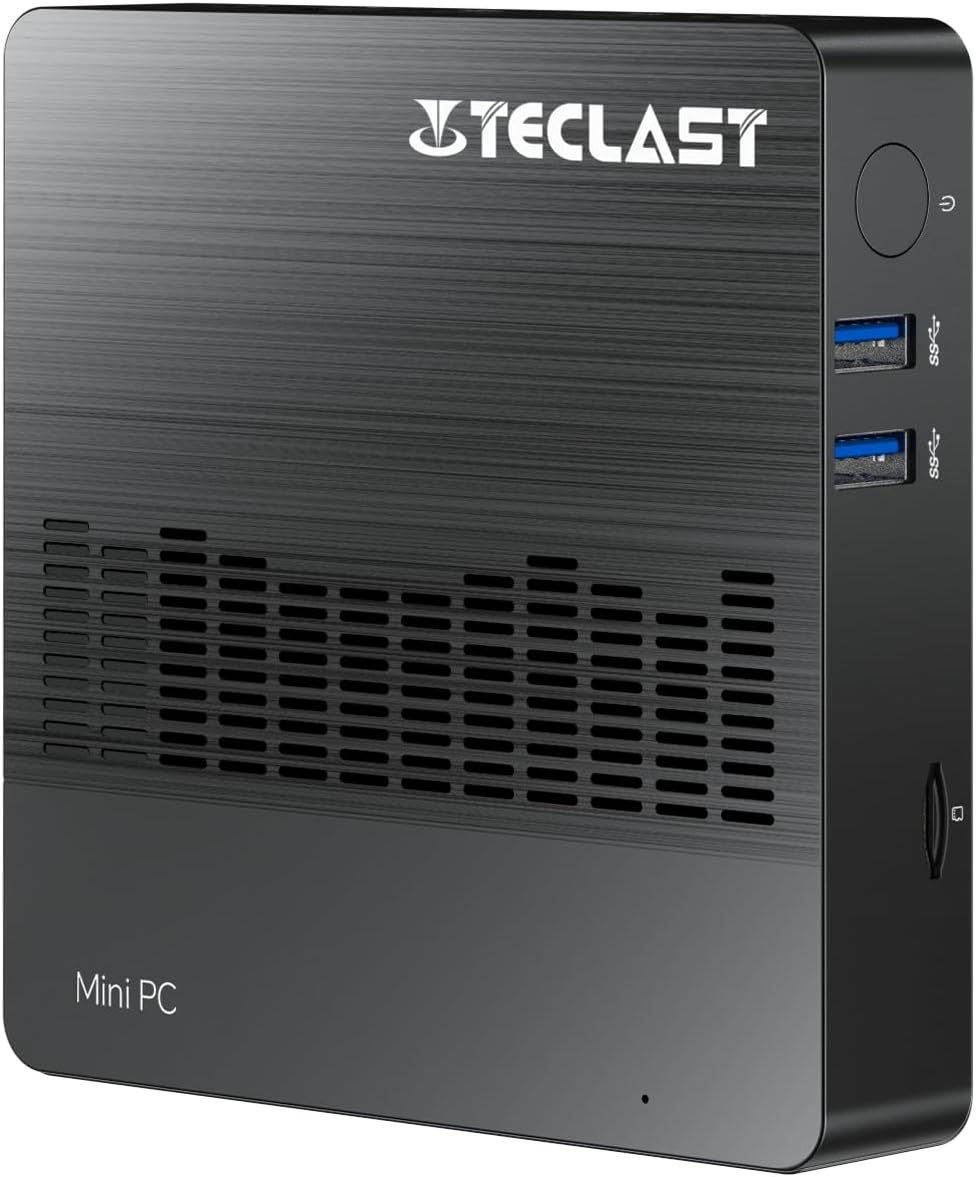
Imaj 1.1: Devan view of the TECLAST Mini PC N10, showing its compact design and front ports.
2. Pake kontni
Tanpri tcheke pake a pou atik sa yo:
- TECLAST Mini PC N10 Unit
- Adaptè pouvwa
- Manyèl itilizatè
Si gen nenpòt atik ki manke oswa ki domaje, tanpri kontakte sèvis kliyan.
3. Pwodwi souview
3.1. Physical Dimensions and Design
The TECLAST Mini PC N10 is designed to be compact and lightweight, making it suitable for various environments. Its dimensions are approximately 11.9 x 11.9 x 2.4 cm, and it weighs around 700g.

Image 3.1: Illustration of the TECLAST Mini PC N10's compact dimensions (120mm x 120mm x 24mm) and lightweight design (200g, note: product specifications state 700g).
3.2. Aranjman pò a
The Mini PC N10 features a variety of ports for connectivity, located on its right, left, and back sides.

Imaj 3.2: Detaye view of the TECLAST Mini PC N10's expansion ports.
- Bò Dwa: TF (MicroSD) Card Reader x 1, USB 3.2 x 2, Power Button x 1
- Bò Goch: VGA Port x 1
- Bò dèyè: Reset Button x 1, DC Power Input x 1, USB 3.2 x 1, HDMI Port x 1, RJ45 Ethernet Port x 1, 3.5mm Headphone Output x 1
4. Inisyal Enstalasyon
Follow these steps to set up your TECLAST Mini PC N10:
- Konekte ak yon ekran: Connect your monitor or TV to the Mini PC using either the HDMI port or the VGA port. For optimal resolution, use the HDMI port.
- Konekte periferik: Plug in your keyboard and mouse to the available USB 3.2 ports.
- Konekte ak pouvwa: Connect the power adapter to the DC power input port on the back of the Mini PC, then plug the adapter into a power outlet.
- Pouvwa sou: Press the power button located on the right side of the Mini PC. The system will boot up.
- Premye enstalasyon Windows: Swiv enstriksyon ki sou ekran an pou konplete konfigirasyon Windows 11 Pro a, ki gen ladan lang, rejyon, koneksyon rezo, ak kreyasyon kont itilizatè.
5. Operasyon Enstriksyon
5.1. Konekte sou entènèt la
- Koneksyon filaire: Connect an Ethernet cable from your router or modem to the RJ45 Ethernet port on the back of the Mini PC.
- Koneksyon san fil: The Mini PC supports 2.4GHz and 5GHz Wi-Fi. During Windows setup or via Windows settings, select your Wi-Fi network and enter the password.
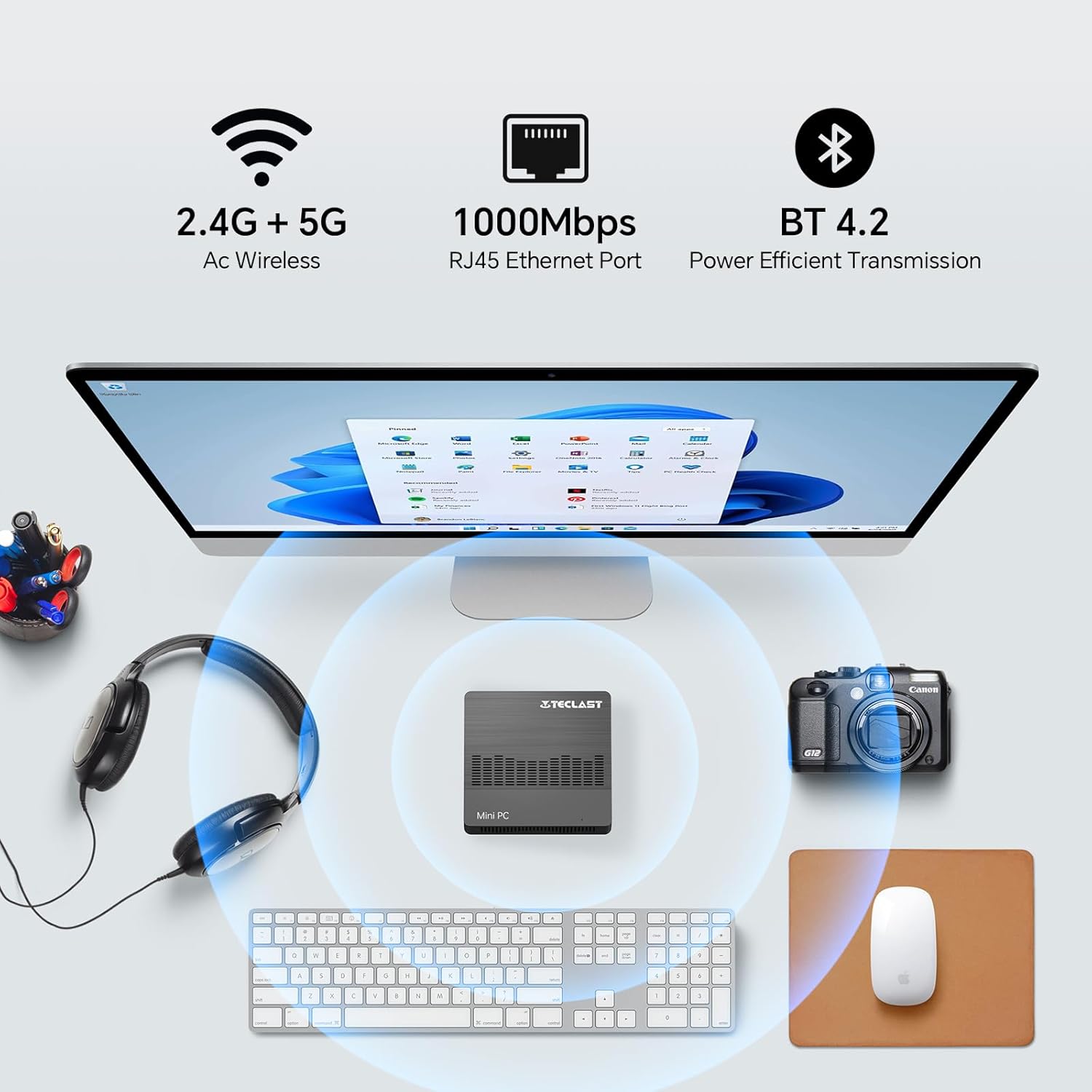
Image 5.1: The Mini PC N10 supports 2.4G+5G Wi-Fi, 1000Mbps RJ45 Ethernet, and Bluetooth 4.2 for versatile connectivity.
5.2. Konfigirasyon Doub Ekran
The TECLAST Mini PC N10 supports dual display output via its HDMI and VGA ports, allowing you to extend your desktop across two screens or duplicate your display.
- Konekte monitè prensipal ou a nan pò HDMI a.
- Connect your secondary monitor to the VGA port.
- Once both monitors are connected and powered on, Windows 11 should automatically detect them.
- To configure display settings (extend, duplicate, resolution), right-click on the desktop, select 'Display settings', and adjust as needed. The HDMI port supports up to 4K@60Hz resolution.

Image 5.2: The Mini PC N10 connected to two monitors via HDMI and VGA for dual display output.
5.3. Ekspansyon Depo
The Mini PC N10 includes 128GB of internal SSD storage. For additional storage, it supports SATA protocol for M.2 SSD expansion (2242 length, M.2 interface, not included). A TF (MicroSD) card reader is also available for removable storage.
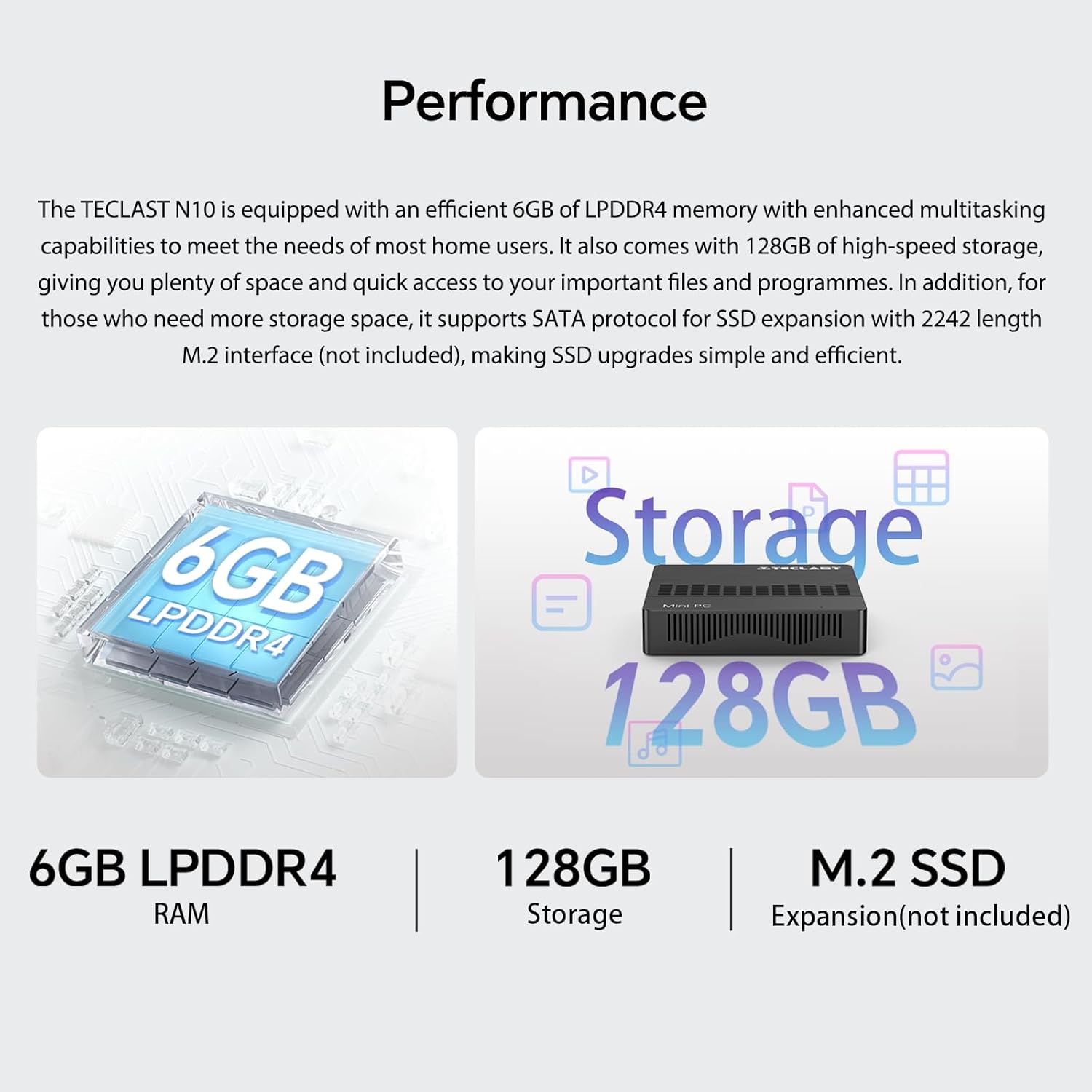
Imaj 5.3: Plis paseview of the Mini PC N10's 6GB LPDDR4 RAM, 128GB storage, and M.2 SSD expansion capability.
6. Espesifikasyon
| Karakteristik | Detay |
|---|---|
| Mak | TECLAST |
| Non modèl | N10 |
| Dimansyon pwodwi | 11.9 x 11.9 x 2.4 cm |
| Pwa pwodwi | 700 g |
| Koulè | Nwa |
| Sistèm operasyon | Windows 11 Pro |
| Manifakti processeur | Intel |
| Kalite processeur | Intel Celeron N4000 |
| Vitès processeur | 2.6 GHz (Turbo Frequency) |
| Kantite processeurs | 2 |
| Kapasite RAM | 6 GB |
| Teknoloji memwa | DDR4 |
| Hard Drive Description | SSD |
| Kapasite Depo memwa | 128 GB |
| Koprosesè grafik | Intel UHD Graphics 600 |
| Deskripsyon kat grafik | Entegre |
| Rezolisyon maksimòm | 3840 x 2160 (4K) |
| Kalite koneksyon | Wi-Fi, Bluetooth |
| Kalite koneksyon san fil | 2.4GHz + 5GHz Wi-Fi, Bluetooth 5.0 |
| Pò | HDMI x 1, VGA x 1, USB 3.2 x 3, RJ45 Ethernet x 1, 3.5mm Audio x 1, TF (MicroSD) x 1 |

Image 6.1: Details of the Intel Celeron N4000 processor, featuring 14nm process, Gemini Lake Architecture, 4MB cache, and up to 2.6GHz turbo frequency.
7. Antretyen
- Netwayaj: Use a soft, dry cloth to clean the exterior of the Mini PC. Avoid using liquid cleaners or sprays directly on the device.
- Vantilasyon: Ensure the ventilation openings are not blocked to prevent overheating. Place the Mini PC on a flat, stable surface.
- Mizajou lojisyèl: Tcheke epi enstale mizajou Windows regilyèman pou asire estabilite ak sekirite sistèm nan.
- Sovgad done: Detanzantan, fè kopi done enpòtan yo sou yon disk ekstèn oswa yon depo nan nwaj la pou evite pèt done.
NAN. Depanaj
8.1. Pa gen pouvwa
- Asire w ke adaptè kouran an byen konekte ak Mini PC a ak yon priz kouran ki fonksyone.
- Verifye si priz kouran an fonksyone byen lè w branche yon lòt aparèy.
8.2. Pa gen ekspozisyon
- Check that the HDMI or VGA cable is securely connected to both the Mini PC and the monitor.
- Ensure the monitor is powered on and set to the correct input source (HDMI/VGA).
- Eseye konekte li ak yon lòt ekran oubyen sèvi ak yon lòt kab pou elimine konpozan ki defektye.
8.3. Pa gen koneksyon entènèt
- Branche: Tcheke koneksyon kab Ethernet la. Asire w routeur/modem ou a ap fonksyone byen.
- San fil: Ensure Wi-Fi is enabled in Windows settings. Check if you are connected to the correct network and have entered the password correctly. Restart your router/modem.
8.4. System Slowdown
- Fèmen aplikasyon ki pa nesesè k ap fonksyone nan background nan.
- Tcheke epi enstale nenpòt mizajou Windows ki annatant.
- Asire w ke gen ase espas lib sou SSD a.
- Fè yon eskanè viris pou tcheke si gen malveyan.
9. Garanti ak sipò
9.1. Enfòmasyon sou Garanti
The TECLAST Mini PC N10 comes with a 2-year warranty, valid immediately after purchase. Please retain your proof of purchase for warranty claims.
9.2. Sipò pou Kliyan
If you require assistance or have any questions regarding your TECLAST Mini PC N10, please contact our customer support team. Send us a message, and our specialists will respond within 1 business day. We are committed to providing support for our products.


