1. Entwodiksyon
This manual provides comprehensive instructions for the operation and maintenance of your FOXWELL NT604 OBD2 Scanner and BT100 Pro Battery Tester. These devices are designed to assist in diagnosing vehicle issues and assessing battery health, providing valuable information for vehicle maintenance.
The FOXWELL NT604 is an advanced diagnostic scan tool capable of reading and clearing fault codes, displaying live data, and performing various tests on key vehicle systems. The FOXWELL BT100 Pro is a professional battery analyzer designed to test 12V batteries, providing accurate readings on battery voltage, CCA, internal resistance, and overall health.
2. Enstalasyon
2.1 Depake Aparèy la
Carefully remove all components from the packaging. Verify that all items listed in the product packaging are present. Retain the packaging for future storage or shipping.
2.2 Premye pouvwa-up
The NT604 scanner typically powers on when connected to a vehicle's OBD-II port. The BT100 Pro battery tester powers on when connected to a 12V battery.

Figure 2.1: The FOXWELL NT604 OBD2 Scanner and BT100 Pro Battery Tester.
3. Operasyon
3.1 FOXWELL NT604 OBD2 Scanner Operation
The NT604 scanner connects to your vehicle's On-Board Diagnostics II (OBD-II) port to access vehicle system information.
- Jwenn pò OBD-II a: The OBD-II port is usually located under the dashboard on the driver's side.
- Konekte eskanè a: Plug the NT604's diagnostic cable into the vehicle's OBD-II port. The scanner will power on automatically.
- Vehicle Communication: The scanner will attempt to establish communication with the vehicle's ECU (Engine Control Unit). Follow on-screen prompts.
- Navigasyon nan meni prensipal: Use the navigation buttons (up, down, left, right, OK, ESC) to select desired functions from the main menu. Common functions include:
- Li Kòd: Retrieves Diagnostic Trouble Codes (DTCs) from the vehicle's systems.
- Kòd Klè: Erases DTCs from the vehicle's memory. Note: Clearing codes does not fix the underlying problem. Address the issue before clearing codes.
- Done vivan: Displays real-time sensor data from the vehicle.
- Glase ankadreman: Captures a snapshot of vehicle operating conditions at the time a fault code was set.
- Preparasyon I/M: Tcheke estati monitè ki gen rapò ak emisyon yo.
- System Diagnostic: Accesses specific vehicle systems like Engine, ABS, SRS (Airbag), and Transmission for detailed diagnostics.

Figure 3.1: The NT604 scanner's main menu showing various OBDII functions.

Figure 3.2: The NT604 scanner's capability to diagnose Engine, ABS, SRS, and Transmission systems.
3.2 FOXWELL BT100 Pro Battery Tester Operation
The BT100 Pro is designed for testing 12V automotive batteries. It can perform tests both in-vehicle and out-of-vehicle.
- Prepare batri a: Ensure battery terminals are clean and free of corrosion.
- Konekte tèsteur a:
- Konekte cl wouj laamp nan tèminal pozitif (+) batri a.
- Konekte nwa clamp nan tèminal negatif (-) batri a.
- The tester will power on automatically.
- Select Test Type:
- In-Vehicle Test: For batteries installed in the vehicle.
- Out-of-Vehicle Test: For standalone batteries.
- Chwazi Kalite batri: Choose the correct battery type (e.g., Regular Flooded, AGM Flat Plate, AGM Spiral, GEL) from the menu. Incorrect selection may lead to inaccurate results.
- Enter CCA Rating: Input the Cold Cranking Amps (CCA) rating found on the battery label.
- Fè tès la: The tester will perform the analysis and display results such as:
- Voltage
- Measured CCA
- Rezistans Entèn
- Eta Sante (SOH)
- Eta chaj (SOC)

Figure 3.3: The BT100 Pro supports both in-vehicle and out-of-vehicle battery testing.
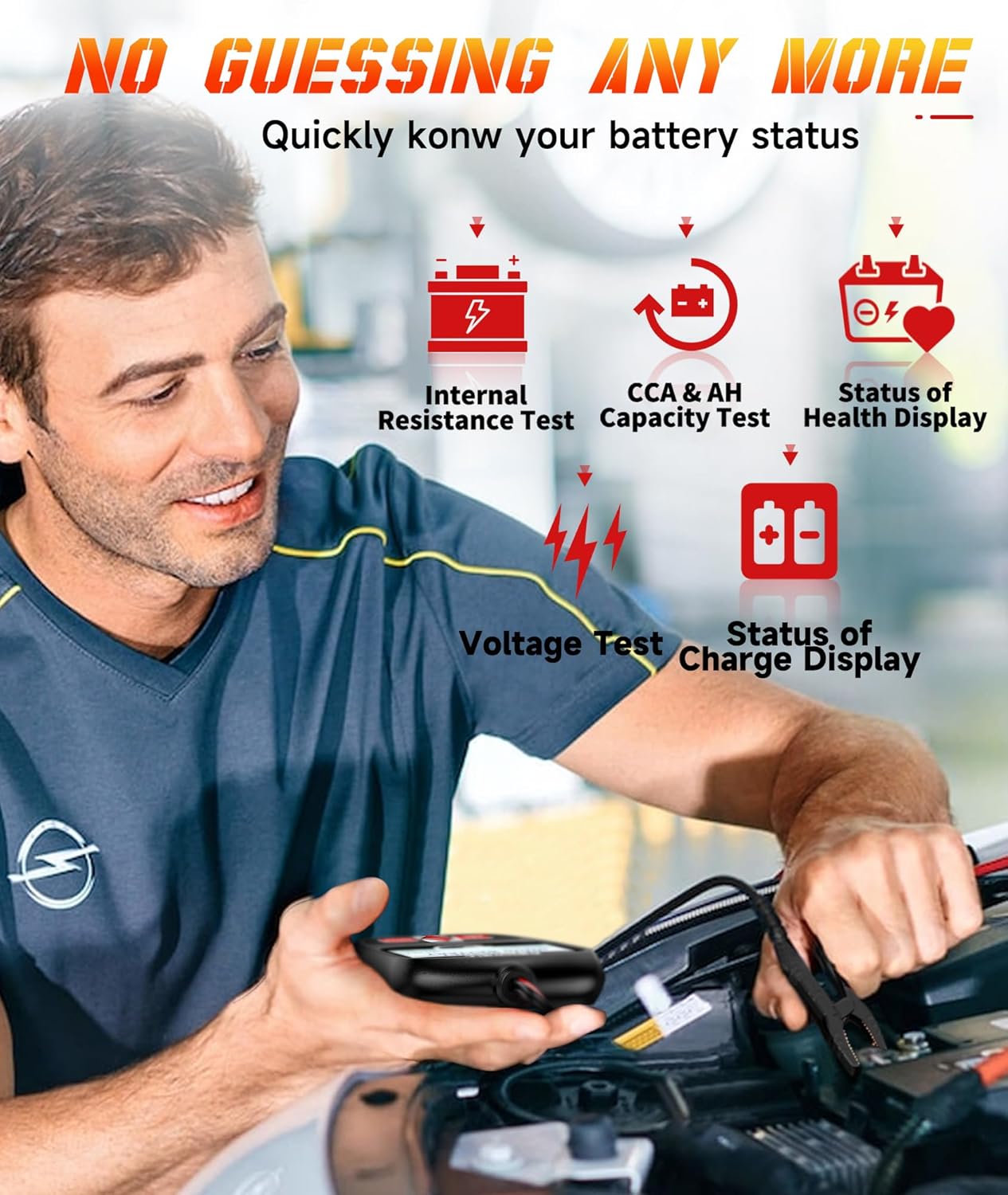
Figure 3.4: The BT100 Pro provides detailed battery status including internal resistance, CCA, and health display.
4. Antretyen
4.1 Netwayaj
Siye aparèy la ak yon mou, damp twal. Pa sèvi ak pwodui netwayaj abrazif oswa solvan. Asire w ke aparèy la sèk anvan ou sere l.
4.2 Mizajou lojisyèl
Periodically check the FOXWELL official website for software updates for the NT604 scanner. Updates can improve performance, add new features, and expand vehicle compatibility. Follow the instructions provided on the website for updating the device firmware.
4.3 Depo
Store the devices in a clean, dry environment, away from extreme temperatures and direct sunlight. Keep cables neatly coiled to prevent damage.
NAN. Depanaj
| Pwoblèm | Kòz posib | Solisyon |
|---|---|---|
| NT604 does not power on. | Loose OBD-II connection; vehicle's OBD-II port fuse blown; vehicle battery low. | Ensure secure connection. Check vehicle's OBD-II port fuse. Verify vehicle battery voltage. |
| NT604 fails to link with vehicle. | Incorrect protocol selected; vehicle ignition off; faulty connection. | Ensure ignition is ON. Check cable connection. Try a different vehicle if possible to isolate the issue. |
| BT100 Pro does not power on. | Loose battery clamp connection; battery voltage twò ba. | Asire clamps are securely attached to clean battery terminals. Test a different battery if available. |
| Inaccurate BT100 Pro readings. | Incorrect battery type or CCA entered; dirty battery terminals. | Verify battery type and CCA input. Clean battery terminals thoroughly. |
6. Espesifikasyon
FOXWELL NT604 OBD2 eskanè
- Sistèm sipòte: Engine, ABS, SRS (Airbag), Transmission
- OBDII Modes: 10 modes (Read Codes, Clear Codes, Live Data, Freeze Frame, I/M Readiness, Component Test, O2 Monitor Test, On-Board Monitor Test, Retrieve Vehicle Info, Modules Present)
- Sous pouvwa: Pò OBD-II machin
FOXWELL BT100 Pro Battery Tester
- Batri Voltage: 12V
- Ranje tès: 100-1100 CCA
- Kalite batri ki sipòte: Regular Flooded, AGM Flat Plate, AGM Spiral, GEL
- Rezilta tès yo: Voltage, CCA, Internal Resistance, State of Health (SOH), State of Charge (SOC)
- Sous pouvwa: Battery Powered (from the tested battery)

Figi 6.1: Egzample of battery test results displayed on the BT100 Pro.
7. Garanti ak sipò
7.1 Enfòmasyon sou Garanti
FOXWELL products are covered by a limited warranty against defects in materials and workmanship. Please refer to the warranty card included with your product or visit the official FOXWELL websit la pou wè tèm ak kondisyon garanti detaye yo.
7.2 Sipò teknik
For technical assistance, software updates, or service inquiries, please contact FOXWELL customer support. Contact information can typically be found on the official FOXWELL websit oswa nan anbalaj pwodwi a.
Websit: www.foxwelltech.com (Egzamplyen an, verifye sit ofisyèl la)


