1. Entwodiksyon
Thank you for choosing the ORSKEY S950 Dash Cam. This manual provides detailed instructions for the proper installation, operation, and maintenance of your new dash camera system. Please read this manual thoroughly before use to ensure optimal performance and longevity of the device.

Image: The ORSKEY S950 Dash Cam, showing the main front unit with a 3-inch IPS screen and the separate rear camera.
2. Pwodwi souview
2.1 Kontni pake a
The ORSKEY S950 Dash Cam package includes the following items:
- ORSKEY S950 Front Dash Camera
- Kamera dèyè
- Machin Charger
- Mounting Bracket (Dashboard Mount)
- Kab dèyè Kamera
- Manyèl itilizatè
- Memory Card (Included components: Memory Card)
2.2 Karakteristik kle
The ORSKEY S950 Dash Cam is equipped with advanced features for comprehensive vehicle surveillance:
- 4K Ultra HD Front Recording: Kaptire manje klè ak detayetage.
- 1080P Rear Recording: Bay yon lajè view of the vehicle's rear.
- Sony Starvis Sensor: Enhances low-light performance for superior night vision.
- Ekran IPS 3 pous: Offers a clear and wide viewing angle for playback and settings.
- 170-Degree Wide Field of View: Both front and rear cameras cover multiple lanes.
- Anrejistreman bouk: Otomatikman ranplase pi ansyen foo atage lè kat memwa a plen.
- G-Sensor (Emergency Accident Lock): Detects sudden impacts and locks the current video to prevent overwriting.
- Siveyans pou Gare: Provides surveillance when the vehicle is parked (requires continuous power supply).
- Support for up to 128GB MicroSD Card: Allows for extended recording times.

Image: Visual representation of the ORSKEY S950's powerful functions, including 4K+1080P recording, Sony Sensor, 3" IPS screen, dual 170° FOV, G-Sensor, Loop Recording, Parking Monitoring, Emergency Recording, and Max 128GB support.
3. Enstalasyon ak Enstalasyon
3.1 Mete Kat MicroSD a
- Asire w ke kamera tablodbò a etenn.
- Locate the MicroSD card slot on the side of the main unit.
- Insert the MicroSD card (Class 10 or higher, up to 128GB) into the slot until it clicks into place.
- Enpòtan: Format the MicroSD card within the dash cam's settings menu before first use and periodically thereafter to ensure stable recording.
3.2 Mounting the Front Camera
- Netwaye zòn vit machin nan kote ou gen entansyon monte kamera a.
- Attach the suction cup mount or adhesive mount to the windshield, ensuring it does not obstruct your view.
- Slide the main dash cam unit onto the mounting bracket until it locks securely.
- Ajiste ang lantiy kamera a pou asire li kaptire wout la byen klè devan ou.
3.3 Enstale Kamera Dèyè a
- Detèmine pi bon kote pou monte kamera dèyè a, anjeneral sou vit machin nan dèyè oswa toupre plak machin nan.
- Netwaye sifas aliye a byen.
- Secure the rear camera using the provided adhesive or screws.
- Route the rear camera cable from the rear of the vehicle to the front dash cam unit. Ensure the cable is tucked away neatly to avoid interference with driving.
- Konekte kab kamera dèyè a nan pò ki deziyen pou li a sou inite kamera prensipal la.

Image: Illustration of the dual lens dash camera's wide 170° viewing angles for both front and rear, providing comprehensive coverage.
3.4 Koneksyon pouvwa
- Konekte plato machin nan nan pò antre kouran kamera tablodbò a.
- Branche lòt bout chajè machin nan nan priz alimyè sigarèt machin ou an.
- Kamera tablodbò a ap limen otomatikman epi li pral kòmanse anrejistre lè yo limen kontak machin nan.
4. Operasyon Enstriksyon
4.1 Operasyon debaz
- Limen/Etenyen: The camera powers on/off automatically with the vehicle's ignition. You can also manually power on/off by pressing and holding the power button.
- Anrejistreman: Once powered on and with a formatted MicroSD card, the camera will automatically start loop recording. A flashing indicator light usually signifies active recording.
- Ekran On/Off: The screen can be set to turn off automatically after a set period to avoid distraction while driving. Recording continues in the background.
4.2 Anrejistreman bouk
Loop recording ensures continuous recording by overwriting the oldest unlocked video files when the MicroSD card reaches its capacity. This feature prevents the card from filling up and stopping recording.
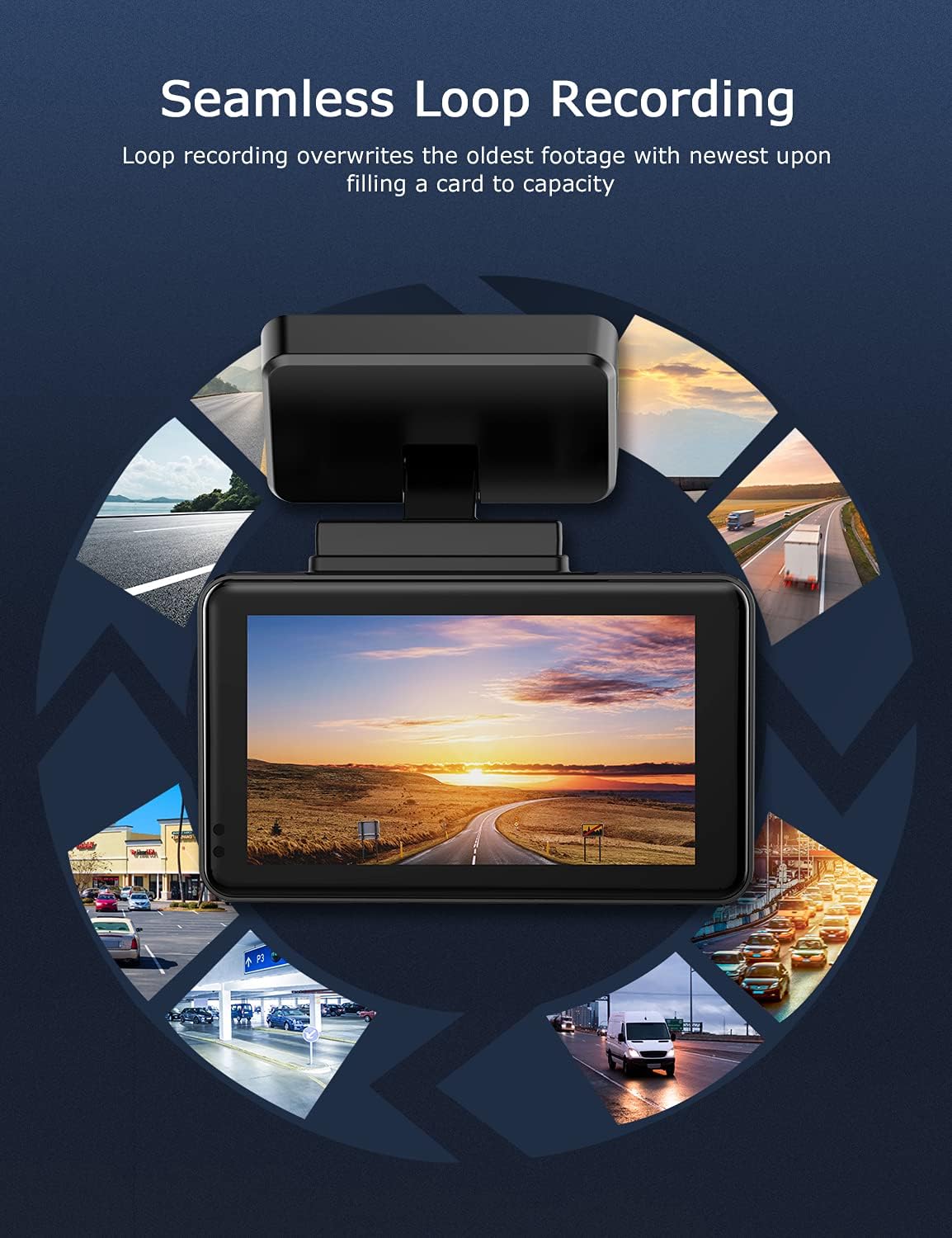
Image: Visual explanation of seamless loop recording, where the dash cam continuously records and overwrites the oldest footage once the memory card is full.
4.3 G-Capteur ak Lock Ijans
The built-in G-sensor detects sudden acceleration, braking, or collisions. When triggered, it automatically locks the current video segment, protecting it from being overwritten by loop recording. These locked files are stored in a separate folder on the MicroSD card.

Image: Depiction of the Emergency Accident Lock feature, where the G-sensor detects an impact and automatically locks the video footage as important evidence.
4.4 Siveyans pakin
When enabled, parking monitoring allows the dash cam to automatically record if it detects a collision or vibration while the vehicle is parked. This feature typically requires a hardwire kit (sold separately) for continuous power supply.
4.5 Vizyon lannwit
Equipped with a Sony Starvis Sensor, the ORSKEY S950 provides enhanced night vision capabilities, capturing clear video footage menm nan kondisyon limyè ki ba.
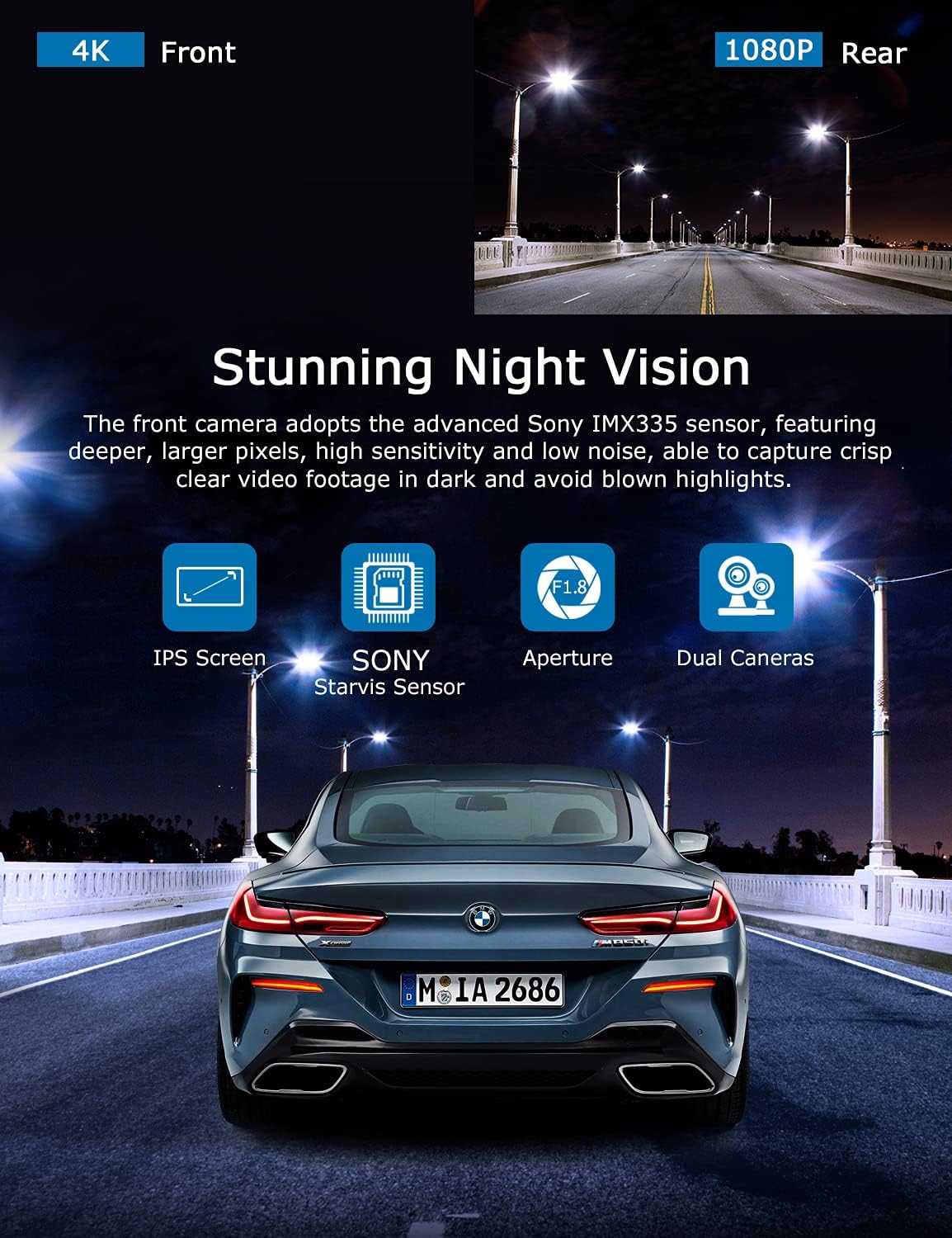
Image: Illustration highlighting the stunning night vision capability of the ORSKEY S950, showing clear footage nan anviwònman ki fè nwa.
4.6 Lektur
Pou review anrejistre footage:
- Stop recording by pressing the OK button (if currently recording).
- Enter playback mode via the menu options.
- Navigate through video files using the up/down buttons.
- Chwazi yon file epi peze OK pou jwe.
- You can also remove the MicroSD card and view files on a computer using a compatible media player.
5. Antretyen
- Fòmataj Kat MicroSD: Regularly format the MicroSD card (at least once a month) to prevent data corruption and ensure optimal performance. Back up important files anvan fòma.
- Netwayaj: Sèvi ak yon twal mou epi sèk pou netwaye lantiy kamera a ak ekran an. Evite itilize pwodui netwayaj abrazif oswa solvan.
- Tanperati: Avoid exposing the dash cam to extreme temperatures for prolonged periods, as this can affect battery life and component integrity.
NAN. Depanaj
| Pwoblèm | Kòz posib | Solisyon |
|---|---|---|
| Kamera a pa limen. | No power supply; faulty charger; dead battery. | Check car charger connection and vehicle's cigarette lighter. Ensure the camera's internal battery is charged. |
| "Card Error" or recording stops. | MicroSD card not formatted, incompatible, or corrupted. | Format the MicroSD card in the camera. Use a high-quality Class 10 (U3 recommended) MicroSD card from a reputable brand. Try a different card. |
| Video playback is laggy or corrupted. | Slow MicroSD card; file system issues; incompatible player. | Ensure you are using a high-speed MicroSD card (V30/U3). Format the card. Try playing videos with a different media player on your computer. |
| Rear camera image is reversed. | Default setting for mirror view. | Check camera settings for a 'Mirror Image' or 'Flip' option for the rear camera. If not available, this may be intended for reverse assistance rather than recording. |
| Capteur G a twò sansib/pa ase sansib. | Anviwònman sansiblite G-Sensor. | Adjust the G-Sensor sensitivity level in the camera's settings menu. |
7. Espesifikasyon
| Karakteristik | Spesifikasyon |
|---|---|
| Nimewo Modèl | S950 |
| Rezolisyon Capture Videyo | 4K (Devan), 1080P (Dèyè) |
| Gwosè ekran | 3-pous ekran IPS |
| Jaden nan View | 170 Degrees (Front & Rear) |
| Karakteristik espesyal | Loop Recording, Night Vision, G-Sensor, Parking Monitoring |
| Sipò pou Depo | Up to 128GB MicroSD Card (Class 10/U3 recommended) |
| Metòd kontwòl | Manyen |
| Sous pouvwa | Car Charger (1 Lithium Polymer battery included) |
| Dimansyon pwodwi | 21 x 15.5 x 4.5cm; 505g |
8. Garanti ak sipò
ORSKEY products are designed for reliability and performance. For warranty information, technical support, or any inquiries regarding your ORSKEY S950 Dash Cam, please refer to the contact details provided on the official ORSKEY website or the product packaging. Keep your purchase receipt as proof of purchase for warranty claims.
For further assistance, you may visit the ORSKEY Store on Amazon: ORSKEY Store


