Entwodiksyon
This manual provides detailed instructions for the setup, operation, and maintenance of your LaView 2K Wireless Outdoor Security Camera System, Model LV-KYW202. This system includes a new generation base station designed to enhance wireless range and connection stability, optimize power consumption, and improve live stream speed. The cameras feature 2K resolution, AI human detection, clear night vision, and IP66 weatherproof rating, making them suitable for both indoor and outdoor use. The system is compatible with Alexa for convenient voice control.
Ki sa ki nan bwat la
La ouView 2K Wireless Outdoor Security Camera System package includes the following components:
- LaView 2K Wireless Security Cameras
- Estasyon Baz
- Sipò ak vis pou monte
- USB Chaje Câbles
- Manyèl itilizatè / Gid Quick Start
- Kat Garanti pwodwi
Deskripsyon Videyo a: This video provides a detailed unboxing of the LaView security camera system, showcasing all included components such as the cameras, base station, solar panels, mounting hardware, and cables. It highlights the various parts and accessories users will find in their package.
Enstalasyon
1. Initial Camera Charging
Before initial setup, it is recommended to fully charge your LaView security cameras. The camera features a USB-C port for charging. A full charge can provide up to 270 days of battery life under typical usage (triggered 10 times/day).

Deskripsyon imaj: An illustration of the LaView camera highlighting its internal batteries and comparing its 270-day battery life to other cameras' 120-day life, emphasizing power efficiency.
2. LaView Enstalasyon aplikasyon an
Telechaje epi enstale LaView app on your smartphone. Ensure Bluetooth and network access permissions are enabled for the app in your phone settings.
Deskripsyon Videyo a: This video demonstrates the process of installing the LaView app on a mobile device, guiding users through the initial steps to get the application ready for camera setup and management.
3. Base Station Setup (AP Mode)
The base station needs to be connected to your router via an Ethernet cable. Ensure the base station is powered on and its LED indicator is blinking red. If not, press and hold the SYNC button for 6 seconds to reset it. Then, use the LaView app to connect your mobile phone to the base station's hotspot (named 'SmartLife' followed by 4 digits matching the last 4 digits of the base station's MAC address).
Deskripsyon Videyo a: This video illustrates how to connect the M1 Base Station to your network using AP Mode, detailing the steps to ensure proper synchronization and network connectivity for your security system.
4. Connecting Cameras to Base Station
Once the base station is set up, you can connect your cameras. The system uses a dedicated wireless communication protocol for improved range and stability. The cameras are completely wireless, allowing flexible placement indoors or outdoors.
Deskripsyon Videyo a: This video guides users through the process of connecting N20 cameras to the M1 Base Station, ensuring seamless integration and communication within the LaView sistèm sekirite.
Enstriksyon Operasyon
Viv View ak Kontwòl
Through the LaView app, you can access live views from all connected cameras. The app interface allows you to:
- Vire son sou / koupe.
- Pran Ekran.
- Anrejistre videyo.
- Sèvi ak odyo de-fason pou kominike atravè kamera a.
- View signal strength, time, and date.
AI Human Detection & Real-Time Alerts
The cameras feature built-in advanced motion detection and intelligent real-time alerts. When human motion is detected, you will receive instant notifications on your phone.

Deskripsyon imaj: An image illustrating the AI Human Detection feature, showing the camera successfully identifying a person while ignoring a dog, minimizing false alarms.
Vizyon lannwit
The 2K resolution cameras provide clear and detailed night vision, enabling high-quality viewing even in low-light conditions up to 33 feet.

Deskripsyon imaj: A visual representation of the camera's clear IR night vision, showing a sharp image of a person in a dark outdoor setting, demonstrating its effectiveness after dusk.
Opsyon Depo
The system offers flexible storage options:
- Depo nwaj: Secure cloud storage is available.
- Depo lokal: Supports up to a 128GB Micro SD Card (not included) in the base station for local recording.

Deskripsyon imaj: This image displays the camera's compatibility with Alexa and Google Assistant, alongside its flexible storage options including cloud service and support for up to 128GB Micro SD card.
Antretyen
Jesyon batri
The cameras are equipped with a built-in 9600mAh rechargeable battery, offering up to 270 days of battery life on a single charge (based on 10 event triggers per day). Recharge the camera using the provided USB-C cable when the battery level is low.
Rezistans move tan
With an IP66 weatherproof rating, the LaView cameras are designed to withstand extreme weather conditions such as storms and snow, ensuring reliable operation year-round.
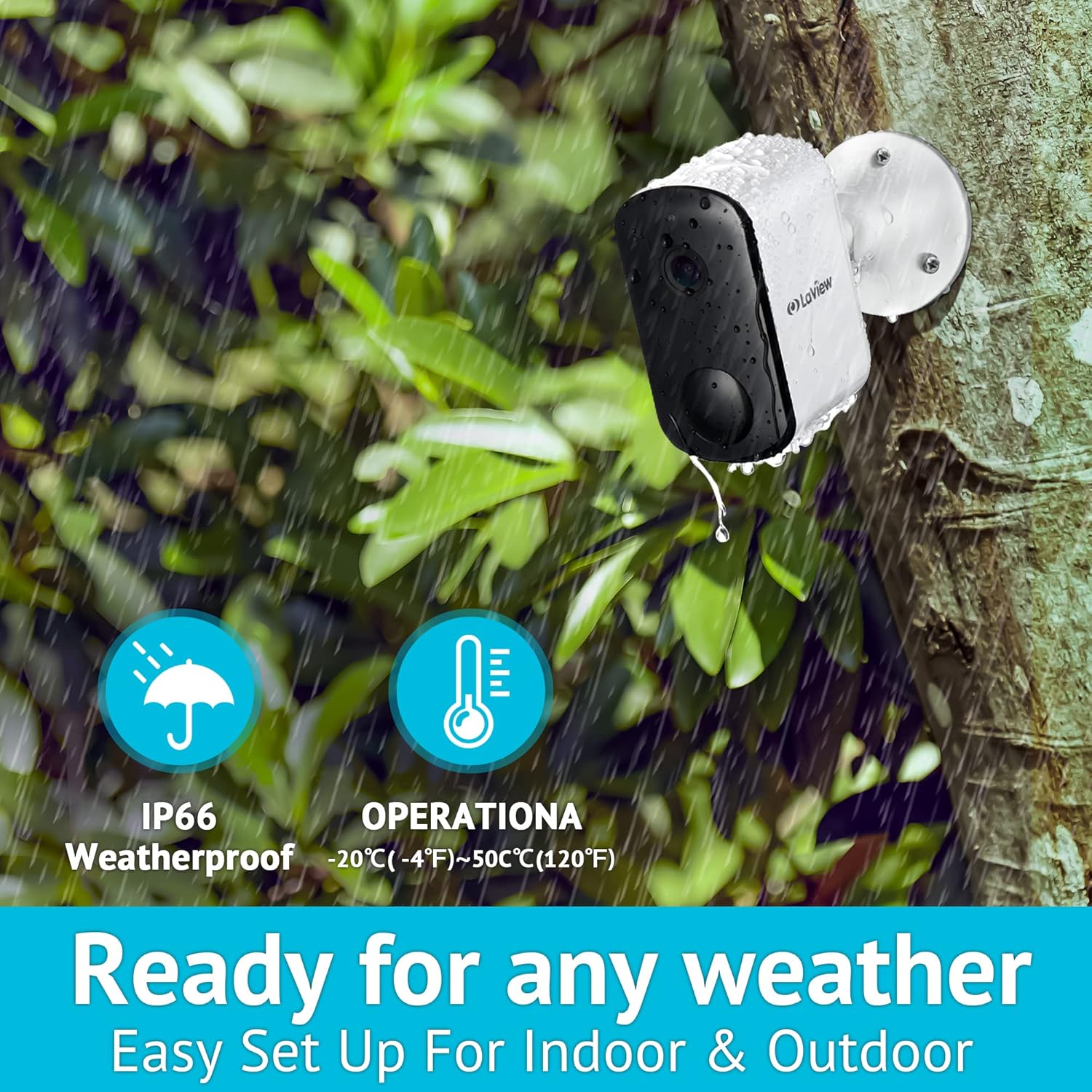
Deskripsyon imaj: An outdoor shot of the LaView camera mounted on a wall during rainy weather, emphasizing its IP66 weatherproof rating and operational temperature range of -20°C to 50°C.
Depanaj
If you encounter any issues with your LaView Security Camera System, please refer to the in-app help resources or contact customer support for assistance. Common issues may include:
- Pwoblèm koneksyon: Ensure your base station is properly connected to your 2.4Ghz Wi-Fi network (5Ghz is not supported). Check the signal strength in the app.
- Lavi batri: If battery life is shorter than expected, reduce the frequency of motion detection events or ensure the camera receives adequate sunlight if using a solar panel (if applicable).
- Fo Alam: Adjust AI human detection sensitivity and customize detection zones within the app to minimize alerts from non-human movements.
Espesifikasyon
| Karakteristik | Spesifikasyon |
|---|---|
| Non modèl | LV-KYW202 |
| Itilizasyon Andedan kay la / Deyò | Deyò |
| Rezolisyon Capture Videyo | 3 MP (2K) |
| Sous pouvwa | Batri Powered |
| Kalite batri | 4 pil ityòm-ion (enkli) |
| Lavi batri | Up to 270 days (Event recording triggered 10 times/day) |
| Koneksyon Teknoloji | Wireless (2.4Ghz Wi-Fi only) |
| Rating Pwoteksyon Entènasyonal | IP66, IP67 |
| Karakteristik espesyal | Motion Sensor, Night Vision, AI Human Detection, Two-Way Audio |
| Aparèy konpatib | Alexa |
| Viewing Ang | 130 Degre |
| Vizyon lannwit Range | 33 pye |
| Pwa atik | 2.44 liv |
Garanti
LaView products typically come with a 1-year manufacturer's warranty from the date of purchase. Please refer to the Product Warranty Card included in your package for specific terms and conditions.
Sipò
For any questions, concerns, or technical assistance, please contact the LaView Support Team. Our professional customer service team is available to help you. We recommend upgrading your device to the latest firmware upon receipt for optimal performance. Support inquiries are typically addressed within 24 hours.


