Entwodiksyon
Thank you for choosing the LENRUE A35 Speaker. This portable Bluetooth speaker is designed to deliver clear and powerful audio for an enhanced listening experience. Please read this manual carefully before using the product to ensure proper operation and to maximize its lifespan. Keep this manual for future reference.
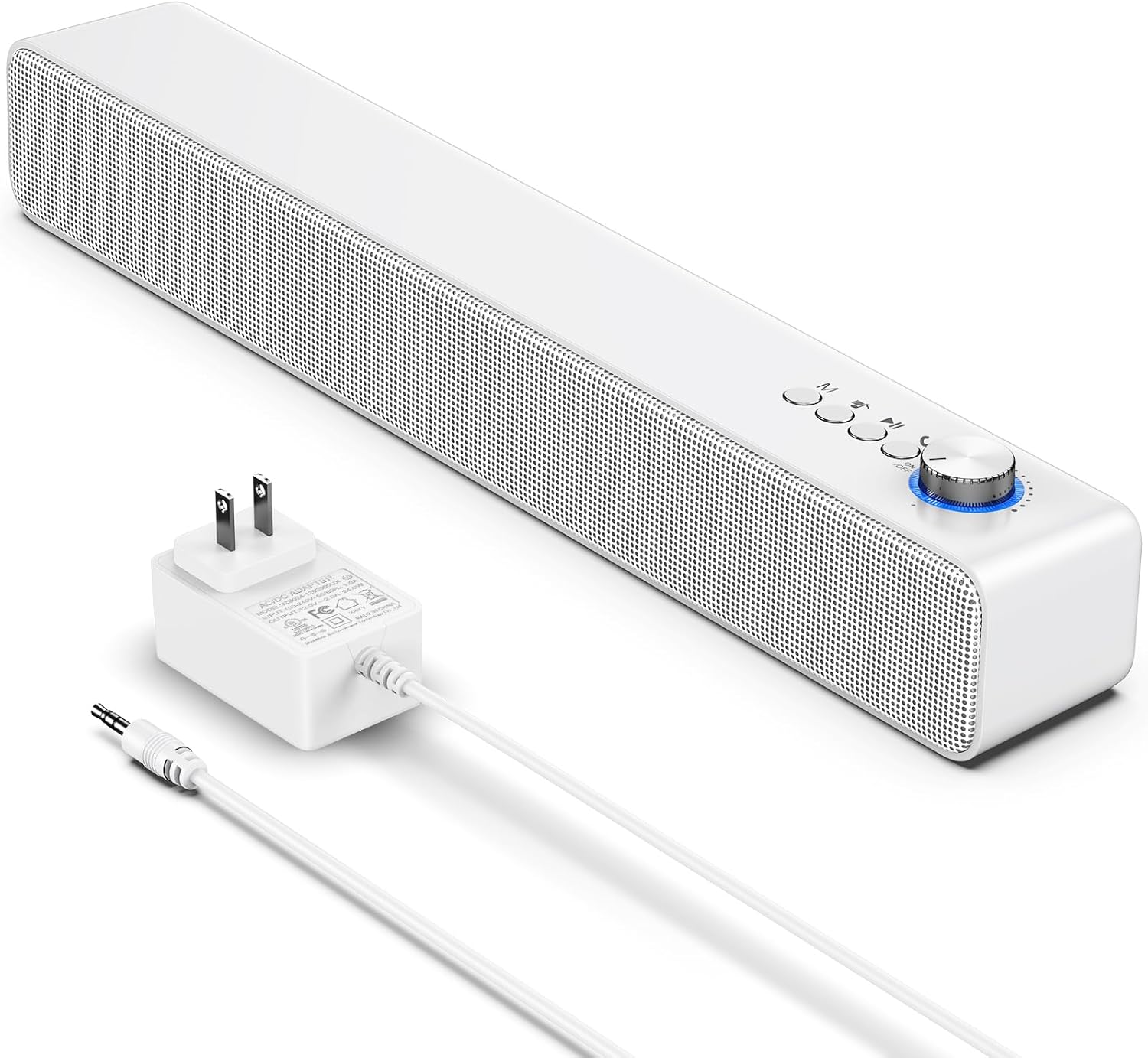
Image: The LENRUE A35 speaker, a white rectangular soundbar, shown with its power adapter and an auxiliary audio cable.
Enfòmasyon sou Sekirite
Pou asire yon operasyon an sekirite epi pou anpeche domaj, tanpri obsève prekosyon sa yo:
- Pa ekspoze oratè a nan tanperati ekstrèm, imidite, oswa limyè solèy dirèk.
- Evite jete oswa soumèt oratè a nan gwo enpak.
- Pa demonte, repare, oswa modifye oratè a tèt ou. Konfye tout antretyen bay pèsonèl kalifye.
- Keep the speaker away from water and liquids. While the product is indicated as waterproof, prolonged submersion or exposure to high-pressure water jets should be avoided.
- Use only the provided or approved power adapter.
- Netwaye oratè a avèk yon twal mou epi sèk. Pa sèvi ak pwodui netwayaj abrazif oswa solvan.
Kontni pake
Tanpri verifye ke tout atik yo prezan nan pakè ou a:
- LENRUE A35 Speaker
- Adaptè pouvwa
- Kab odyo oksilyè
- Manyèl Itilizatè (dokiman sa a)
Pwodwi souview
Familiarize yourself with the components of your LENRUE A35 Speaker.
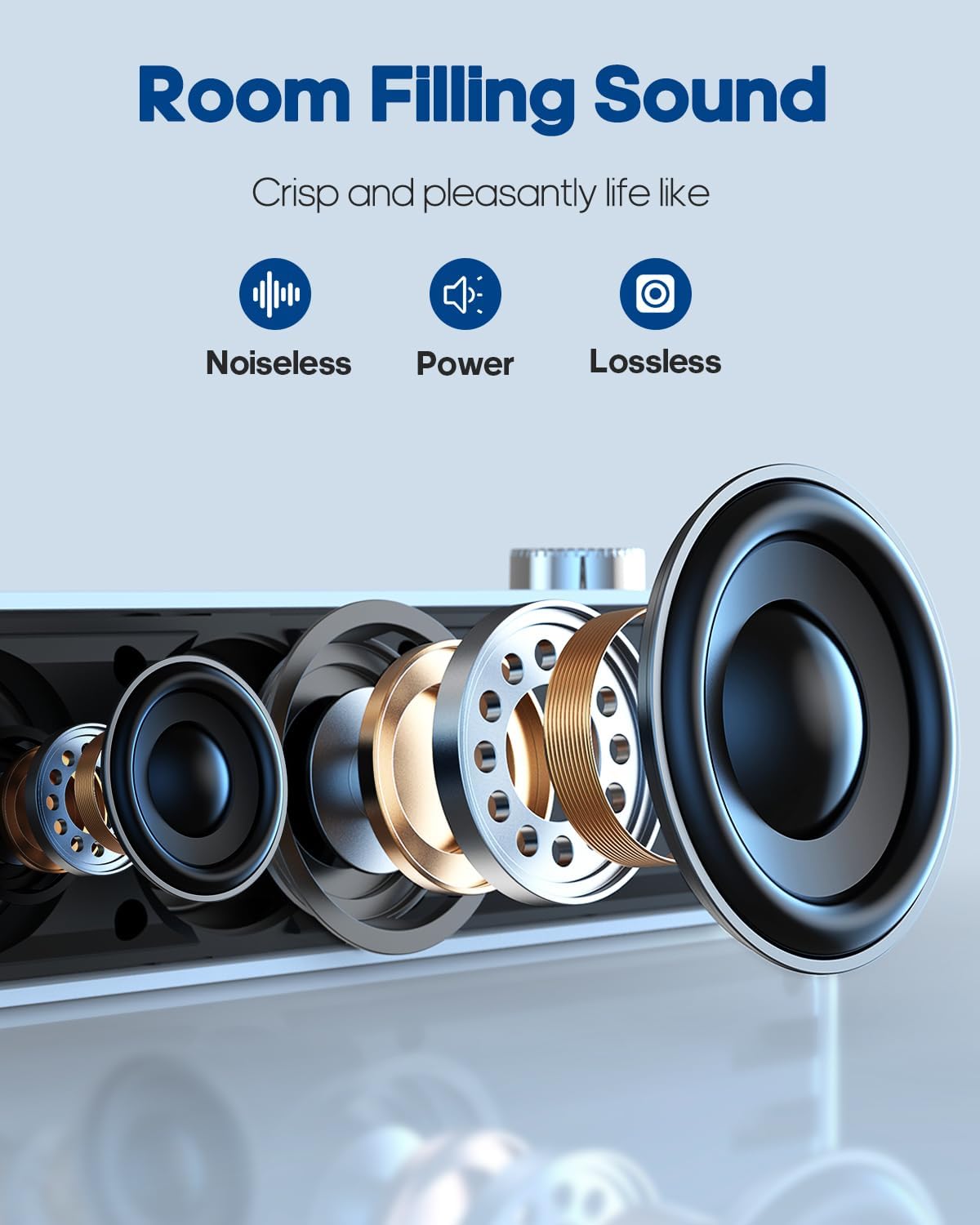
Imaj: Yon eksplozyon view of the speaker's internal components, highlighting the drivers and sound technology for "Room Filling Sound".
Kontwòl panèl devan:
- Bouton pouvwa/volim: Vire pou limen/etenn epi ajiste volim nan.
- Bouton mòd (M): Press to switch between Bluetooth and AUX modes.
- Previous Track bouton: Peze pou ale nan chante anvan an.
- Bouton jwe/poz: Peze pou jwe oswa pran yon poz odyo.
- Next Track bouton: Peze pou ale nan chante kap vini an.
Pò panèl dèyè:
- DC IN Pò: Pou konekte adaptè pouvwa a.
- Pò AUX IN: Pou konekte aparèy odyo ekstèn atravè yon kab odyo 3.5mm.
Enstalasyon
Koneksyon pouvwa:
- Connect the provided power adapter to the DC IN port on the back of the speaker.
- Ploge adaptè pouvwa a nan yon priz miray estanda.
- Rotate the Power/Volume knob clockwise to turn on the speaker. An indicator light will illuminate.
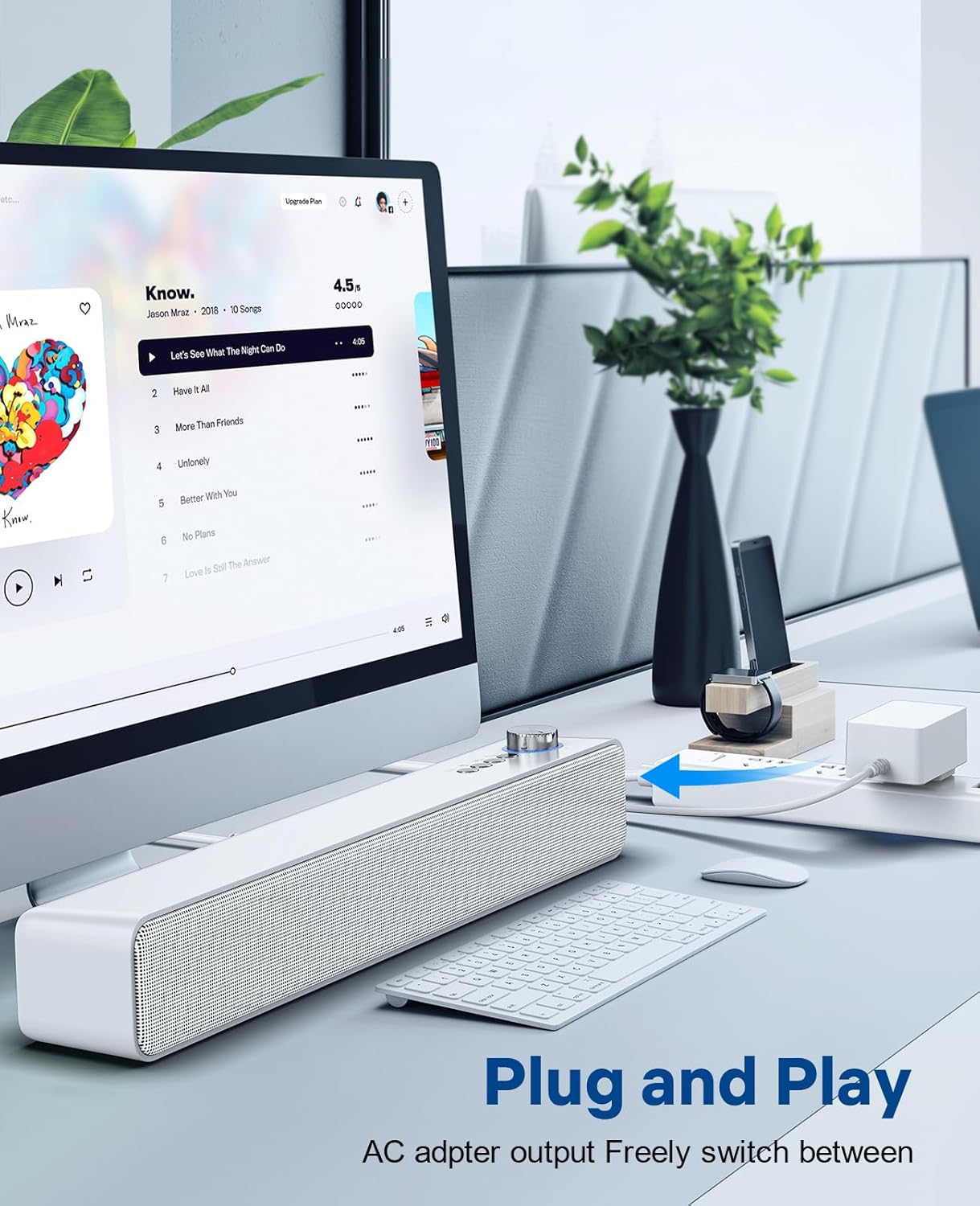
Image: The LENRUE A35 speaker positioned on a desk, connected to a computer setup, demonstrating its "Plug and Play" functionality.
Enstriksyon Operasyon
Bluetooth mak:
- Turn on the speaker by rotating the Power/Volume knob clockwise. The speaker will automatically enter Bluetooth pairing mode (indicated by a flashing blue light or voice prompt).
- Sou aparèy ou an (telefòn entelijan, tablèt, òdinatè), aktive Bluetooth epi chèche aparèy ki disponib yo.
- Select "A35" from the list of devices.
- Once paired, the indicator light will turn solid blue, and you will hear a confirmation sound.
- Kounye a ou kapab jwe odyo soti nan aparèy ou an atravè oratè a.
AUX-in Connection:
- Connect one end of the 3.5mm auxiliary audio cable to the AUX IN port on the back of the speaker.
- Connect the other end of the cable to the audio output (headphone jack) of your external device.
- Press the "M" (Mode) button on the speaker to switch to AUX mode. The indicator light will change (e.g., to green or a different blue pattern).
- Jwe odyo ki soti nan aparèy ekstèn ou an.

Image: The LENRUE A35 speaker with visual cues for Bluetooth and Aux-in connectivity, showing it can connect to various devices like tablets, laptops, and monitors.
Kontwòl Volim:
- Rotate the Power/Volume knob clockwise to increase volume.
- Rotate the Power/Volume knob counter-clockwise to decrease volume.
- You can also adjust the volume from your connected device.
Playback Controls (Bluetooth Mode):
- Peze a Jwe/Poz bouton pou jwe oswa pran yon poz track aktyèl la.
- Peze a Previous Track bouton an pou ale nan kòmansman tras aktyèl la oubyen tras anvan an.
- Peze a Next Track bouton pou ale nan pwochen track la.
Antretyen
Proper care will ensure the longevity of your speaker:
- Netwayaj: Use a soft, dry, lint-free cloth to wipe the surface of the speaker. Do not use liquid cleaners, aerosols, or solvents.
- Depo: Lè w pa itilize oratè a pou yon bon bout tan, sere l nan yon kote ki fre epi sèk, lwen limyè solèy dirèk ak tanperati ekstrèm.
- Pouvwa: Always disconnect the power adapter from the wall outlet and the speaker when not in use or during electrical storms.
Depanaj
| Pwoblèm | Kòz posib | Solisyon |
|---|---|---|
| Pa gen pouvwa | Power adapter not connected; Power outlet not working; Speaker not turned on. | Ensure power adapter is securely connected and plugged into a working outlet. Rotate the Power/Volume knob clockwise to turn on the speaker. |
| Pa gen son | Volume too low; Incorrect mode selected; Device not paired (Bluetooth); Cable not connected (AUX). | Increase volume on speaker and connected device. Press 'M' button to select correct mode. Re-pair Bluetooth device. Check AUX cable connection. |
| Aparèy Bluetooth echwe | Speaker not in pairing mode; Device too far; Interference; Device already paired with another speaker. | Ensure speaker is in pairing mode (flashing blue light). Move device closer to speaker. Turn off other Bluetooth devices. Forget "A35" on your device and try pairing again. |
| Distorsion son | Volume too high; Audio source quality is poor. | Lower the volume on both the speaker and the connected device. Try a different audio source. |
Espesifikasyon
| Karakteristik | Detay |
|---|---|
| Non modèl | A35 |
| Mak | LENRUE |
| Kalite Oratè | Son antoure |
| Koneksyon Teknoloji | Bluetooth, oksilyè, USB |
| Oratè maksimòm pwodiksyon pouvwa | 10 Watts |
| Kalite aliye | Tabletop |
| Dimansyon pwodwi | 6.6 x 42.93 x 6.1 cm |
| Pwa atik | 898 gram |
| Ki enpèmeyab | Wi |
Garanti ak sipò
LENRUE products are designed and manufactured to the highest quality standards. For warranty information or technical support, please refer to the warranty card included with your purchase or visit the official LENRUE website. If you encounter any issues not covered in this manual, please contact our customer service team for assistance.
Pou plis asistans, tanpri vizite: LENRUE Brand Store on Amazon


