1. Pwodwi souview
LaView LV-PYN11B-G32-2PK is a 1080P HD wireless security camera designed for outdoor use. It features a 9600mAh rechargeable battery, providing up to 180 days of battery life under typical usage conditions. The camera includes AI motion detection, night vision capabilities, two-way audio, and supports cloud storage as well as local storage via an included 32GB SD card. Its IP65 weatherproof rating ensures durability in various environmental conditions.

Image: Two LaView outdoor security cameras with their respective wall mounts, showcasing konsepsyon pwodwi a.
Karakteristik kle:
- Videyo 1080P Full HD: Bay videyo klè ak detaye footage.
- Dire batri 180 jou: Powered by a 9600mAh rechargeable battery for extended operation.
- 100% Wire-Free Installation: Easy setup without the need for power cables.
- IP65 Rezistan a move tan: Designed to withstand rain, dust, and extreme temperatures.
- AI Motion Detection & Real-time Alerts: Intelligent detection with instant notifications to your mobile device.
- De-fason Audio: Mikwofòn ak oratè entegre pou kominikasyon.
- Vizyon lannwit: Infrared night vision up to 33 ft for clear monitoring in low-light conditions.
- 140° gran ang View: Captures a broad area for comprehensive surveillance.
- Depo nan nwaj la ak kat SD: Supports secure US-based cloud storage and includes a 32GB microSD card for local storage.
- Pataj plizyè itilizatè: Pèmèt jiska 20 itilizatè yo view fim kamera a an menm tan.
2. Ki sa ki nan bwat la
Upon unboxing your LaView Security Camera system, you should find the following components:
- 2 x LaView Kamera sekirite
- 2 x 32GB SD Cards (pre-installed or included separately)
- 2 x Wall Mounts (with mounting screws)
- 1 x Manyèl Itilizatè (dokiman sa a)
- 1 x USB Chaje Kab
3. Gid Enstalasyon
3.1 Chaje Kamera a
Before initial use, fully charge the camera's built-in 9600mAh battery. Connect the camera to a standard USB power adapter (not included) using the provided USB charging cable. The charging indicator light will typically show red while charging and turn blue or off when fully charged. A full charge can take several hours.
3.2 Installing the SD Card (if not pre-installed)
Locate the microSD card slot on the camera. Gently insert the provided 32GB microSD card into the slot until it clicks into place. Ensure the card is inserted in the correct orientation as indicated by the camera's design.
3.3 Telechaje Aplikasyon an ak Enskripsyon Kont
- Telechaje LaView aplikasyon an nan magazen aplikasyon telefòn entelijan ou an (iOS App Store oubyen Google Play Store).
- Open the app and register for a new account using your email address or phone number.
- Follow the on-screen instructions to complete the registration process and set up your password.
3.4 Connecting the Camera to Wi-Fi
LaView camera connects to a 2.4GHz Wi-Fi network. It is not compatible with 5.0GHz Wi-Fi networks.
- Nan LaView app, tap the '+' icon to add a new device.
- Select your camera model from the list of devices.
- Power on the camera. The camera will enter pairing mode, usually indicated by a flashing LED light.
- Swiv enstriksyon aplikasyon an pou konekte kamera a ak rezo Wi-Fi 2.4GHz ou a. Sa anjeneral enplike eskane yon kòd QR ki parèt sou telefòn ou an avèk lantiy kamera a.
- Once connected, the camera's LED indicator will change to a solid color (e.g., blue) to confirm successful pairing.
3.5 Monte Kamera a
The camera can be mounted using the included wall mounts. Consider the desired field of view (140 degrees) and Wi-Fi signal strength when choosing a location.

Image: A diagram illustrating the magnetic attachment of the camera to its wall mount, simplifying installation.
- Chwazi yon bon kote pou monte ki bay yon bon vizibilite. view and good Wi-Fi reception.
- Use the provided screws to securely attach the wall mount to the desired surface.
- Attach the camera to the mount. The camera often uses a magnetic base or a screw-in mechanism for easy adjustment.
- Ajiste ang kamera a pou kouvri zòn siveyans ou vle a.
4. Operasyon Enstriksyon
4.1 Viv View ak Anrejistreman
Once the camera is connected, you can access the live feed through the LaView app anytime, anywhere.
- Louvri LaView app and select your camera from the device list.
- The live video stream will appear. You can manually record video or take screenshots from this interface.
4.2 Deteksyon Mouvman ak Alèt pa IA
The camera features advanced AI human detection to minimize false alarms and send relevant real-time alerts.

Image: An illustration of AI human detection, highlighting a person in a monitored area and a smartphone displaying a motion detection alert from the LaView app.
- Enable motion detection and push notifications in the app settings for your camera.
- When motion is detected, you will receive a real-time alert on your smartphone.
- Recorded events triggered by motion detection are stored in the cloud or on the SD card.
4.3 Odyo De-fason
Communicate with visitors or deter intruders using the camera's built-in microphone and speaker.

Image: A scenario demonstrating two-way audio, where a delivery person speaks to the camera and a user responds via their smartphone app.
- Soti nan ap viv la view screen in the app, tap the microphone icon to speak through the camera.
- Tape ikòn oratè a pou koute odyo ki toupre kamera a.
4.4 Vizyon lannwit
Kamera a chanje otomatikman an vizyon lannwit enfrawouj nan kondisyon ki gen ti limyè, bay imaj nwa ak blan klè.tagjiska 33 pye.

Image: A split image comparing a clear daytime view with a detailed night vision view, both captured by the camera.
4.5 Cloud Storage and Multi-User Sharing
Your video data is securely stored on US-based cloud servers, ensuring privacy and accessibility. You can also share camera access with family members.

Image: An illustration emphasizing privacy protection through a USA cloud server and the benefit of an included 32GB SD card for local storage.
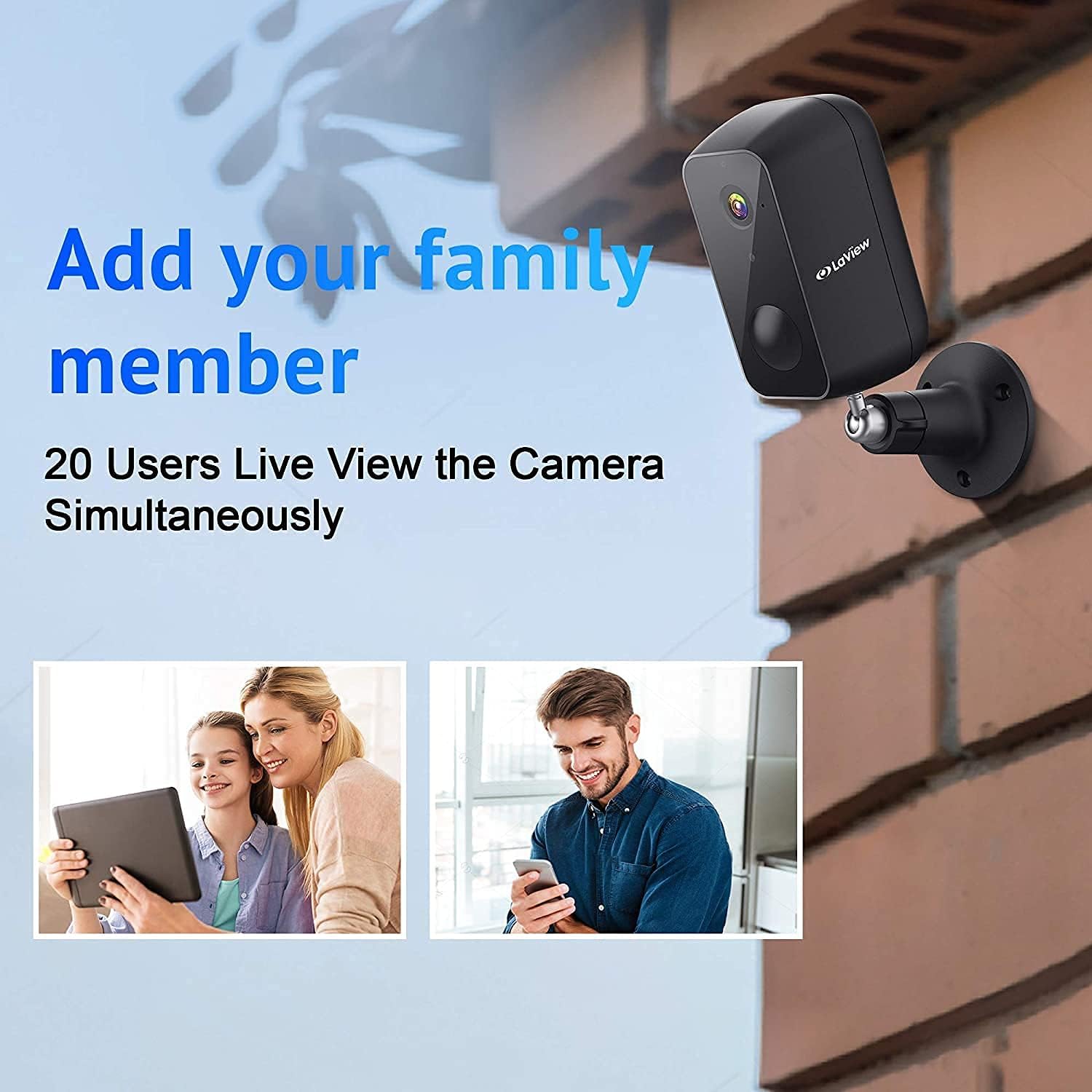
Image: A diagram illustrating how the camera feed can be shared and viewed by up to 20 different users simultaneously on various devices.
- Aksè anrejistre footage from the cloud via the LaView app.
- To share access, navigate to the camera settings in the app and follow the instructions for adding family members or other users. Up to 20 users can view the feed concurrently.
4.6 Amazon Alexa Compatibility
The camera is compatible with Amazon Alexa, allowing for voice control and integration into your smart home ecosystem. Refer to the Alexa app for specific setup instructions.
5. Antretyen
5.1 Jesyon batri
The camera's 9600mAh battery provides up to 180 days of operation (based on 10 triggers per day). Battery life can vary based on usage frequency, recording duration, and environmental factors.

Imaj: Yon eksplozyon view of the camera revealing its internal 9600mAh battery, illustrating its large capacity and the claim of 180-day battery life.
- Monitor the battery level through the LaView app.
- Recharge the camera promptly when the battery level is low to ensure continuous operation.
- Sèvi ak kab USB ki founi an pou chaje.
5.2 Rezistans move tan
The camera has an IP65 weatherproof rating, meaning it is protected against dust ingress and low-pressure water jets from any direction. This makes it suitable for outdoor installation in most weather conditions.

Image: The camera mounted outdoors, with rain falling on it, visually confirming its IP65 waterproof and weatherproof design.
- Periodically clean the camera lens with a soft, dry cloth to ensure clear image quality.
- Avoid using harsh chemicals or abrasive materials that could damage the lens or casing.
NAN. Depanaj
This section addresses common issues you might encounter with your LaView security camera. For more detailed troubleshooting, please refer to the full user manual PDF or contact customer support.
6.1 Kamera a pa konekte ak Wi-Fi a
- Tcheke bann Wi-Fi a: Ensure your router is broadcasting a 2.4GHz Wi-Fi signal. The camera does not support 5.0GHz networks.
- Fòs siyal: Verify the camera is within range of your Wi-Fi router. Move the camera closer to the router or consider a Wi-Fi extender if necessary.
- Modpas: Verifye de fwa ke w ap antre modpas Wi-Fi ki kòrèk la.
- Reyajiste Kamera a: If issues persist, try resetting the camera to factory settings (refer to the full manual for reset button location and procedure) and attempt the setup process again.
6.2 Kalite imaj pòv
- Netwaye Lantiy: Asire w ke lantiy kamera a pwòp epi li pa gen pousyè, salte, oswa tach.
- Vitès rezo a: A slow Wi-Fi connection can affect streaming quality. Check your internet speed.
- Ekleraj: Ensure adequate lighting during the day. For night vision, confirm the infrared LEDs are not obstructed.
6.3 Batri ki dire lontan
- Frequent Triggers: High traffic areas or frequent motion detections will consume battery faster. Adjust motion detection sensitivity or detection zones in the app.
- Viv View Itilizasyon: Frequent access to live view streams will drain the battery more quickly.
- Tanperati: Extreme cold can reduce battery performance.
6.4 Alèt Mouvman Fo
- Ajiste sansiblite: Lower the motion detection sensitivity in the app settings.
- Zòn deteksyon: Set specific detection zones to ignore areas with irrelevant motion (e.g., busy roads, swaying trees).
- AI Deteksyon Imèn: Ensure AI human detection is enabled to filter out non-human movements.
7. Espesifikasyon
| Karakteristik | Spesifikasyon |
|---|---|
| Non modèl | LV-PYN11B-G32-2PK |
| Rezolisyon Capture Videyo | 1080p plen HD |
| Jaden nan View | 140 Degre |
| Vizyon lannwit Range | Jiska 33 pye |
| Kapasite batri | 9600mAh Lityòm Ion |
| Lavi batri | Up to 180 Days (10 triggers/day) |
| Koneksyon Teknoloji | San fil (Wi-Fi) |
| Wi-Fi frekans | 2.4GHz (pa konpatib ak 5.0GHz) |
| Depo | Cloud Storage, MicroSD Card (up to 32GB included) |
| Itilizasyon Andedan kay la / Deyò | Deyò |
| Rating Pwoteksyon Entènasyonal | IP65 |
| Kalite kontwolè | Amazon Alexa |
| Kalite aliye | Mi mòn |
| Dimansyon pwodwi | 8 x 7 x 6 pous |
| Pwa atik | 2.7 liv |
| UPC | 192728012103 |
8. Garanti ak sipò
8.1 Enfòmasyon sou Garanti
Specific warranty details for your LaView product may vary. Please refer to the warranty card included with your purchase or visit the official LaView websit la pou jwenn règleman garanti ki pi ajou a.
8.2 Sipò pou Kliyan
For technical assistance, troubleshooting, or any product-related inquiries, please contact LaView customer support. Customer support is known to be responsive and helpful.
- Sipò sou entènèt: Visit the official LaView websit pou FAQ, atik sipò, ak fòm kontak.
- Sipò Imèl: Check the LaView website or your product packaging for a support email address.
Ou kapab jwenn tou Manyèl Itilizatè ofisyèl la an fòma PDF isit la.


