1. Entwodiksyon
This manual provides essential instructions for the installation, operation, and maintenance of your Lorex Fusion 4K Metal Bullet Camera (Model E841CA-E). This Power over Ethernet (PoE) wired camera is designed for both indoor and outdoor surveillance, offering 4K Ultra HD resolution, color night vision, and robust weatherproof construction. Please read this manual thoroughly before using the product to ensure proper setup and functionality.
2. Enfòmasyon sou Sekirite
- Sous pouvwa: Use only the specified power adapter or PoE connection compatible with your Lorex NVR system. Incorrect power sources can damage the camera and void the warranty.
- Enstalasyon: Ensure the camera is securely mounted to prevent falls. For outdoor installations, use appropriate mounting hardware and ensure all connections are waterproofed.
- Tanperati operasyon: Fè fonksyone kamera a nan limit tanperati espesifye a pou asire pèfòmans ak lonjevite optimal.
- Netwayaj: Disconnect power before cleaning. Use a soft, dry cloth. Avoid harsh chemicals or abrasive cleaners.
- Demonte: Pa eseye demonte oswa modifye kamera a. Sa ap anile garanti a epi li ka lakòz domaj oswa blesi.
3. Pake kontni
Please refer to the product packaging for a complete list of included items. Typically, the package contains:
- Lorex Fusion 4K Metal Bullet Camera (Model E841CA-E)
- Twous montaj (vis, ploge miray)
- Ethernet Cable (for PoE connection)
- Gid Quick Start
4. Enstalasyon
4.1 Monte Kamera a
The camera can be mounted on a wall or ceiling. Choose a location that provides the desired field of view and is within reach of your Ethernet cable run.

Imaj: Bò kote view of the Lorex Fusion 4K Metal Bullet Camera, illustrating its mounting bracket for wall or ceiling installation.
- Prepare sifas la: Mark the screw holes using the mounting template (if provided) or the camera base.
- Fè twou: Drill pilot holes for the mounting screws. Insert wall plugs if mounting into drywall or masonry.
- Sekirize kamera a: Attach the camera base to the mounting surface using the provided screws. Adjust the camera angle as needed.
4.2 Connecting the Camera (PoE)
This camera utilizes Power over Ethernet (PoE) for both power and video transmission, simplifying installation.
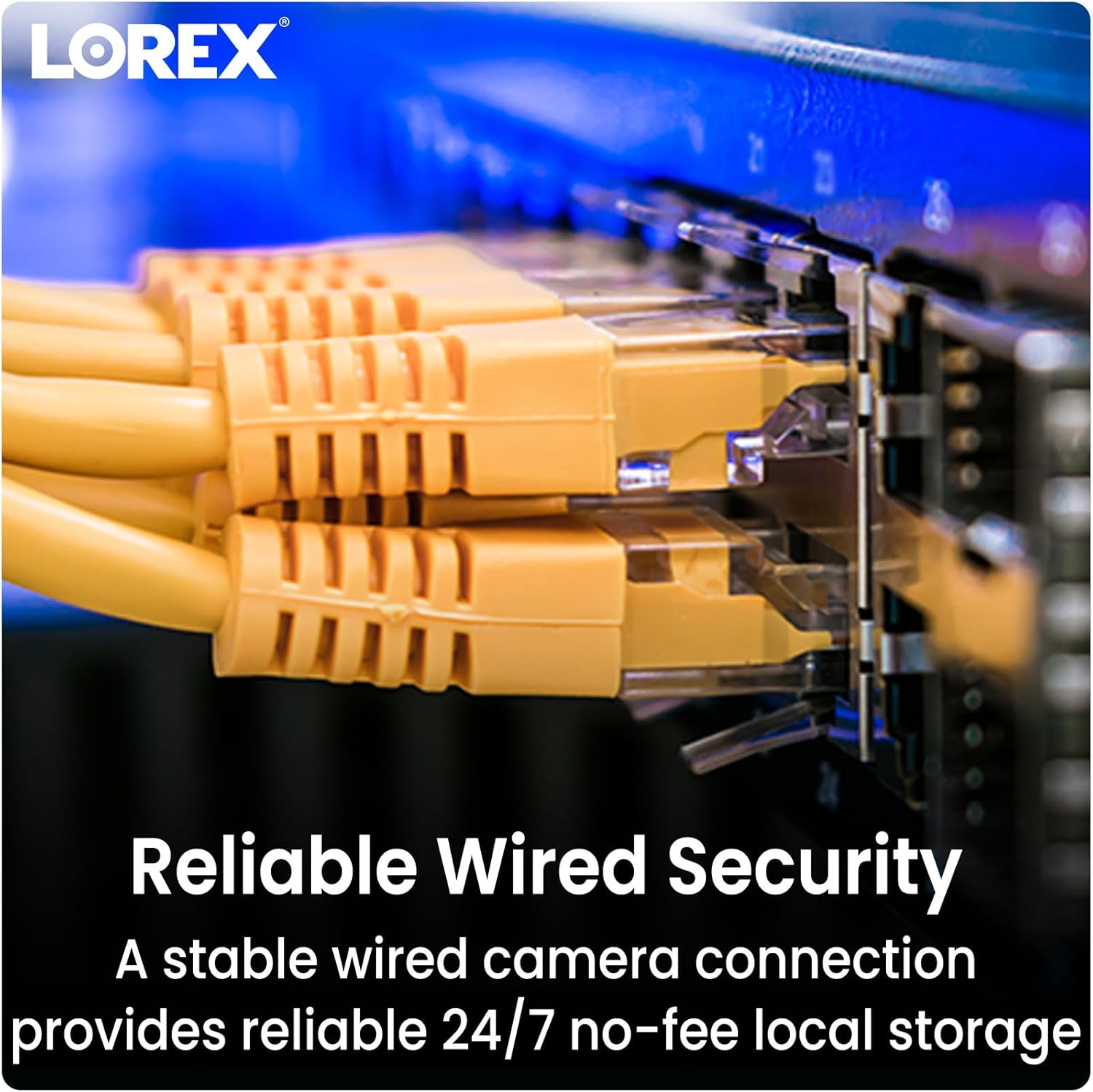
Image: Close-up of multiple yellow Ethernet cables connected to a network switch, representing a wired security setup.
- Konekte kab Ethernet la: Plug one end of an Ethernet cable into the camera's Ethernet port.
- Connect to NVR/PoE Switch: Plug the other end of the Ethernet cable into an available PoE port on your Lorex Network Video Recorder (NVR) or a separate PoE switch.
- Pouvwa sou: Ensure your NVR or PoE switch is powered on. The camera will automatically power up and connect to the system.
4.3 Entegrasyon sistèm
The Lorex Fusion system allows integration of wired and Wi-Fi cameras. Your 4K Metal Bullet Camera will connect to your Lorex NVR.

Image: A diagram illustrating the Lorex Fusion NVR as a central hub, connecting to both wired bullet cameras and various Wi-Fi cameras, demonstrating system integration.
Once connected, access your NVR's interface or the Lorex Connect mobile application to view live feeds, configure settings, and manage recordings.
5. Operasyon Enstriksyon
5.1 4K Ultra HD Video
The camera captures video at 4K (8MP) resolution, providing detailed and clear images. This high resolution is beneficial for digital zooming into recorded footage without significant loss of detail.

Image: A side-by-side comparison showing the difference in clarity between 1080p HD and 4K Ultra HD video, highlighting the enhanced detail of 4K.
5.2 Vizyon lannwit
The camera features both Color Night Vision and Long Range Infrared (IR) night vision for clear surveillance in low-light conditions.

Image: A split image demonstrating the difference between traditional Infrared Night Vision (monochrome) and Color Night Vision, showing a backyard scene with more detail and color in the latter.
- Vizyon lannwit koulè: In environments with ambient light (e.g., streetlights), the camera can maintain color images at night.
- Vizyon lannwit enfrawouj (IR): In complete darkness, the camera automatically switches to IR mode, providing clear black and white video.
5.3 Deteksyon Mouvman
Configure motion detection settings via your NVR or the Lorex Connect app. You can define detection zones, sensitivity levels, and set up alerts for motion events.
5.4 Rezistans move tan
The camera features a robust metal housing with an IP65 international protection rating, making it suitable for outdoor use in various weather conditions.
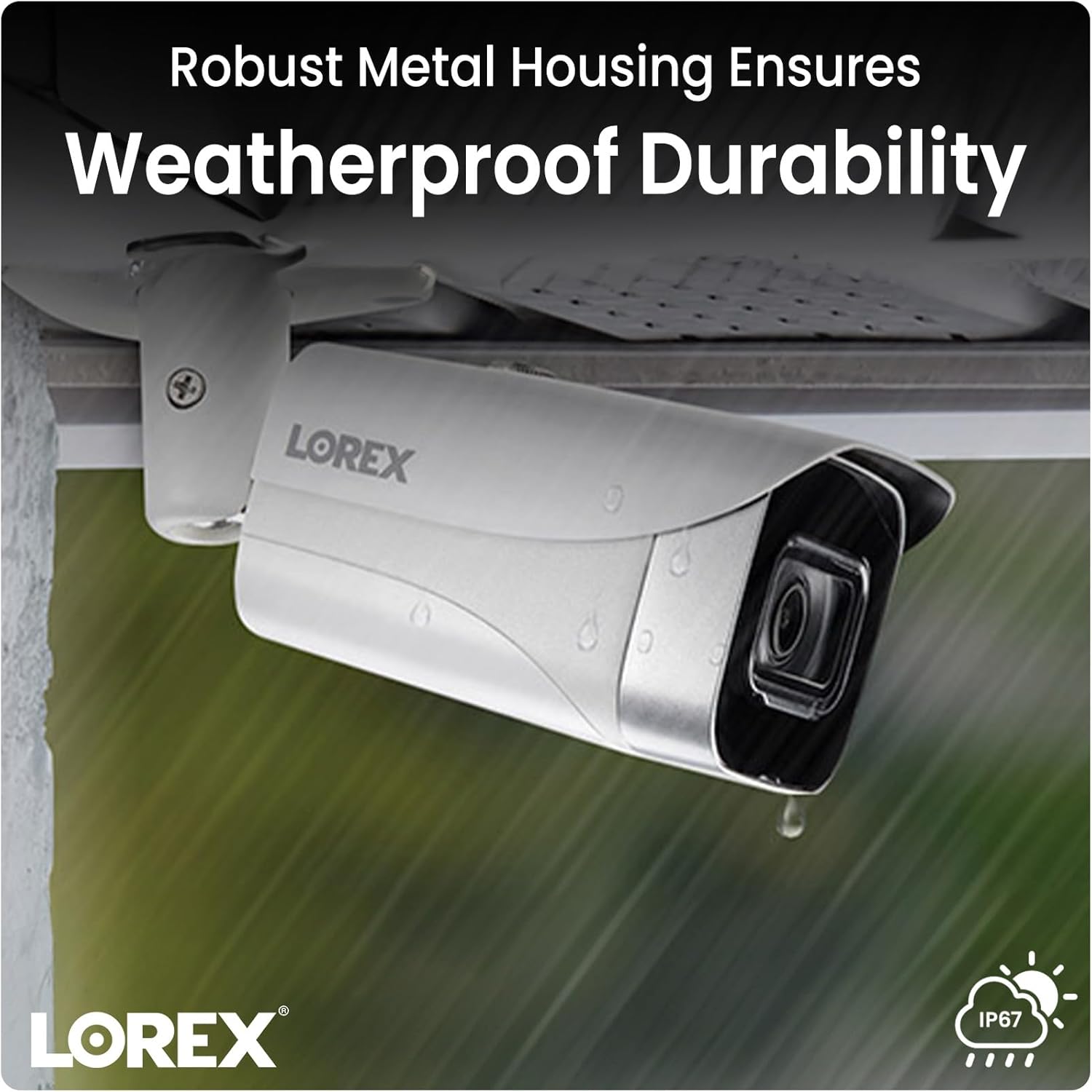
Image: A Lorex camera mounted under an eave outdoors, with raindrops visible on its surface, illustrating its weatherproof durability.
6. Antretyen
- Netwayaj lantiy: Periodically clean the camera lens with a soft, lint-free cloth to ensure clear image quality. Avoid touching the lens directly with fingers.
- Netwayaj Lojman: Siye bwat kamera a ak piblisiteamp twal pou retire pousyè tè ak debri. Pa sèvi ak pwodui chimik ki agresif.
- Enspeksyon kab: Regularly check all cable connections for signs of wear, damage, or corrosion, especially for outdoor installations.
- Mizajou mikrolojisyèl: Tcheke Lorex la website or your NVR system for available firmware updates to ensure optimal performance and access to new features.
NAN. Depanaj
7.1 No Video/Offline Camera
- Tcheke pouvwa: Ensure the Ethernet cable is securely connected to both the camera and a powered PoE port on your NVR or PoE switch.
- Entegrite kab: Inspect the Ethernet cable for any damage. Try a different cable if available.
- Pò NVR: Verify that the NVR port is functioning correctly. Try connecting the camera to a different PoE port on the NVR.
- Rdemare sistèm: Power cycle your NVR and the camera (if possible) to refresh the connection.
7.2 Kalite imaj pòv
- Netwaye Lantiy: Asire w ke lantiy kamera a pwòp epi li pa gen pousyè, pousyè tè, oswa tach.
- Ekleraj: Verify that there is adequate lighting in the area, especially for color night vision. Adjust camera position if glare or reflections are an issue.
- Anviwònman Rezolisyon: Check the camera's resolution settings on your NVR to ensure it is set to 4K (8MP).
7.3 Deteksyon Mouvman an pa fonksyone
- Aktive Deteksyon Mouvman: Confirm that motion detection is enabled in your NVR or app settings for the specific camera.
- Zòn deteksyon: Ensure that the detection zones are correctly configured and cover the desired areas.
- Sansiblite: Adjust the motion detection sensitivity. Too low may miss events, too high may trigger false alarms.
8. Espesifikasyon
| Karakteristik | Spesifikasyon |
|---|---|
| Nimewo Modèl | E841CA-E |
| Rezolisyon Capture Videyo | 4K (8MP) |
| Koneksyon Teknoloji | Ethernet (PoE) |
| Itilizasyon Andedan kay la / Deyò | Andedan kay la, deyò |
| Rating Pwoteksyon Entènasyonal | IP65 |
| Teknoloji limyè ki ba | Koulè lannwit |
| Kalite sous limyè | Enfrawouj |
| Materyèl | Metal |
| Kalite aliye | Mòn plafon |
| Dimansyon pwodwi | 16.6 x 8.2 x 6.7 pous |
| Pwa atik | 2.97 liv |
| UPC | 695529028491 |
9. Garanti ak sipò
Pou enfòmasyon sou garanti ak sipò teknik, tanpri al gade paj ofisyèl Lorex la. websit la oubyen kontakte sèvis kliyan Lorex dirèkteman. Kenbe resi acha ou kòm prèv acha pou reklamasyon garanti.
lorex Websit: www.lorex.com


