1. Entwodiksyon
The Thomson WEAR7701 Bluetooth HiFi Earbuds provide a wireless audio experience with high-fidelity sound. Designed for comfort and convenience, these lightweight in-ear headphones feature touch controls, voice assistant compatibility, and IPX4 splash protection, making them suitable for various activities, including sports.
This manual provides detailed instructions for setting up, operating, and maintaining your WEAR7701 earbuds to ensure optimal performance and longevity.

2. Pake kontni
Tanpri verifye ke tout atik yo prezan nan pakè a:
- 1x Thomson WEAR7701 Bluetooth Earbuds
- 1x ka chaje
- 3x Pairs of Silicone Ear Tips (Sizes S, M, L)
- 1x mikwo USB chaje kab
- 1x manyèl itilizatè
3. Enstalasyon
3.1 Premye chaj
Anvan premye itilizasyon an, chaje ekoutè yo ak bwat chaje a nèt.
- Connect the supplied Micro USB cable to the charging port on the charging case and to a suitable USB power source.
- Place the earbuds into the charging case. Ensure they are correctly seated; indicator lights on the earbuds or case will confirm charging status.
- A full charge for the case takes approximately 3 hours. The earbuds charge within the case.
The charging case provides up to 3 additional full charges for the earbuds, extending their usage time.
3.2 Konekte ak yon aparèy Bluetooth
For the first connection, it is crucial to remove both earbuds from the charging case simultaneously to ensure proper stereo pairing with your smartphone.
- Ensure your smartphone's Bluetooth function is enabled.
- Retire tou de ekoutè yo nan bwat chaje a. Y ap limen otomatikman epi antre nan mòd koneksyon.
- Sou telefòn entelijan ou an, chèche aparèy Bluetooth ki disponib yo.
- Select "Thomson WEAR7701" (or similar name) from the list of found devices.
- Once connected, your device will indicate successful pairing.
Nòt enpòtan: If only one earbud connects, place both earbuds back into the charging case, close the lid, wait a few seconds, then remove both simultaneously and repeat the pairing process.

4. Operasyon Enstriksyon
4.1 Power On/Off
- Pouvwa sou: Ekoutè yo limen otomatikman lè yo retire yo nan bwat chaje a.
- Pouvwa Off: Ekoutè yo etenn otomatikman lè yo remete yo nan bwat chaje a epi kouvèti a fèmen.
4.2 Kontwòl manyen
The earbuds feature intuitive touch controls for managing music playback and calls.
- Jwe/Poz Mizik: Tape yon sèl sou chak ekoutè.
- Pwochen Track: Tape de fwa sou ekoutè dwat la.
- Track Previous: Tape de fwa sou ekoutè gòch la.
- Reponn/Fen Apèl: Tape yon sèl sou chak ekoutè.
- Rejte apèl: Peze epi kenbe sou nenpòt ekoutè pandan 2 segonn.
- Aktive Asistan Vwa a (Siri/Asistan Google): Tape twa fwa sou nenpòt ekoutè.

4.3 Mete ekoutè yo
Select the ear tips that provide the most comfortable and secure fit. The package includes three sizes (S, M, L) of Mushroom-shaped silicone ear tips to ensure a proper seal for optimal sound quality and stability, even during physical activity.
- Dousman mete ekoutè a nan kanal zòrèy ou.
- Vire ekoutè a yon ti kras jiskaske li santi l byen fèm epi konfòtab.
- If the fit is not ideal, try a different size of ear tip.
5. Antretyen
5.1 Netwayaj
- Netwaye ekoutè yo ak bwat chaje a regilyèman avèk yon twal mou, sèk, epi ki pa gen pousyè.
- Retire bout zòrèy yo epi netwaye yo avèk savon dou ak dlo, apresa seche yo byen anvan ou mete yo ankò.
- Pa sèvi ak pwodui netwayaj abrazif, alkòl, oswa solvan chimik.
5.2 Rezistans dlo (IPX4)
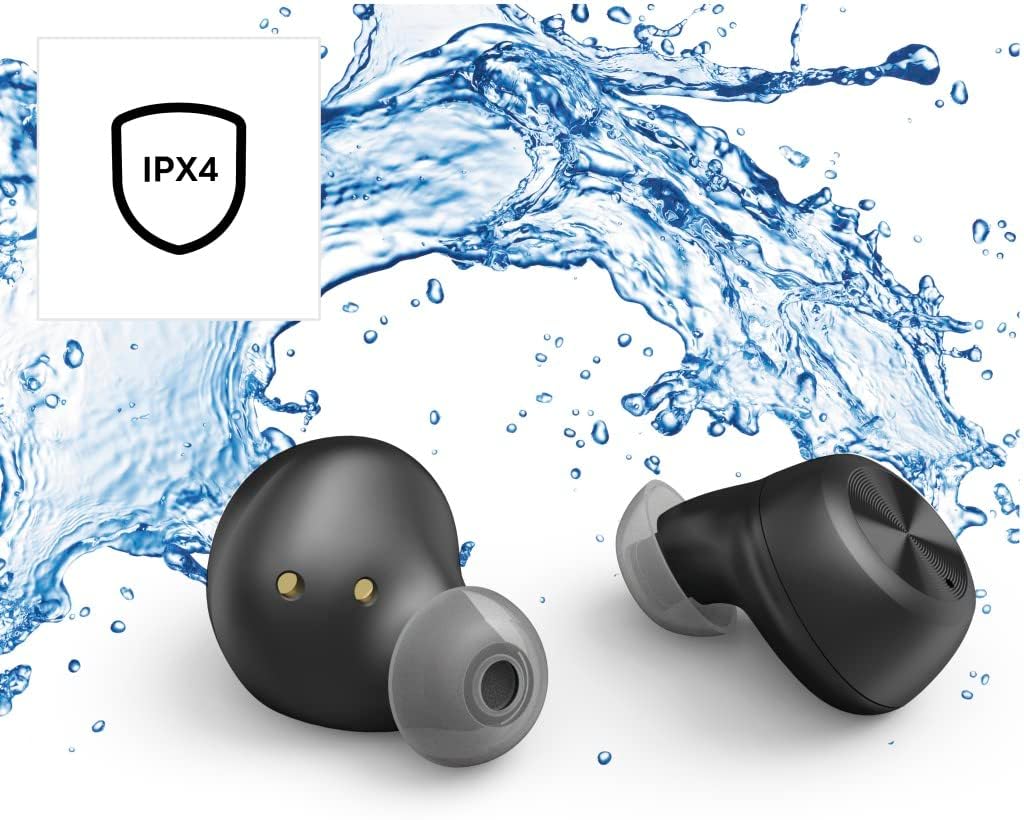
The Thomson WEAR7701 earbuds are rated IPX4, meaning they are protected against splashing water from any direction. This makes them suitable for use during workouts or in light rain.
- Pa plonje ekoutè yo nan dlo.
- Pa ekspoze yo nan dlo anba presyon oswa dlo k ap koule nan gwo vitès, tankou lè w ap douch oswa lè w ap naje.
- Asire w ke ekoutè yo sèch anvan ou mete yo tounen nan bwat chaje a pou evite domaje kontak chaje yo.
5.3 Depo
Lè w pa ap itilize ekoutè yo, sere yo nan bwat chaje yo pou pwoteje yo epi kenbe yo chaje.
NAN. Depanaj
6.1 Earbuds Not Pairing or Only One Earbud Connects
- Asire w ke tou de ekoutè yo byen chaje.
- Place both earbuds back into the charging case, close the lid, wait a few seconds, then remove both simultaneously.
- Delete the earbuds from your device's Bluetooth list ("Forget Device") and attempt to pair again from scratch.
- Ensure the earbuds are within Bluetooth range of your device (up to 10 meters).
6.2 Pa gen son oswa volim ki ba
- Tcheke nivo volim nan tou de aparèy ki konekte a ak ekoutè yo.
- Asire w ke ekoutè yo byen chita nan zòrèy ou yo epi ke bout zòrèy yo bay yon bon sele.
- Rekonekte ekoutè yo ak aparèy ou an.
- Netwaye tout debri ki sou oratè ekoutè yo.
6.3 Pwoblèm chaj
- Asire w ke kab chaje a byen konekte ak tou de bwat la ak sous kouran an.
- Verifye ke sous kouran an fonksyone.
- Netwaye kontak chaje yo sou tou de ekoutè yo ak andedan bwat chaje a.
- Try a different Micro USB charging cable.
7. Espesifikasyon
| Non modèl | WEAR7701 |
| Nimewo Modèl | 132568 |
| Koulè | Nwa |
| Koneksyon | Bluetooth 5.0 |
| Bluetooth Klas | Klas 2 |
| Bann Frekans | 2402-2480 MHz |
| Earbud Frequency Range | 20 Hz - 20 kHz |
| Mikwofòn Gamme Frekans | 100 Hz - 5 kHz |
| Earbud Impedance | 32 Ω |
| Enpedans Mikwofòn | 2.2 kΩ |
| Distans transmisyon | 10 m |
| Earbud Sensitivity | 92 dB +/- 3 dB |
| Mikwofòn sansiblite | -42 dB ± 3 dB |
| Tan Maksimòm pou Pale | 4 èdtan |
| Max. Music Playback Time | 4 èdtan |
| Maks. Tan sibstiti | 150 èdtan |
| Rechaje bwat chaje | Jiska 3 fwa |
| Average Charging Time (Case) | 3 èdtan |
| Chaje Kalite | Mikwo USB |
| Pozisyon Mikwofòn | Entegre |
| Kalite Mikwofòn | Omnidireksyon |
| Kontwòl vwa | Apple Siri / Google Asistan |
| Sipòte Bluetooth Profiles | A2DP V1.3/AVRCP V1.6/HFP V1.7/SPP V1.2 |
| Karakteristik espesyal | Finger-Touch Sensor, QuickPair, Call Answer Button, True Wireless |
| Evalyasyon rezistans dlo | IPX4 (Rezistan a dlo) |
| Pwa (pa ekoutè) | 4 g |
| Pwa total | 41 g (ekoutè + bwat) |
| Itilizasyon Rekòmande | Espò |
8. Garanti ak sipò
Thomson products are manufactured with attention to quality and performance. For information regarding warranty coverage, please refer to the warranty card included with your product or visit the official Thomson websit.
For technical support, troubleshooting assistance, or to inquire about replacement parts, please contact Thomson customer service through their official channels. Contact details can typically be found on the product packaging or the manufacturer's websit.
Tanpri kenbe prèv ou achte pou reklamasyon garanti.


