Entwodiksyon
Thank you for choosing the Dolphin SNB-161R Rechargeable Soundbar Computer Speaker. This manual provides essential information for the proper setup, operation, and maintenance of your new soundbar. Please read it thoroughly before use to ensure optimal performance and longevity of your device.
Enfòmasyon sou Sekirite
- Pa ekspoze aparèy la nan dlo oswa imidite twòp.
- Avoid placing the soundbar near heat sources or in direct sunlight.
- Sèvi sèlman ak kab chaje ak adaptè kouran ki espesifye a.
- Pa eseye demonte oswa repare aparèy la tèt ou. Konfye tout antretyen bay pèsonèl kalifye.
- Kenbe soti nan atenn timoun yo.
- Asire w ke gen bon vantilasyon toutotou aparèy la pandan l ap fonksyone.
Kontni pake
Tanpri tcheke kare a pou atik sa yo:
- Dolphin SNB-161R Soundbar Speaker (Set of 2 for Wavesync™ Bundle)
- USB Chaje Kab
- Manyèl itilizatè
Pwodwi souview
The Dolphin SNB-161R is a versatile rechargeable soundbar designed for computer and multimedia use, featuring a built-in clock and dynamic lighting. It supports Wavesync™ technology for pairing two speakers for enhanced stereo sound.

Figi 1: Devan view of the Dolphin SNB-161R Soundbar, showing the digital clock display and integrated lights.
Figi 2: Side view of the Dolphin SNB-161R Soundbar, highlighting its compact design.
%20Set%20of%202_image_1.jpg)
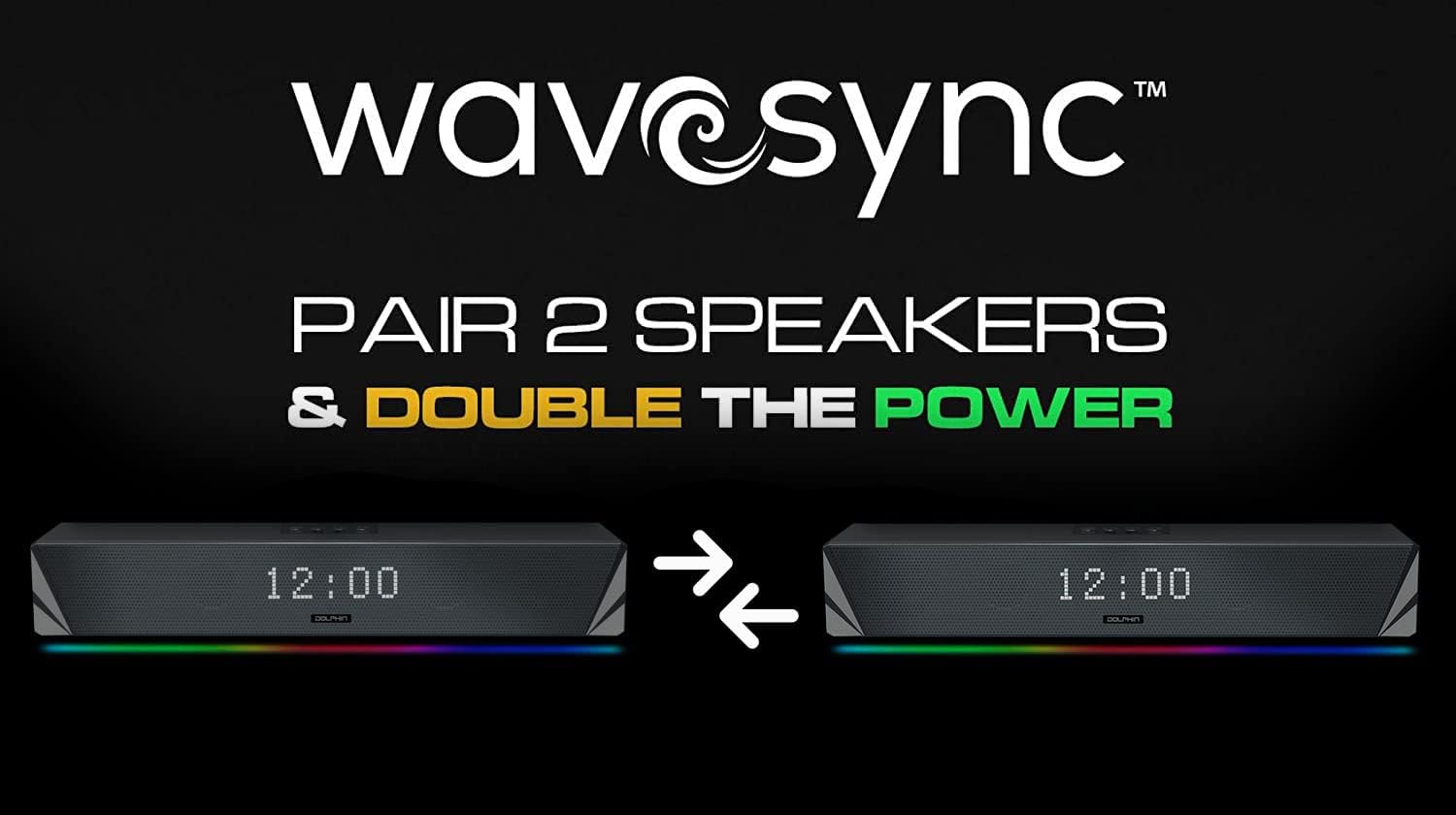
Figure 3: Two SNB-161R soundbars demonstrating synchronized clock displays and lighting.
Enstalasyon
- Charging the Soundbar: Before first use, fully charge the soundbar using the provided USB cable. Connect the USB cable to the soundbar's charging port and the other end to a compatible USB power source (e.g., computer USB port, USB wall adapter). The charging indicator will show the charging status.
- Pouvwa sou: Press and hold the power button (usually located on the top or back of the soundbar) for a few seconds until the display lights up.
- Premye Koneksyon: Connect the soundbar to your device (Laptop, Desktop, Tablet, Smartphone) via USB. The soundbar should be recognized as an audio output device.
Enstriksyon Operasyon
Fonksyon debaz yo
- Limen/Etenyen: Peze epi kenbe bouton pouvwa a.
- Kontwòl Volim: Use the volume buttons (usually marked '+' and '-') on the soundbar or your connected device to adjust the audio level.
- Anviwònman revèy: Refer to the specific button on your soundbar (often labeled 'SET' or 'TIME') to enter clock setting mode. Use the navigation buttons to adjust hours and minutes, then confirm.
- Kontwòl limyè: The soundbar features integrated lights. Look for a dedicated light button or a multi-function button to cycle through light modes or turn them off.
- Fonksyon Radyo: If equipped, press the 'MODE' button to switch to FM radio mode. Use the tuning buttons to scan for stations.
Wavesync™ Pairing (for Bundle Set)
The Wavesync™ feature allows you to wirelessly pair two SNB-161R soundbars for a true stereo experience, doubling your audio power.
%20Set%20of%202_image_2.jpg)
Figure 4: Visual representation of Wavesync™ pairing between two SNB-161R soundbars.
- Ensure both SNB-161R soundbars are powered on and within close proximity.
- On one soundbar (this will be your primary unit), activate the Wavesync™ pairing mode. This is typically done by pressing and holding a dedicated 'Wavesync' or 'Pair' button. Consult the markings on your specific unit.
- The primary unit will begin searching for the secondary unit.
- Once connected, you will hear an audible confirmation, and the indicators on both soundbars will change to show a successful connection.
- Now, any audio played through the primary soundbar will be distributed in stereo across both units.
Antretyen
- Netwayaj: Use a soft, dry cloth to wipe the exterior of the soundbar. Do not use liquid cleaners or abrasive materials.
- Depo: When not in use for extended periods, store the soundbar in a cool, dry place away from direct sunlight.
- Swen batri: To prolong battery life, avoid fully discharging the battery frequently. Recharge the unit periodically if stored for a long time.
Depanaj
| Pwoblèm | Kòz posib | Solisyon |
|---|---|---|
| Pa gen pouvwa | Battery drained; Power button not pressed correctly | Charge the soundbar; Press and hold the power button until the unit turns on. |
| Pa gen son | Volume too low; Incorrect input selected; Device not connected properly | Increase volume; Ensure USB connection is secure; Check audio output settings on your device. |
| Wavesync™ pairing fails | Soundbars too far apart; One unit not in pairing mode | Ensure units are close; Re-enter pairing mode on both units. |
| Revèy la pa parèt byen | Time not set; Power interruption | Re-set the clock using the dedicated buttons. |
Espesifikasyon
- Non modèl: SNB 161R
- Kalite oratè: Ba son
- Koneksyon Teknoloji: USB
- Sous pouvwa: Batri Powered
- Audio Sòti Mode: Stereo
- Karakteristik espesyal: Radio, Clock, Lights
- Aparèy konpatib: Laptop, Desktop, tablèt, Smartphone
- Metòd kontwòl: Bouton, Touche
- Konfigirasyon chanèl son antoure: 2.0
- UPC: 810059430464
Garanti ak sipò
This Dolphin SNB-161R Soundbar comes with a Limited Warranty. Please refer to the warranty card included in your package for specific terms and conditions. For technical support or service inquiries, please visit the official Dolphin websit oswa kontakte depatman sèvis kliyan yo.


