1. Entwodiksyon
The Looki I3 Cam is an intelligent indoor security camera designed to provide real-time monitoring of your home. It is ideal for keeping an eye on your property when you are away, or for observing pets and children. The camera offers convenient features such as motion detection and two-way audio communication, all controllable via a dedicated mobile application. The package includes a free 32GB microSD card for secure storage of recordings.
2. Enfòmasyon sou Sekirite
- Asire w ke kamera a enstale nan yon kote ki stab pou anpeche li tonbe.
- Pa ekspoze kamera a nan tanperati ekstrèm, imidite, oswa limyè solèy dirèk.
- Use only the provided power adapter and USB cable.
- Keep the camera away from water, despite its stated water resistance, as it is designed for indoor use.
- Do not attempt to disassemble or repair the camera yourself. Contact technical support for assistance.
- Kenbe lwen timoun ak bèt kay.
3. Pake kontni
Verifye ke tout atik yo prezan nan pakè ou a:
- Looki I3 Cam Indoor Security Camera
- Kat MicroSD 32GB (pre-enstale oswa separe)
- USB pouvwa adaptè
- USB kab
- Ceiling/Wall Mount Bracket
- Montaj Vis
- Manyèl Itilizatè (dokiman sa a)
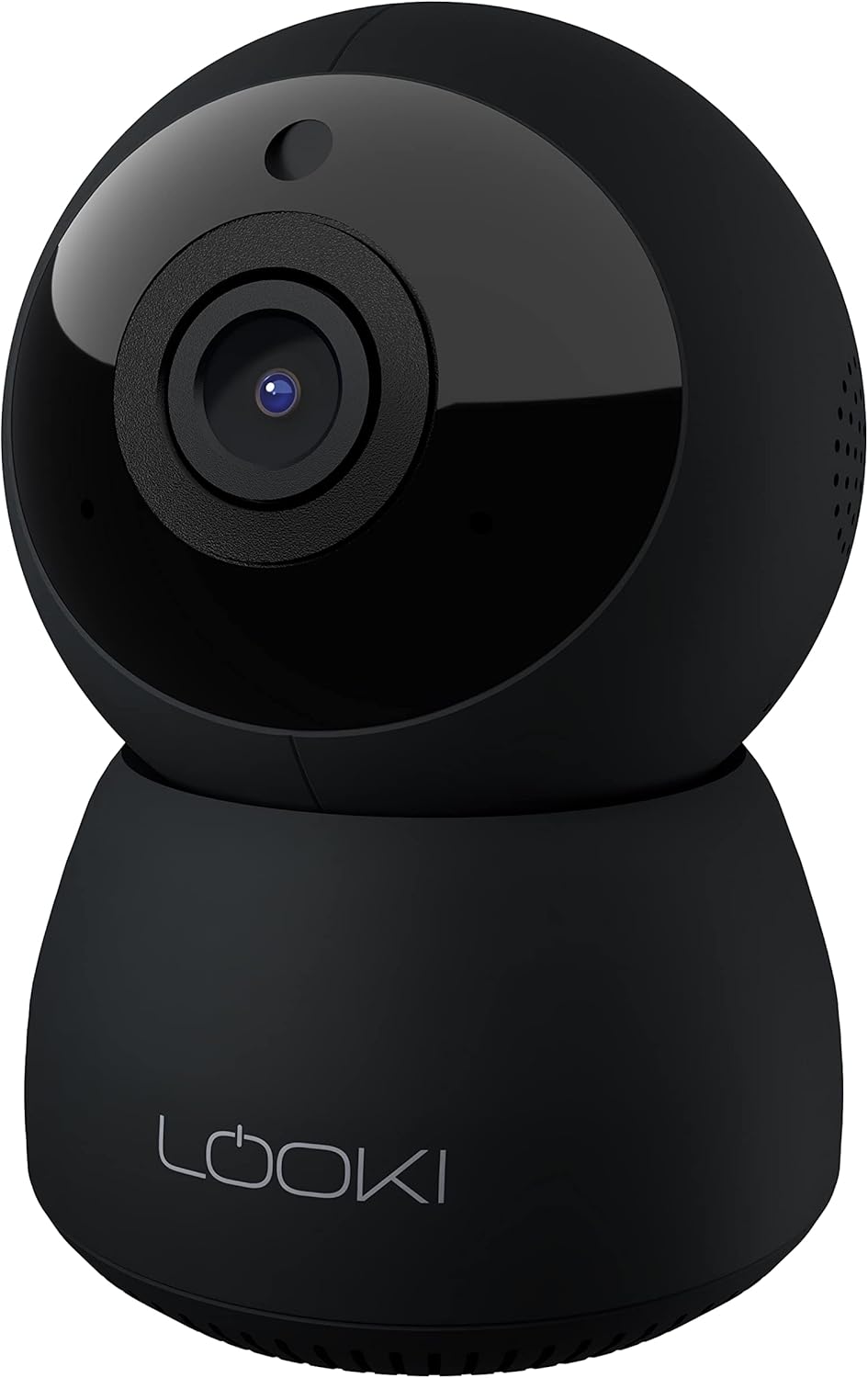
Figure 3.1: The Looki I3 Cam and its included accessories, such as the 32GB SD card, USB adapter, USB cable, and mounting hardware.
4. Pwodwi souview
Familiarize yourself with the main components of your Looki I3 Cam.
Figi 4.1: Devan view of the Looki I3 Cam, showing the camera lens and indicator light.

Figi 4.2: Side view of the Looki I3 Cam, highlighting the sleek design.

Figi 4.3: Retounen view of the Looki I3 Cam, showing the speaker grille and power port.
5. Enstalasyon
Follow these steps to set up your Looki I3 Cam:
- Pouvwa sou: Connect the USB cable to the camera's power port and the USB adapter. Plug the adapter into a power outlet. The camera will power on and an indicator light will illuminate.
- Telechaje App: Download the official Looki app from your mobile device's app store (available for iOS).
- Kreye kont: Open the app and create a new user account or log in if you already have one.
- Ajoute Aparèy: Follow the in-app instructions to add your new Looki I3 Cam. This typically involves scanning a QR code on the camera or connecting to its temporary Wi-Fi network.
- Konekte ak Wi-Fi: Select your home Wi-Fi network and enter the password when prompted. Ensure your camera is within range of your Wi-Fi router.
- Montaj (si ou vle): If desired, use the included mount and screws to install the camera on a wall or ceiling. Ensure the mounting surface is sturdy enough to support the camera's weight.

Figure 5.1: The Looki I3 Cam connected to a smartphone, demonstrating live view capabilities and the inclusion of a 32GB SD card for storage.
6. Opere
Once set up, you can utilize the various features of your Looki I3 Cam through the mobile application.
6.1 Viv View
Access the live video feed from your camera anytime, anywhere, directly from the app. The camera provides 1080p Full HD resolution for clear images.

Figure 6.1: A visual comparison demonstrating the superior clarity of 1080p Full HD resolution provided by the Looki I3 Cam compared to 720p.
6.2 Odyo De-fason
The camera is equipped with a built-in speaker and microphone, allowing for two-way communication. You can speak through the camera and hear audio from its surroundings via the app.
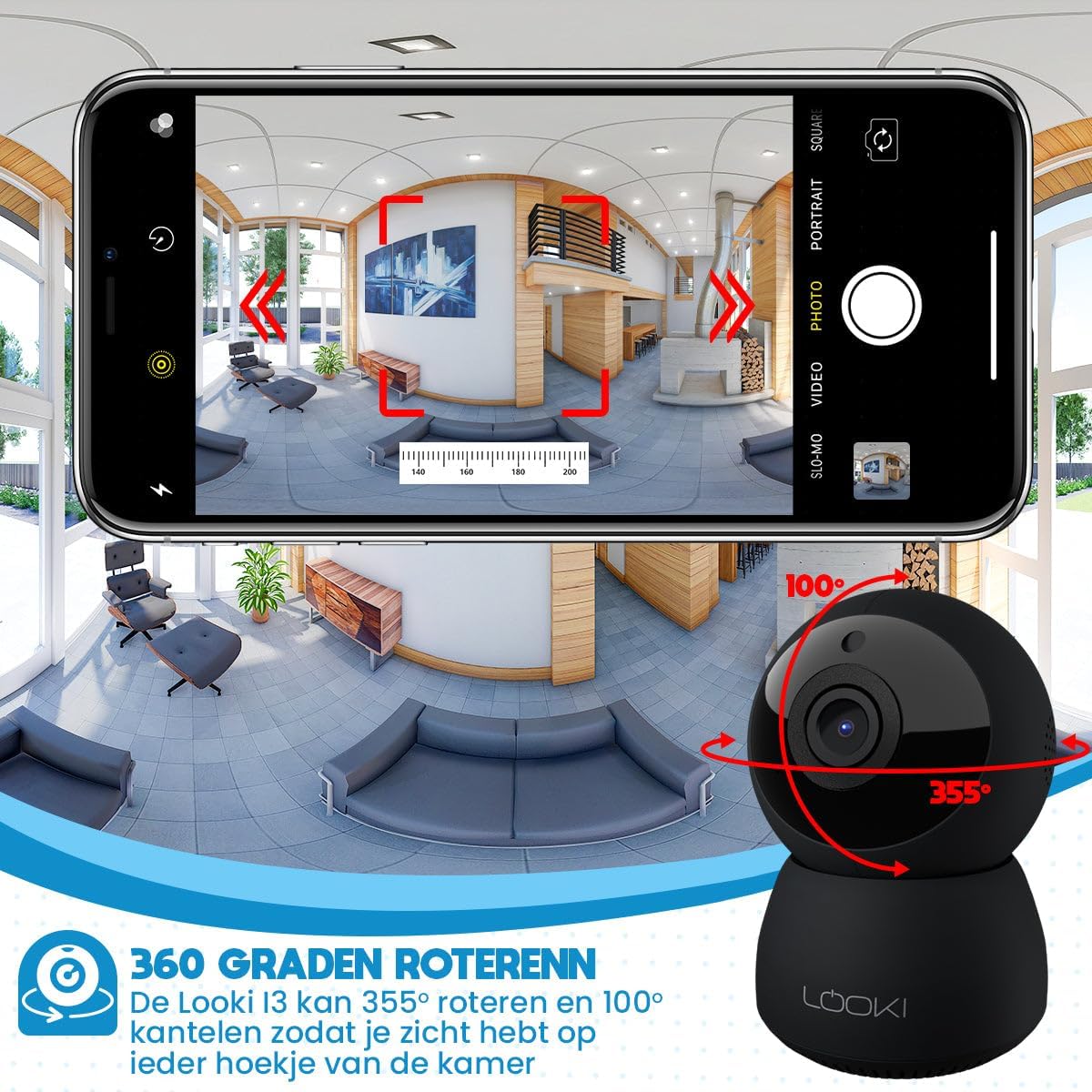
Figure 6.2: Illustration of the two-way audio feature, enabling communication through the camera from your mobile device.
6.3 Deteksyon Mouvman
The Looki I3 Cam features smart motion detection. When motion is detected, you will receive a push notification on your mobile device, and the camera will begin recording.
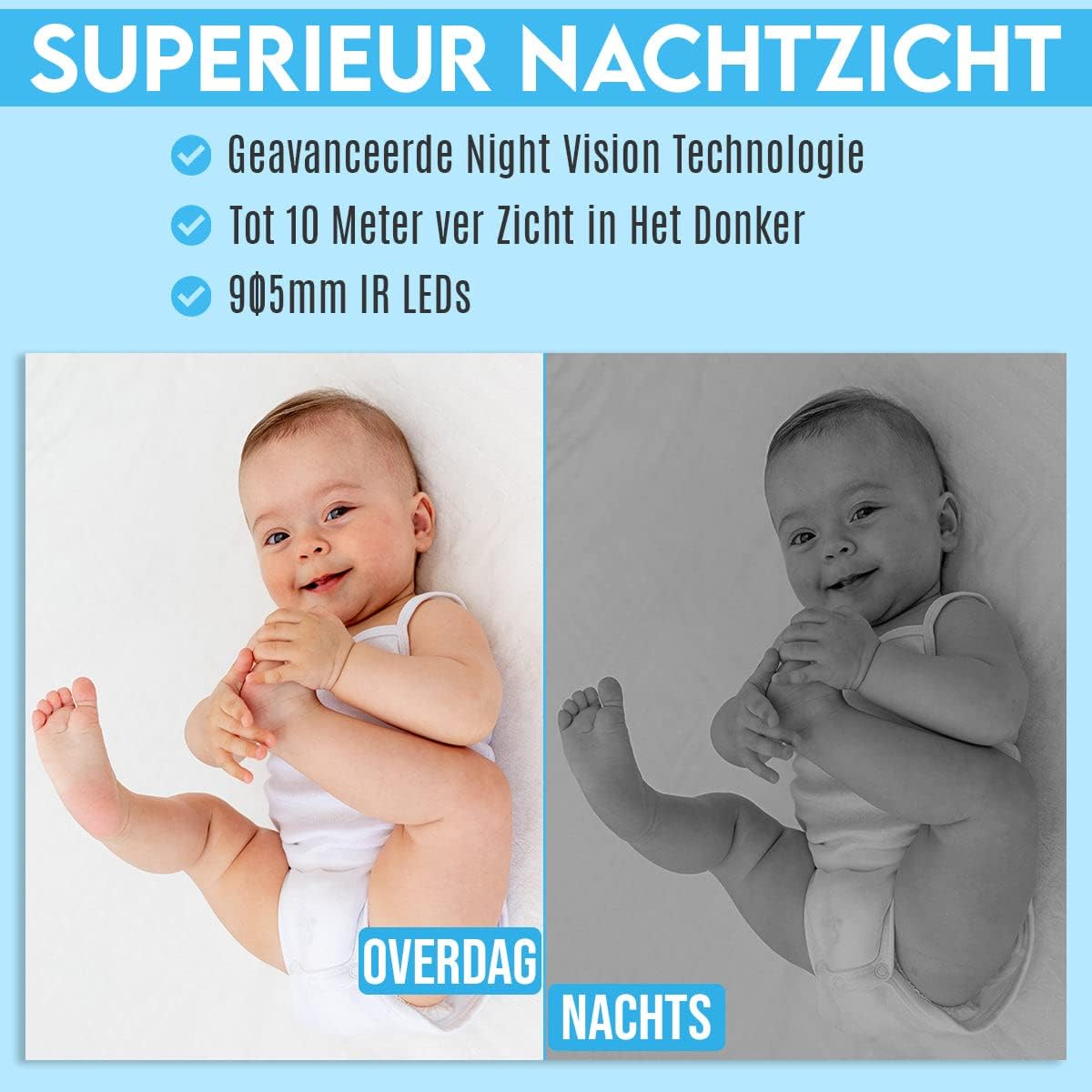
Figure 6.3: Depiction of the smart motion detection system, which alerts you to activity and initiates recording.
6.4 Vizyon lannwit
The camera is equipped with advanced night vision technology, allowing it to capture clear images in low-light conditions up to 10 meters away using 905mm IR LEDs.

Figi 6.4: Yon egzanpample illustrating the camera's superior night vision, showing clear images in complete darkness.
6.5 Pan ak Panche
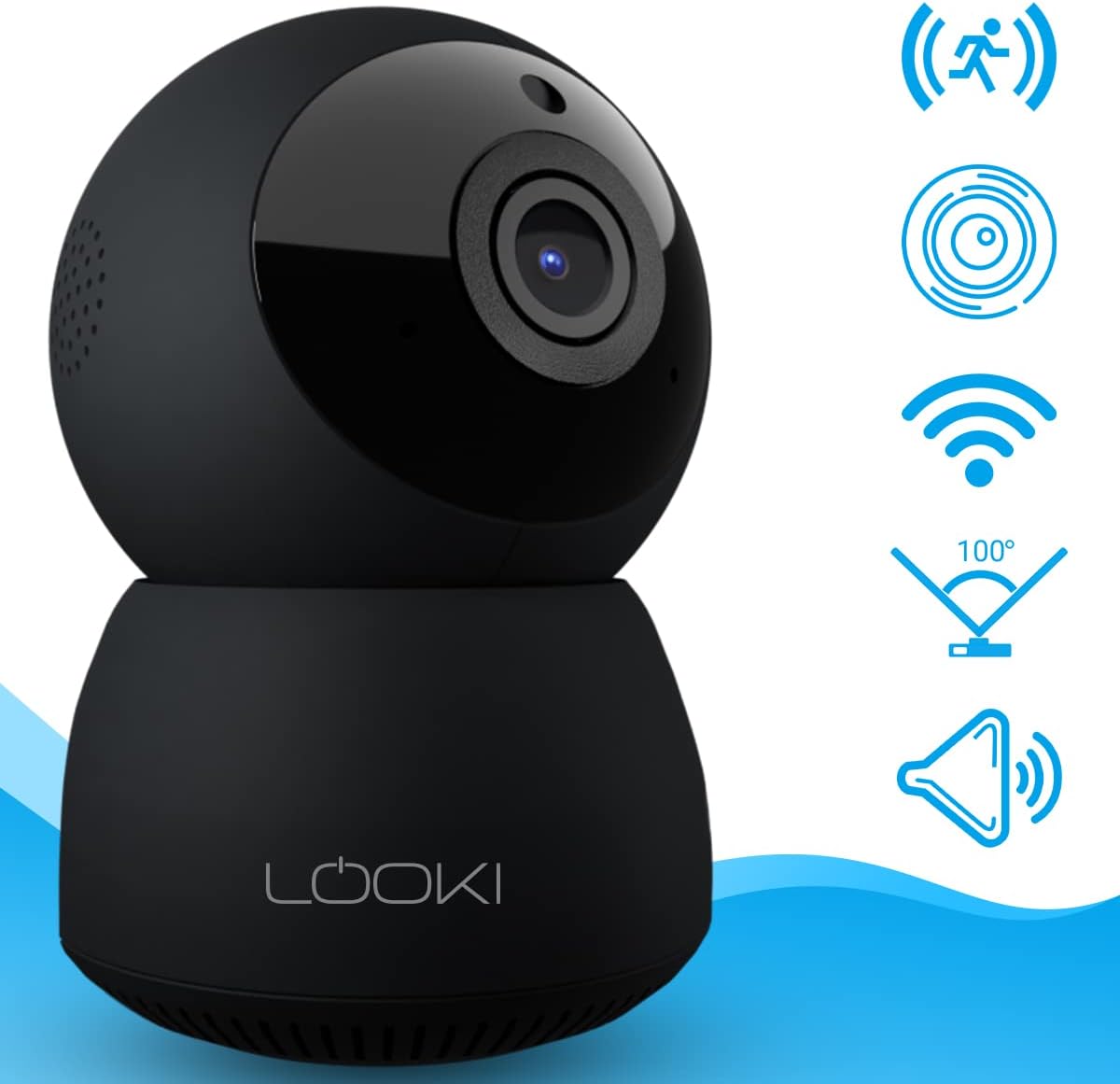
The Looki I3 Cam offers a 355-degree horizontal rotation (pan) and 100-degree vertical tilt, allowing you to remotely adjust the viewing angle to cover a wide area of your room.

Figure 6.5: Diagram showing the camera's 355-degree horizontal rotation and 100-degree vertical tilt capabilities for comprehensive room coverage.
7. Antretyen
- Netwayaj: Sèvi ak yon twal mou epi sèk pou netwaye lantiy kamera a ak kò a. Pa sèvi ak pwodui netwayaj likid oswa ayewosòl.
- Depo: If storing the camera for an extended period, disconnect it from power and store it in a cool, dry place.
- Mizajou mikrolojisyèl: Periodically check the app for available firmware updates to ensure optimal performance and security.
NAN. Depanaj
If you encounter issues with your Looki I3 Cam, refer to the following common solutions:
- Kamera Offline: Check your Wi-Fi connection and ensure the camera is powered on. Restart the camera and your router.
- Pa ka konekte ak aplikasyon an: Ensure you have the latest version of the app. Try resetting the camera (refer to app instructions for reset procedure) and re-adding it.
- Kalite videyo pòv: Check your internet speed. Ensure the camera lens is clean and free from obstructions.
- Deteksyon mouvman pa travay: Verify that motion detection is enabled in the app settings. Adjust sensitivity if necessary.
- Pa gen odyo: Check the volume settings on your phone and within the app. Ensure the camera's microphone is not obstructed.
For further assistance, please contact Looki technical support.
9. Espesifikasyon
| Karakteristik | Spesifikasyon |
|---|---|
| Non modèl | I3 Cam incl. 32GB SD Card (Black) |
| Nimewo Modèl Atik | i3 |
| Koulè | Nwa |
| Materyèl | Plastik |
| Pwa | 341 gram |
| Itilizasyon Andedan kay la / Deyò | Andedan kay la |
| Rezolisyon anrejistreman videyo | 1080p |
| Viewing Ang | 355 degrees (Pan), 100 degrees (Tilt) |
| To Frame | 60fps |
| Teknoloji kominikasyon san fil | Wi-Fi |
| Koneksyon Teknoloji | Filè, Wireless |
| Karakteristik espesyal | Night Vision, Motion Detector, HD Resolution, Two-Way Audio |
| Sous pouvwa | Kab elektrik |
| Kalite aliye | Standing, Wall Mount, Ceiling Mount |
| Kalite kontwolè | iOS (via Application) |
| Konpozan ki enkli | Camera, 32GB SD Card, USB Adapter, USB Cable, Mount, Screws |
| Itilizasyon Rekòmande | Pet Monitoring, Indoor Security |
10. Garanti ak sipò
Looki provides lifetime technical support for the I3 Cam. If you have any questions, require assistance with setup, or encounter any issues not covered in this manual, please contact Looki customer service. Refer to the product packaging or the official Looki websit pou enfòmasyon kontak.


