1. Entwodiksyon
Thank you for choosing the Boult Audio Airbass Muse Buds True Wireless Earbuds. This manual provides essential information for setting up, operating, and maintaining your new earbuds. Please read it carefully before use.
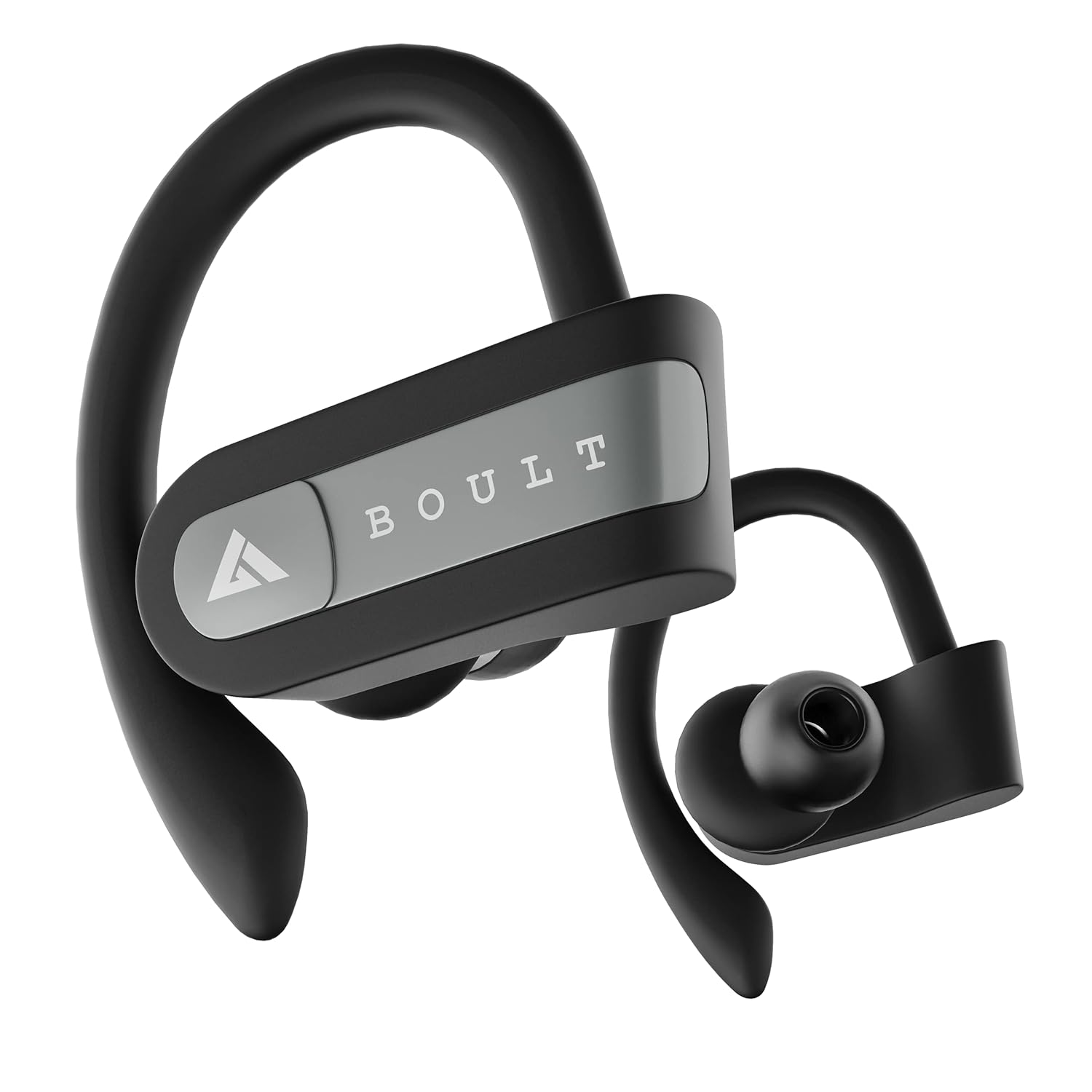
Image: Boult Audio Airbass Muse Buds True Wireless Earbuds in black, showcasing their ergonomic design with ear hooks.
2. Ki sa ki nan bwat la
Your Boult Audio Airbass Muse Buds package includes:
- MuseBuds Earphones (1 pair)
- Bwat chaje (1 inite)
- Extra Pair of Earbuds (silicon eartips)
- Charging Micro USB Cable (1 unit)
- Manyèl Itilizatè (dokiman sa a)

Image: The Boult Audio Airbass Muse Buds earbuds resting outside their charging case, highlighting their exquisite design.
3. Enstalasyon ak Koneksyon
3.1 Premye koneksyon
- Retire tou de ekoutè yo nan bwat chaje a. Y ap limen otomatikman epi antre nan mòd koneksyon.
- Sou aparèy mobil ou a, aktive Bluetooth.
- Chèche pou "Boult Audio Musebuds" in the list of available devices.
- Select "Boult Audio Musebuds" to connect. Once connected, you will hear a confirmation tone or see an LED indicator.
3.2 Auto Pairing
After initial pairing, the earbuds will automatically connect to the last paired device when taken out of the charging case, provided Bluetooth is enabled on the device.
3.3 Monopod Feature (Single Earbud Use)
The earbuds can be used independently. Simply take one earbud out of the case, and it will connect to your device. The other earbud can remain in the case or be used with a different device if desired.
3.4 Enstriksyon Reyajisteman
If you experience pairing issues, follow these steps to reset your earbuds:
- Retire tou de ekoutè yo nan ka a.
- Press and hold the touch control of both earbuds for 5 seconds until their LEDs flash red and blue.
- Press the touch control of the right earbud 4 times. The LED light will flash red and blue.
- Wait for 5 seconds. The LED of one earbud will flash blue, and the other earbud will flash red and blue.
- Mete tou de ekoutè yo tounen nan ka chaje a.
- Delete "Boult Audio Musebuds" from your phone's Bluetooth menu.
- Take both earbuds out of the case and connect with your phone through the Bluetooth menu as per initial pairing.

Image: Visual guide detailing the step-by-step process for resetting the Boult Audio Airbass Muse Buds.
4. Operasyon Enstriksyon
4.1 Power On/Off
- Pouvwa sou: Retire ekoutè yo nan ka chaje a. Yo pral pouvwa sou otomatikman.
- Pouvwa Off: Place the earbuds back into the charging case. They will power off automatically. Alternatively, long press the multifunction button for about five seconds to manually turn them off.
4.2 Kontwòl apèl
- Reponn/Fen Apèl: Single click the multifunction button on either earbud.
- Rejte apèl: Long press the multifunction button on either earbud.
4.3 Kontwòl Mizik
- Jwe/Poz: Single click the multifunction button on either earbud.
- Pwochen Track: Double click the multifunction button on the right earbud.
- Track Previous: Double click the multifunction button on the left earbud.
4.4 Asistan Vwa
To activate your device's voice assistant (Siri/Google Assistant), press and hold the multifunction button for one second until you hear a "beep" sound.

Image: The earbuds with icons indicating voice assistant activation (Siri, Google Assistant) and inline controls for music and calls.
4.5 Kontwòl Volim
- Ogmante Volim: Triple click the multifunction button on the right earbud.
- Diminye Volim: Triple click the multifunction button on the left earbud.
5. Chaje
5.1 Chaje ekoutè yo
Place both earbuds into the charging case and close the lid. The earbuds will automatically begin charging.
5.2 Chaje Bwat la
Connect the provided Micro USB charging cable to the charging port on the back of the case and to a power source. The case's LED indicator will show charging status.
A full charge provides up to 5.5 hours of playback time for the earbuds, with the charging case offering 4 additional charges, totaling up to 18 hours of combined playtime.

Image: An illustration highlighting the 18 hours of total playtime provided by the Boult Audio Airbass Muse Buds with their charging case.
6. Antretyen ak Swen
6.1 Rezistans dlo
The Boult Audio Airbass Muse Buds feature an IPX5 water-resistant rating. This means the earbuds and the charging case's inner nano-coating are protected against water splashes and sweat, making them suitable for workouts and light rain. They can withstand water immersion up to 1 meter deep for 30 minutes. However, it is recommended to dry them thoroughly before placing them back in the charging case.
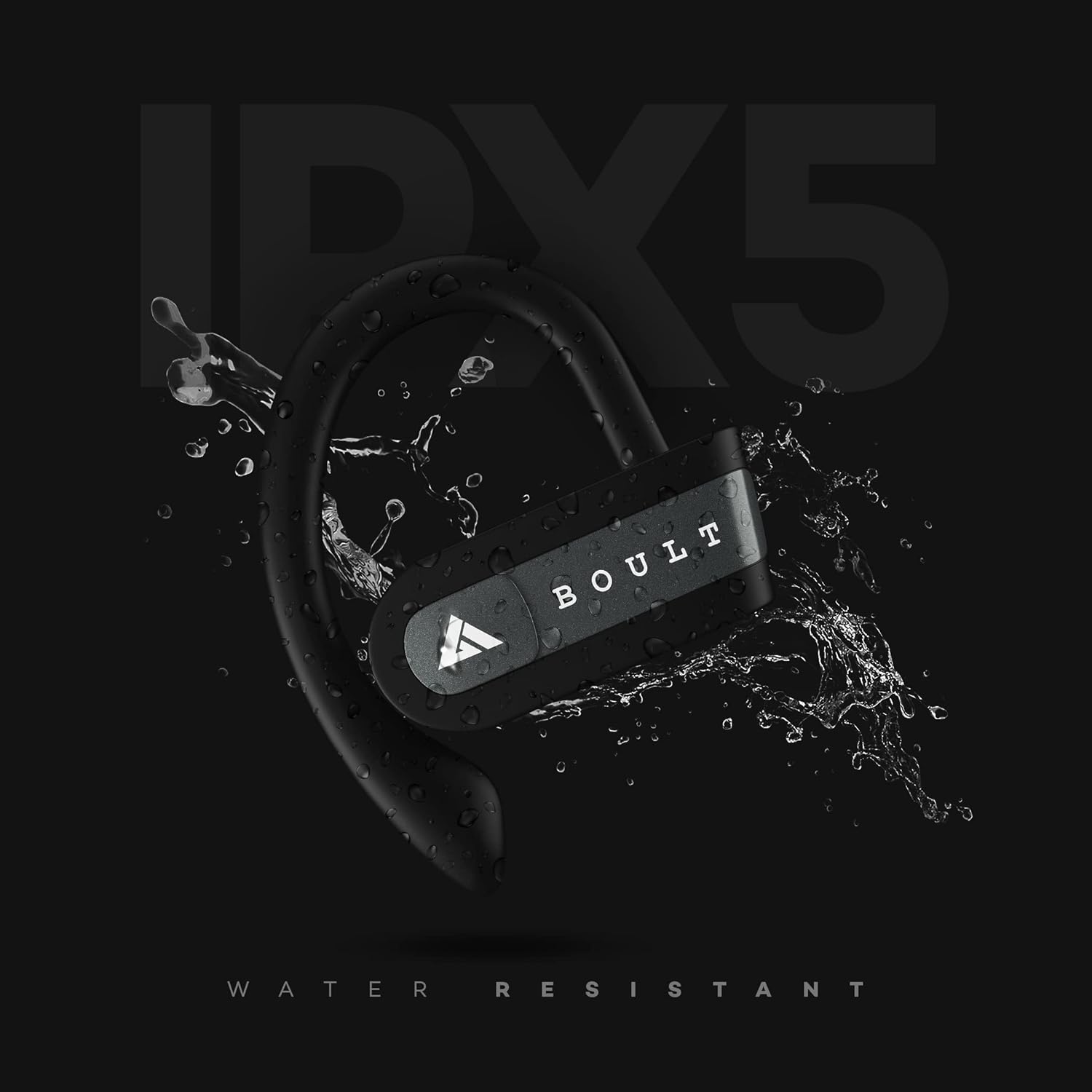
Image: The Boult Audio Airbass Muse Buds earbud with water splashing on it, illustrating its IPX5 water resistance.
6.2 Netwayaj
Netwaye ekoutè yo ak bwat chaje a regilyèman avèk yon twal mou epi sèk. Evite itilize pwodui chimik ki agresif oswa materyèl abrazif.
7. Espesifikasyon
| Karakteristik | Detay |
|---|---|
| Non modèl | AirBassMusebuds |
| Koneksyon Teknoloji | Bluetooth 5.0 |
| Wireless Range | 10 mèt |
| Gwosè Chofè | 9mm |
| Total Playtime | Jiska 18 èdtan (ak bwat chaje) |
| Tan lekti ekoutè | Up to 5.5 Hours (per charge) |
| Nivo rezistans dlo | IPX5 (Rezistan a swè) |
| Kalite kontwòl | Voice Control, Touch Control (Multifunction Button) |
| Mikwofòn | Yes (Improved high quality mic for both earbuds) |
| Faktè fòm | In-ear with ear hooks |
| Materyèl | Plastik |
| Pwa atik | 30 gram |
NAN. Depanaj
- Ekoutè yo pa konekte: Ensure both earbuds are fully charged. Try resetting the earbuds as described in Section 3.4.
- Pa gen son: Check the volume levels on both your device and the earbuds. Ensure the earbuds are properly connected to your device.
- Koneksyon tanzantan: Ensure there are no obstructions between your device and the earbuds. Keep the earbuds within the 10-meter wireless range.
- Pwoblèm chaj: Verify the charging cable is securely connected to both the case and the power source. Ensure the charging contacts on the earbuds and inside the case are clean.
9. Garanti ak sipò
Your Boult Audio Airbass Muse Buds come with a 12-month warranty. For warranty claims, technical support, or any other inquiries, please contact Boult Audio customer service.
- Sèvis Kliyan: Refer to the warranty card included in your package for contact details.
- Sipò sou entènèt: Vizite odyo ofisyèl Boult la websit pou FAQ ak resous sipò.