Entwodiksyon
The Trust Primo Touch Bluetooth True Wireless Earphones offer a truly wireless audio experience with intuitive touch controls. Designed for freedom and convenience, these earphones provide up to 10 hours of playtime on the go, thanks to their compact charging case.
- Truly wireless earphones for ultimate freedom (10 meter range).
- Stylish and on-trend design.
- Comfort fit ear shell pods that keep you alert for nearby sounds.
Pwodwi souview

The Trust Primo Touch True Wireless Earbuds are shown in their open charging case, with both earbuds upright and ready for use or charging.

A detailed close-up of the Trust Primo Touch True Wireless Earbuds, showcasing their sleek design and the subtle Trust branding.

A user enjoying music outdoors with the Trust Primo Touch Earbuds, demonstrating the freedom of movement provided by the wireless design.
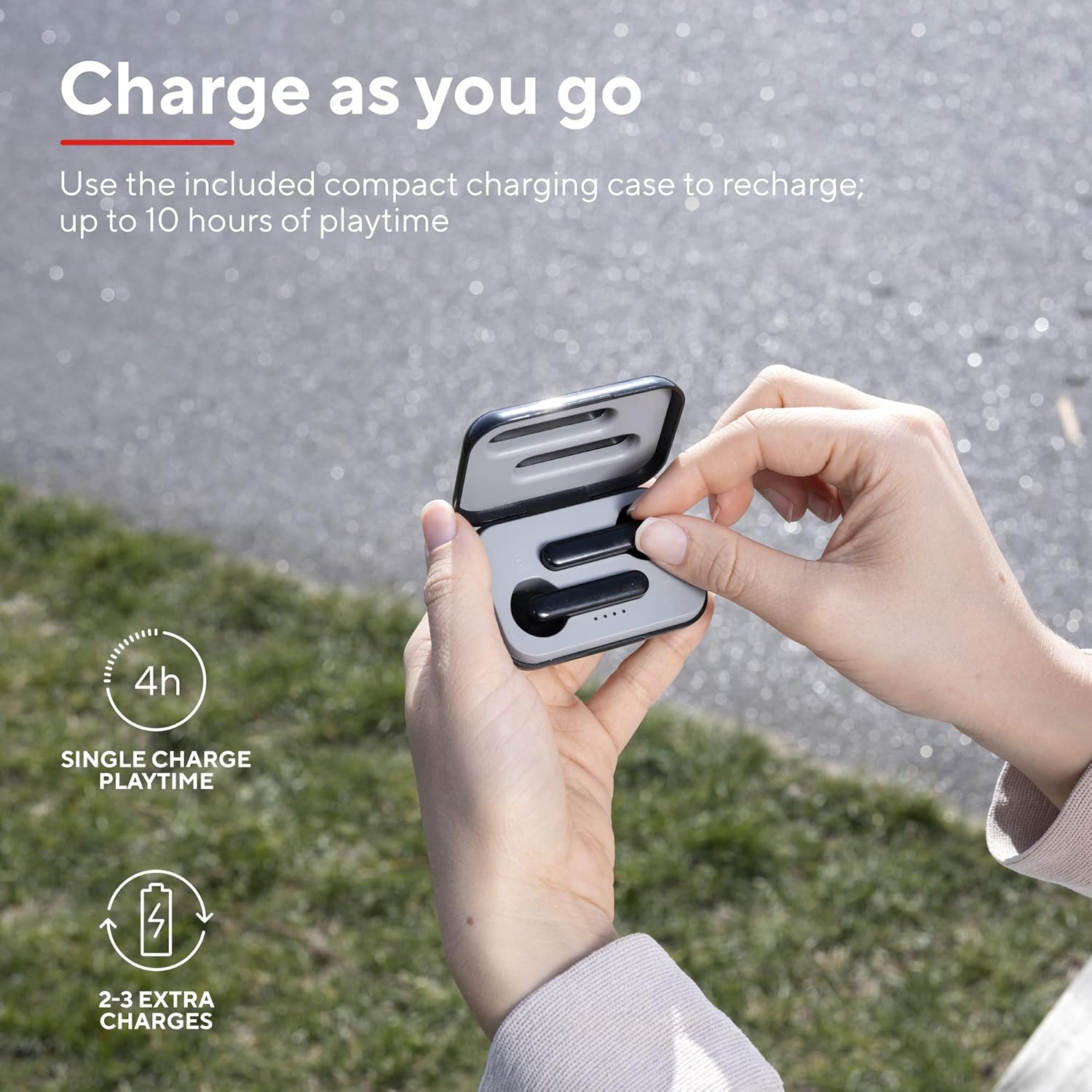
A user placing an earbud into the compact charging case, highlighting the convenience of recharging on the go for extended playtime.

Yon fèmen view of the earbuds, showcasing their modern, minimalist design and emphasizing their clear sound quality.

A user interacting with the touch controls on an earbud, illustrating the ease of managing audio playback and calls without reaching for a device.

Yon pwofesyonèl bò kotefile of a person wearing one of the earbuds, demonstrating its ergonomic design for a comfortable and secure fit.
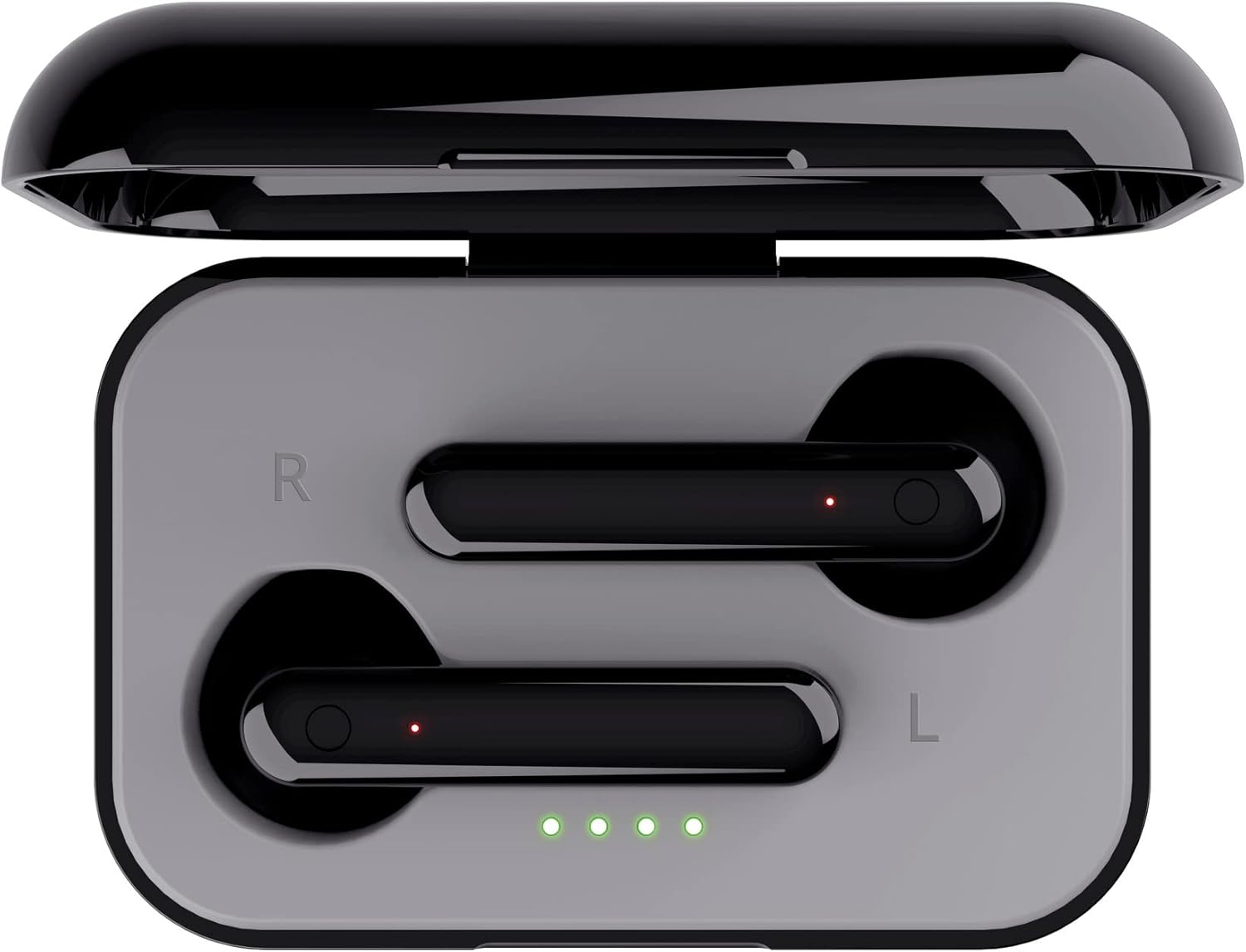
Yon tèt anba view of the open charging case with the earbuds inside, clearly showing the LED charging indicators.

Yon tèt anba view of the closed charging case, featuring the Trust brand logo on its sleek black surface.

The Trust Primo Touch Earbuds are displayed alongside their open charging case, providing a complete view nan konpozan pwodwi yo.
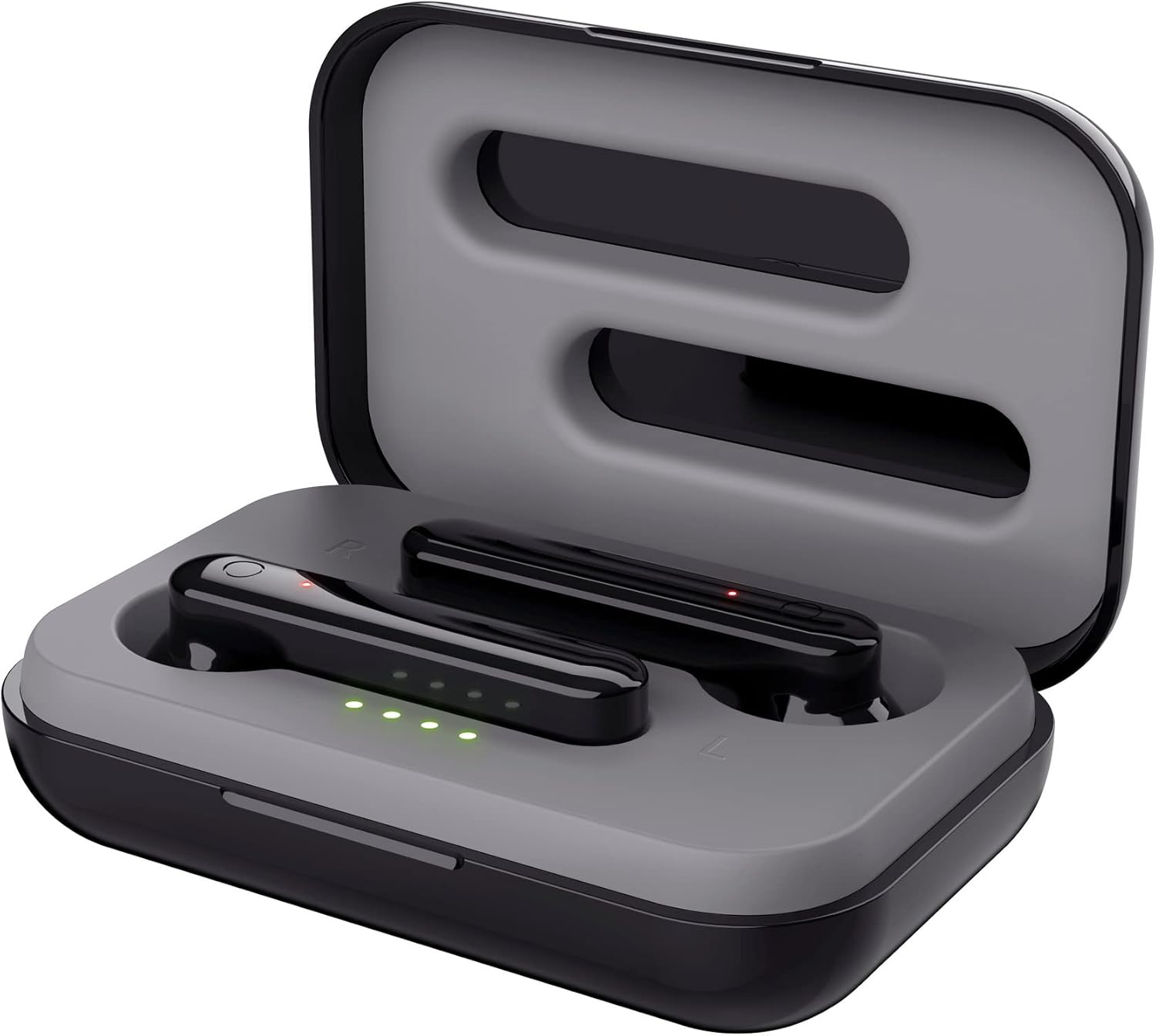
Yon tèt angilè view of the earbuds nestled within their open charging case, showing the precise fit and charging contacts.

The retail packaging for the Trust Primo Touch Wireless Earphones, showcasing karakteristik kle yo ak eleman konsepsyon yo.
Enstalasyon
1. Chaje ekoutè yo ak bwat la
Before first use, fully charge the earphones and the charging case. Place the earbuds into the charging case. Connect the charging case to a USB power source using the provided cable. The LED indicators on the case will show the charging status. A full charge provides up to 4 hours of playtime for the earbuds, with the case offering 2-3 additional charges.
2. Konekte ak aparèy ou an
- Asire ekoutè yo chaje.
- Open the charging case. The earphones will automatically enter pairing mode (indicated by flashing LEDs on the earbuds).
- Sou aparèy ou an (telefòn entelijan, tablèt, elatriye), ale nan paramèt Bluetooth epi aktive Bluetooth la.
- Chèche pou available devices and select "Trust Primo Touch" from the list.
- Yon fwa konekte, LED ekoutè yo ap sispann flache, sa ki endike ke koneksyon an reyisi.
Opere
Kontwòl manyen
The Trust Primo Touch earphones feature intuitive touch controls on each earbud. Refer to the following for common functions:
| Aksyon | Fonksyon |
|---|---|
| Yon sèl ti tape (ekoutè gòch/dwat) | Jwe/Pòz Mizik, Reponn/Fen Apèl |
| Double Tap (Earbud dwat) | Next Track |
| Double Tap (Earbud gòch) | Previous Track |
| Peze Long (Ekoutè Agòch/Dwat) | Aktive Asistan Vwa (Siri, Asistan Google) |
| Long Press (during incoming call) | Rejte apèl |
Power On/Off
- Pouvwa sou: Open the charging case, or long-press the touch area on both earbuds for a few seconds if they are out of the case and off.
- Pouvwa Off: Place the earbuds back into the charging case and close the lid, or long-press the touch area on both earbuds for a few seconds until the indicator light turns off.
Antretyen
Netwayaj
- Netwaye ekoutè yo ak bwat chaje a regilyèman avèk yon twal mou, sèk, epi ki pa gen pousyè.
- Pa sèvi ak pwodui netwayaj abrazif, alkòl, oswa solvan chimik.
- Netwaye kontak chaje yo dousman sou tou de ekoutè yo ak sou bwat la pou asire chaj la byen fèt.
Depo
Lè w pa ap itilize yo, sere ekoutè yo nan bwat chaj yo pou pwoteje yo kont pousyè ak domaj. Sere yo nan yon kote ki fre epi sèk, lwen tanperati ekstrèm.
Depanaj
Earbuds Not Pairing with Each Other or Device
- Asire ke tou de ekoutè yo chaje.
- Mete tou de ekoutè yo tounen nan bwat chaje a, fèmen kouvèti a, tann kèk segond, epi louvri l ankò.
- On your device, forget or unpair "Trust Primo Touch" from your Bluetooth settings.
- Restart your device and attempt the pairing process again.
Pa gen son oswa volim ki ba
- Tcheke nivo volim nan tou de aparèy ou an ak ekoutè yo.
- Asire w ke ekoutè yo byen konekte ak aparèy ou an.
- Netwaye tout debri ki sou griy oratè ekoutè yo.
Pwoblèm Mikwofòn
- Ensure the earbuds are properly connected and selected as the audio input device on your phone.
- Check for any obstructions near the microphone opening on the earbuds.
Espesifikasyon
| Karakteristik | Detay |
|---|---|
| Mak | Fè konfyans |
| Nimewo Modèl | 23712 |
| Koulè | Nwa |
| Plasman Zòrèy | Nan Zòrèy |
| Faktè fòm | Nan Zòrèy |
| Kontwòl bri | Izolasyon son |
| Dimansyon pwodwi | 150 x 5 x 5cm; 40g |
| Batri | 1 A pil obligatwa (enkli) |
| Manifakti | Fè konfyans |
| Premye Dat ki disponib | 14ye jiyè 2020 |
Garanti ak sipò
For warranty information and technical support, please refer to the official Trust website or contact Trust customer service directly. Keep your proof of purchase for any warranty claims.
You can typically find support resources, FAQs, and contact details on the manufacturer's official websit:


