Entwodiksyon
Thank you for choosing the Thomson WT040 Filter Coffee Machine. This appliance is designed to brew delicious filter coffee efficiently. With a 1.25-liter capacity, it can prepare 10 to 12 cups, making it suitable for both home and office use. This manual provides essential information for safe operation, proper setup, maintenance, and troubleshooting to ensure optimal performance and longevity of your coffee machine.
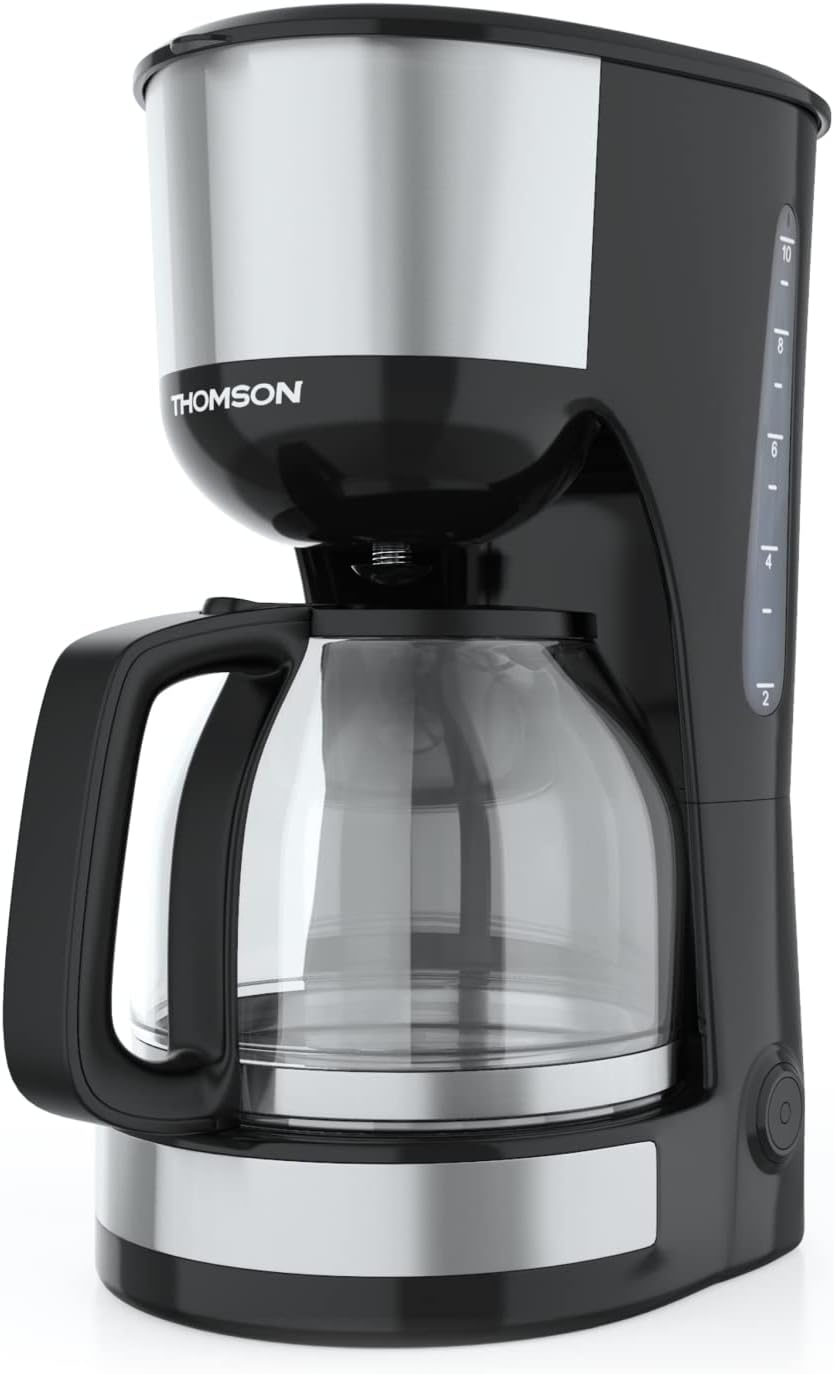
Imaj: Devan view of the Thomson WT040 Filter Coffee Machine, showcasing its black and silver design with the glass carafe.
Enstriksyon Sekirite Enpòtan
Tanpri li tout enstriksyon sekirite yo ak anpil atansyon anvan ou itilize aparèy la. Si ou pa swiv enstriksyon sa yo, ou ka pran chòk elektrik, pran dife, oswa pran gwo blesi.
- Asire voltage endike sou aparèy la koresponn ak volim lokal outage anvan konekte.
- Pa plonje aparèy la, kòd elektrik la, oswa ploge nan dlo oswa nenpòt lòt likid.
- Always unplug the coffee machine from the power outlet before cleaning and when not in use.
- Pa opere nenpòt aparèy ki gen yon kòd oswa ploge ki domaje, oswa apre aparèy la fonksyone mal oswa li te domaje nan nenpòt fason.
- Kenbe aparèy la lwen timoun yo. Aparèy sa a pa fèt pou moun (ki gen ladan timoun) ki gen kapasite fizik, sansoryèl oswa mantal ki redwi, oswa ki manke eksperyans ak konesans, itilize, sof si yo te resevwa sipèvizyon oswa enstriksyon konsènan itilizasyon aparèy la nan men yon moun ki responsab sekirite yo.
- Sèvi ak aparèy la sèlman pou objektif domestik li te prevwa a.
- Evite kontak ak sifas cho yo. Sèvi ak manch oswa bouton.
- Pa mete aparèy la sou oswa toupre yon recho elektrik oswa gaz cho, oswa nan yon fou chofe.
- Pa kite kòd la pandye sou kwen yon tab oswa kontwa, oswa manyen sifas cho.
- Always ensure the carafe lid is securely in place during brewing.
- Do not open the filter basket cover during the brewing cycle.
Pwodwi konpozan
Familiarize yourself with the parts of your Thomson WT040 coffee machine:
- Tank dlo ak endikatè nivo
- Kouvèti
- Filtre panyen
- Filtè pèmanan
- Karafe an vè ak manch
- Plak chofaj
- Entèripsyon ak limyè endikatè
- Sistèm anti-degoute

Image: Close-up of the water tank with a transparent fill scale, indicating water levels for brewing.
Enstalasyon
- Debake: Carefully remove the coffee machine from its packaging. Retain the packaging for future transport or storage. Remove all protective films and stickers.
- Netwayaj inisyal: Before first use, clean all removable parts (glass carafe, permanent filter, filter basket) with warm soapy water. Rinse thoroughly and dry. Wipe the exterior of the appliance with a damp twal.
- Premye Sik Enfuzyon (san kafe): Fill the water tank to the maximum level with fresh cold water. Place the empty permanent filter in the filter basket and close the lid. Place the empty glass carafe on the heating plate. Plug the appliance into a suitable power outlet and press the On/Off switch. Allow the full cycle to complete. Discard the water. Repeat this process 2-3 times to clean the internal components.
- Plasman: Place the coffee machine on a stable, flat, heat-resistant surface, away from the edge of the countertop and out of reach of children. Ensure there is adequate ventilation around the appliance.
Enstriksyon Operasyon
- Ranpli tank dlo: Open the lid and fill the water tank with fresh, cold water up to the desired number of cups indicated on the water level indicator. Do not exceed the "MAX" mark.
- Ajoute Kafe: Place the permanent filter into the filter basket. Add the desired amount of ground coffee into the permanent filter. A general guideline is one level tablespoon of coffee per cup (150ml), but adjust to your taste.
- Pozisyon Karafè: Ensure the glass carafe is placed correctly on the heating plate. The anti-drip system will prevent coffee from dripping when the carafe is removed during brewing, but it is recommended to keep the carafe in place until brewing is complete.
- Kòmanse melanje: Close the lid securely. Plug the power cord into a wall outlet. Press the On/Off switch. The indicator light will illuminate, and brewing will begin.
- Fonksyon kenbe-cho: After brewing is complete, the coffee machine will automatically switch to a keep-warm function for approximately 40 minutes. The heating plate will keep the coffee at an optimal serving temperature.
- Sèvi kafe: Carefully remove the carafe from the heating plate to pour coffee. The anti-drip system will temporarily stop the flow of coffee.
- Etenn: After serving or when the keep-warm cycle is finished, press the On/Off switch to turn off the appliance and unplug it from the power outlet.
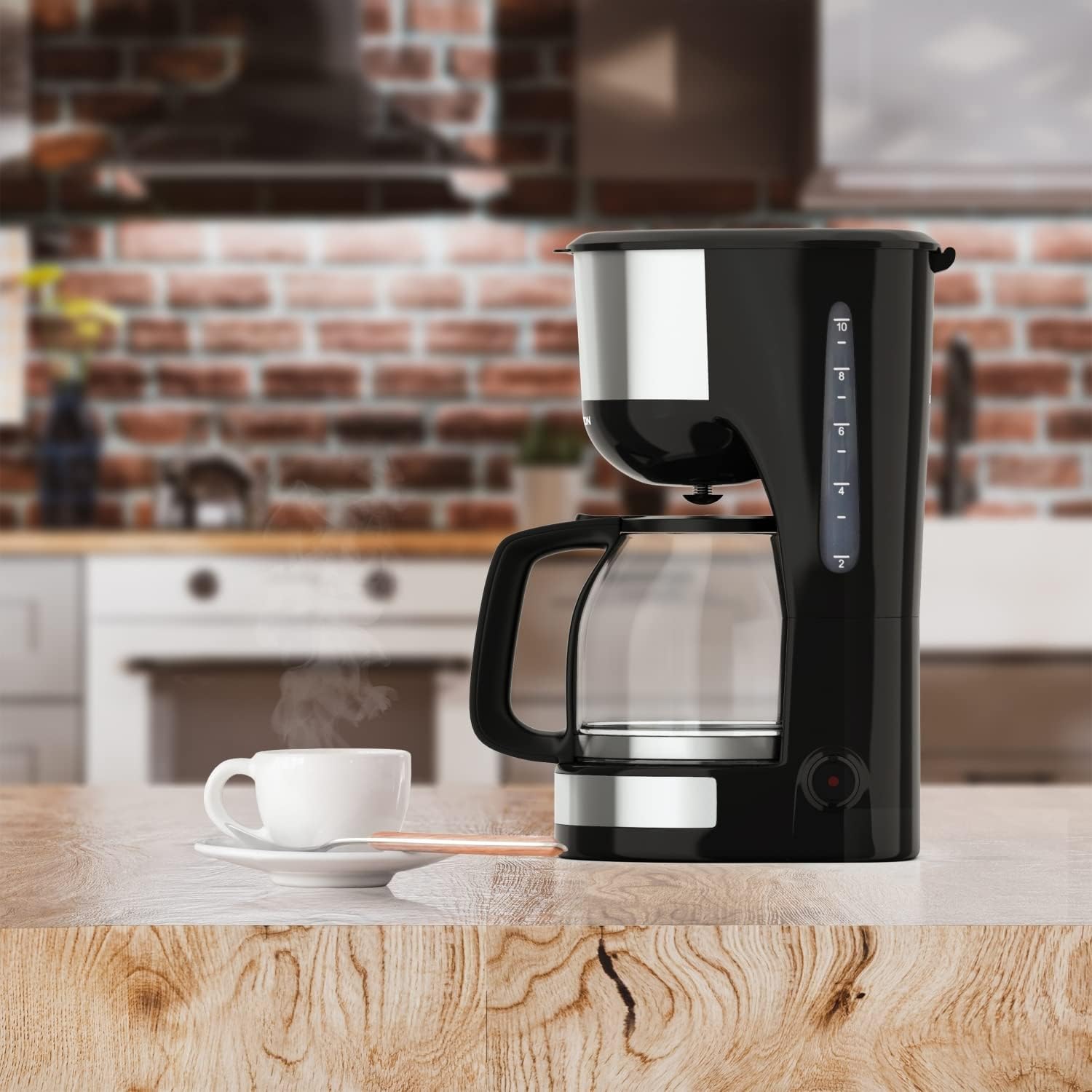
Image: The Thomson WT040 coffee machine in a kitchen, actively brewing coffee into the glass carafe.
Antretyen ak netwayaj
Regular cleaning ensures optimal performance and extends the lifespan of your coffee machine. Always unplug the appliance and allow it to cool completely before cleaning.
- Permanent Filter and Filter Basket: After each use, remove the permanent filter and filter basket. Discard used coffee grounds. Rinse both thoroughly under running water. They can also be washed in warm soapy water.
- Karaf vè: Wash the glass carafe and its lid with warm soapy water after each use. Rinse well. The carafe is generally dishwasher safe, but hand washing is recommended for longevity.
- Eksteryè: Siye sifas ekstèn machin kafe a ak yon twal mou, damp twal. Pa sèvi ak pwodui netwayaj abrazif oswa kousinen abrazif, paske yo ka grate sifas la.
- Plak chofaj: Siye plak chofaj la ak anonsamp cloth. If coffee has dripped onto it, clean immediately to prevent staining and burning.
- Detartraj: Depending on water hardness and frequency of use, mineral deposits (limescale) can build up. Descale your coffee machine every 2-4 months.
- Fill the water tank with a descaling solution (e.g., white vinegar and water in a 1:2 ratio, or a commercial descaling agent following its instructions).
- Mete karafe vid la sou plak chofaj la.
- Run a brewing cycle. After about half the solution has brewed through, turn off the machine and let it stand for 15-20 minutes to allow the solution to work.
- Turn the machine back on and let the remaining solution brew through.
- Discard the solution and rinse the carafe and filter.
- Run 2-3 cycles with fresh, clean water to flush out any residual descaling solution.

Imaj: Gwo plan view of the permanent filter, designed to eliminate the need for paper filters.
Depanaj
| Pwoblèm | Kòz posib | Solisyon |
|---|---|---|
| Kafe pa koule. | Aparèy la pa branche; Bouton on/off la pa peze; Pa gen dlo nan tank la. | Ensure plug is securely in outlet; Press On/Off switch; Fill water tank. |
| Kafe a twò fèb oswa twò fò. | Pwopòsyon kafe-dlo a pa kòrèk; Moulen kafe a twò grosye/fin. | Adjust amount of coffee grounds; Use medium grind coffee. |
| Dlo a ap debòde nan panyen filtè a. | Twòp kafe moulu; Filtè a bouche; Karaf la pa byen plase. | Reduce coffee grounds; Clean permanent filter; Ensure carafe is centered on heating plate. |
| Kafe gen move gou. | Appliance needs cleaning/descaling; Stale coffee; Poor water quality. | Clean and descale the machine; Use fresh coffee beans; Use filtered water. |
| Machine makes loud noises. | Normal during heating/pumping; Limescale buildup. | Gen yon ti bri ki nòmal. Si li twòp, retire kalkè nan machin nan. |
Espesifikasyon
- Mak: Thomson
- Nimewo Modèl: WT040
- Koulè: Nwa/Ajan
- Dimansyon (L x W x H): 22 x 16 x 29.5 cm
- Pwa: 1.3 Kilogram
- Kapasite: 1.25 Liters (approx. 10-12 cups)
- Pouvwa: 1000 Watts
- Voltage: 240 Volts
- Materyèl: Glass (carafe), Plastic, Metal
- Karakteristik espesyal: Permanent Filter, Anti-Drip System, Keep-Warm Function (40 minutes)

Image: Visual representation of the coffee machine's dimensions (18cm width, 23cm depth, 30cm height), power (1000 Watts), and keep-warm duration (40 minutes).
Garanti ak sipò
Information regarding specific warranty terms and conditions for the Thomson WT040 Filter Coffee Machine is not provided in the product details. For warranty claims or technical support, please refer to the documentation included with your purchase or contact Thomson customer service directly through their official websit oswa détaillants otorize.
Toujou konsève prèv acha ou a pou nenpòt kesyon sou garanti a.


