Pwodwi souview
The Feit Electric 16 ft. color changing and warm white color SMART Wi-Fi LED Strip Tape Light offers versatile lighting for any space. It is designed to work seamlessly with voice assistants like Alexa and Google Assistant, as well as through the Feit Electric mobile app. This smart strip light provides effortless control over your lighting, allowing you to turn lights on/off, dim, set groups, and create schedules from anywhere with Wi-Fi or cellular network access. You can tailor the light to suit your mood, choosing from a relaxing 2700K soft white or over a million vibrant colors. No special smart home hub is required, as it connects directly to your 2.4 GHz Wi-Fi network. It's an energy-efficient and cost-effective solution for modern smart lighting projects.

Figure 1: Feit Electric Smart LED Light Strip packaging, highlighting key features and connectivity.
Karakteristik kle
- Koneksyon fasil: Compatible with 2.4 GHz Wi-Fi networks, allowing remote control via the Feit Electric app, Alexa, or Google Assistant.
- Kontwòl vwa: Seamlessly integrates with Amazon Alexa and Google Assistant for hands-free operation.
- Color Changing & Dimmable: Offers soft white 2700K and over a million color options, with full dimming capabilities.
- Enèji efikas: Uses only 12 Watts while producing 1100 lumens, providing high-quality, energy-saving LED lighting.
- Dirab ak san danje: ETL Listed and FCC Compliant, 100% mercury-free, and rated IP44 for indoor or outdoor use.
- Kontwòl Remote enkli: Comes with a 100 ft. range remote for convenient control without the app.
Kontni pake
Verifye ke tout atik yo prezan nan pakè ou a:
- 16 ft. Smart LED Light Strip
- Kontwòl Remote
- Adaptè pouvwa
- Klip ak Vis pou Montaj

Figure 2: Contents of the Feit Electric Smart LED Light Strip package.
Enstalasyon & Enstalasyon
Enstalasyon fizik
- Prepare sifas: Ensure the surface where the strip will be installed is clean, dry, and smooth.
- Mezire ak Plan: Measure the desired length and path for the light strip. The strip can be cut at designated marks if a shorter length is needed (consult product manual for specific cutting instructions).
- Aplike bann lan: Peel off the adhesive backing and carefully press the light strip onto the surface. For added security and long-term stability, use the included mounting clips and screws at regular intervals, especially around corners or where the strip might sag.
- Konekte pouvwa: Connect the light strip to the power adapter and plug it into a standard electrical outlet.

Figi 3: Egzample of LED strip installation using mounting clips for secure placement.
App Connection (Feit Electric App)
- Telechaje App: Download the free Feit Electric app from the App Store (iOS) or Google Play Store (Android).
- Kreye kont: Louvri aplikasyon an epi kreye yon nouvo kont oubyen konekte sou yon kont ki deja egziste.
- Ajoute Aparèy: Follow the in-app instructions to add your new Smart LED Light Strip. Ensure your mobile device is connected to a 2.4 GHz Wi-Fi network during the pairing process.
- Peyaj: The app will guide you through the pairing steps, which typically involve turning the light strip on and off a few times to enter pairing mode.
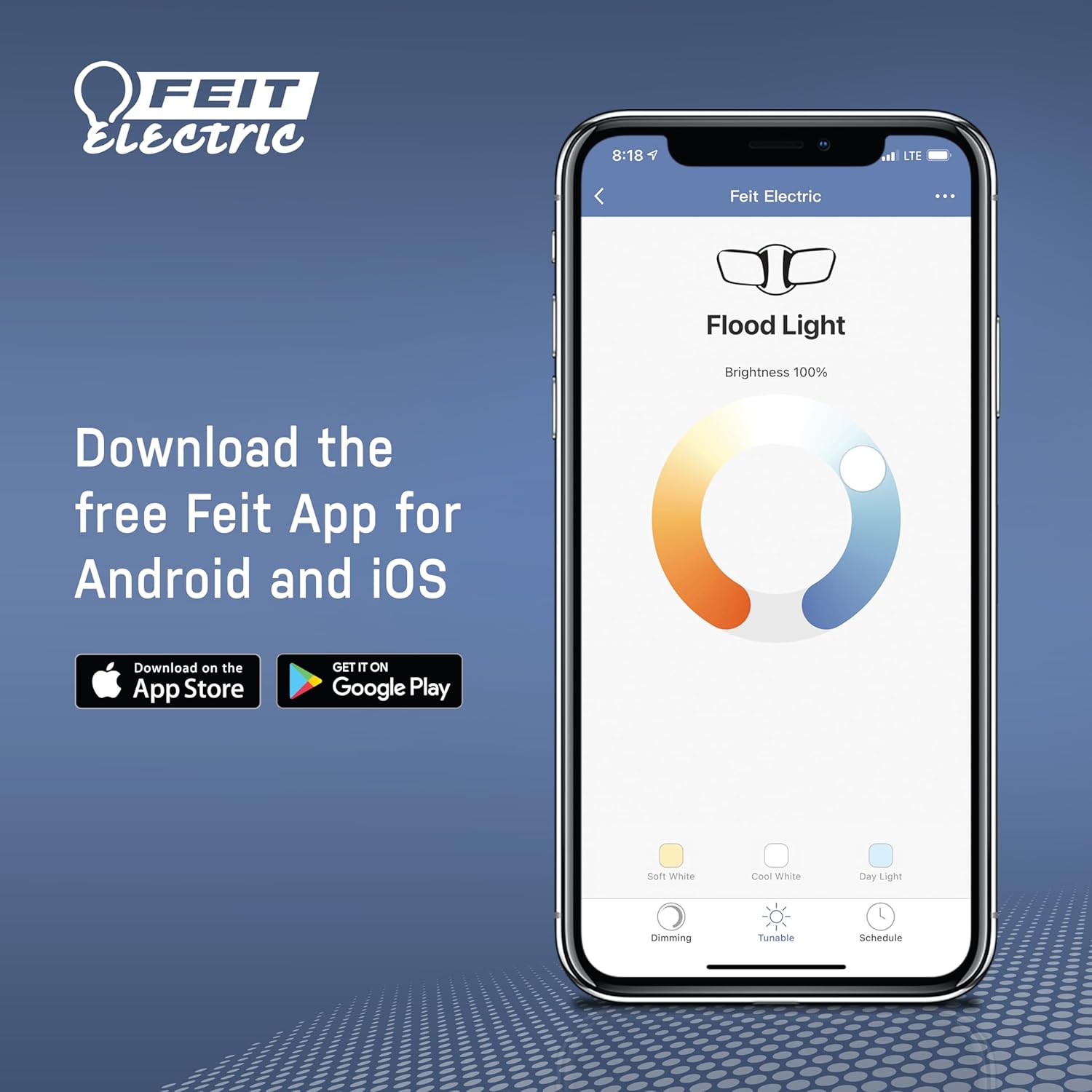
Figure 4: Download the Feit Electric App for seamless control.
Operasyon
Sèvi ak kontwòl remote la
The included remote control provides convenient access to basic functions:
- ON/OFF: Press the 'ON' button to turn the lights on, and 'OFF' to turn them off.
- Ajisteman Limyè Blan: Use the 'WHITE' up/down arrows to adjust the brightness of the white light.
- Chanje koulè: Press 'CHANGE COLORS' to cycle through various preset colors.
- Strobe Colors: Activates a rapid flashing sequence of colors.
- Flash Colors: Initiates a slower flashing sequence of colors.
- Fade Colors: Transitions smoothly between different colors.
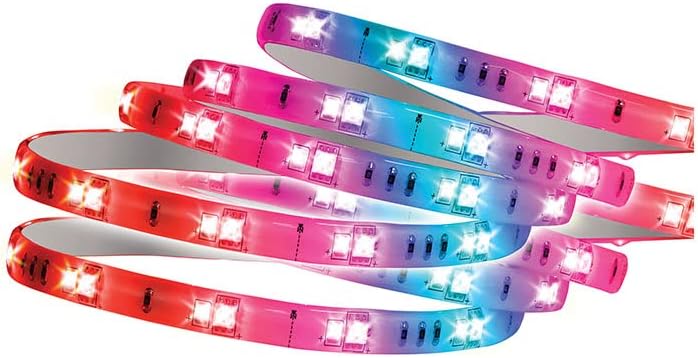
Figure 5: Remote control for the Feit Electric Smart LED Light Strip.
Using the Feit Electric App
The Feit Electric app unlocks the full potential of your smart light strip:
- Aksè Remote: Kontwole limyè ou yo nenpòt kote avèk yon koneksyon entènèt.
- Dimming: Precisely adjust brightness levels.
- Gwoupman: Group multiple Feit Smart devices to control them simultaneously.
- Kontwòl vwa: Connect to Amazon Alexa or Google Assistant for voice commands.
- Orè: Set custom schedules for lights to turn on/off or change modes automatically.
- Pataje Aparèy: Share control of your lights with family members.
- Sèn Custom: Create and save personalized lighting scenes with preferred colors and brightness settings.

Figi 6: Plis paseview of features available through the Feit Electric app.

Figi 7: Entegrasyon kontwòl vwa ak Amazon Alexa ak Google Assistant.

Figure 8: The LED strip light can display a wide range of colors.
Antretyen
To ensure the longevity and optimal performance of your Feit Electric Smart LED Light Strip:
- Netwayaj: Gently wipe the light strip with a soft, dry cloth. Do not use abrasive cleaners or solvents.
- Ekspozisyon dlo: While rated IP44 for indoor/outdoor use, avoid submerging the strip in water or exposing it to direct, heavy rainfall. Ensure all connections are secure and protected from moisture.
- Verifikasyon adezif: Periodically check the adhesive and mounting clips to ensure the strip remains securely in place. Reapply or reinforce as needed.
Depanaj
| Pwoblèm | Kòz posib | Solisyon |
|---|---|---|
| Bann limyè a pa limen. | Pa gen kouran, koneksyon ki lach, pwoblèm adaptè kouran. | Check if the power adapter is securely plugged into the outlet and the strip. Try a different outlet. |
| Pa ka konekte ak Wi-Fi. | Incorrect Wi-Fi band (not 2.4 GHz), incorrect password, too far from router. | Ensure your router is broadcasting a 2.4 GHz network. Verify Wi-Fi password. Move the light strip closer to the router. Reset the light strip and try pairing again. |
| Remote kontwòl pa travay. | Batri a fini, gen obstak, li pa nan zòn nan. | Replace the remote control battery. Ensure no obstructions between the remote and the light strip's receiver. Move closer to the light strip. |
| Lakòl la pa kenbe. | Surface not clean/smooth, environmental factors. | Clean the surface thoroughly before application. Use additional mounting clips or double-sided tape for reinforcement. |
| Colors are inconsistent or not displaying correctly. | Damaged section of the strip, software glitch. | Check for any visible damage on the strip. Restart the light strip by unplugging and re-plugging it. If using the app, close and reopen it. |
Espesifikasyon
- Nimewo Modèl: TAPE16/RGBW/AG/RP
- Koulè: Multi-color RGBW
- Kalite sous limyè: dirije
- Longè: 16 pye.
- Klate: 1100 Lumen
- Wattage: 12 Watts
- Voltage: 120 Volts
- Tanperati koulè: 2700 Kelvin (mou blan)
- Dimmable: Wi
- Koneksyon: Wi-Fi (XN GHz)
- Metòd kontwòl: Feit Electric App, Remote Control, Voice (Alexa, Google Assistant)
- Itilizasyon anndan/deyò: Outdoor, Indoor (IP44 Water Resistant)
- Sètifikasyon: ETL-Listed, FCC Compliant, RoHS
- Pwa atik: 1.23 liv (0.56 kilogram)
- Dimansyon pwodwi: 10.5 x 1.9 x 11.5 pous
Garanti ak sipò
Garanti: This Feit Electric product comes with a one-year warranty from the date of purchase. Please retain your proof of purchase for warranty claims.
Sipò Kliyan: For any questions, technical assistance, or warranty inquiries, please contact Feit Electric customer service:
- Imèl: info@feit.com
- Telefòn gratis: 1-866-326-anpoul
- Èd sou entènèt: Vizite help.feit.com pou FAQ ak lòt resous.
Figure 9: Feit Electric customer support information.


