Entwodiksyon
Thank you for choosing the GTRACING GT890MF Gaming Chair. This manual provides detailed instructions for the assembly, operation, maintenance, and troubleshooting of your new gaming chair. Please read this manual carefully before use to ensure proper function and longevity of the product. Keep this manual for future reference.
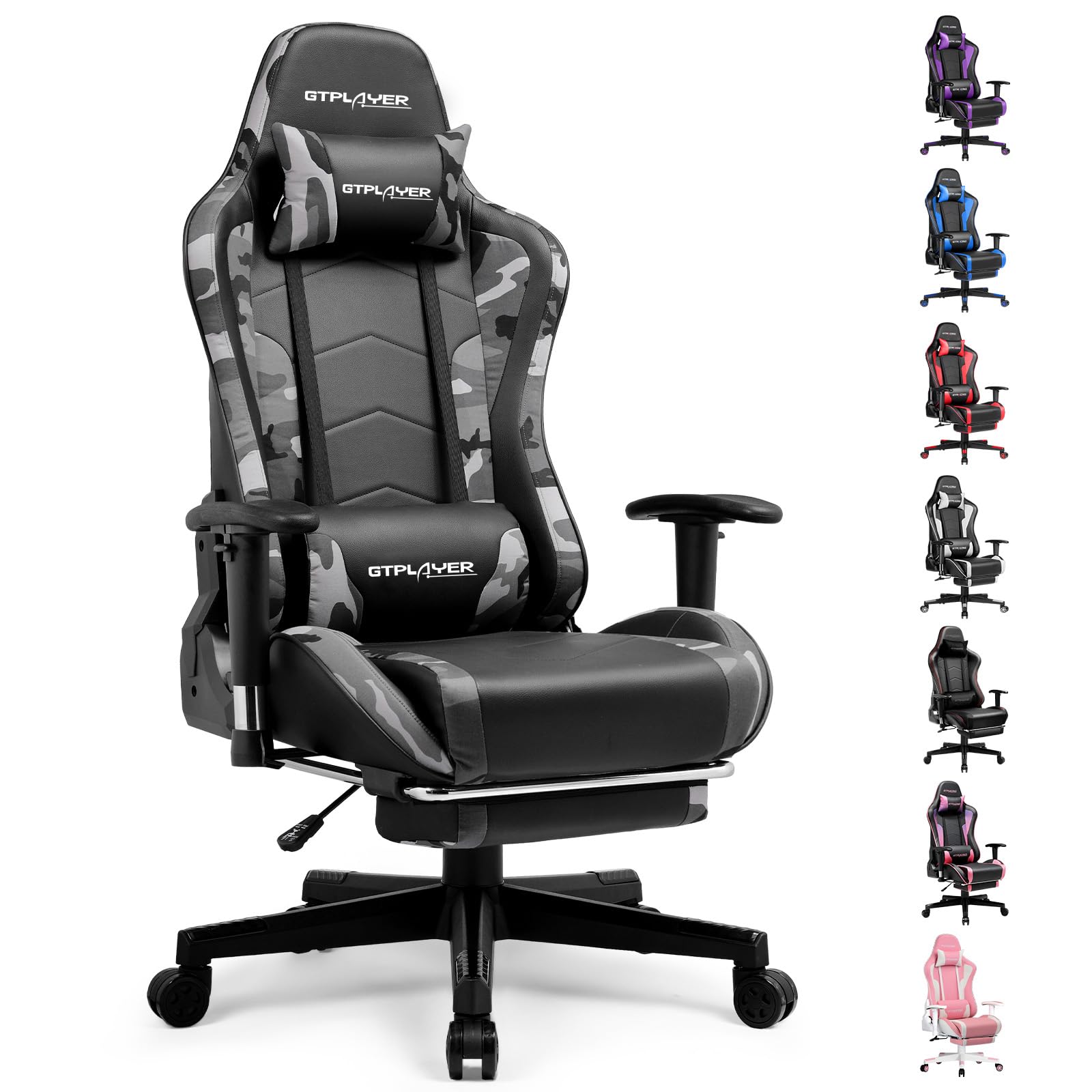
Image: The GTRACING GT890MF Gaming Chair, featuring a camouflage pattern, footrest, and integrated Bluetooth speakers, set up in a gaming environment.
Enfòmasyon sou Sekirite
- Pou itilize andedan kay la sèlman.
- Kapasite pwa maksimòm: 300 liv. Pa depase limit sa a.
- Use caution when adjusting chair height and recline to prevent injury.
- Asire w tout vis ak boulon yo byen sere anvan w itilize yo epi tcheke detanzantan pou wè si yo lach.
- Kenbe men ak dwèt ou lwen pati k ap deplase yo pandan w ap fè ajisteman yo.
- Pa kanpe sou chèz la.
Enstalasyon ak Asanble
Assembly is required for this chair. Please follow the steps below carefully. It is recommended to have two people for assembly.
Kontni pake

Image: An exploded diagram showing all components of the GTRACING GT890MF Gaming Chair, including the backrest, seat, armrests, base, wheels, gas lift, and footrest.
Etap Asanble
- Atache akoudwar yo: Securely fasten the armrests to the seat base using the provided screws. Ensure they are oriented correctly.
- Konekte Dossier la ak Syèj la: Align the backrest with the seat mechanism and attach it using the designated bolts.
- Enstale Footrest la: Glise repo pye a nan fant ki fèt pou li yo anba chèz la.
- Rasanble baz la: Insert the casters (wheels) into the star base. Place the gas lift cylinder into the center hole of the star base.
- Konekte chèz la ak baz la: Mete chèz la ak dosye a avèk anpil atansyon sou silenn asansè gaz la, epi asire w ke li byen chita.
- Attach Headrest and Lumbar Pillows: Mete zòrye sipò tèt la ak zòrye sipò lonbè a jan ou vle.
Enstriksyon Operasyon
Ajisteman Chèz
- Ajisteman wotè chèz: Pull the lever located under the right side of the seat upwards to raise or lower the seat. Release the lever at the desired height.
- Recliner dosye: Pull the lever on the right side of the chair upwards to recline the backrest. Lean back to the desired angle (90 to 160 degrees) and release the lever to lock it in place.
- Ajisteman akoudwar: The armrests are multi-directional. Use the buttons or levers on the armrests to adjust their height, pivot, and slide forward/backward.
- Ekstansyon pou repo pye: Pull the footrest out from under the seat when desired. Push it back in when not in use.
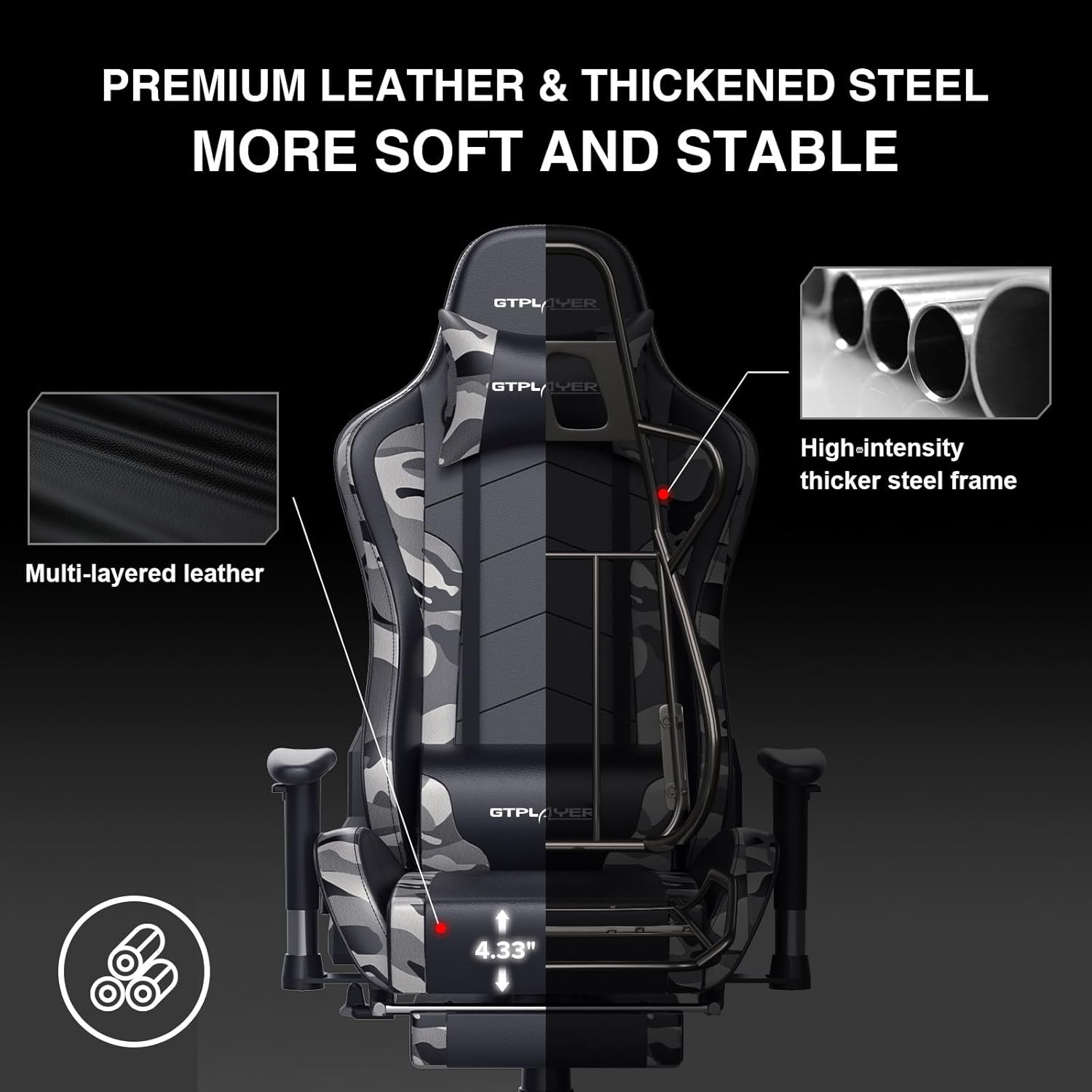
Image: The GTRACING GT890MF Gaming Chair demonstrating its backrest recline function, adjustable from 90 degrees for work to 155 degrees for resting.

Imaj: Yon gwo plan view of the GTRACING GT890MF Gaming Chair's adjustable multi-directional armrests, highlighting their ability to move up, down, and pivot for optimal positioning.
Operasyon Oratè Bluetooth
Your GTRACING GT890MF chair is equipped with dual Bluetooth 5.1 speakers for an immersive audio experience.
- Pouvwa sou: Locate the power button for the Bluetooth speakers, typically on the side or back of the chair. Press and hold to power on. A sound or indicator light will confirm activation.
- Pè Mode: The speakers will automatically enter pairing mode when powered on for the first time, or if no device is connected. An indicator light will usually flash.
- Konekte aparèy: On your smartphone, tablet, or other Bluetooth-enabled device, go to Bluetooth settings and search for available devices. Select "GTPLAYER" or a similar name to connect.
- Lektur odyo: Once connected, audio from your device will play through the chair's speakers. Adjust volume from your connected device.
- Pouvwa Off: Press and hold the power button again to turn off the speakers.

Image: The GTRACING GT890MF Gaming Chair with a visual representation of sound waves emanating from the integrated Bluetooth speakers in the headrest area.

Image: A detailed diagram illustrating the dual Bluetooth 5.1 speakers within the GTRACING GT890MF Gaming Chair, highlighting features like clear treble, stereo sound, HiFi audio, and dust prevention.

Image: A user seated in the GTRACING GT890MF Gaming Chair, with an illustration showing how the chair's Bluetooth speakers can connect to various devices like PC/TV, PS4/PS5/XBOX, and other Bluetooth 5.1 enabled devices. A separate USB Bluetooth transmitter is shown as an option for non-Bluetooth devices.
Antretyen
- Netwayaj: Siye pwòp ak anonsamp twal. Evite pwodui chimik ki agresif oswa pwodui netwayaj abrazif ki ka domaje amebleman fo kwi a.
- Enspeksyon: Tcheke tout boulon ak vis yo detanzantan pou asire yo byen sere. Sere yo ankò si sa nesesè.
- Swen Roulèt: Kenbe wou yo pwòp san cheve ak debri pou asire yo woule san pwoblèm.
- Depo: Store the chair in a dry, cool place away from direct sunlight to prevent material degradation.
Depanaj
| Pwoblèm | Kòz posib | Solisyon |
|---|---|---|
| Chèz la pa ajiste wotè a | Leviye leve gaz la pa angaje oswa leve gaz la gen pwoblèm. | Ensure the lever is fully pulled. If issue persists, contact support for gas lift replacement. |
| Backrest does not recline/lock | Recline lever not engaged or mechanism obstructed. | Ensure the recline lever is fully pulled/released. Check for obstructions in the recline mechanism. |
| Bluetooth speakers not pairing | Speakers not powered on, out of range, or already paired to another device. | Ensure speakers are charged and powered on. Move device closer to chair. Disconnect from other devices. Try restarting both chair speakers and your device. |
| Chèz la ap tranble | Boulon ki lach oswa asanblaj inegal. | Tcheke epi sere tout boulon asanblaj yo. Asire w ke chèz la sou yon sifas plat e inifòm. |
Espesifikasyon
- Non modèl: GT890MF
- Mak: GTRACING
- Koulè: Kamouflaj
- Materyèl: Faux Leather, Foam Fill, Steel Frame
- Dimansyon pwodwi (P x W x H): 20.87" x 21.65" x 53.15"
- Wotè chèz: Adjustable, up to 22.04 inches
- Pwofondè chèz: 20.87 pous
- Pwa atik: 47 liv
- Rekòmandasyon pou pwa maksimòm: 300 liv
- Style tounen: Solid Back, Reclining (90 to 160 degrees)
- Karakteristik espesyal: Adjustable Height, Adjustable Lumbar, Ergonomic Design, Foot Rest, Rolling Casters, Dual Bluetooth 5.1 Speakers
- Asanble: Obligatwa

Image: A diagram illustrating the key dimensions of the GTRACING GT890MF Gaming Chair, including overall height, width, and depth.

Image: A detailed diagram showing various dimensions of the GTRACING GT890MF Gaming Chair, including seat height, armrest height, and backrest height, along with maximum load capacity (330 lbs) and recommended user height (6.2 ft).
Garanti ak sipò
GTRACING offers a worry-free purchase experience for your gaming chair.
- Règleman 30 jou: Free replacement or refund within 30 days of purchase.
- 1-ane garanti: Free replacement or repair within 1 year of purchase for manufacturing defects.
For any questions, suggestions, or support needs, please feel free to contact our customer service team. We are dedicated to ensuring customer satisfaction.

Image: A group of customer service representatives wearing headsets, symbolizing available support.


