1. Entwodiksyon
Mèsi pou acha aasing the Ematic LED Projector. This manual provides essential information for setting up, operating, and maintaining your projector to ensure optimal performance and longevity. Please read this manual thoroughly before using the product and retain it for future reference.
2. Enfòmasyon sou Sekirite
To prevent fire or electric shock, do not expose this appliance to rain or moisture. To avoid electric shock, do not open the cabinet. Refer servicing to qualified personnel only.
- Pa gade dirèkteman nan lantiy pwojektè a lè l ap limen.amp se sou.
- Asire w ke gen bon vantilasyon toutotou pwojektè a. Pa bloke ouvèti vantilasyon yo.
- Sèvi sèlman ak adaptè kouran ki vini ak pwojektè a.
- Kenbe pwojektè a lwen dlo oswa nenpòt likid.
- Do not place the projector on an unstable surface.
- Debranche pwojektè a nan priz kouran an pandan tanpèt zèklè oswa lè ou pa itilize li pou yon bon bout tan.
3. Pake kontni
- Ematic LED Projector
- Kontwòl Remote
- Adaptè pouvwa
- Manyèl itilizatè
- AV Cable (if included)
4. Pwodwi souview
4.1 Devan View
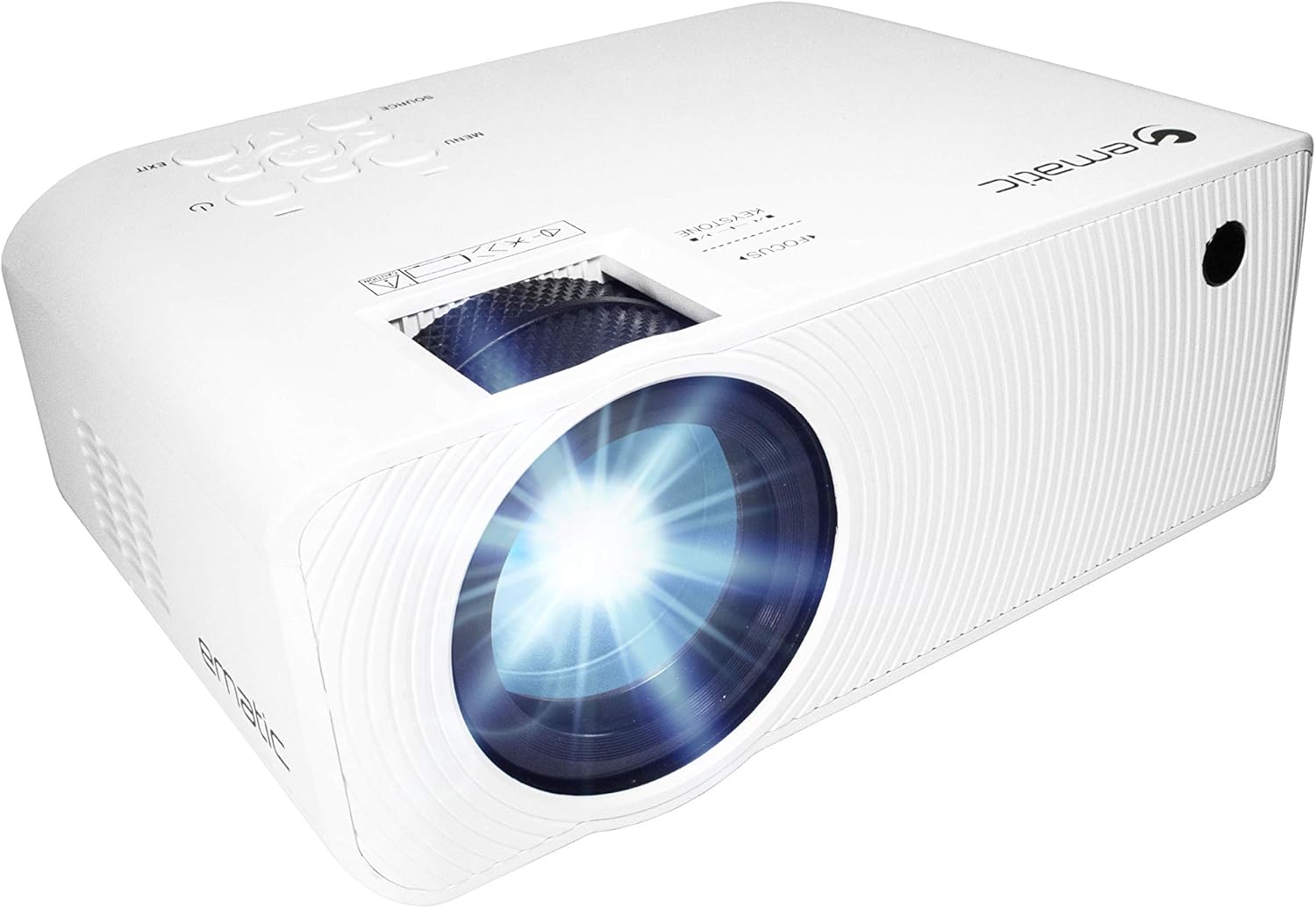
Figi 4.1: Devan view of the Ematic LED Projector, highlighting the projection lens.
4.2 Top View ak Kontwòl

Figi 4.2: Top view of the projector showing the control panel (Menu, Source, Exit, Navigation buttons) and the Focus and Keystone correction dials. A remote control is also visible.
- Bag konsantre: Ajiste klète imaj la.
- Koreksyon Keystone: Korije distòsyon imaj trapezoidal la.
- Kontwòl Panel: Buttons for Menu, Source selection, Exit, and navigation.
4.3 Dèyè ak bò kote Views with Ports

Figure 4.3: Rear panel of the projector displaying the connectivity options: AUX audio output, AV input, MicroSD card slot, two HDMI inputs, USB port, and DC power input.

Figi 4.4: Side view of the projector, highlighting the VGA input port and the infrared (IR) receiver for the remote control.
- AUX: 3.5mm audio output for external speakers or headphones.
- DE: Composite video and stereo audio input.
- MicroSD: Slot for MicroSD memory cards.
- HDMI 1 / HDMI 2: High-Definition Multimedia Interface inputs for digital audio/video.
- USB: USB port for media playback from USB drives.
- DC IN: Antre kouran pou pwojektè a.
- VGA: Video Graphics Array input for computer connection.
5. Enstalasyon
- Plasman: Mete pwojektè a sou yon sifas ki plat e ki estab. Asire w ke gen ase espas otou pwojektè a pou vantilasyon. Pou yon fonksyon optimal viewing, position the projector perpendicular to the projection screen or wall.
- Koneksyon pouvwa: Connect the supplied power adapter to the DC IN port on the projector and then plug the adapter into a power outlet.
- Premye pouvwa sou: Press the power button on the projector or the remote control to turn on the unit. The power indicator light will illuminate.
- Ajisteman konsantre: Once the projector is on, rotate the Focus Ring (refer to Figure 4.2) until the projected image is clear and sharp.
- Koreksyon Keystone: If the image appears trapezoidal (wider at the top or bottom), adjust the Keystone Correction dial (refer to Figure 4.2) until the image is rectangular.
6. Operasyon Enstriksyon
- Limen/Etenyen: Press the power button on the projector or remote control. Press again to turn off.
- Seleksyon sous Antre: Press the "Source" button on the projector or remote control to cycle through available input sources (HDMI 1, HDMI 2, AV, VGA, USB, MicroSD). Select the desired input.
- Navigasyon nan meni: Press the "Menu" button to access the projector's settings. Use the navigation buttons on the projector or remote to browse options and the "OK" button to confirm selections.
- Media Playback (USB/MicroSD): Insert a USB drive or MicroSD card into the respective port. Select "USB" or "MicroSD" as the input source. The projector will display a file browser. Navigate to your desired media file (video, photo, music, text) and press "OK" to play.
- Sòti odyo: The projector has built-in speakers (refer to Figure 6.1). For external audio, connect headphones or external speakers to the AUX port (3.5mm audio jack).
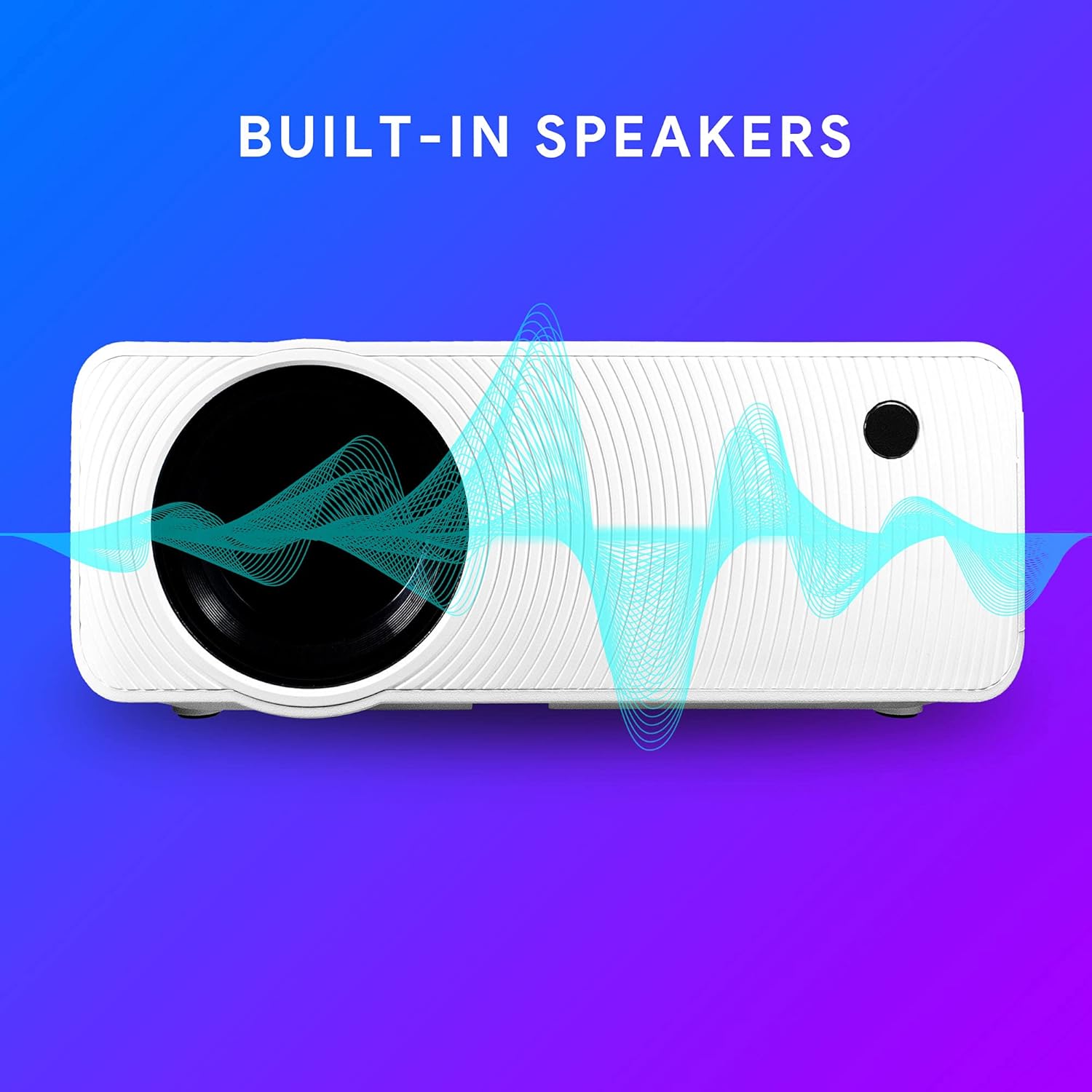
Figure 6.1: Projector highlighting its built-in speaker functionality.
7. Koneksyon
The Ematic LED Projector offers multiple connection options to various devices, ensuring versatility for your entertainment and presentation needs.

Figure 7.1: Multimedia device compatibility chart for the projector.

Figi 7.2: Egzamples of projector connections to a laptop and smartphone, highlighting supported input types.
- HDMI: Connect Blu-ray players, game consoles (PS4, Xbox), streaming devices (Amazon Fire TV Stick, Chromecast), laptops, and other HDMI-enabled devices.
- USB: Jwe medya files (videos, photos, music) directly from USB flash drives.
- MicroSD: Jwe medya files directly from MicroSD memory cards.
- DE: Connect older devices like DVD players or VCRs using the included AV cable.
- VGA: Connect desktop computers or older laptops.
- Audio Out (AUX): Connect external speakers or headphones for enhanced audio experience.
8. Antretyen
- Netwayaj lantiy: Sèvi ak yon twal mou ki pa gen pousyè, espesyalman fèt pou lantiy optik, pou siye lantiy pwojektè a dousman. Pa sèvi ak pwodui netwayaj abrazif oswa fòs twòp.
- Retire pousyè: Regularly clean the ventilation grilles with a soft brush or compressed air to prevent dust buildup, which can affect performance and lifespan.
- Netwayaj eksteryè: Wipe the projector's exterior with a soft, damp twal. Evite itilize pwodwi chimik piman bouk yo.
- Depo: Lè w pa itilize pwojektè a pou yon bon bout tan, sere l nan yon kote ki fre epi sèk, de preferans nan anbalaj orijinal li oswa nan yon kouvèti pwoteksyon, pou anpeche pousyè akimile epi domaje li.
NAN. Depanaj
| Pwoblèm | Kòz posib | Solisyon |
|---|---|---|
| Pa gen imaj projeté | No power; Incorrect input source; Cable not connected properly. | Check power connection; Select correct input source; Reconnect cables securely. |
| Imaj la twoub | Fokus la pa ajiste; Pwojektè a twò lwen/two pre ekran an. | Ajiste bag konsantre a; Ajiste distans pwojeksyon an. |
| Imaj la se trapezoidal | Keystone not adjusted; Projector not level. | Adjust the Keystone Correction dial; Ensure projector is on a flat surface. |
| Pa gen son | Volume too low; Muted; External speakers not connected or off. | Increase volume; Unmute; Check external speaker connection and power. |
| Remote kontwòl pa travay | Batteries dead; Obstruction between remote and IR receiver. | Replace batteries; Remove obstructions; Point remote directly at the projector's IR receiver. |
10. Espesifikasyon
| Karakteristik | Detay |
|---|---|
| Mak | Ematik |
| Modèl | EMP-720 (Generic) |
| Rezolisyon ekspozisyon | 1280 x 720 (Natif) |
| Koneksyon Teknoloji | HDMI, USB, AV, VGA, MicroSD, AUX |
| Karakteristik espesyal | Portable, Built-in Speakers |
| Pwa atik | 3.5 liv |
| Dimansyon pwodwi | 13.85 x 5 x 8.8 pous |
| Lamp Lavi | Jiska 20,000 èdtan (Mòd Nòmal) |
11. Garanti ak sipò
For warranty information and technical support, please refer to the warranty card included with your product or visit the official Ematic websit la. Kenbe prèv acha ou pou reklamasyon garanti.
Ematic Customer Support: www.ematic.us/support (EgzampLyen an)


