Entwodiksyon
This user manual provides detailed instructions for the installation, operation, and maintenance of your Byron DBY-22311 Portable Wireless Doorbell. This system offers a convenient and reliable solution for your home, featuring a portable chime unit and a wireless push button.
The portable chime unit allows for flexible placement within your home, garden, or garage, ensuring you never miss a visitor. The system operates wirelessly with a range of up to 150 meters in open areas.
Karakteristik kle
- Koneksyon Wireless: Provides a reliable wireless connection between the push button and the chime unit, offering flexible placement options.
- Pare pou itilize: The set includes a wall-mountable push button and a portable wireless chime, designed for immediate use upon setup.
- Anviwònman reglabl: Choose from 16 selectable melodies and 5 adjustable volume levels to customize your doorbell sound.
- Ranje san fil pwolonje: Boasts an impressive wireless range of up to 150 meters (open field), ensuring you hear the chime from various locations.
- Rezistan nan move tan: The push button is constructed with an IP44 rating, making it suitable for outdoor use and resistant to various weather conditions.
Kontni pake
Tanpri asire w ke tout bagay yo prezan anvan ou kontinye ak enstalasyon an:
- Byron DBY-22311 Portable Wireless Chime Unit
- Wireless Push Button (with 1 CR2 battery included)
- Double-sided Adhesive Tape for mounting
- Manyèl itilizatè
Note: 3 x AA batteries for the portable chime unit are not included and must be purchased separately.
Enstalasyon ak Enstalasyon
1. Enstalasyon batri
For the Portable Chime Unit:
- Locate the battery compartment on the back of the chime unit.
- Louvri kouvèti lòj batri a.
- Mete 3 pil AA (pa enkli), asire polarite ki kòrèk la (+/-).
- Fèmen kouvèti lòj batri a byen.
For the Wireless Push Button:
- The push button comes with a pre-installed CR2 battery.
- If replacement is needed, open the back cover of the push button.
- Replace the CR2 battery, observing polarity.
- Fèmen kouvèti a byen fèm.

Imaj: Dèyè view of the chime unit with its battery compartment open, alongside the push button showing its mounting points. This illustrates where batteries are inserted and how the units can be mounted.
2. Enstalasyon bouton pouse a
The push button can be mounted using the provided double-sided adhesive tape or screws (not included) for a more permanent fixture.
- Chwazi yon bon kote toupre antre a, pou asire ke vizitè yo ka jwenn li fasilman.
- Clean the mounting surface thoroughly to ensure good adhesion.
- Sèvi ak tep adezif: Peel off the protective backing from the double-sided adhesive tape and firmly press the push button onto the desired surface for at least 30 seconds.
- Sèvi ak vis (opsyonèl): If using screws, mark the drilling points through the holes on the back of the push button. Drill pilot holes, insert wall plugs if necessary, and secure the push button with screws.

Image: A person's hand pressing the wireless doorbell push button, which is mounted on a wall next to a door. This demonstrates the typical installation location and interaction with the push button.
3. Initial Test
After installing batteries and mounting the push button, press the push button to confirm the chime unit rings. The units are pre-paired for convenience.
Enstriksyon Operasyon
1. Chanje Melodi
The chime unit offers 16 different melodies. To change the melody:
- Locate the melody selection button on the side of the portable chime unit.
- Press this button repeatedly to cycle through the available melodies.
- Sispann peze lè ou tande melodi ou vle a. Sonèt la ap sonje seleksyon ou an.

Imaj: Yon gwo plan view of the side of the chime unit, highlighting the small button used for cycling through the 16 available melodies.
2. Ajiste Volim
The chime unit has 5 adjustable volume levels. To change the volume:
- Locate the volume control button, typically near the melody selection button or on the front/side of the chime unit.
- Press this button to cycle through the volume levels (from lowest to highest, then back to lowest).
- Select the volume level that best suits your environment.
3. Itilizasyon pòtab
The portable chime unit can be carried with you throughout your home, garden, or garage, as long as it remains within the 150-meter wireless range of the push button.
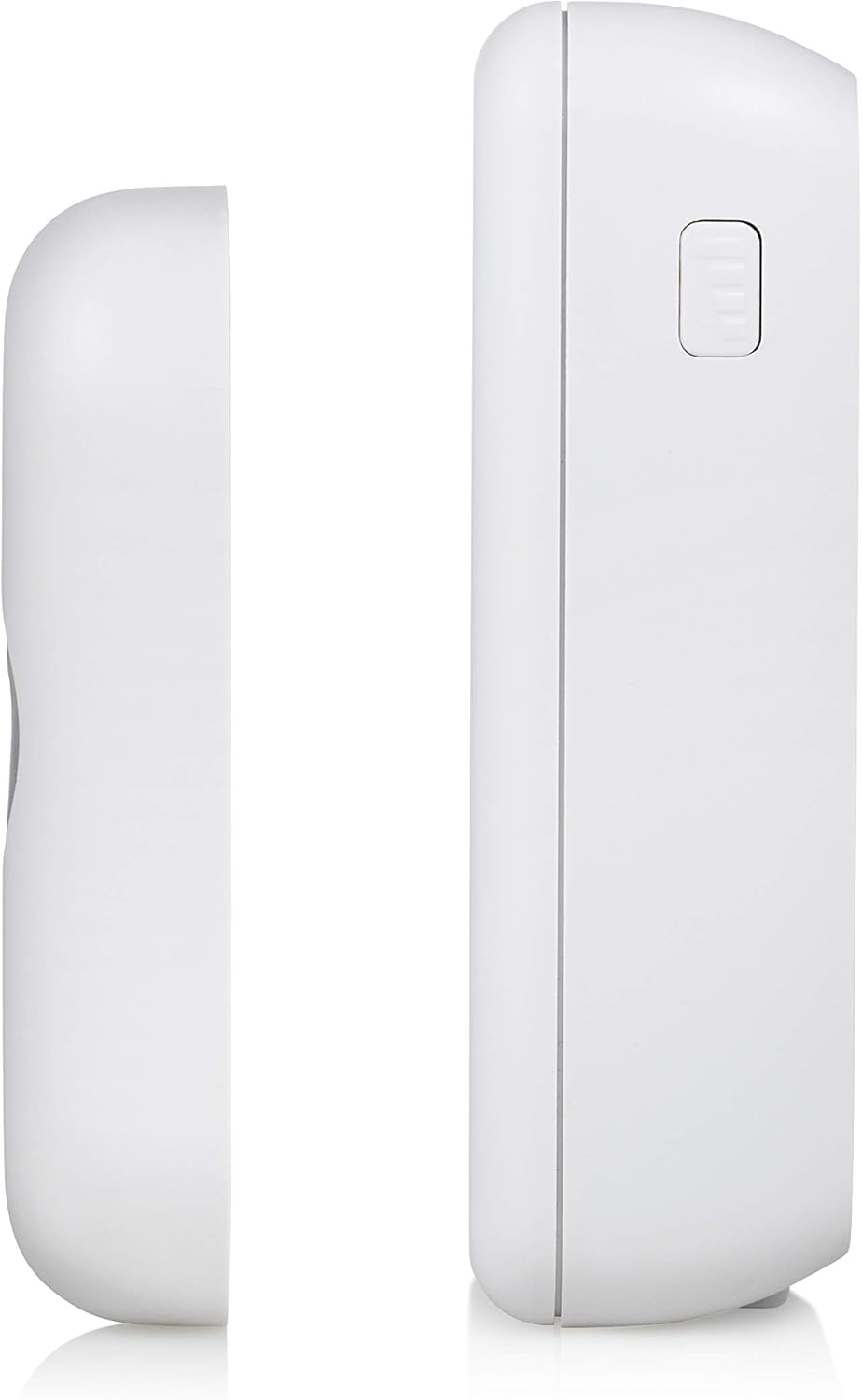
Image: A diagram illustrating the wireless connection and effective range of 150 meters between the doorbell push button and the portable chime unit, indicating the flexibility of placement.
Antretyen
1. Ranplasman batri
- Inite sonèt: When the chime sound becomes weak or stops, replace the 3 x AA batteries. Follow the steps in the "Battery Installation" section.
- Pouse bouton: If the push button indicator light does not illuminate or the chime does not ring when pressed, replace the CR2 battery. Follow the steps in the "Battery Installation" section.
- Always dispose of old batteries responsibly according to local regulations.
2. Netwayaj
Clean the doorbell units with a soft, dry cloth. Do not use abrasive cleaners or solvents, as these may damage the surface.
3. Rezistans move tan (IP44)
The push button is rated IP44, meaning it is protected against solid objects larger than 1mm and against splashing water from any direction. While weather-resistant, avoid submerging the unit in water or exposing it to extreme weather conditions for prolonged periods.
Depanaj
| Pwoblèm | Kòz posib | Solisyon |
|---|---|---|
| Chime does not ring when push button is pressed. |
|
|
| Kout distans san fil. |
|
|
| Chime rings intermittently. |
|
|
Espesifikasyon
| Karakteristik | Detay |
|---|---|
| Mak | Byron |
| Nimewo Modèl | DBY-22311 |
| Product Dimensions (Chime) | Apeprè. 7 x 3 x 10.05 cm |
| Pwa atik | 130 gram |
| Power Source (Chime) | 3 x AA pil (pa enkli) |
| Sous kouran (bouton pouse) | 1 x CR2 batri (enkli) |
| Voltage | 4.5 Volts |
| Wireless Range | Jiska 150 mèt (nan jaden ouvè) |
| Melodi | 16 melodi chwazi |
| Nivo volim | 5 nivo reglabl |
| Rezistans move tan (bouton pouse) | IP44 rated |
| Materyèl | Plastik |
| Koulè | Blan |
| Peyi orijin | Lachin |
Garanti ak sipò
For warranty information and technical support, please refer to the contact details provided on the product packaging or visit the official Byron websit la. Kenbe prèv acha ou pou reklamasyon garanti.
For further assistance, please contact Byron customer service.


