Entwodiksyon
The Divoom Ditoo is a versatile portable Bluetooth speaker featuring a 16x16 LED front panel for pixel art display, a smart alarm, and various app-controlled functions. This manual provides detailed instructions for setting up, operating, and maintaining your Ditoo speaker.

Image: The Divoom Ditoo speaker, showcasing its pixel art display and retro design.
Ki sa ki nan bwat la
Lè w ap debale Divoom Ditoo ou a, tanpri asire w ke tout konpozan sa yo la:
- Divoom Ditoo Speaker
- USB-C Chaje Kab
- Manyèl Itilizatè (dokiman sa a)
- Mini Wireless Microphone (if included with your specific package)
- Gid Quick Start
- Cute Sticker

Image: A visual representation of the Divoom Ditoo speaker and its included accessories, such as the USB-C cable and quick start guide.
Pwodwi souview ak Kontwòl
Familiarize yourself with the Ditoo's physical components and controls for optimal use.
Image: Detailed diagram of the Divoom Ditoo speaker, highlighting its various buttons, ports, and features.
| Non. | Bouton/Port | Fonksyon |
|---|---|---|
| 1 | "m" button | Press: Enter/Exit menu system. Hold: Turn On/Off the keyboard backlight. |
| 2 | bouton "+" | Press: Increase volume. Hold: Increase brightness. |
| 3 | "*" Lighting button | Press: Change light function. Hold: Change light effects. |
| 4 | "<" button | Press: Previous song. Hold: Last light effect. |
| 5 | "-" Lower key | Press: Decrease volume. Hold: Lower brightness. |
| 6 | ">" button | Press: Next song. Hold: Next light effect. |
| 7 | Levye | Short pull: Play/Pause. Long pull: Start voice memo recording. |
| 8 | Bouton sous odyo | Short pull: Switch between different audio sources. Double press: Disconnect Bluetooth connection. |
| 9 | Endikatè batri | Peze nenpòt bouton pou tcheke eta batri a. |
| 10 | Pò Bass | Enhances low-frequency sound output. |
| 11 | Flap pò dèyè | Protects the charging and TF card slots. |
| 12 | Reyajiste twou zepeng | Used to reset the device if it becomes unresponsive. |
| 13 | USB Kalite-C chaje pò | Pou chaje aparèy la. |
| 14 | Bouton ON/OFF | Hold: Power ON/OFF speaker. |
| 15 | TF kat plas | Playback music from a TF (microSD) card. |
Enstalasyon
1. Charging the Ditoo
Before first use, fully charge your Divoom Ditoo speaker. Connect the provided USB-C cable to the charging port (13) on the back of the device and the other end to a USB power adapter (not included).
- The battery indicator (9) will show charging status.
- A full charge provides approximately 8 hours of playback. Playback time may vary depending on image complexity and brightness.
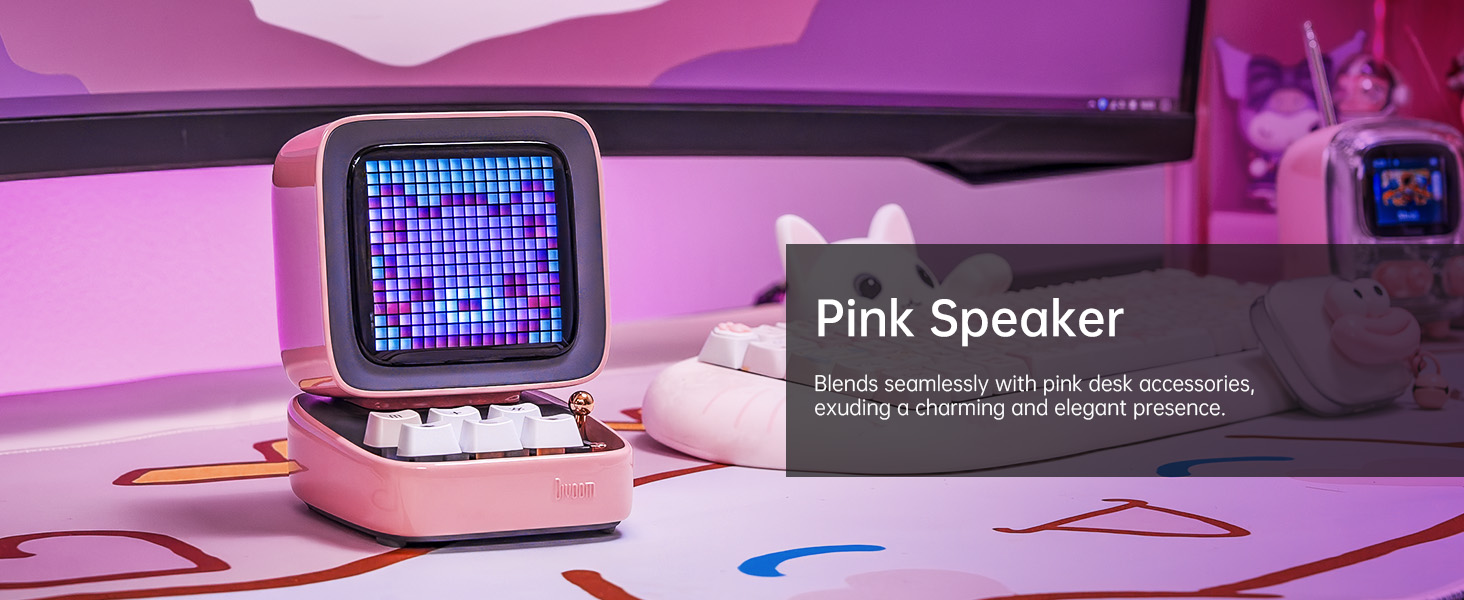
Image: The Divoom Ditoo speaker connected to a USB-C charging cable, illustrating the charging process.
2. Downloading the Divoom App
To unlock the full potential of your Ditoo speaker, download the official Divoom app. The app is available for both iOS and Android devices.
- Eskane kòd QR ki sou anbalaj pwodwi a oubyen vizite www.divoom.com/AppDownLoad pou telechaje.
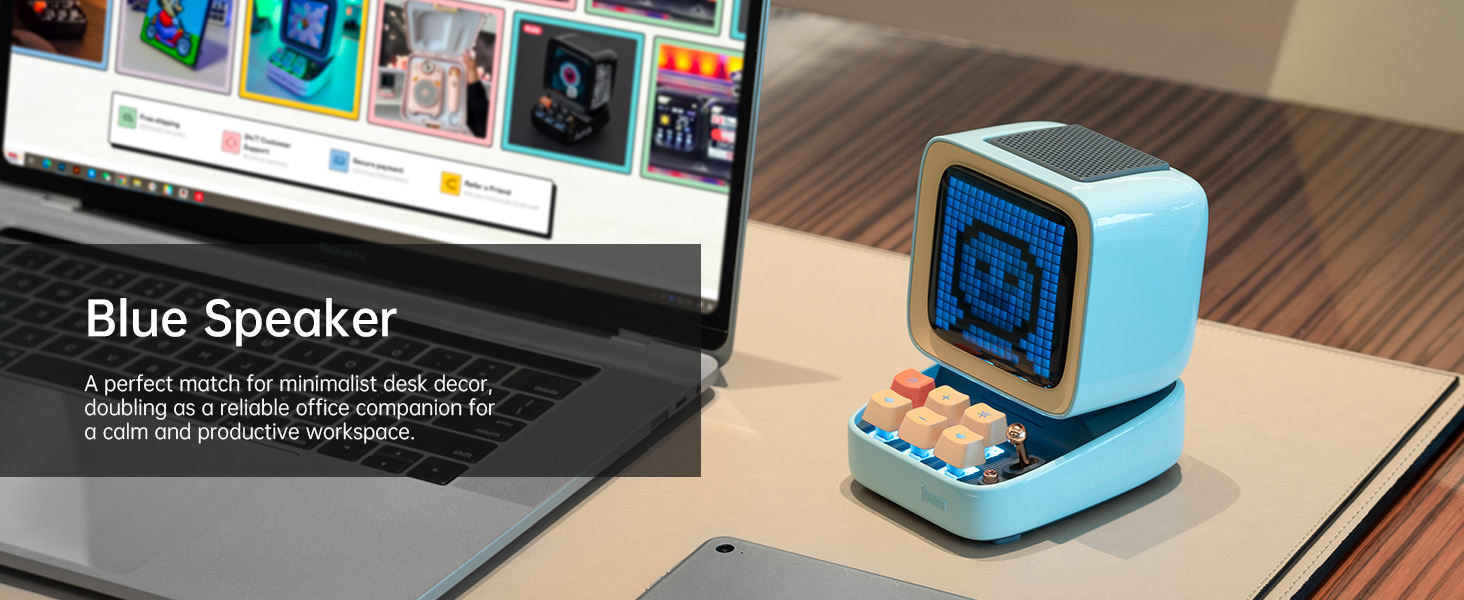
Image: A smartphone displaying the Divoom app, demonstrating its pixel art creation and gallery functionalities.
3. Pè Bluetooth
Once the Ditoo is charged and the app is installed:
- Hold the ON/OFF button (14) to power on the speaker.
- Pèmèt Bluetooth sou smartphone ou oswa grenn ou.
- Open the Divoom app and follow the on-screen instructions to connect to "Ditoo-Audio".
- Alternatively, you can pair directly through your device's Bluetooth settings.
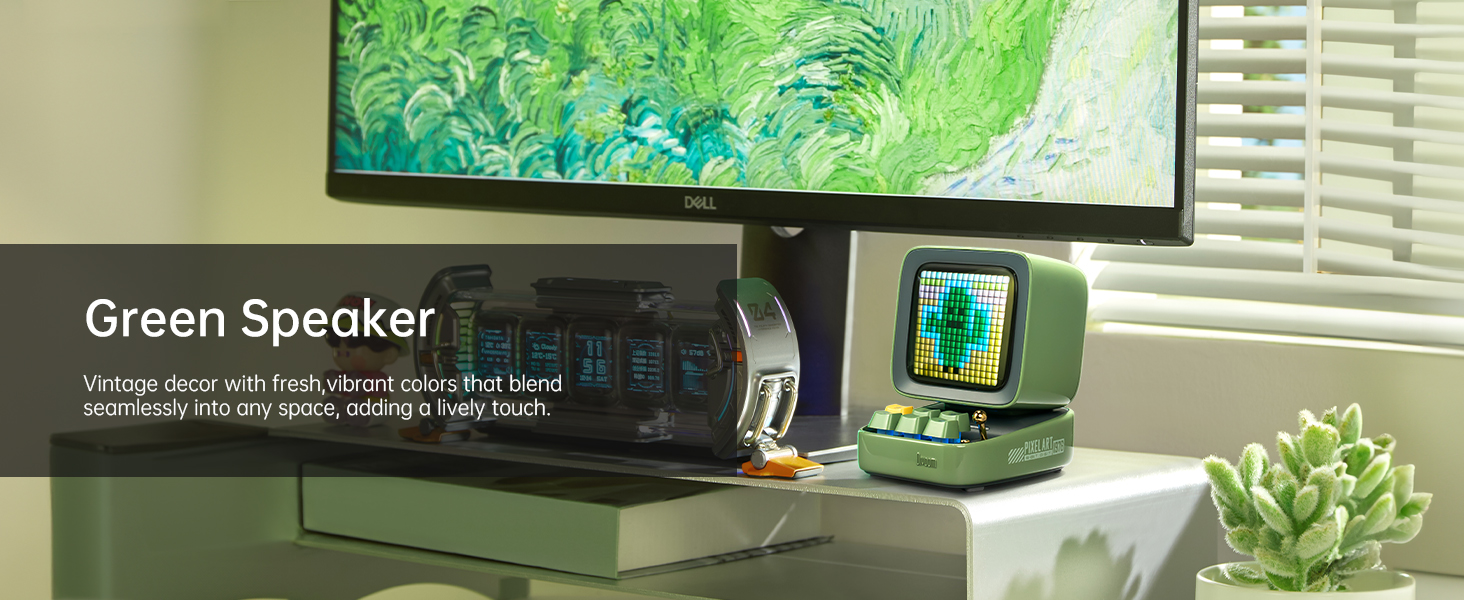
Image: A smartphone wirelessly connected to the Divoom Ditoo speaker, illustrating the Bluetooth pairing process and real-time pixel art display.
Enstriksyon Operasyon
Lekti Odyo Debaz
- Kontwòl Volim: Use the "+" (2) and "-" (5) buttons on the keyboard to adjust volume.
- Track Navigasyon: Use the "<" (4) and ">" (6) buttons to skip between songs.
- Jwe/Poz: Short pull the Lever (7) to play or pause audio.
- Sous odyo: Short pull the Audio source button (8) to switch between Bluetooth and TF card playback.
Pixel Art and Lighting Functions
- Change Light Function: Press the "*" Lighting button (3) to cycle through different lighting modes.
- Chanje efè limyè: Hold the "*" Lighting button (3) to change specific light effects within a mode.
- Klavye ekleraj: Hold the "m" button (1) to turn the keyboard backlight on or off.
- Ajisteman klète: Hold the "+" (2) or "-" (5) buttons to adjust the screen brightness.

Image: The Divoom Ditoo speaker showcasing its vibrant pixel art display capabilities, including dynamic animations and color variations.
Using the Divoom App Features
The Divoom app provides extensive customization and functionality for your Ditoo speaker:
- Kreyasyon Pixel Art: Design your own pixel art or import images to display on the screen.
- Galeri sou entènèt: Access a vast community gallery of pixel art designs created by other users.
- Alam entelijan: Set alarms with customizable sounds and pixel art animations.
- Notifikasyon: Receive social media and app notifications directly on the Ditoo's screen.
- Jwèt: Play built-in pixel games using the joystick and keyboard buttons.
- Zouti: Access various tools like a stopwatch, timer, and scorekeeper.
- Vizualizatè Mizik: Display dynamic pixel art visualizations that react to your music.
- Bri blan: Choose from 24 soothing sounds for relaxation or sleep aid.

Image: Multiple screenshots of the Divoom mobile application, demonstrating its diverse features including pixel art design, clock face selection, and scheduling tools.
Voice Memo Recording
Long pull the Lever (7) to start recording a voice memo. Pull again to stop recording. Memos can be managed through the Divoom app.
Antretyen
- Netwayaj: Use a soft, dry cloth to clean the speaker's surface. Do not use liquid cleaners or aerosols.
- Depo: Store the Ditoo in a cool, dry place away from direct sunlight and extreme temperatures.
- Swen batri: Pou pwolonje lavi batri a, evite dechaje batri a nèt souvan. Chaje l regilyèman.
- Rezistans dlo: The Divoom Ditoo is NOT waterproof. Avoid exposure to water or high humidity.
Depanaj
| Pwoblèm | Kòz posib | Solisyon |
|---|---|---|
| Aparèy pa limen. | Batri ki ba. | Chaje aparèy la avèk kab USB-C a. |
| Pa ka konekte via Bluetooth. | Bluetooth not enabled on device; Ditoo not in pairing mode; interference. | Ensure Bluetooth is on. Double press the Audio source button (8) to disconnect and re-enter pairing mode. Move closer to the speaker. |
| Pixel art display is dim or unresponsive. | Brightness setting too low; software glitch. | Hold the "+" button (2) to increase brightness. If unresponsive, use a pin to press the Reset pin hole (12). |
| Distòsyon son an lè gen gwo volim. | Volim twò wo. | Decrease the volume using the "-" button (5). |
| App features not syncing with speaker. | App not connected or outdated. | Ensure the app is connected to "Ditoo-Audio". Update the Divoom app to the latest version. |
Espesifikasyon
| Karakteristik | Detay |
|---|---|
| Non modèl | Ditoo |
| Dimansyon (D x W x H) | 3.54"P x 4.48"L x 4.77"H (90mm x 114.2mm x 121.2mm) |
| Pwa atik | 533 gram (1.18 liv) |
| Gwosè Oratè | 48 mm |
| Sortie pouvwa | 15 Watts |
| Kapasite batri | 5000 mAh |
| Lektur Tan | Jiska 8 èdtan |
| Bluetooth vèsyon | 5.0 |
| Wireless Range | 10 mèt |
| Repons Frekans | 80 Hz (lower bound provided) |
| Siyal-a-bwi Pwopòsyon | 80 dB |
| Metòd kontwòl | Aplikasyon, Bouton |
| Koneksyon | Bluetooth, TF Card, USB Type-C |
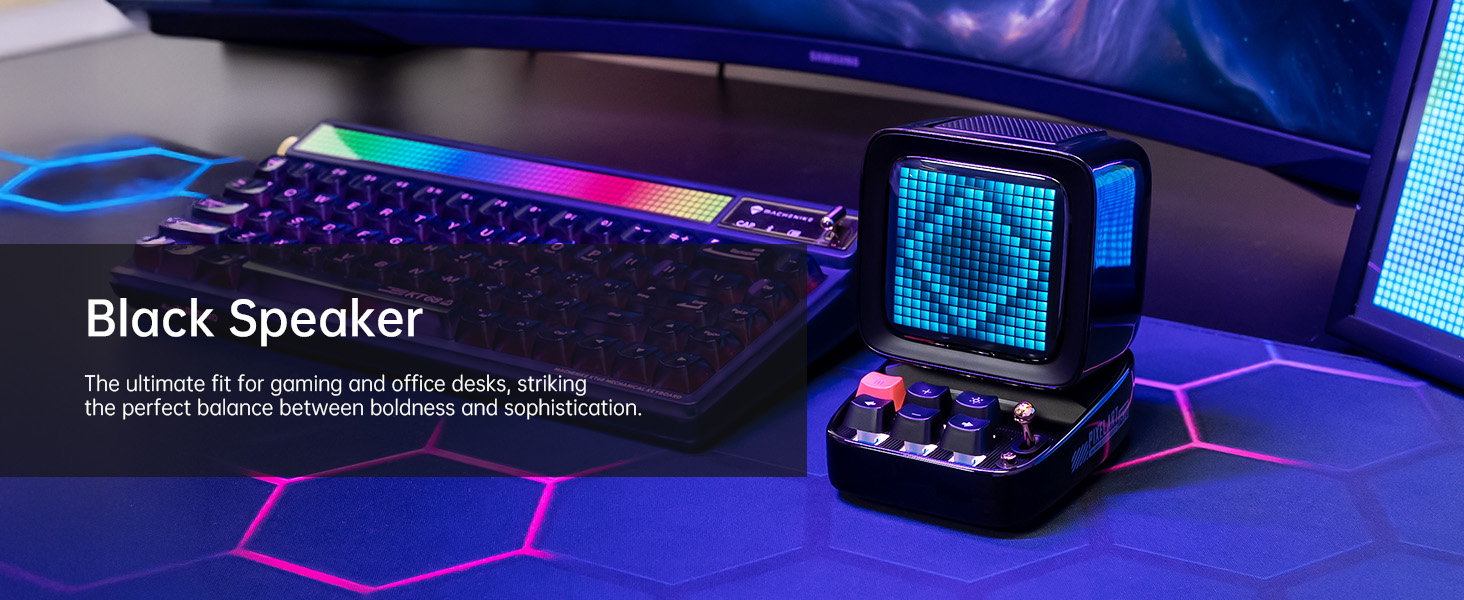
Image: A technical diagram illustrating the physical dimensions and key product parameters of the Divoom Ditoo speaker.
Garanti ak sipò
Divoom products typically come with a standard manufacturer's warranty. For specific warranty details, please refer to the warranty card included in your product packaging or visit the official Divoom website. For technical support, troubleshooting assistance, or any product-related inquiries, please contact Divoom customer service through their official channels.
Official Divoom Websit: www.divoom.com
You can also refer to the official User Manual (PDF) available at: Divoom Ditoo User Manual PDF


