1. Entwodiksyon
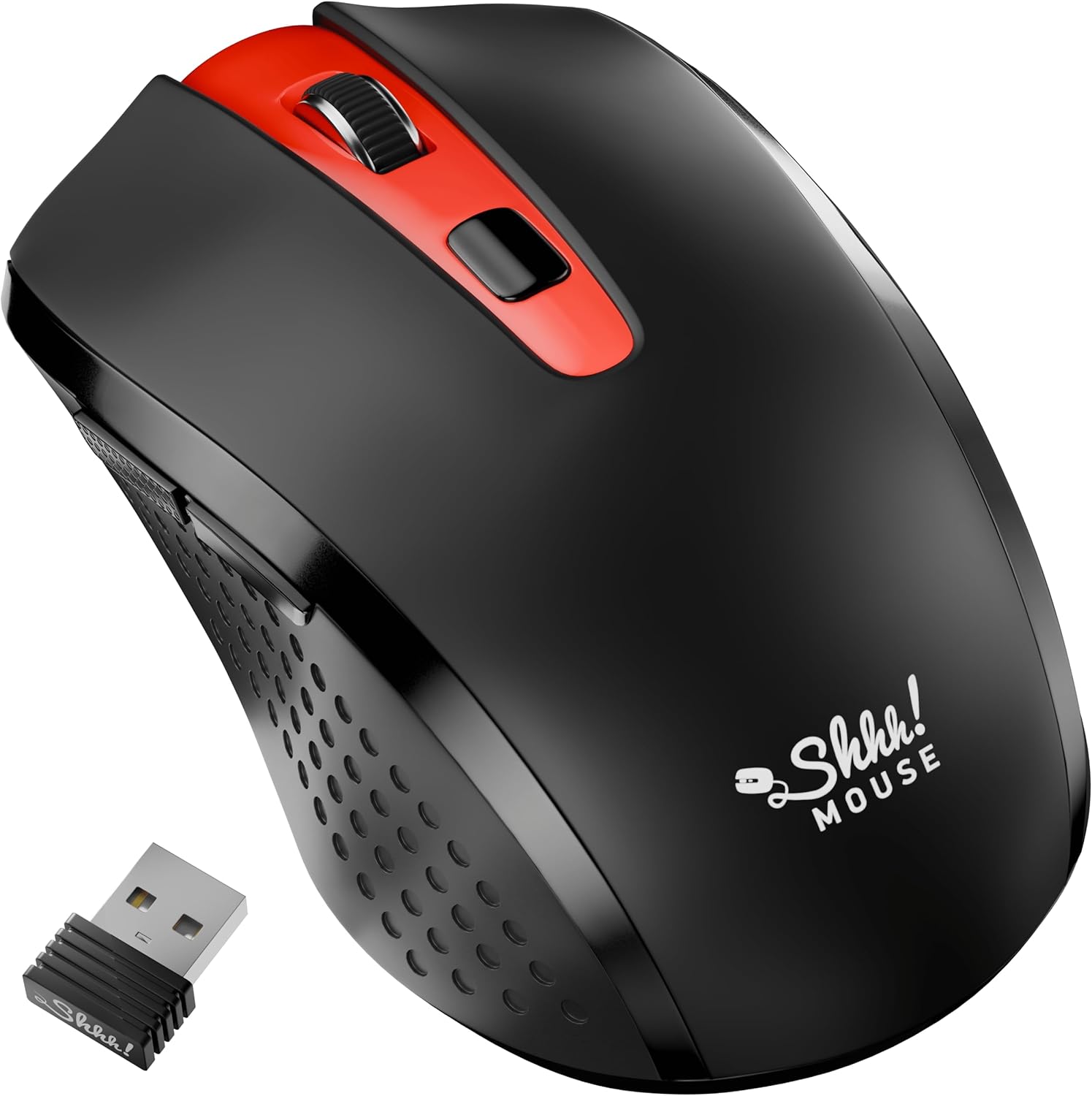
Thank you for choosing the SHHHMOUSE Silent Wireless Mouse. This manual provides essential information for setting up, operating, and maintaining your new mouse. Designed for quiet operation and ergonomic comfort, this mouse enhances your productivity without disturbing those around you.
Karakteristik kle:
- Quiet Mouse Wireless: Enjoy silent clicks with a noiseless clicking mechanism for a peaceful working environment.
- Ergonomik konfò: Experience a comfortable grip that reduces strain during extended work sessions.
- Precision Elevated: Advanced optical sensor for high-precision cursor control.
- Plug & Play: Seamless connection via USB receiver, no extra software or drivers required.
- Tan Itilizasyon Pwolonje: Up to 18 months of battery life for prolonged use.
2. Ki sa ki nan bwat la
Verifye ke tout atik yo prezan nan pakè a:
- 1 x SHHHMOUSE Silent Wireless Mouse
- 1 x USB Reseptè
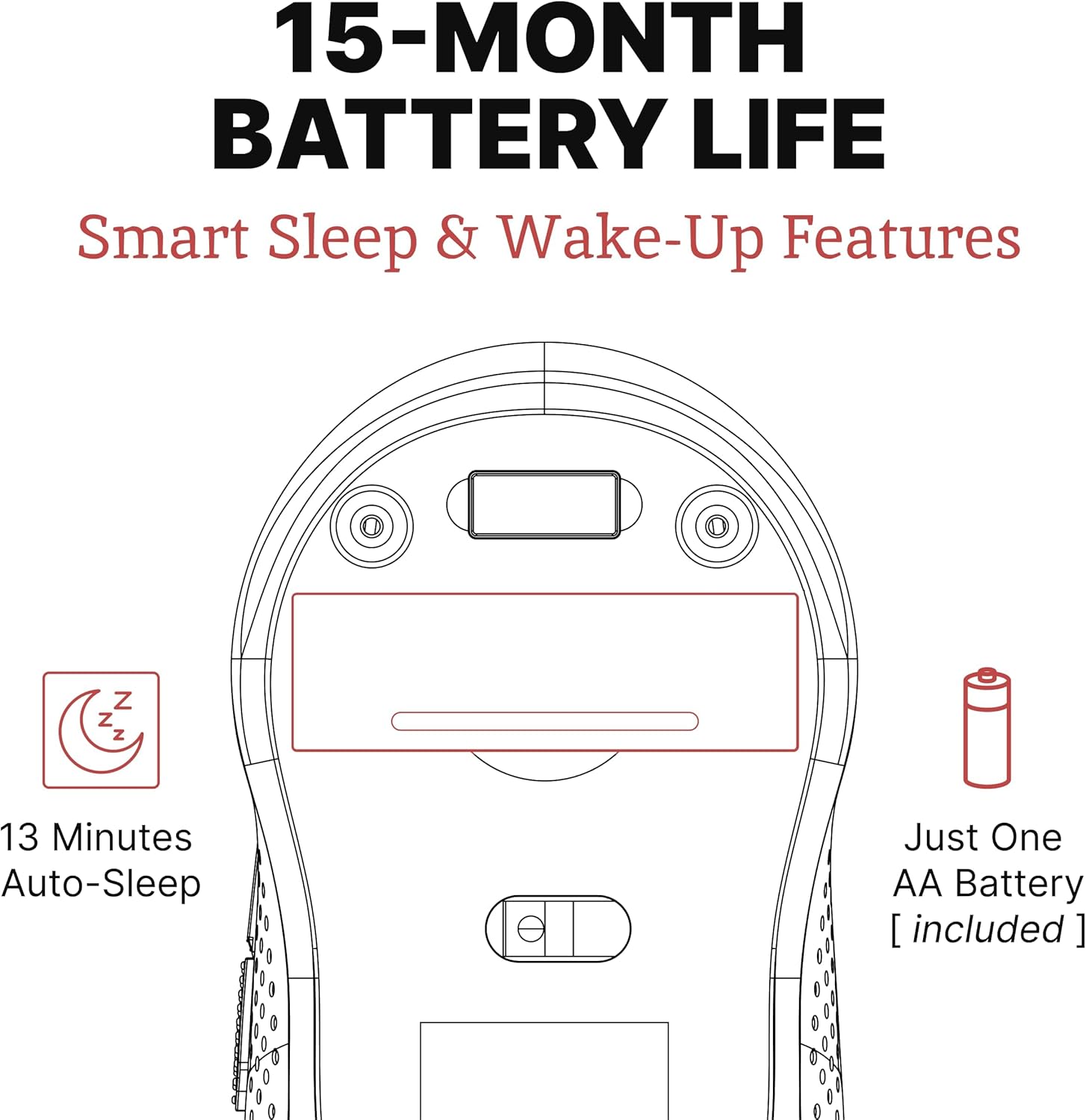
- 1 x batri AA
3. Gid Enstalasyon
Follow these steps to set up your SHHHMOUSE Silent Wireless Mouse:
- Mete batri: Open the battery compartment on the underside of the mouse. Insert the provided AA battery, ensuring correct polarity.
- Jwenn reseptè USB a: The tiny USB receiver is typically stored inside the battery compartment for safe keeping during transport. Remove it.
- Konekte Reseptè a: Plug the USB receiver into an available USB port on your laptop, desktop, or Chromebook.
- Pouvwa sou: Limen sourit la lè l sèvi avèk switch pouvwa a ki sitiye sou anba a.
- Koneksyon otomatik: The mouse should automatically connect to your device. No additional drivers are typically required.


Videyo konfigirasyon:
Video 1: "New Silent Portable Wireless Shhhmouse i440" - This video demonstrates the unboxing and initial setup of the mouse, including battery insertion and USB receiver connection.
4. Itilizasyon Sourit ou a
Fonksyon bouton:
- Klike agoch/adwat: Standard mouse functions for selection and context menus. These are ultra-silent buttons.
- wou woulo liv: Used for vertical scrolling. Also functions as a middle click button. Features an anti-slip design.
- DPI switch: Located near the scroll wheel, this button allows you to adjust the mouse sensitivity (DPI).
- Bouton bò: Typically configured for 'Page Up' and 'Page Down' functions, useful for web Navigasyon ak navigasyon nan dokiman.

Adjusting DPI (Sensitivity):
Press the DPI switch button to cycle through different sensitivity levels (e.g., 800, 1200, 1600 DPI). Choose the setting that best suits your task and preference for cursor speed.

Smart Sleep & Wake-Up Features:
To conserve battery life, the mouse will enter a smart sleep mode after 13 minutes of inactivity. To wake it up, simply click any button or move the mouse.
5. Antretyen
Ranplasman batri:
When the mouse's performance degrades or the low power indicator (if present) illuminates, it's time to replace the battery. Open the battery compartment on the underside, remove the old AA battery, and insert a new one, observing polarity.
Netwayaj:
To maintain optimal performance, regularly clean your mouse. Use a soft, dry cloth to wipe the exterior. For the optical sensor, use a cotton swab lightly dampened with rubbing alcohol, ensuring no liquid enters the mouse's interior.
NAN. Depanaj
| Pwoblèm | Kòz posib | Solisyon |
|---|---|---|
| Sourit pa reponn | Low battery; USB receiver disconnected; Mouse power off. | Replace battery; Re-insert USB receiver; Turn on mouse power switch. |
| Mouvman iregilye kurseur | Capteur optik sal; Sifas ki pa apwopriye; Entèferans. | Clean optical sensor; Use on a smooth, opaque surface; Move mouse closer to receiver or away from other wireless devices. |
| Kout lavi batri | Frequent use; Battery type. | Ensure mouse enters sleep mode when idle; Use high-quality alkaline batteries. |
7. Espesifikasyon
| Karakteristik | Detay |
|---|---|
| Mak | SHHHMOUSE |
| Nimewo Modèl | SHHH2659Black |
| Koneksyon Teknoloji | USB Wireless (2.4G) |
| Teknoloji deteksyon mouvman | Optik |
| Karakteristik espesyal | Soundless Clicks |
| Nivo DPI | Adjustable (e.g., 800, 1200, 1600) |
| Kalite batri | 1 x batri AA (enkli) |
| Mwayèn lavi batri | Jiska 15 mwa |
| Pwa atik | 2.29 ons |
| Dimansyon pwodwi (LxWxH) | 4.22 x 2.5 x 0.04 pous |
| Konpatibilite Platfòm Materyèl | Windows XP/Vista/Win7, Mac 10.x, Chromebook, PC, Laptop |
| Koulè | Nwa & Wouj |
8. Garanti ak sipò
SHHHMOUSE products are designed for durability and reliability. For specific warranty information, please refer to the warranty card included with your product or visit the official SHHHMOUSE websit.
For further assistance or technical support, please contact SHHHMOUSE customer service through the contact information provided on the product packaging or the brand's official websit.
A detailed User Guide (PDF) is also available for download: Telechaje Gid Itilizatè a