Entwodiksyon
The VILTROX EF-EOS M2 lens mount adapter is designed to enable the use of Canon EF lenses on Canon EF-M mount mirrorless cameras. This adapter features strengthened copper electronic contacts for smooth and stable signal transmission, supporting various functions such as USB Firmware Upgrading, 0.71x Focal Reducer Booster, EXIF Information Transmission, Auto Focus, and Electronic Aperture Control. It also includes a built-in IS Stabilization Function.
This adapter is an essential accessory for photographers looking to expand their lens options by utilizing existing Canon EF lenses with their Canon EF-M mirrorless camera systems, providing increased light gathering capabilities and a wider field of view.
Konpatibilite
The VILTROX EF-EOS M2 Speed Booster is compatible with Canon EF lenses and Canon EF-M mount mirrorless cameras, including models such as EOS M, M2, M3, M5, M6, M6II, M10, M50, M50II, M100, and M200.
Notice: This adapter is not suitable for Canon EF-S mount lenses.
Karakteristik kle
- 0.71x Focal Length Reducer: Built-in optical correction group shortens the lens's focal length by 0.71x, making the effective focal length smaller and widening the shooting range.
- Aperture Increased by 1 Stop: Increases the aperture by one stop, allowing for shallower depth of field and better subject isolation.
- Oto-fokus ak kontwòl ouvèti: Provides steady, fast, and smooth autofocus. Allows adjustment of EF lens aperture directly from the EOS M series camera body.
- EXIF Signal Transmitting: Cooper gold-plated contacts enhance EXIF information transmission between the lens and camera body.
- Built-in IS Stabilization Function: Supports the lens's image stabilization function for more precise and clear focus.
Ki sa ki nan bwat la
- VILTROX EF-EOS M2 Speed Booster x1
- Front and Rear Cap x1

Figure 1: VILTROX EF-EOS M2 Speed Booster and included accessories.
Enstalasyon
- Attach the Adapter to the Camera: Align the red dot on the VILTROX EF-EOS M2 adapter with the red dot on your Canon EF-M camera body. Rotate the adapter clockwise until it clicks into place, indicating it is securely locked.
- Attach the EF Lens to the Adapter: Align the red dot on your Canon EF lens with the red dot on the VILTROX EF-EOS M2 adapter. Rotate the lens clockwise until it clicks into place. Ensure the lens is firmly seated and locked.

Figure 2: VILTROX EF-EOS M2 adapter attached to a Canon EF-M camera body.

Figure 3: The VILTROX EF-EOS M2 adapter and its protective caps.
Enstriksyon Operasyon
Once the VILTROX EF-EOS M2 adapter and EF lens are securely attached to your EF-M camera, the camera will recognize the lens and its electronic contacts will facilitate communication. You can now utilize the following features:
- Konsantre Auto: The adapter supports the autofocus function of your EF lens. Ensure your camera's autofocus mode is set appropriately.
- Kontwòl Ouverture: Adjust the aperture of your EF lens directly through your camera's controls, just as you would with a native EF-M lens.
- Estabilizasyon Imaj (IS): If your EF lens has built-in image stabilization, this function will be supported through the adapter.
- Focal Length and Aperture Effect: Due to the 0.71x focal reducer, the effective focal length of your EF lens will be multiplied by 0.71. Additionally, the adapter increases the effective aperture by one stop, allowing more light to reach the sensor. For example, an f/1.8 lens will effectively become an f/1.2 or f/1.4.
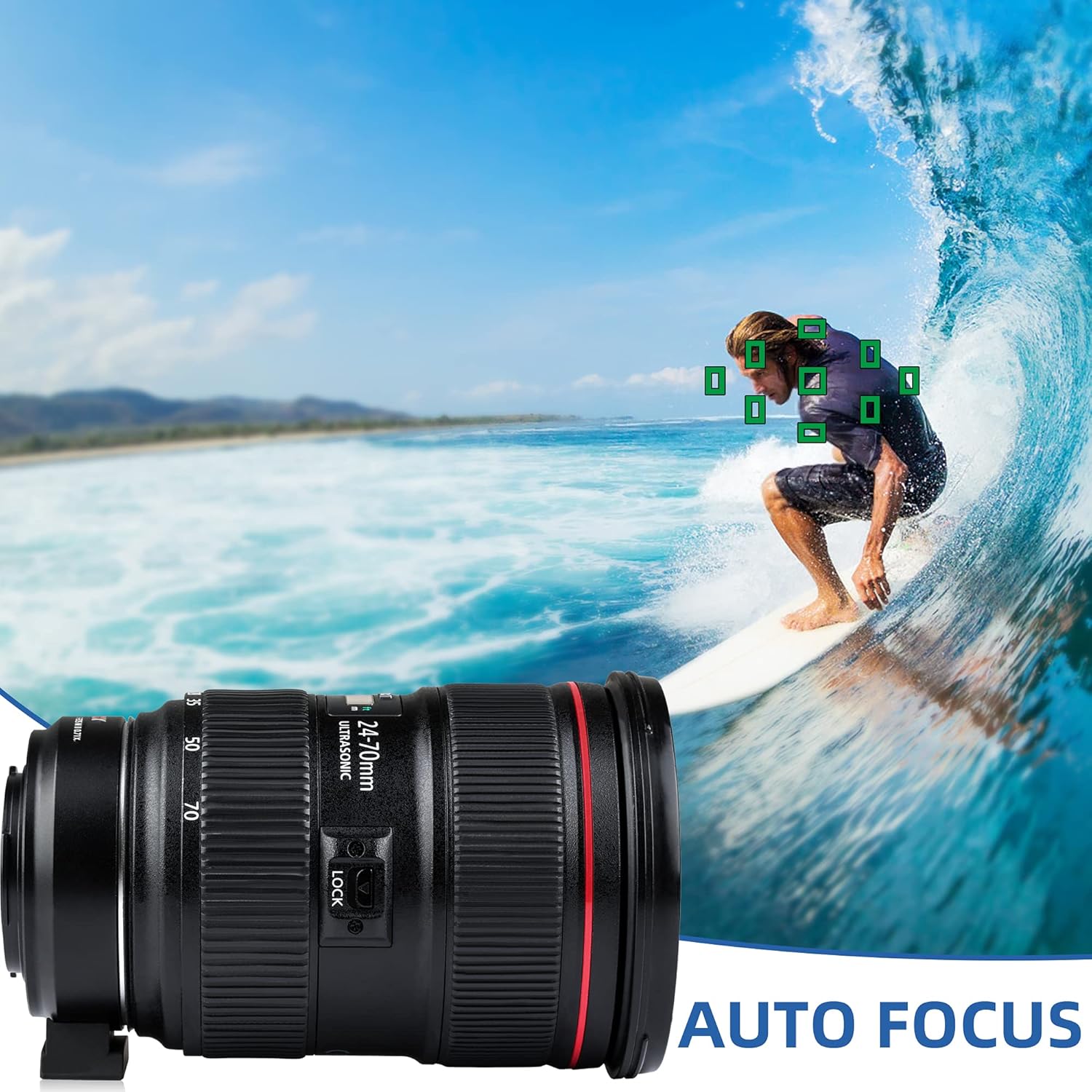
Figure 4: Auto Focus functionality with the VILTROX EF-EOS M2 adapter.
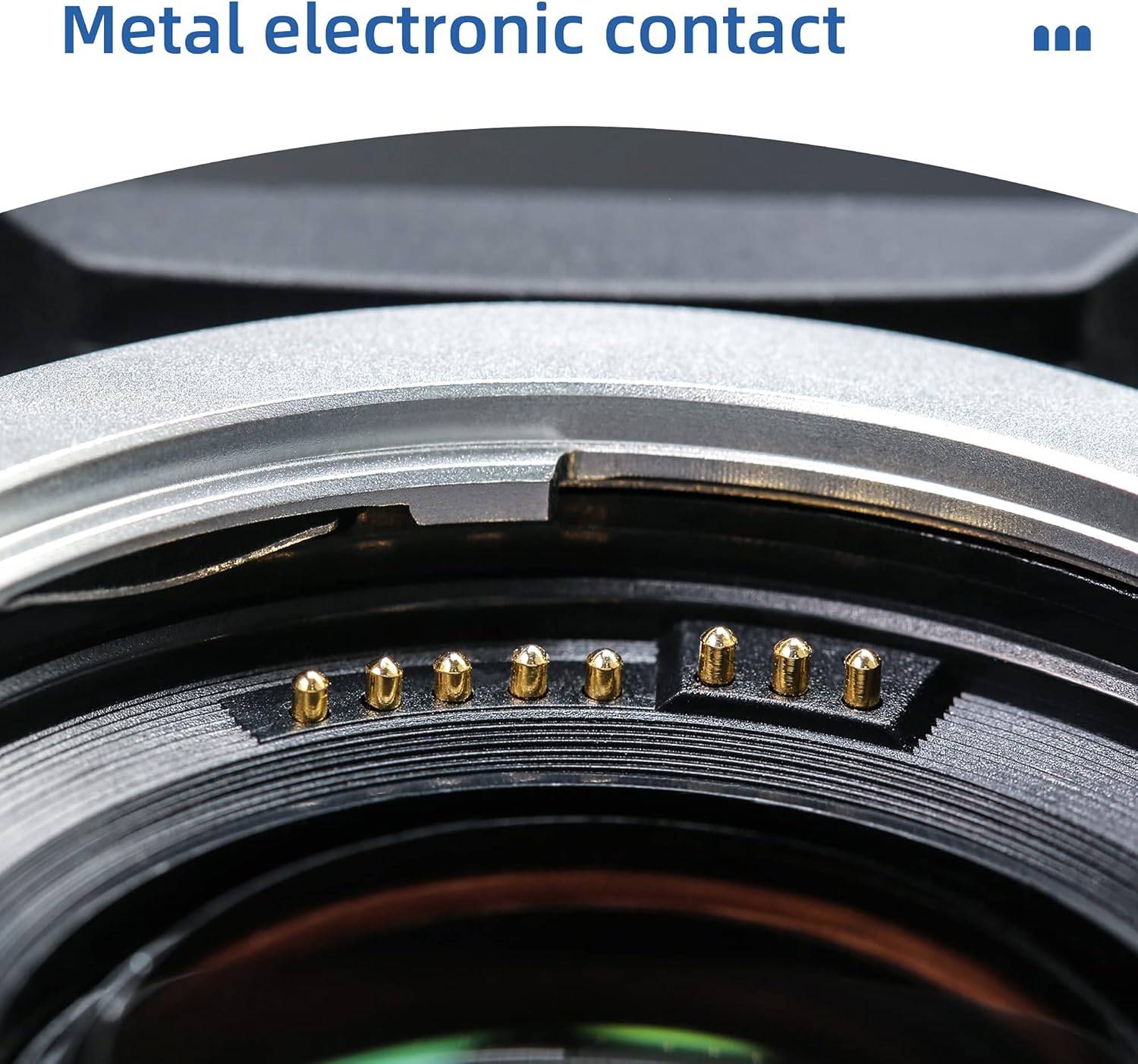
Figi 5: Detaye view of the metal electronic contacts for reliable signal transmission.
Antretyen
- Cleaning the Optics: Use a soft, lint-free cloth and a lens cleaning solution specifically designed for optical elements. Avoid touching the glass elements directly with your fingers.
- Cleaning the Contacts: Gently wipe the electronic contacts on both the adapter and your camera/lens with a clean, dry microfiber cloth. Do not use abrasive materials or liquids that could damage the contacts.
- Depo: When not in use, store the adapter with its front and rear caps attached in a dry, dust-free environment. Avoid extreme temperatures and humidity.
- Manyen: Always handle the adapter by its body, avoiding direct contact with the optical elements or electronic contacts.
Depanaj
- Autofocus Not Working / Aperture Resetting:
Ensure the adapter is firmly attached to both the camera body and the lens. Check the electronic contacts for cleanliness and ensure they are free from dust or debris. If issues persist, try detaching and reattaching the lens and adapter, or restarting the camera. - Frequent Electrical Connection Drops:
This can be caused by loose connections or dirty contacts. Re-seat the adapter and lens. Clean the electronic contacts thoroughly. If the issue persists, check for any physical damage to the contacts on either the adapter or the camera/lens. - Light Leak / Unwanted Flare:
Some users have reported light leak or purple lens flare, particularly with faster apertures or bright light sources. This can sometimes be mitigated by ensuring the interior of the adapter is as non-reflective as possible. If comfortable, a thin layer of matte black tape (e.g., 3M Friction Tape) can be carefully applied to reflective internal surfaces, avoiding contacts and mounts. - Difficulty Achieving Focus (especially at wide apertures):
While the adapter enhances light gathering, some lens combinations might exhibit challenges with autofocus accuracy, especially at very wide apertures (e.g., below F5.6). This can also lead to chromatic aberration at the edges. In such cases, manual focus might be required, or stopping down the aperture slightly could improve focus accuracy. - Non-Circular Mount Hole (M50 specific):
For Canon M50 users, it has been noted that the adapter's mount hole may not be perfectly circular, which can lead to a slight crop in images. This is a characteristic of the adapter's design for this specific camera model and not a defect.
Espesifikasyon
| Dimansyon pwodwi | 3.94 x 3.15 x 1.97 pous |
| Pwa atik | 5.1 ons |
| Nimewo Modèl Atik | EF-EOS M2 |
| Mak | VILTROX |
| Montaj konpatib | Canon EF Lens, Canon EF-M Camera |
| Maksimòm Longè Fokal | 1000 Milimèt |
| Kalite Konsantre | Konsantre oto |
| Ouverture maksimòm | 1 f |
Garanti ak sipò
For any warranty claims, technical support, or further inquiries regarding your VILTROX EF-EOS M2 Auto Focus Lens Adapter, please contact VILTROX customer service directly. Refer to the product packaging or the official VILTROX websit la pou jwenn enfòmasyon kontak ki pi ajou ak detay sou règleman garanti a.
You can find more information and support on the official VILTROX websit: www.viltrox.com


