1. Entwodiksyon
The MARATHON 100 Hour Direct Entry Digital Tabletop Timer is designed to assist with precise time management for various tasks. Featuring a large, easy-to-read LCD display and a direct entry keypad, this timer offers both countdown and count-up functionalities, a clock mode, and memory presets for repetitive events. Its robust design includes a magnetic back and an integrated kickstand for versatile placement.
2. Pwodwi souview
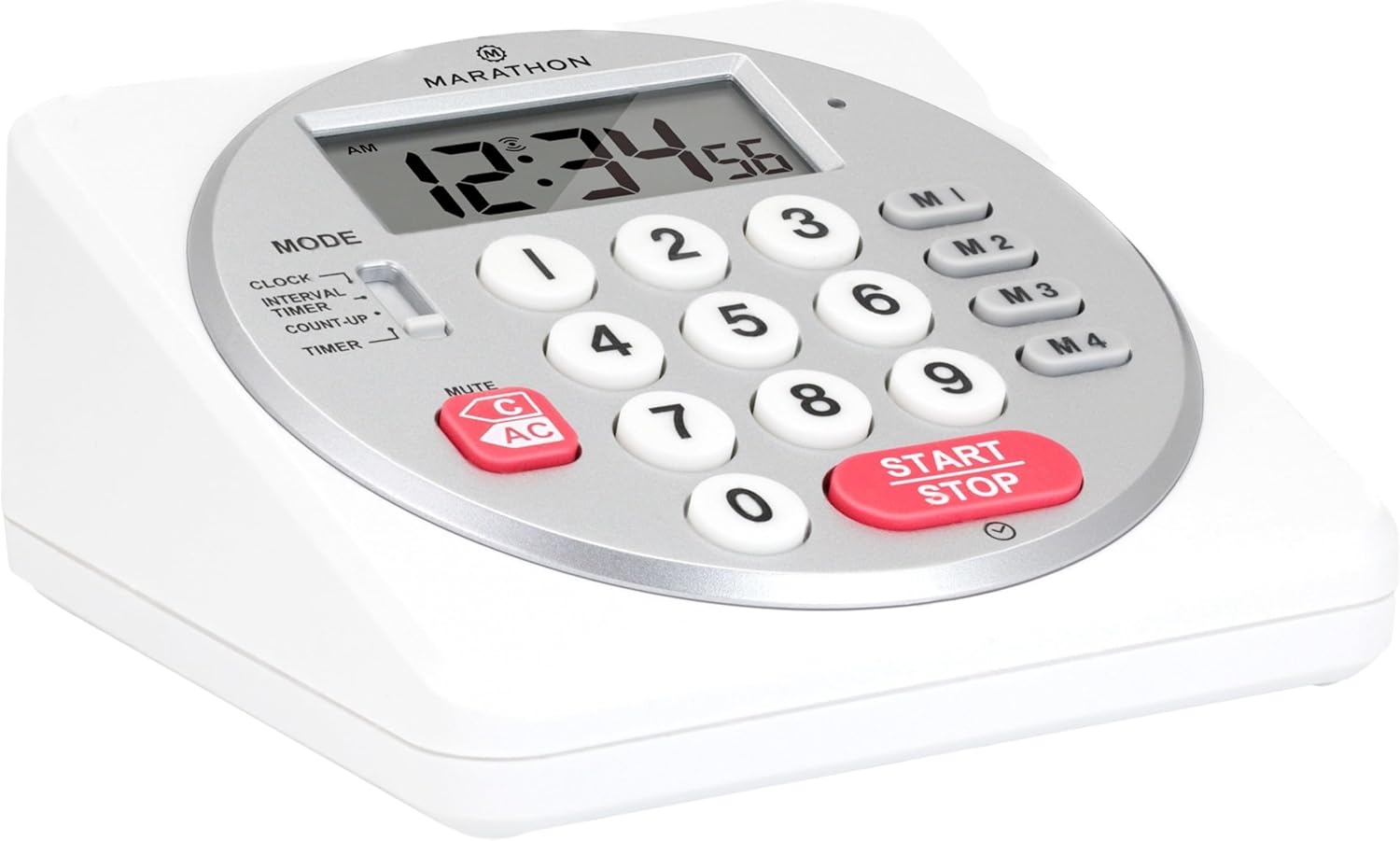
Figi 1: Devan view of the Marathon Digital Timer.
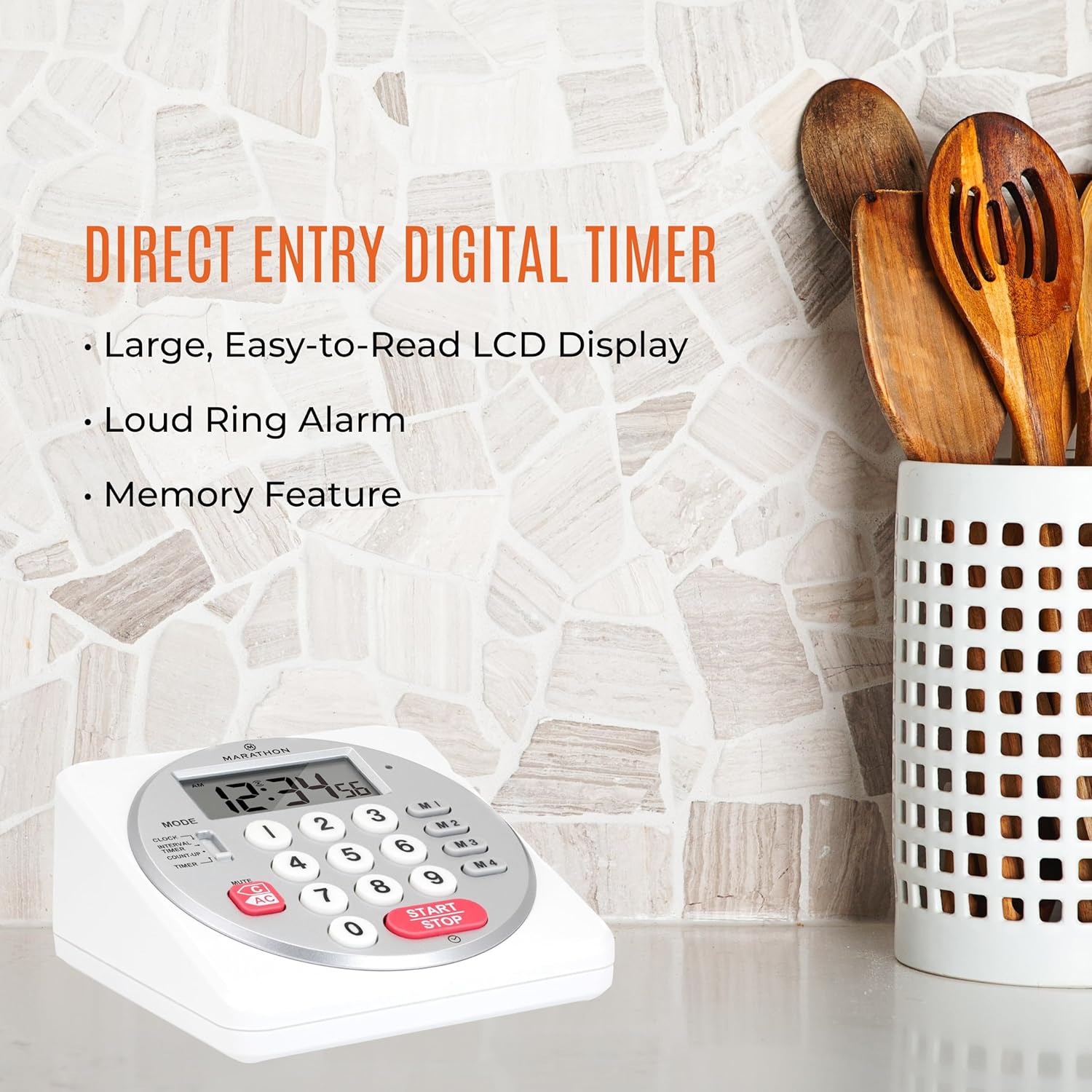
Figure 2: Timer on a kitchen counter, highlighting large display and loud alarm.

Figure 3: Timer showcasing dual function, included batteries, and versatile memory.
Karakteristik kle:
- Direct Entry Keypad: For quick and precise time setting.
- Gwo ekspozisyon LCD: Easy-to-read numbers for clear visibility.
- Dual Function Alarm: Supports both countdown and count-up timing up to 99 hours, 59 minutes, and 59 seconds.
- Loud Ring Alarm: Audible across a room.
- Endikatè ki ap dirije: Flashing light for silent alarm or hearing impairment assistance.
- Clock Feature: Displays time in 12-hour or 24-hour format when not in timer mode.
- Built-in Memory Function: Stores up to four consecutive times for interval timing and four memory presets for repetitive events.
- Plasman versatile: Integrated kickstand for tabletop use and magnetic back for attachment to metal surfaces.
- Batri enkli: Vini ak 2 pil AA.
3. Enstalasyon
3.1. Enstalasyon batri
- Locate the battery compartment cover on the back of the timer.
- Glise kouvèti a louvri.
- Insert two (2) AA batteries, ensuring correct polarity (+/-) as indicated inside the compartment. The timer comes with batteries included.
- Ranplase kouvèti lòj batri a byen.

Figi 4: Retounen view with battery compartment and kickstand.
4. Operasyon Enstriksyon
4.1. Seleksyon mòd
Sèvi ak la MÒD switch located on the side of the timer to select between different functions:
- LÒT: Montre tan aktyèl la.
- INTERVAL TIMER: For setting multiple consecutive timers.
- COUNT-UP: Functions as a stopwatch.
- TIMER: For setting a single countdown timer.

Figure 5: MODE switch for function selection.
4.2. Mete revèy la
- Glise a MÒD chanje a LÒJ.
- Peze epi kenbe la SET button until the time digits begin to flash.
- Use the number keypad (0-9) to enter the desired time (HH:MM).
- Peze SET ankò pou konfime epi sòti nan mòd reglaj revèy la.
- Pou chanje ant fòma 12 èdtan ak 24 èdtan, peze bouton an 12/24H button (if available, or refer to specific model instructions).
4.3. Setting a Countdown Timer (TIMER Mode)
- Glise a MÒD chanje a TIMER.
- Use the number keypad (0-9) to directly enter the desired countdown time (HH:MM:SS). The timer supports up to 99 hours, 59 minutes, 59 seconds.
- Peze a KÒMANSE/KANPE bouton pou kòmanse konte a rebours la.
- To pause the timer, press KÒMANSE/KANPE ankò. Peze l yon lòt fwa ankò pou rekòmanse.
- When the countdown reaches zero, the alarm will sound, and the LED indicator will flash. The timer will then automatically begin counting up to show elapsed time since the alarm.
- To stop the alarm and clear the display, press the KLE bouton.
4.4. Using the Count-Up Timer (COUNT-UP Mode)
- Glise a MÒD chanje a COUNT-UP.
- Ensure the display shows 00:00:00. If not, press KLE.
- Peze a KÒMANSE/KANPE bouton pou kòmanse konte.
- To pause the count-up, press KÒMANSE/KANPE ankò. Peze l yon lòt fwa ankò pou rekòmanse.
- To reset the count-up timer to zero, press KLE.
4.5. Using Memory Functions (M1-M4 Presets)
The timer features four memory buttons (M1, M2, M3, M4) for storing and recalling frequently used times or for interval timing.
- In TIMER mode, enter the desired time using the number keypad.
- Press and hold one of the memory buttons (M1-M4) until the display confirms the time has been saved.
- To recall a saved time, simply press the corresponding memory button (M1-M4). The saved time will appear on the display, ready to start.
- For interval timing, set the first interval, save it to M1. Then set the second interval, save it to M2, and so on. You can then cycle through these presets as needed.
4.6. Ajiste Volim Alam lan
The timer features a volume switch, typically located on the side or back, allowing you to select between different alarm levels (e.g., High, Low, Mute) or a flashing LED indicator for silent operation.
5. Antretyen
- Netwaye revèy la ak yon mou, damp twal. Pa sèvi ak pwodui netwayaj abrazif oswa plonje aparèy la nan dlo.
- Avoid exposing the timer to extreme temperatures or direct sunlight for prolonged periods.
- If the display becomes dim or the alarm weakens, replace the batteries promptly.
NAN. Depanaj
| Pwoblèm | Kòz posib | Solisyon |
|---|---|---|
| Timer not turning on. | Pil yo mouri oswa yo mal enstale. | Tcheke polarite pil yo oubyen ranplase yo ak nouvo pil AA. |
| Ekspozisyon se dim. | Ba pouvwa batri. | Ranplase pil. |
| Alam lan pa sonnen. | Alarm volume is set to mute or low. | Check the alarm volume switch and adjust as needed. |
| Minitè a pa reponn lè ou peze bouton yo. | Unit may be in a locked state (if applicable) or requires a reset. | Remove and reinsert batteries to perform a hard reset. Check for any lock switches. |
7. Espesifikasyon
- Modèl: TI030018WH
- Mak: MARATHON
- Materyèl: Plastik
- Dimansyon: 4.45 x 2.64 x 4.45 pous
- Pwa atik: 7.1 ons
- Sous pouvwa: 2 x pil AA (enkli)
- Max Timer Duration: 99 èdtan, 59 minit, 59 segonn
- Karakteristik: Direct Entry, Dual Function (Count-up/Count-down), Clock, Memory Presets, LED Indicator, Magnetic Back, Kickstand
- UPC: 063442000342

Figi 6: Dimansyon pwodwi a.
8. Garanti ak sipò
Pou enfòmasyon sou garanti a oswa sipò teknik, tanpri al gade nan adrès ofisyèl manifakti a. websit la oubyen kontakte depatman sèvis kliyan yo. Kenbe resi acha w la kòm prèv acha.


