1. Entwodiksyon
Thank you for choosing the Comfee Mobile Air Conditioner MPPH-09CRN7. This manual provides essential information for the safe and efficient operation of your appliance. Please read it thoroughly before use and retain it for future reference.
This 3-in-1 unit offers cooling, dehumidification, and fan modes, designed for rooms up to 33m² (88m³).

Imaj: Devan view of the Comfee Mobile Air Conditioner MPPH-09CRN7.
2. Enfòmasyon sou Sekirite
Toujou swiv prekosyon sekirite debaz yo lè w ap itilize aparèy elektrik pou diminye risk dife, chòk elektrik, oswa blesi.
- Asire ke ekipman pou pouvwa a matche ak voltage espesifye sou etikèt evalyasyon an.
- Pa opere aparèy la ak yon kòd oswa ploge ki domaje.
- Kenbe inite a lwen sous chalè ak limyè solèy la dirèk.
- Pa bloke antre oswa priz lè.
- Aparèy sa a sèvi ak febrifuj R290. Pa pike sikwi febrifuj la.
3. Pwodwi konpozan ak Pwodwi pou Telefòn
The Comfee Mobile Air Conditioner MPPH-09CRN7 comes with the following components:

Image: Diagram showing all included accessories for the mobile air conditioner.
- Kawoutchou echapman
- Aparèy adaptè
- Twous koulis fenèt
- Foam Seal (non-adhesive)
- Adaptè tiyo echapman
- Wall Outlet Adapter
- Foam Seal (adhesive)
- Screws, Bolts, Anchors
- Kontwòl Remote
- Fenèt koulisan
- Kawoutchou Drenaj
The unit also features four castor wheels for easy mobility.
Imaj: Gwo plan view of the castor wheels on the base of the air conditioner, highlighting its mobility.
4. Enstalasyon ak Enstalasyon
Proper installation is crucial for optimal performance. Follow these steps for setting up your mobile air conditioner:
4.1 Enstalasyon tiyo echapman
The exhaust hose expels hot air from the room. Ensure it is installed correctly to prevent hot air recirculation.

Image: Three options for installing the exhaust hose: through a wall air outlet, a window adapter, or a window with a "Hot Air Stop" cover.
- Option 1: Wall Air Outlet: Drill and install the hose in a dedicated air outlet.
- Option 2: Window Adapter: Assemble and install the hose in the provided window adapter.
- Option 3: Window with "Hot Air Stop" Cover: Assemble and install the hose in the window using a "Hot Air Stop" cover (not included).
4.2 Window Slider Kit Installation
For window installation, use the provided window slider kit to seal the opening and maximize cooling efficiency.

Image: Step-by-step guide for installing the window slider kit: 1. Open the window. 2. Install the window slider adapter. 3. Seal and secure the adapter. 4. Install the exhaust hose to the adapter. 5. Attach the exhaust hose to the unit. 6. Power on and activate the device.
- Louvri fenèt la.
- Install the window slider adapter into the window opening.
- Seal and secure the adapter to prevent air leakage.
- Install the exhaust hose to the adapter.
- Attach the exhaust hose to the air conditioner unit.
- Plug in the unit and activate it.
5. Operasyon Enstriksyon
5.1 Panèl kontwòl ak kontwòl remote
The unit can be operated via the control panel on top of the unit or the included remote control.

Image: Layout of the remote control and the top control panel of the air conditioner, indicating various buttons and their functions.
Fonksyon kontwòl remote:
- Power On/Off
- Modes Control (Cooling, Fan, Dehumidification)
- Kontwòl vitès fanatik
- Kontwòl mòd dòmi
- Temperature Control (Up/Down)
- DIY Mode Control
- Timer Control (Timer On/Timer Off)
- Dirije limyè kontwòl
- "Follow Me" Function (on remote)
The "Follow Me" function on the remote control helps monitor and control the temperature around you, providing more precise cooling.

Image: A person using the remote control to operate the Comfee mobile air conditioner, demonstrating the "Smart Cooling" feature.
5.2 Mòd Fonksyònman
Inite a gen twa mòd fonksyònman prensipal:

Image: Visual representation of the three functional modes: Cooling Mode, Fan Mode, and Dehumidification Mode. Note: For dehumidification, a hose for water drainage is required.
- Mòd refwadisman: Bay yon refwadisman pwisan pou chanm ou.
- Mòd fanatik: Circulates air without cooling, offering ventilation.
- Mòd dezimidifikasyon: Removes excess moisture from the air. A drain hose must be connected for continuous drainage in this mode.
5.3 Fonksyon revèy
The 24-hour timer function allows you to set the unit to turn on or off automatically at a desired time.

Image: A visual representation of the 24-hour timer function, showing a clock face around the air conditioner unit.
5.4 Rekòmanse otomatik
Nan ka yon pouvwa outage, aparèy la ap rekòmanse otomatikman ak ansyen paramèt li yo yon fwa kouran an retabli.

Image: A stylized image of a microchip with the Comfee logo, illustrating the automatic restart function.
5.5 Noise Level and Sleep Mode
The unit is designed for lower noise operation, especially in Sleep Mode, where the sound pressure level can be reduced to 46.9 dB(A).

Image: A person sleeping peacefully next to the air conditioner, with a decibel meter graphic showing noise levels, emphasizing the low noise operation.
6. Antretyen
Antretyen regilye asire lonjevite ak efikasite èkondisyone ou a.
6.1 Netwayaj filtè
The washable filter should be cleaned regularly to maintain air quality and cooling performance.
- Fèmen epi deploge inite a anvan w netwaye.
- Retire filtè lè a nan dèyè aparèy la.
- Lave filtè a avèk dlo tyèd savon.
- Rense l byen epi kite l sèk nèt nan lè a anvan ou mete l tounen.
6.2 Drenaj Dlo
The unit has a self-evaporative system, but in high humidity or dehumidification mode, manual drainage may be required.
- Jwenn pò drenaj la nan pati anba dèyè inite a.
- Place a shallow pan or connect the drain hose to the port.
- Retire bouchon drenaj la pou kite dlo a koule soti.
- Replace the plug securely after drainage.
NAN. Depanaj
Anvan ou kontakte sèvis kliyan, tanpri gade pwoblèm ak solisyon komen sa yo:
| Pwoblèm | Kòz posib | Solisyon |
|---|---|---|
| Inite pa limen. | Pa gen kouran; kòd kouran an debranche; fizib la boule. | Check power connection; check circuit breaker/fuse. |
| Inite a pa refwadi byen. | Windows/doors open; air filter dirty; exhaust hose not properly installed; room too large. | Close windows/doors; clean air filter; ensure exhaust hose is sealed; verify room size is within specifications. |
| Dlo flit. | Drain plug loose; unit tilted; drain hose clogged. | Secure drain plug; place unit on a level surface; clear drain hose. |
| Bri etranj. | Inite a pa sou yon sifas plat; pwoblèm konpozan entèn. | Place unit on a flat, stable surface. If noise persists, contact support. |
8. Espesifikasyon teknik
| Karakteristik | Spesifikasyon |
|---|---|
| Nimewo Modèl | MPPH-09CRN7 |
| Kapasite refwadisman | 9000 BTU/h (2.6 kW/h) |
| Gwosè chanm rekòmande | Up to 33m² (88m³) |
| Konsomasyon pouvwa | 1000 Watts |
| Voltage | 230 Volts |
| Nivo bri | 47 dB |
| Refrijeran | R290 (Climate Neutral) |
| Dimansyon (L x W x H) | 34.49 x 35.51 x 70.31 cm |
| Pwa | 25.3 Kilogram |
| Klas efikasite enèji | A |
| Karakteristik espesyal | Dehumidifier, Automatic Restart, 24-hour Timer, Sleep Mode, Smart Cooling with "Follow Me" function |

Image: Diagram showing the dimensions of the Comfee Mobile Air Conditioner: 70.3cm height, 35.5cm width, 34.5cm depth.
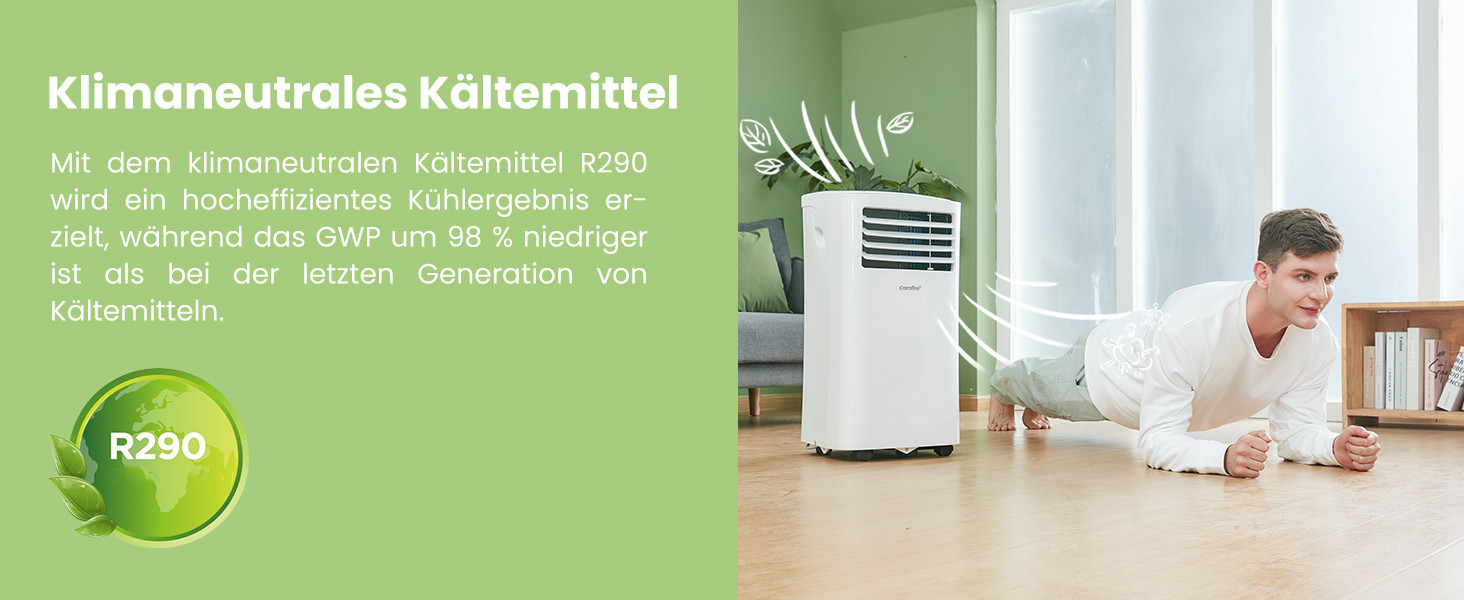
The unit uses R290, a climate-neutral refrigerant with significantly lower Global Warming Potential (GWP) compared to previous generations of refrigerants.

Image: Illustration highlighting the use of R290 climate-neutral refrigerant, with a person doing a plank exercise next to the unit.
9. Enfòmasyon sou Garanti
This product is covered by a manufacturer's warranty. Please refer to the warranty card included in your product packaging for specific terms and conditions, including warranty period and coverage details. Retain your proof of purchase for warranty claims.
10. Sipò pou Kliyan
For technical assistance, troubleshooting beyond this manual, or warranty inquiries, please contact Comfee customer support. Contact details can typically be found on the manufacturer's websit oswa nan anbalaj pwodwi a.
You can also visit the official Comfee store on Amazon for more information and support: Comfee Store


