Entwodiksyon
This manual provides essential instructions for the safe and efficient use of your itel it2160 dual SIM mobile phone. Please read this guide thoroughly before operating the device and retain it for future reference.
Kontni pake
Verifye ke tout atik yo prezan nan pake pwodwi ou a:
- itel it2160 Mobile Phone
- Batri
- Charger
- Manyèl Itilizatè (dokiman sa a)
Layout aparèy
Familiarize yourself with the key components of your itel it2160 phone.

Imaj: Devan view of the itel it2160 mobile phone, showing the display, keypad, and navigation buttons.
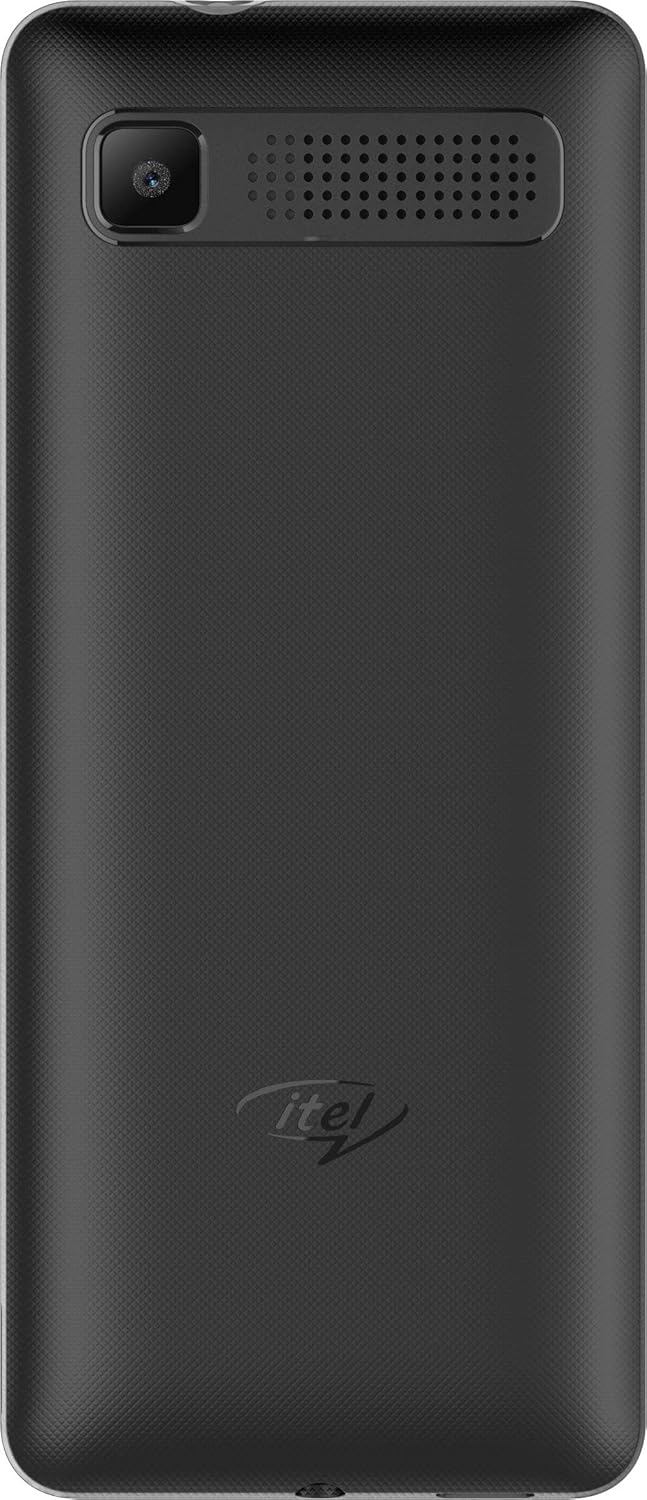
Imaj: Dèyè view of the itel it2160 mobile phone, showing the camera and speaker grille.
- Ekspozisyon: Ekran 1.77 pous pou viewenfòmasyon.
- Klavye: Alphanumeric keys for dialing and text input.
- Kle Navigasyon: Pou navigasyon ak seleksyon meni.
- Bouton Apèl/Fen Apèl: To initiate and terminate calls.
- Kamera dèyè: Located on the back for capturing photos.
- Oratè: Pou pwodiksyon odyo.
Enstalasyon
1. Installing SIM Cards and Battery
- Retire kouvèti dèyè telefòn nan lè w rale l dousman nan fant lan.
- Insert your SIM card(s) into the designated SIM slots. Ensure the gold contacts face downwards. This phone supports dual SIM cards.
- If applicable, insert a microSD card into the memory card slot for expanded storage.
- Insert the battery, aligning the contacts correctly.
- Remèt kouvèti dèyè a jiskaske li fè yon klik byen fèm nan plas li.
2. Chaje batri a
- Connect the charger to the charging port on your phone.
- Ploge plato a nan yon priz kouran.
- Kite telefòn nan chaje nèt anvan premye itilizasyon li. Endikatè batri a sou ekran an ap montre eta chaj la.
3. Powering On / Off
- Pou limen: Press and hold the Power/End key until the screen lights up.
- Pou etenn: Press and hold the Power/End key until the power-off options appear, then select "Power off".
Enstriksyon Operasyon
1. Fè ak resevwa apèl
- Pou fè yon apèl: Enter the phone number using the keypad and press the Call key. If using dual SIM, select the desired SIM for the call.
- Pou resevwa yon apèl: Peze bouton Apèl la lè telefòn nan sonnen.
- Pou fini yon apèl: Peze kle Fen an.
2. Sending and Receiving SMS
- To Send SMS: Go to "Menu" > "Messages" > "Write message". Enter your message and the recipient's number, then send.
- To Read SMS: New messages will be indicated on the screen. Go to "Menu" > "Messages" > "Inbox" to view.
3. Sèvi ak Kamera a
- Ale nan "Meni" > "Kamera".
- Ankadre foto ou a lè l sèvi avèk ekran an.
- Press the center navigation key or a designated camera key to capture the image.
4. FM Radyo
- Connect headphones to the phone's audio jack (headphones act as an antenna).
- Go to "Menu" > "FM Radio".
- Sèvi ak kle navigasyon yo pou chèche estasyon yo oubyen pou sintonize manyèlman.
Antretyen
- Swen batri:
- Evite tanperati ekstrèm.
- Do not overcharge or completely drain the battery frequently.
- Use only the original charger provided with the device.
- Netwayaj:
- Wipe the phone with a soft, dry cloth.
- Avoid using liquid cleaners or aerosols.
- Depo:
- Sere telefòn nan nan yon kote ki fre epi sèk, lwen limyè solèy dirèk.
- Kenbe lwen timoun ak bèt kay.
Depanaj
| Pwoblèm | Solisyon posib |
|---|---|
| Telefòn nan pa limen. | Ensure the battery is correctly inserted and charged. Connect the charger and try again. |
| Pa gen siyal rezo. | Check if SIM cards are properly inserted. Move to an area with better network coverage. Contact your service provider. |
| Pa ka fè oswa resevwa apèl. | Verify network signal. Check if call barring is active. Ensure sufficient balance on your SIM card. |
| Batri vide byen vit. | Reduce screen brightness. Close unused applications. Limit background activities. |
Espesifikasyon
| Karakteristik | Detay |
|---|---|
| Non modèl | IT2160 |
| Gwosè ekspozisyon | 1.77 pous |
| Rezolisyon ekspozisyon | 128 x 160 piksèl |
| Kamera dèyè | 1.3 megapiksèl |
| Kamera devan | Okenn |
| Sistèm RAM | 4 Megabytes |
| Kapasite Depo | 256 Gigabytes (Expandable) |
| Sistèm operasyon | Proprietary Feature Phone OS |
| Modèl CPU | Basic Feature Phone Processor |
| CPU vitès | 260 MHz |
| Dimansyon pwodwi | 11.2 x 4.8 x 1.43 cm; 80 gram |
Enfòmasyon sou Garanti
Your itel it2160 mobile phone comes with a warranty. Please review kondisyon sa yo:
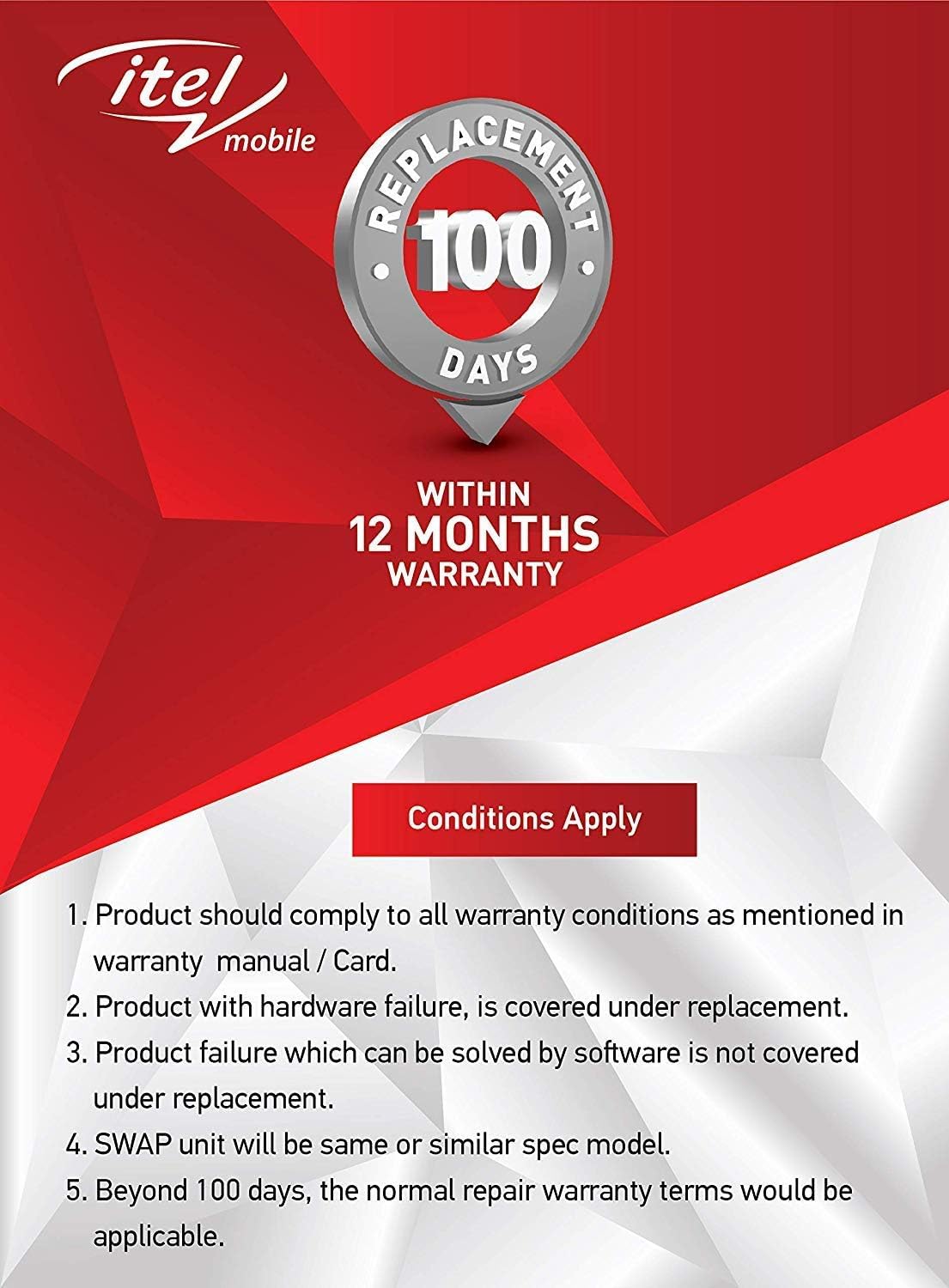
Imaj: Warranty details for itel mobile products, indicating 100 days replacement and 12 months warranty.
- Product must comply with all warranty conditions as mentioned in the warranty manual/card.
- Product with hardware failure is covered under replacement.
- Product failure which can be solved by software is not covered under replacement.
- A SWAP unit will be the same or a similar spec model.
- Beyond 100 days, the normal repair warranty terms would be applicable.
- The warranty period is typically 12 months from the date of purchase.
For detailed warranty terms and conditions, refer to the warranty card included in your package or contact itel customer support.
Sipò
For further assistance, technical support, or service inquiries, please contact itel customer service. Contact details can typically be found on the official itel websit la oubyen sou kat garanti ou a.
Resous sou entènèt: You may find additional support and FAQs on the official itel brand store.


