Entwodiksyon
This instruction manual provides detailed guidance for the assembly, operation, and maintenance of your Winsome Burke Printer Stand Table, Model 23121. Please read all instructions carefully before beginning assembly and retain this manual for future reference.

Image: The Winsome Burke Printer Stand Table in Coffee finish, showcasing its compact design with a top surface, a drawer, and two open shelves.
Enfòmasyon sou Sekirite
Adhere to the following safety guidelines during assembly and use:
- Asire ke tout pati yo prezan epi yo pa domaje anvan asanble a.
- Rasanble sou yon sifas mou epi pwòp pou evite reyur.
- Do not overtighten screws, as this may damage the wood.
- Kenbe ti pati yo lwen timoun yo pandan asanble a.
- Place the assembled stand on a level surface to prevent tipping.
- Do not exceed the maximum weight recommendation of 50 pounds for the top surface.
Enstalasyon ak Asanble
This section outlines the general steps for assembling your Winsome Burke Printer Stand. A detailed parts list and specific assembly diagrams are typically included with your product packaging. Refer to those for precise component identification and step-by-step instructions.
Dimansyon souview
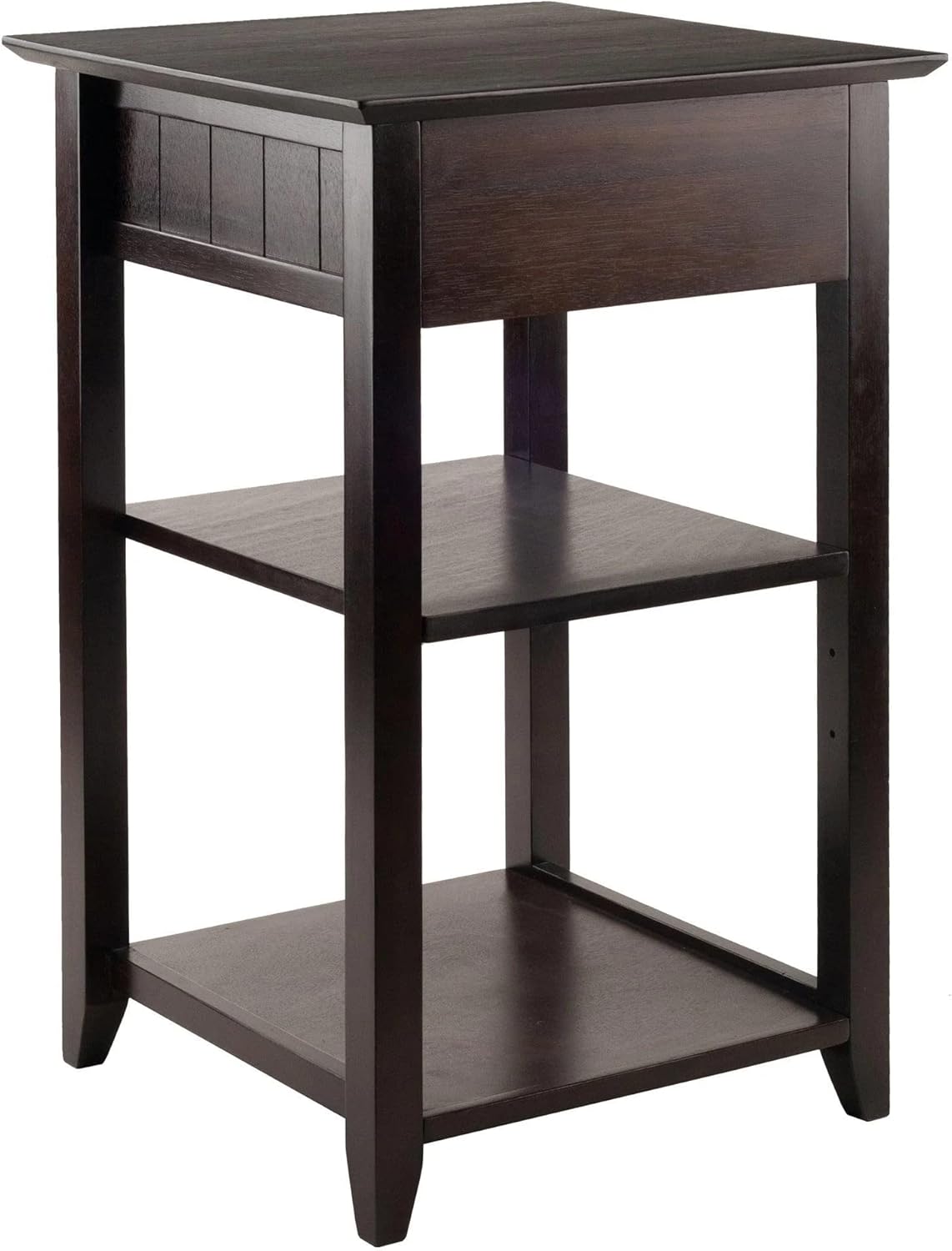
Image: Technical diagram showing the dimensions of the Winsome Burke Printer Stand Table. The stand measures approximately 22.5 inches deep, 19.84 inches wide, and 34.5 inches high (50.4cm x 50.4cm x 79cm). The adjustable shelf has a depth of 12 3/4 inches (32.4cm).
General Assembly Steps (Refer to packaged instructions for details)
- Depake epi idantifye pyès yo: Carefully remove all components from the packaging. Lay them out on a clean, soft surface. Verify all parts against the included parts list.
- Rasanble ankadreman: Attach the side panels to the top and bottom frames using the provided hardware (e.g., screws, dowels, cam locks). Ensure all connections are secure.
- Enstale etajè: Insert the adjustable middle shelf into the desired position. The shelf height can be customized using the pre-drilled holes and shelf pins.
- Rasanble tiwa a: Construct the drawer box according to the instructions, then install the drawer slides onto the stand and the drawer. Insert the assembled drawer into the stand.
- Tèks final yo: Asire w tout vis yo sere byen epi sipò a stab.
Enstriksyon Operasyon
The Winsome Burke Printer Stand Table is designed for functional use in a home office environment.
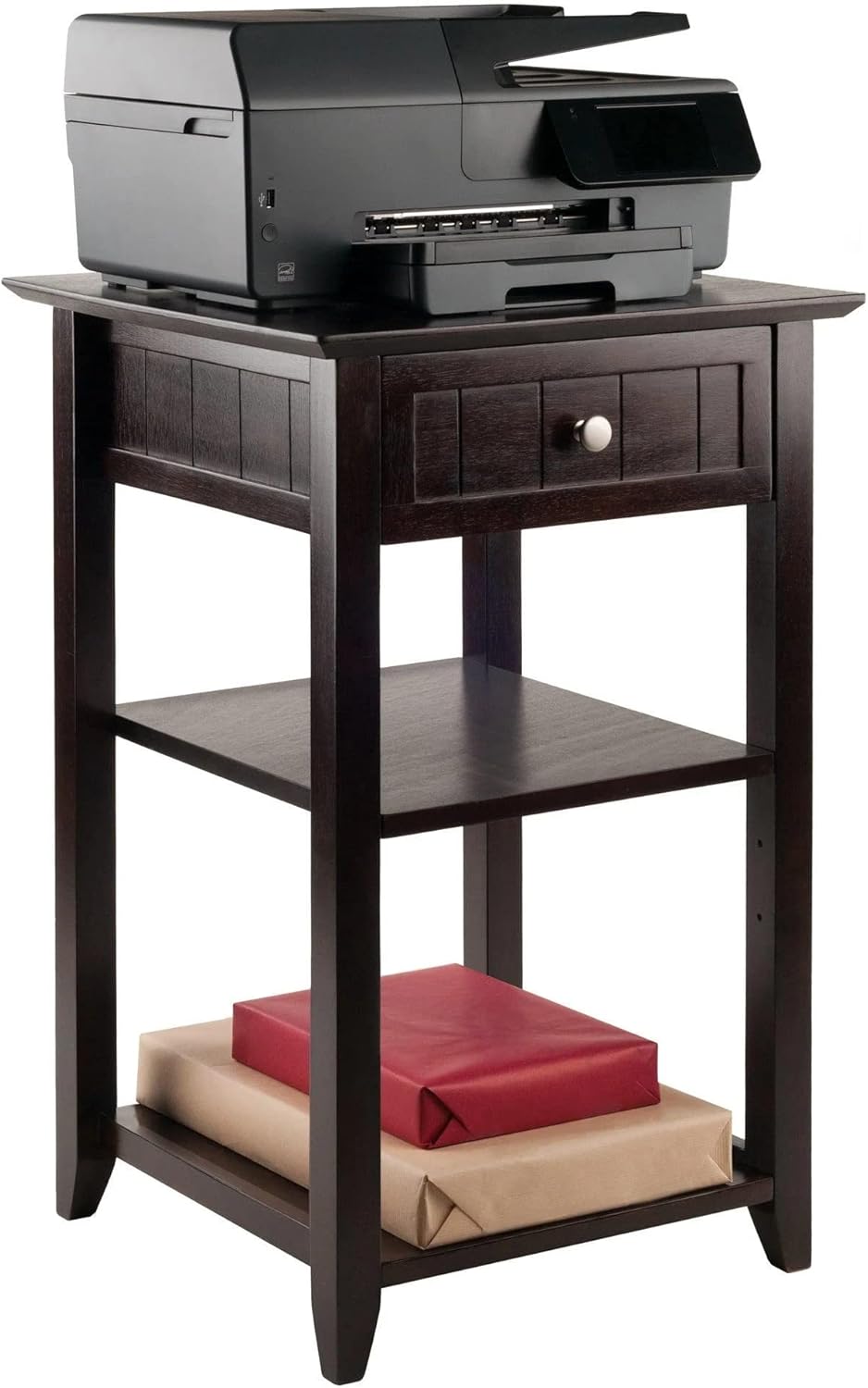
- Sifas tèt: The top surface is suitable for holding a printer, laptop, or other office equipment. Ensure the weight does not exceed 50 pounds.
- Tiwa: The integrated drawer provides enclosed storage for small office accessories such as pens, paper clips, or labels.
- Etajè reglabl: The two open shelves offer additional storage. The middle shelf can be adjusted to accommodate items of varying heights.
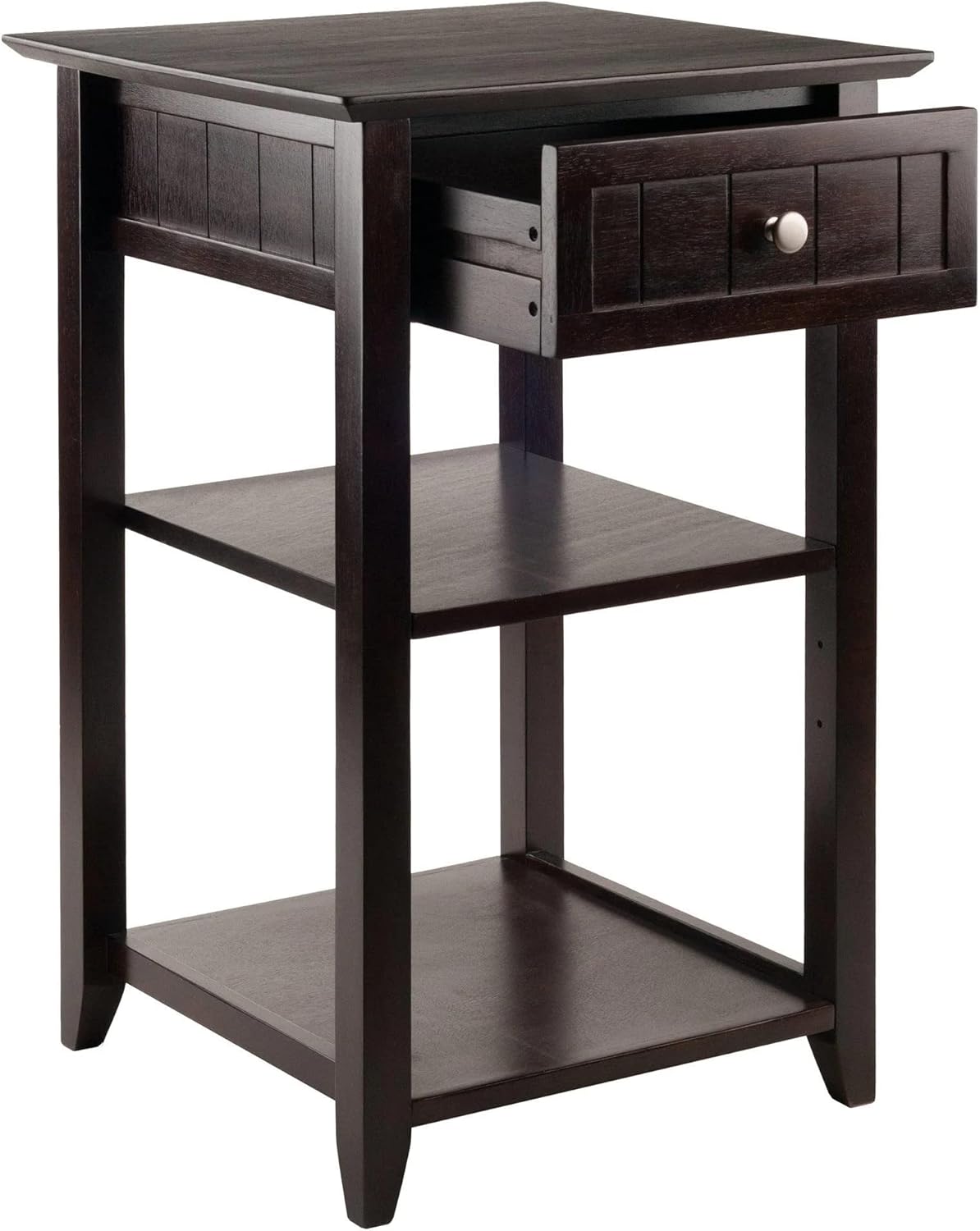
Image: The Winsome Burke Printer Stand Table with a printer placed on its top surface, demonstrating its primary function.
Imaj: Yon gwo plan view of the Winsome Burke Printer Stand Table with its drawer partially open, illustrating the storage capacity for small items.
Antretyen
To maintain the appearance and longevity of your Winsome Burke Printer Stand Table:
- Netwayaj: Siye sifas yo ak yon mou, damp twal. Evite itilize pwodui chimik ki agresif, pwodui netwayaj abrazif, oswa pwodui poli ki ka domaje fini an.
- Devèsman: Siye nenpòt debòdman imedyatman pou anpeche tach oswa domaj dlo.
- Limyè solèy la: Evite ekspoze a limyè solèy dirèk pou yon tan ki long, sa ka lakòz li pèdi koulè oswa pèdi koulè.
- Materyèl: Tcheke epi sere tout pyès asanblaj yo detanzantan pou asire estabilite.
Depanaj
If you encounter issues with your printer stand, consider the following common solutions:
- Enstabilite/Tranbleman:
- Asire w ke kanpe a mete sou yon sifas ki plat.
- Check all screws and bolts to confirm they are securely tightened.
- Verify that all legs are making even contact with the floor.
- Tiwa a pa glise fasilman:
- Tcheke pou nenpòt obstak nan glisad tiwa yo.
- Ensure the drawer slides are properly aligned and securely attached.
- Lightly lubricate the drawer slides with a silicone-based lubricant if necessary.
- Pati ki manke:
- Thoroughly check all packaging materials.
- Contact Winsome customer support for assistance with replacement parts.
Espesifikasyon
| Karakteristik | Detay |
|---|---|
| Mak | Winsome |
| Non modèl | Burke |
| Nimewo Modèl | 23121 |
| Koulè | Kafe |
| Dimansyon pwodwi (D x W x H) | 22.5"D x 19.84"W x 34.5"H |
| Pwa atik | 29.45 liv |
| Rekòmandasyon pwa maksimòm | 50 liv |
| Kalite Materyèl | Enjenieri bwa |
| Kantite tiwa | 1 |
| Kantite etajè | 2 |
| UPC | 021713231215 |
Garanti ak sipò
Garanti manifakti: Replacement parts are available for up to 60 days from the date of purchase.
For further assistance, please refer to the contact information provided with your product packaging or visit the official Winsome websit.
Ou ka vizite tou Winsome Store on Amazon pou plis enfòmasyon.


