1. Entwodiksyon
This manual provides essential instructions for the installation, operation, and maintenance of your Lorex 1080p 8-Channel 1TB Wired DVR Security System. Please read this manual thoroughly before using the product to ensure proper setup and functionality.

Imaj 1.1: Plis paseview of the Lorex 1080p 8-Channel 1TB Wired DVR Security System components.
1.1 Sa ki nan bwat la
- 1080p Full HD 8-Channel Security System with 1 TB DVR
- Four 1080p Night Vision Dome Cameras
- Power adapters for DVR and cameras
- Video cables for camera connection
- USB sourit
- Ethernet kab
- Montaj pyès ki nan konpitè
2. Enstalasyon
2.1 DVR Connection
- Konekte ak yon monitè: Use an HDMI or VGA cable to connect the DVR to a compatible monitor.
- Konekte Sourit USB a: Plug the included USB mouse into an available USB port on the DVR.
- Koneksyon Rezo (Si ou vle): Pou aleka viewing, connect an Ethernet cable from the DVR's LAN port to your router.
- Koneksyon pouvwa: Connect the DVR's power adapter to the DVR and then to a power outlet.

Image 2.1: Rear panel of the DVR with connection ports.
2.2 Enstalasyon Kamera
The included dome cameras are designed for both indoor and outdoor use, featuring IP67 weatherproof rating and durable metal housing.
- Chwazi Kote Montaj: Chwazi yon kote ki bay sa ou vle a viewing angle and is within reach of the video and power cables. Consider areas that offer optimal coverage and minimize blind spots.
- Mount the Cameras: Use the provided mounting hardware to securely attach the cameras to a wall or ceiling. Ensure the camera is positioned correctly for the desired field of view.
- Connect Video and Power: Connect the camera's video cable to an available BNC input on the DVR. Connect the camera's power cable to the power adapter and then to a power source.

Image 2.2: Dome camera mounted on an exterior wall.

Image 2.3: Dome camera mounted under eaves for subtle security.
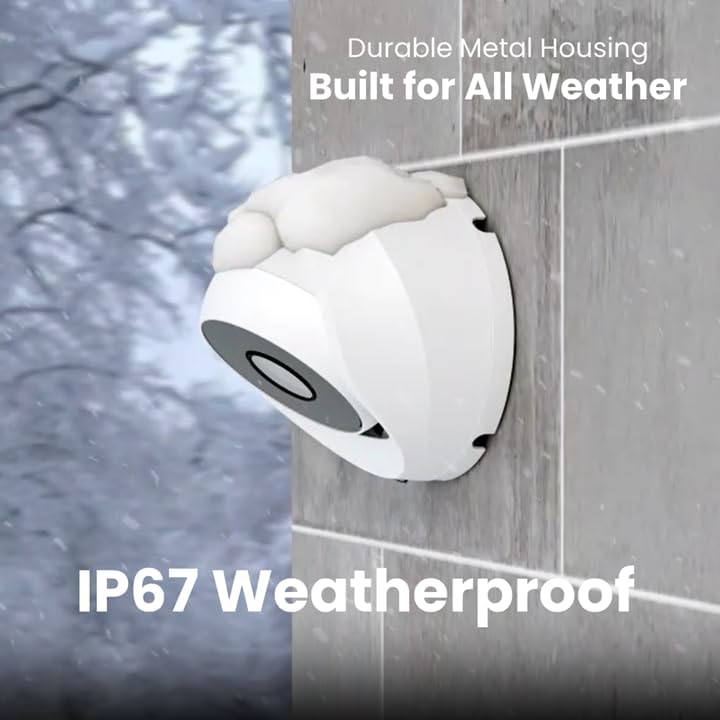
Image 2.4: Camera demonstrating IP67 weatherproof durability.
2.3 Inisyal Konfigirasyon
After powering on the DVR, follow the on-screen prompts to complete the initial setup, which typically includes:
- Seleksyon lang
- Paramèt dat ak lè
- Password creation
- Network settings (if connected)
3. Opere sistèm nan
3.1 Viv View ak Anrejistreman
Yon fwa sistèm nan enstale, ou kapab view live feeds from all connected cameras on your monitor. The DVR is configured for 24/7 continuous recording to the internal 1TB hard drive.
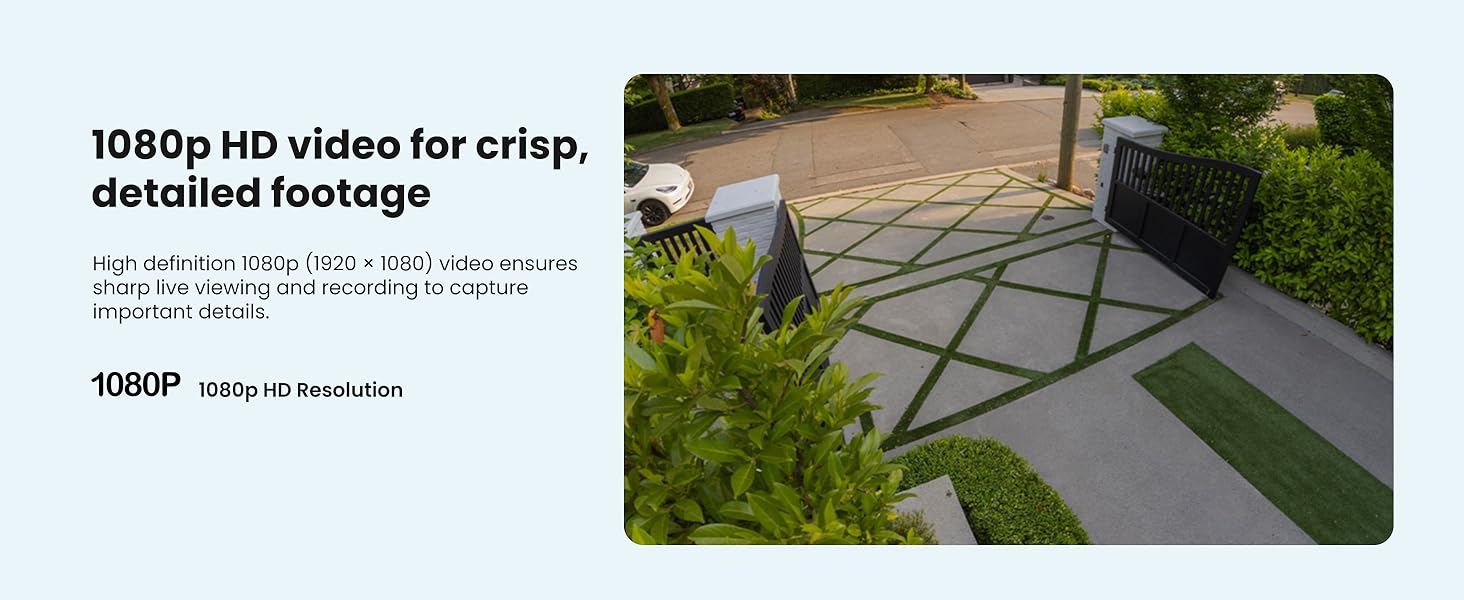
Imaj 3.1: Egzanpample of 1080p HD video resolution.
3.2 Smart Mouvman Deteksyon
The system features Smart Motion Detection, which can differentiate between people and vehicles. This helps reduce false alarms and ensures you receive relevant alerts.
- Konfigirasyon: Access the DVR's menu to configure motion detection zones and sensitivity for each camera.
- Avètisman: Enable push notifications through the Lorex App for real-time alerts on your smartphone when person or vehicle motion is detected.
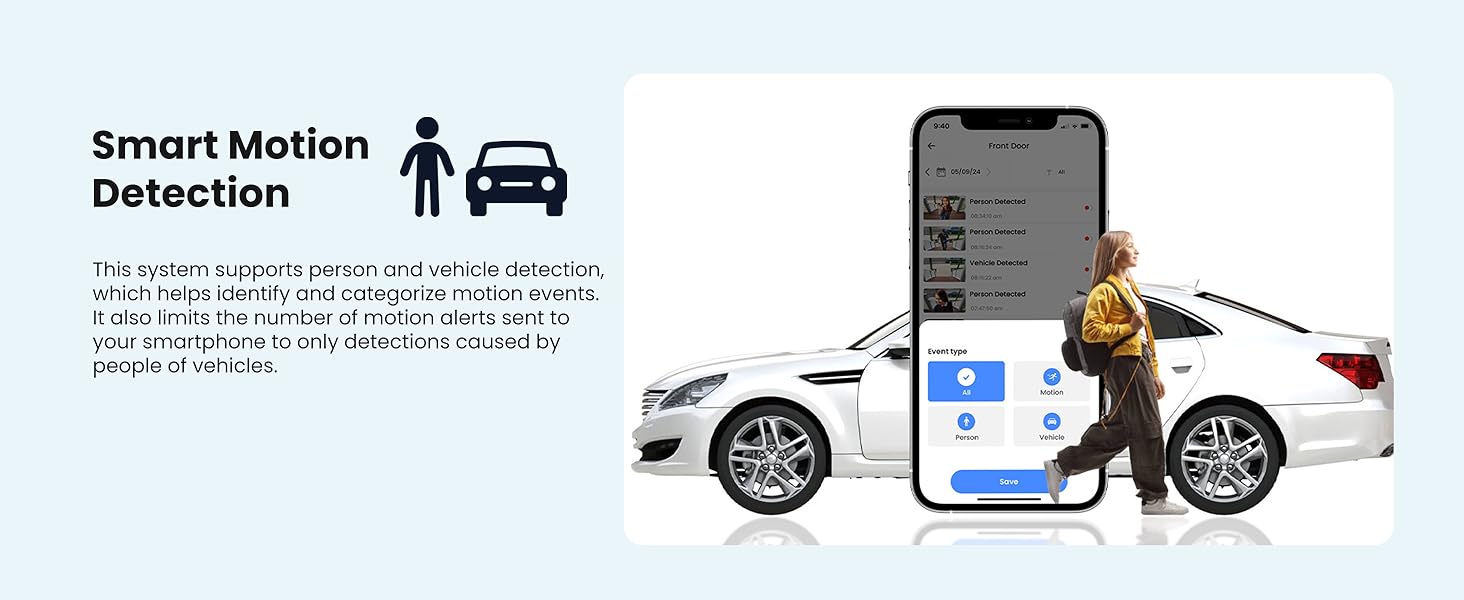
Image 3.2: Smart Motion Detection identifying a person and vehicle.
3.3 Vizyon lannwit
The cameras are equipped with Smart Infrared (IR) night vision, providing clear black and white video footage up to 65 feet in low-light conditions. The IR mode activates automatically.
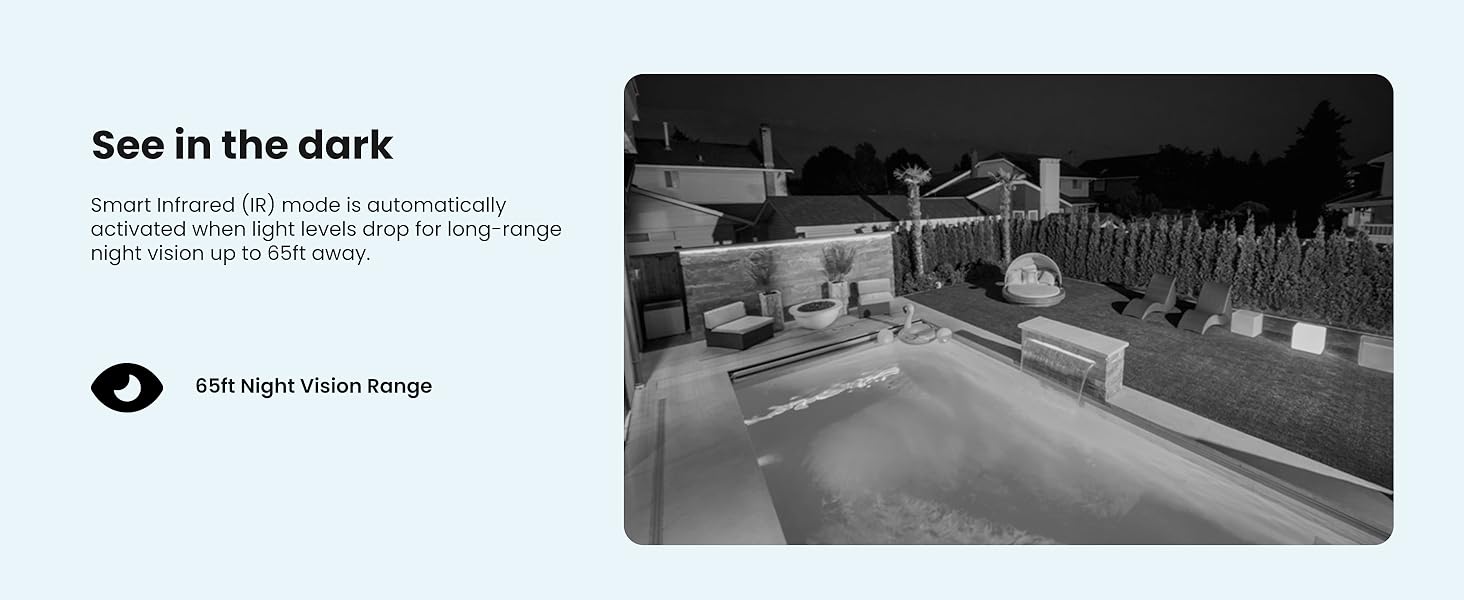
Image 3.3: Comparison of daytime and infrared night vision.
3.4 Playback and Digital Zoom
Review anrejistre footage directly from the DVR. The system also supports digital zoom on both live and recorded video for closer inspection of details.

Image 3.4: Digital zoom functionality on recorded video.
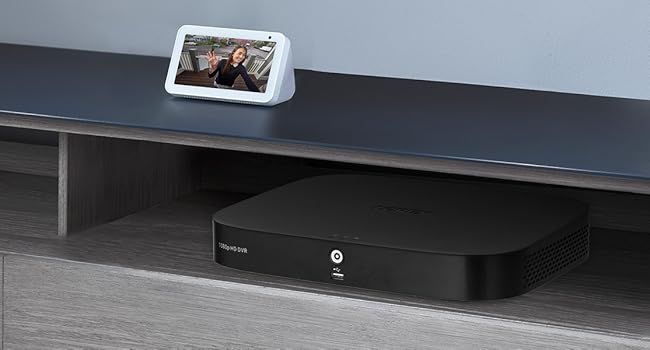
Image 3.5: Quick search feature for reviewing footage.
3.5 Remote Access (Lorex App)
Download the Lorex App on your smartphone or tablet to access live views, playback recordings, and receive alerts remotely. Ensure your DVR is connected to the internet for this feature.
4. Antretyen
4.1 Jesyon Disk Di
The 1TB internal hard drive provides ample storage for continuous recording without the need for monthly fees or subscriptions. The system automatically overwrites the oldest footage lè disk di a plen.

Image 4.1: 1TB hard drive for local storage.
4.2 Netwayaj
- Lantiy Kamera: Periodically clean camera lenses with a soft, lint-free cloth to ensure clear image quality. Avoid abrasive cleaners.
- Inite DVR: Keep the DVR unit free from dust and ensure proper ventilation to prevent overheating.
4.3 Mizajou Firmware
Check the Lorex support website periodically for firmware updates. Keeping your DVR's firmware updated ensures optimal performance and access to the latest features and security enhancements.
NAN. Depanaj
If you encounter issues with your Lorex security system, refer to the following common troubleshooting steps:
- Pa gen ekspozisyon videyo: Ensure all cables (power, video, monitor) are securely connected. Verify the monitor input source is correct.
- Pa gen anrejistreman: Check if the hard drive is properly installed and initialized. Verify recording schedules and motion detection settings.
- Pwoblèm Aksè Remote: Confirm the DVR is connected to the internet and has a stable network connection. Ensure the Lorex App is updated and configured correctly.
- Kalite imaj pòv: Clean camera lenses. Check cable connections for damage. Adjust camera position if glare or obstructions are present.
For more detailed troubleshooting guides and technical support, visit the official Lorex support websit.
6. Espesifikasyon
| Karakteristik | Spesifikasyon |
|---|---|
| Mak | lorex |
| Nimewo Modèl | AZT-D24281-2ND4-1 |
| Koneksyon Teknoloji | Branche |
| Rezolisyon Capture Videyo | 1080p (1920 x 1080) |
| Kantite Chanèl | 8 |
| Kapasite Depo memwa | 1 TB |
| Karakteristik espesyal | App Control, Night Vision, Vehicle Detection, Weatherproof |
| Vizyon lannwit Range | Jiska 65 pye |
| Rating ki enpèmeyab | IP67 |
| Tanperati Fonksyònman | 140°F/60°C Heat Rating and -40°F/-40°C Cold Rating |
| Viewing Ang | 94 Degre |
| Sous pouvwa | Fil elektrik |
| Dimansyon atik (L x W x H) | 19.7 x 19.2 x 10.3 pous |
| Pwa atik | 21.7 liv |
| UPC | 695529022086 |
7. Garanti ak sipò
7.1 Enfòmasyon sou Garanti
For detailed warranty information regarding your Lorex 1080p 8-Channel 1TB Wired DVR Security System, please refer to the warranty card included with your product or visit the official Lorex websit. Tèm ak kondisyon garanti yo ka varye.
7.2 Sipò pou Kliyan
If you require further assistance, technical support, or have questions not covered in this manual, please contact Lorex customer support through their official website. Online resources, FAQs, and contact information are available to help you.
Lorex Ofisyèl Websit: www.lorex.com


