1. Entwodiksyon
Thank you for choosing the RCA RLDEDV4001 40-Inch 1080p Full HD LED TV with Built-In DVD Player. This manual provides essential information for the safe and efficient operation of your television. Please read these instructions thoroughly before using the product and retain them for future reference.
This television combines a high-definition display with an integrated DVD player, offering a versatile entertainment solution. It features multiple input options for connecting various external devices.
2. Enfòmasyon enpòtan sou sekirite
Obsève prekosyon sekirite sa yo pou anpeche domaj epi asire operasyon an san danje:
- Sous pouvwa: Konekte televizyon an sèlman ak ekipman pou kouran ki espesifye a.
- Vantilasyon: Asire bon jan vantilasyon. Pa bloke ouvèti vantilasyon yo.
- Dlo ak imidite: Pa ekspoze televizyon an anba lapli oswa imidite. Pa mete objè ki plen likid sou televizyon an.
- Netwayaj: Unplug the TV before cleaning. Use a soft, dry cloth.
- Sèvis: Pa eseye fè sèvis pwodui sa a tèt ou. Refere tout sèvis yo bay pèsonèl sèvis kalifye.
- Plasman: Mete televizyon an sou yon sifas ki estab e plat. Evite mete l anba limyè solèy dirèk oswa toupre sous chalè.
3. Ki sa ki nan bwat la
Debale bwat la ak anpil atansyon epi asire w tout bagay yo la:
- RCA RLDEDV4001 40-Inch LED TV with Built-In DVD Player
- Sipò pou televizyon (2 moso)
- Kontwòl Remote
- Kòd pouvwa
- Manyèl Itilizatè (dokiman sa a)
- Vis pou enstalasyon kanpe
4. Enstalasyon
4.1 Debake
Remove the television and all accessories from the packaging. Retain the packaging materials for future transport or storage.
4.2 Enstalasyon kanpe
To install the included stand:
- Mete televizyon an fas anba sou yon sifas mou epi pwòp pou evite domaje ekran an.
- Aliyen chak moso sipò a ak fant ki koresponn yo anba televizyon an.
- Fèmen chak moso sipò a byen sere avèk vis yo bay yo. Asire w ke yo byen sere.

4.3 Konekte periferik
The RCA RLDEDV4001 offers various input ports for connecting external devices. Refer to the back panel image below for port locations.
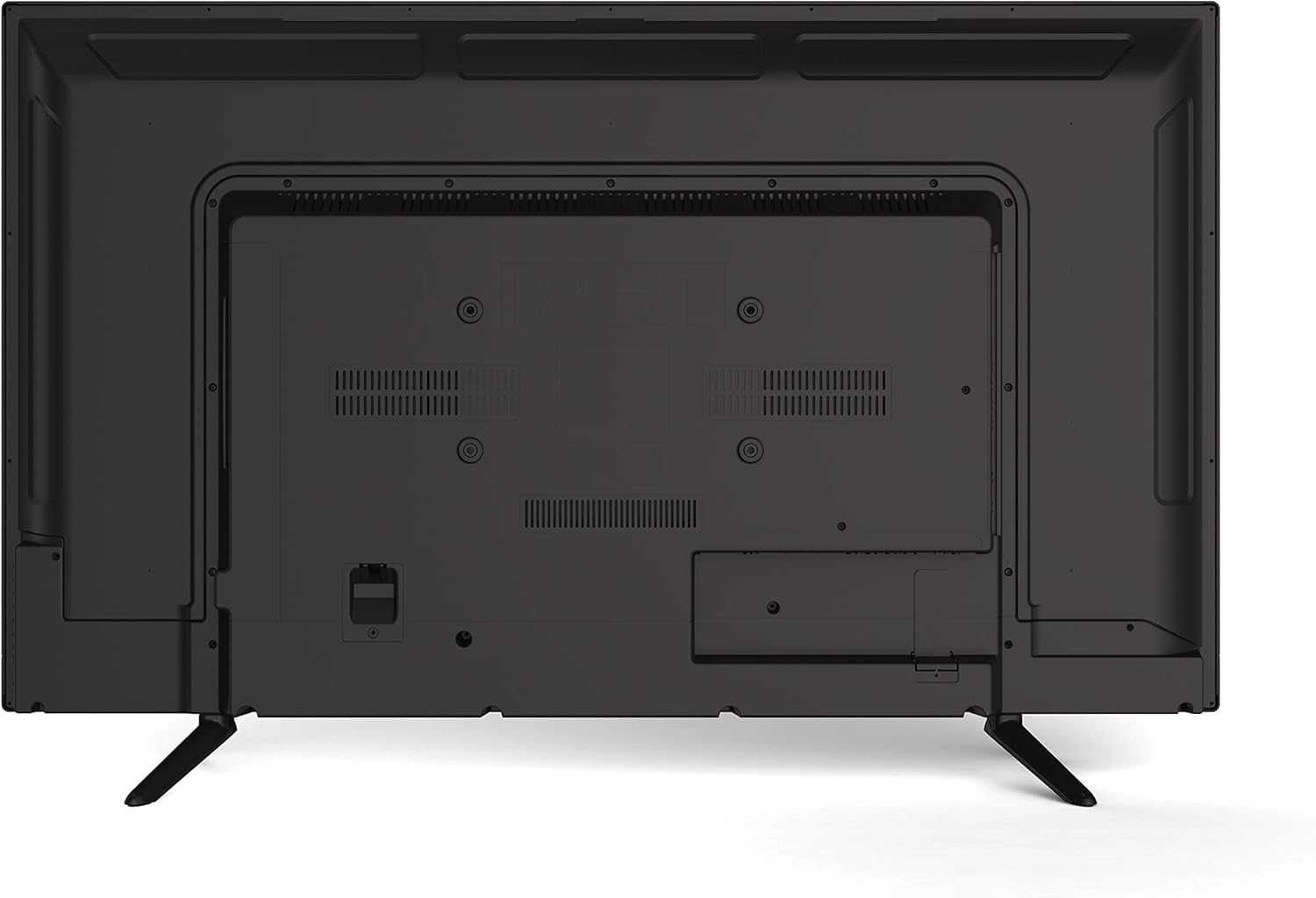
- HDMI (x3): Connect Blu-ray players, game consoles, cable/satellite boxes, or other HDMI-enabled devices.
- VGA: Konekte yon òdinatè pou itilize kòm yon monitè.
- RF (Antèn/Kab): Konekte yon antèn pou emisyon san fil oswa yon koneksyon televizyon kab.
- YPBPR (Component Video): Connect devices using component video cables (red, green, blue) for video and separate audio cables (red, white).
- AV (Composite Video): Connect older devices using composite video (yellow) and stereo audio (red, white) cables.
- Odyo PC: Audio input for VGA connection.
- Ekoutè: Konekte kas ekoutè pou tande prive.
4.4 Koneksyon pouvwa
After connecting all desired peripherals, plug the power cord into the TV's power input, then plug the other end into a standard electrical outlet.
5. Operasyon Enstriksyon
5.1 Power On/Off
Peze a POUVWA button on the remote control or on the TV's side panel to turn the TV on or off.
5.2 Seleksyon Antre
Peze a Antre or SOUS button on the remote control to cycle through available input sources (TV, HDMI1, HDMI2, HDMI3, VGA, AV, YPBPR, DVD).
5.3 Channel Scan (TV Mode)
If using an antenna or cable connection, perform a channel scan:
- Switch the input to TV.
- Access the TV's menu using the MENI bouton sou remote la.
- Navige nan Chèn or Enstalasyon seksyon.
- Chwazi Auto Scan or Pwogram Auto to search for available channels.
5.4 DVD Player Operation
The integrated slot-loading DVD player supports standard DVD discs.
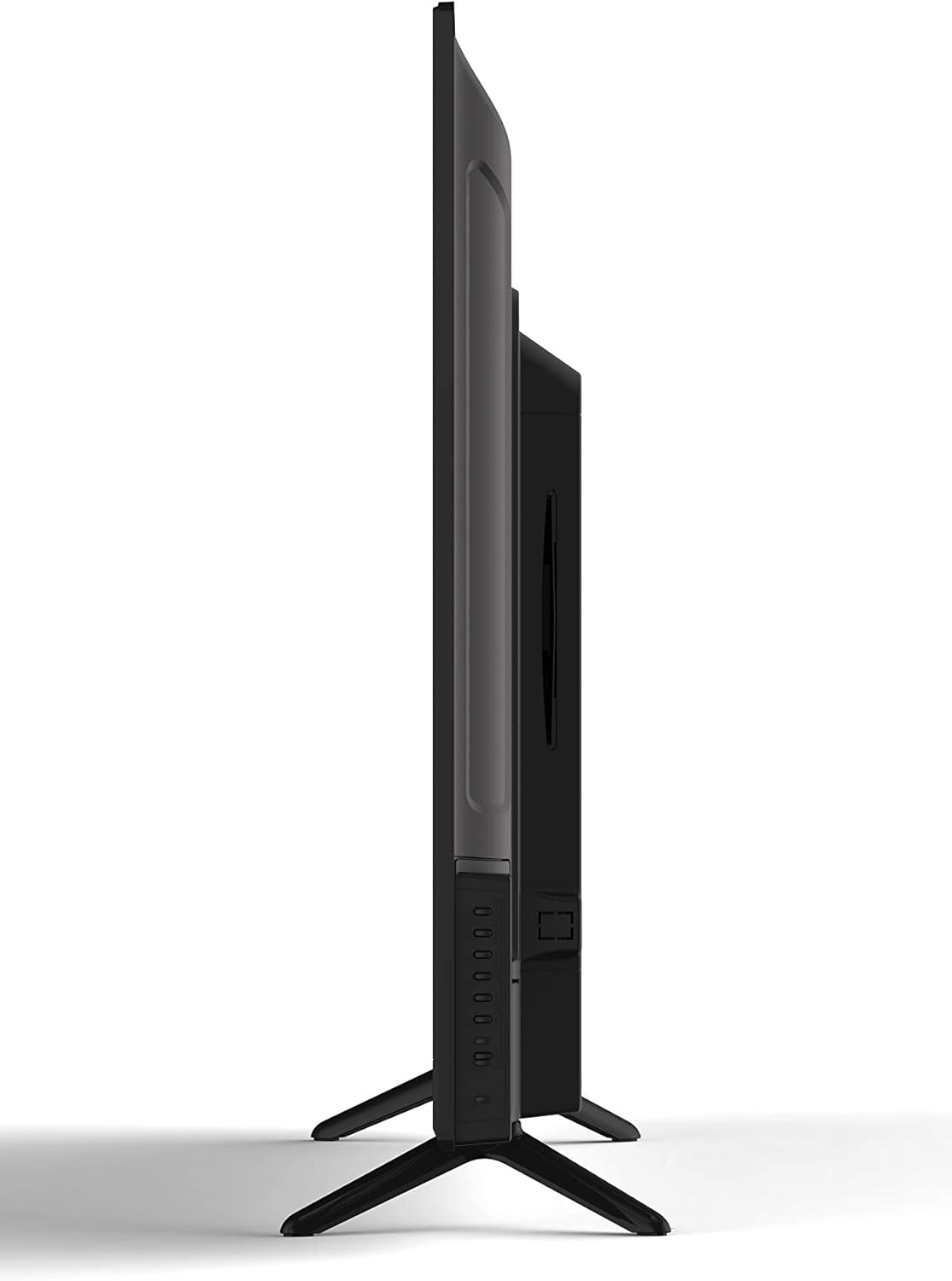
- Gently insert a DVD disc into the slot on the side of the TV, label side facing up. The TV will automatically switch to DVD input or prompt you to do so.
- Use the DVD control buttons on the remote (Play, Pause, Stop, Fast Forward, Rewind, Skip) to manage playback.
- Pou retire yon disk, peze la EJECT button on the remote or the TV's side panel.
5.5 Anviwònman Imaj ak Son
Access the TV's menu to adjust picture (brightness, contrast, color, aspect ratio) and sound (volume, bass, treble, sound mode) settings to your preference.
5.6 Revèy dòmi
The sleep timer function allows you to set a specific time after which the TV will automatically turn off. Access this feature through the TV's main menu.
5.7 Multi-Language On-Screen Display (OSD)
The TV supports multiple languages for its on-screen display. You can change the OSD language in the TV's setup menu.
6. Antretyen
6.1 Netwaye televizyon an
Toujou debranche televizyon an anvan ou netwaye li.
- Ekran: Sèvi ak yon twal mou ki pa gen pousyè, espesyalman fèt pou ekran elektwonik. Pa sèvi ak pwodui netwayaj abrazif oswa solvan.
- Kabinè: Wipe the cabinet with a soft, dry cloth. If necessary, use a slightly damp twal, Lè sa a, imedyatman siye sèk.
6.2 Depo
Si w ap sere televizyon an pou yon bon bout tan, dekonekte l nan kouran an, retire pil yo nan telekòmand lan, epi sere l nan yon kote ki fre epi sèk, de preferans nan anbalaj orijinal li.
NAN. Depanaj
Before contacting support, try these common solutions:
| Pwoblèm | Kòz posib / Solisyon |
|---|---|
| Pa gen pouvwa | Ensure the power cord is securely plugged into the TV and the wall outlet. Check if the outlet is functional. |
| Pa gen imaj, men gen son | Verifye ke sous opinyon ki kòrèk la chwazi. Tcheke koneksyon kab yo ak aparèy ekstèn yo. |
| Pa gen son, men imaj la prezan | Tcheke nivo volim nan epi asire w ke televizyon an pa sou silans. Verifye koneksyon kab odyo pou aparèy ekstèn yo. |
| DVD Not Playing / Disc Error | Ensure the disc is inserted correctly (label side up). Clean the disc for smudges or scratches. Try a different disc. |
| Remote Control pa travay | Replace the batteries (2 AAA required). Ensure there are no obstructions between the remote and the TV's sensor. |
8. Espesifikasyon
| Karakteristik | Deskripsyon |
|---|---|
| Modèl | RLDEDV4001 |
| Gwosè ekran | 40 pous |
| Kalite ekspozisyon | Full HD D-LED |
| Rezolisyon | 1920 x 1080 (1080p) |
| Aspè rapò | 16:9 |
| Klète | 450 cd/m² |
| Pwopòsyon kontras | 1500:1 |
| Tan repons | 8 ms |
| ViewAng Anglè (H/V) | 178° / 178° |
| Kalite sentonizè | ATSC / NTSC |
| Jwè entegre | Slot Loading DVD Player |
| Display Capabilities | 480i, 480p, 576i, 576p, 720i, 720p, 1080i, 1080p |
| Antre HDMI | 3 |
| VGA Antre | 1 |
| RF Antre | 1 |
| YPBPR (Component) Input | 1 |
| AV (Composite) Input | 1 |
| PC Audio Antre | 1 |
| Sòti ekoutè | 1 |
| Karakteristik espesyal | Sleep Timer, Programmable Channel Memory, Multi-Language OSD |
| Pwa atik | 19.1 liv |
| Batri Remote Kontwòl | 2 x AAA (pa enkli) |
9. Garanti ak sipò
This product is sold as a Certified Refurbished item and typically comes with a minimum 90-day warranty provided by the seller. For specific warranty details, please refer to the documentation provided at the time of purchase or contact your retailer.
For technical assistance or customer support, please refer to the contact information provided by your retailer or the RCA brand's official support channels.


