Entwodiksyon
This manual provides comprehensive instructions for the operation and maintenance of your Marathon Adanac 4000 Digital Stopwatch Timer. Please read this manual thoroughly to ensure proper use and to maximize the lifespan of your device.
Pwodwi souview
The Marathon Adanac 4000 is a high-precision digital stopwatch designed for various timing needs. It features a clear display, durable construction, and multiple timing modes.
Karakteristik kle:
- High precision accuracy to 1/100th seconds.
- Water, dust, and shock resistant design.
- Multiple operating modes: Stopwatch, Time-Out, Split, and Time/Calendar with alarm.
- Large, easy-to-read digital display.
- Includes a 46-inch lanyard for convenient carrying.
Eleman:

- Bouton START/STOP: Initiates and pauses timing functions.
- Bouton SPLIT/RESET: Records split times and resets the timer.
- Bouton MODE: Cycles through different operating modes (Stopwatch, Time/Calendar).
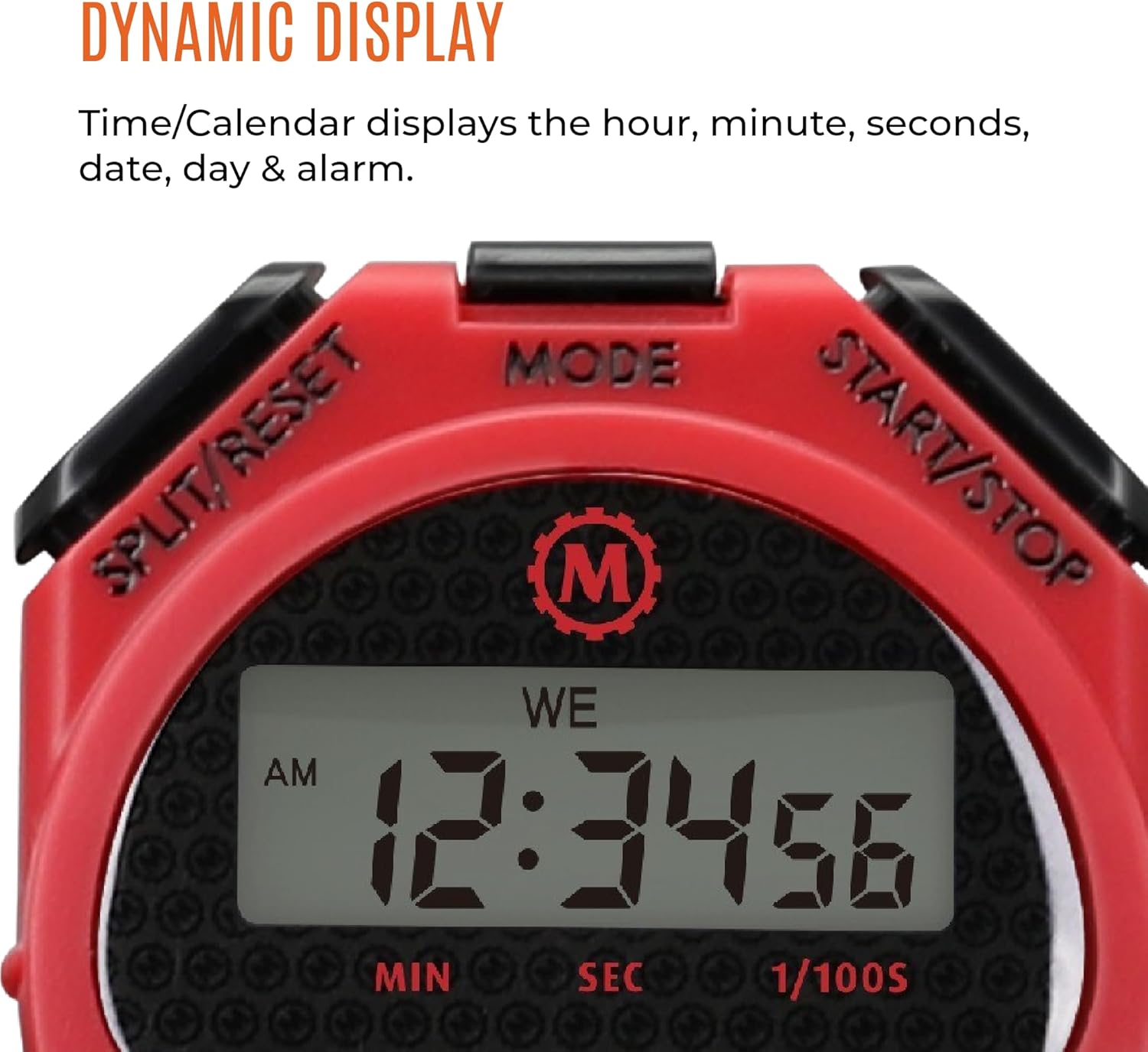
- Ekspozisyon: Shows time, date, and stopwatch readings.
- Lanyard: For secure and convenient carrying.
Enstalasyon
Enstalasyon batri:
The Marathon Adanac 4000 uses one LR44 battery (included). To install or replace the battery:
- Jwenn konpatiman pil la sou dèyè kronomèt la.
- Carefully open the compartment using a small screwdriver.
- Insert the LR44 battery with the correct polarity (+/-).
- Fèmen lòj batri a byen.
Note: Ensure the compartment is sealed properly to maintain water resistance.
Tan Anviwònman ak Dat:
To set the current time and date:
- Peze a MÒD button repeatedly until the Time/Calendar display is shown.
- Peze epi kenbe la SPLIT / RESET button until the time digits begin to flash.
- Sèvi ak la KÒMANSE/KANPE button to adjust the flashing digit (hours, minutes, seconds, month, day, year).
- Peze a MÒD button to move to the next digit or setting.
- Yon fwa tout paramèt yo kòrèk, peze SPLIT / RESET pou sòti nan mòd anviwònman an.
Mòd fonksyònman
1. Mòd Kronomèt:
This mode is used for precise timing of events.
- Peze a MÒD button until the stopwatch display (00:00:00) appears.
- Peze KÒMANSE/KANPE pou kòmanse distribisyon.
- Peze KÒMANSE/KANPE ankò pou mete revèy la nan yon poz.
- To resume timing, press KÒMANSE/KANPE.
- To reset the stopwatch to zero, ensure it is paused, then press SPLIT / RESET.
2. Split Time Mode:
This function allows you to record intermediate times while the main timer continues to run.
- Start the stopwatch as described above.
- During timing, press SPLIT / RESET to record a split time. The display will momentarily freeze to show the split time, while the internal timer continues.
- Peze SPLIT / RESET again to return to the running total time.
- Repeat to record multiple split times.
- Peze KÒMANSE/KANPE pou mete fen nan distribisyon an.
- Peze SPLIT / RESET pou view the final time, then again to reset.

3. Time-Out Mode:
This mode allows for pausing and resuming the timer without losing the accumulated time.
- Start the stopwatch.
- Peze KÒMANSE/KANPE to pause the timer (time-out).
- Peze KÒMANSE/KANPE ankò pou rekòmanse distribisyon.
- To reset the timer after stopping, press SPLIT / RESET.
4. Time/Calendar Mode:
This mode displays the current time, date, and day of the week. It also allows for setting an alarm.
- Peze a MÒD button until the time and date are displayed.
- To set the alarm: In Time/Calendar mode, press KÒMANSE/KANPE to toggle the alarm on/off. When the alarm icon is visible, the alarm is active.
- To adjust the alarm time: While in Time/Calendar mode, press and hold MÒD jiskaske lè alam lan flache. Sèvi ak KÒMANSE/KANPE pou ajiste chif yo ak SPLIT / RESET to move between hours and minutes. Press MÒD pou sove.
Antretyen
Netwayaj:
Wipe the stopwatch with a soft, damp cloth. Avoid using harsh chemicals or abrasive cleaners, as these can damage the casing oswa ekspozisyon.
Rezistans dlo:
The Adanac 4000 is designed to be water resistant. However, it is not intended for prolonged submersion. Ensure the battery compartment is securely closed to maintain water resistance. Avoid pressing buttons while the stopwatch is wet or submerged to prevent water ingress.
Depo:
Store the stopwatch in a cool, dry place when not in use. Avoid extreme temperatures and direct sunlight.
Depanaj
| Pwoblèm | Kòz posib | Solisyon |
|---|---|---|
| Ekran an vid oswa li fèb. | Batri ki ba oswa mouri. | Ranplase pil LR44 la. |
| Bouton yo pa reponn. | Temporary software glitch or moisture. | Remove and reinsert the battery. Ensure the stopwatch is dry. |
| Lè/dat ki pa kòrèk la parèt. | Time/date not set correctly. | Gade seksyon "Ajisteman Dat ak Lè" a pou ajisteman. |
| Stopwatch not timing accurately. | Rare internal malfunction. | Contact customer support if battery replacement and reset do not resolve the issue. |
Espesifikasyon
- Modèl: ST083009-RD
- Presizyon: 1/100yèm segonn
- Materyèl: Plastik
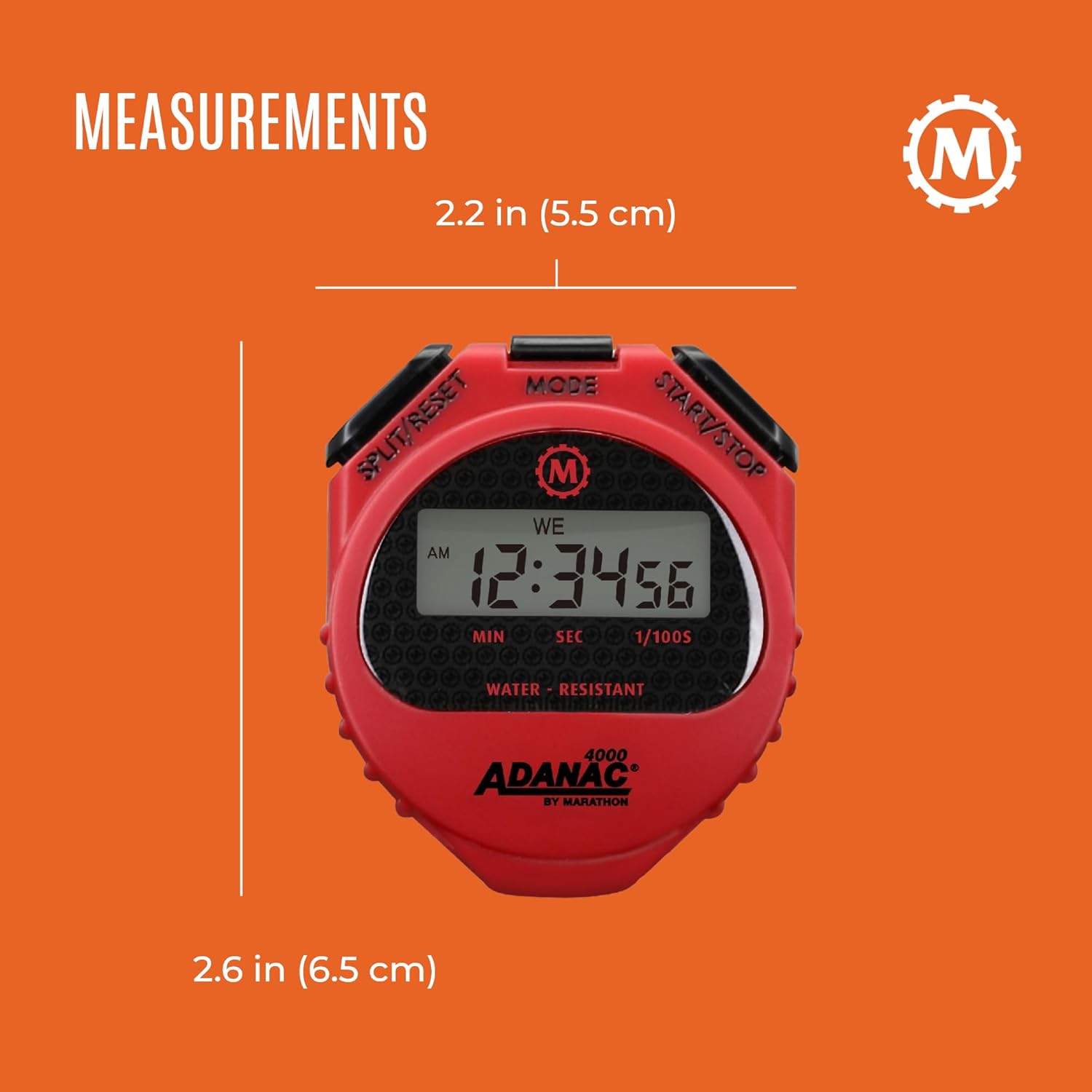
- Dimansyon: 0.59 x 2.24 x 2.64 pous (1.5 x 5.7 x 6.7 cm)
- Pwa: 0.64 ons (18.14 gram)
- Batri: 1 x LR44 (enkli)
- Karakteristik: Water, dust, and shock resistant
- Lanyard Length: 46 pous (116.8 cm)
Garanti ak sipò
For warranty information or technical support, please refer to the official Marathon product website or contact their customer service department. Details are typically provided with the product packaging or on the manufacturer's websit.
Marathon has been manufacturing precision timing instruments since 1941, upholding a legacy of quality and craftsmanship.


