Entwodiksyon
The SONICAKE Chorus Pedal QSS2-10 is a compact, 100% analog chorus effect designed for guitar. It utilizes BBD (Bucket-Brigade Device) technology to deliver a natural, warm chorus sound. Featuring true bypass switching, this pedal ensures your guitar's tone remains uncolored when the effect is disengaged.
Karakteristik
- 100% Analog Natural Warm Chorus Pedal with LEVEL, SPEED, and DEPTH control.
- BBD Technology brings a Crystal Bucket-Brigade Style Chorus Sound.
- Great Tweakability and Wider Tonal Variation.
- True Bypass Footswitch keeps a clean Signal Path.
- Durable zinc-alloy die-cast casing.
Kontwòl & Fonksyon

Devan view of the SONICAKE Chorus Pedal QSS2-10, showcasing the LEVEL, SPEED, and DEPTH control knobs, the Cloud Chorus branding, and the True Bypass footswitch.
- Bouton NIVO: Controls the overall output volume or intensity of the chorus effect. Adjust to balance the effect with your dry signal.
- Bouton SPEED: Adjusts the rate or speed of the chorus modulation. Higher settings create a faster, more warbling effect, while lower settings produce a slower, more subtle sweep.
- DEPTH Knob: Controls the intensity or depth of the chorus effect. Higher settings result in a more pronounced, thicker chorus, while lower settings offer a lighter, more transparent sound.
- Vrè Bypass Footswitch: Engages or disengages the chorus effect. When disengaged, the pedal ensures your guitar's signal passes through unaffected, preserving your original tone.
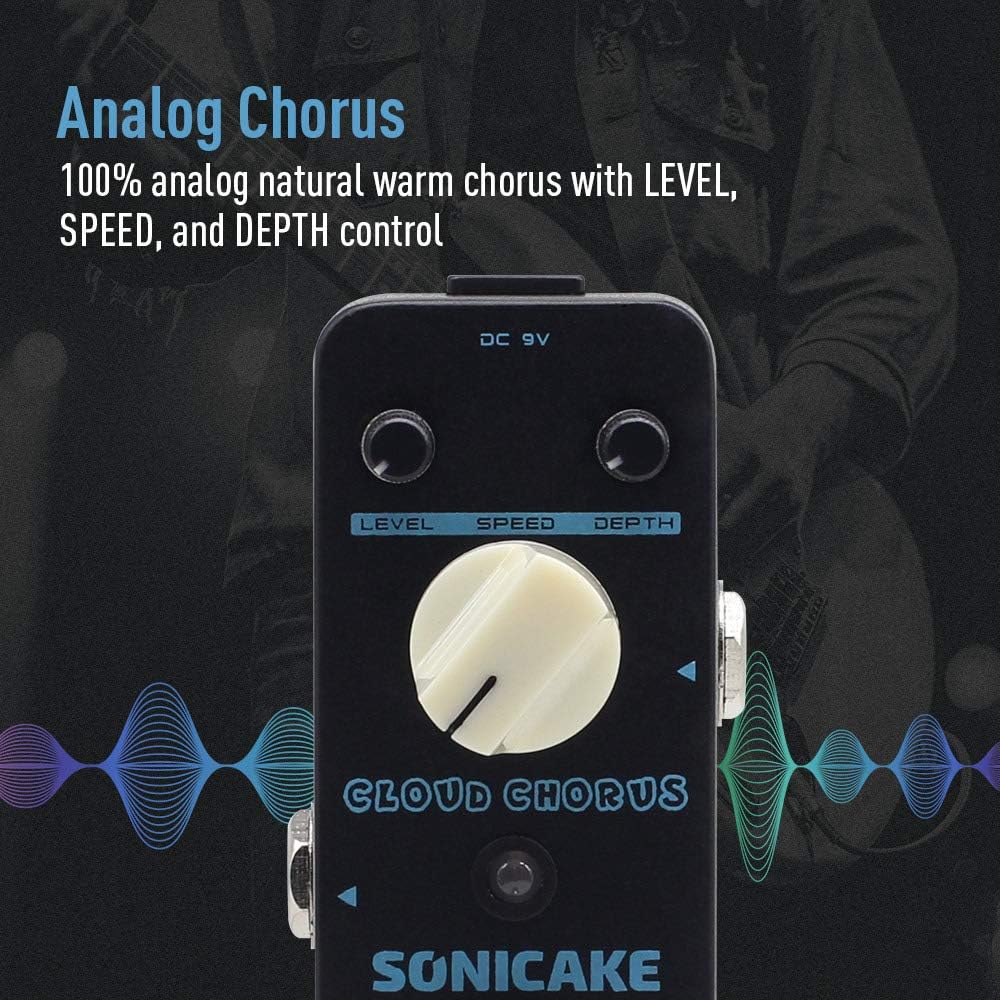
Image highlighting the analog chorus feature of the pedal, emphasizing its natural warm sound with LEVEL, SPEED, and DEPTH controls.
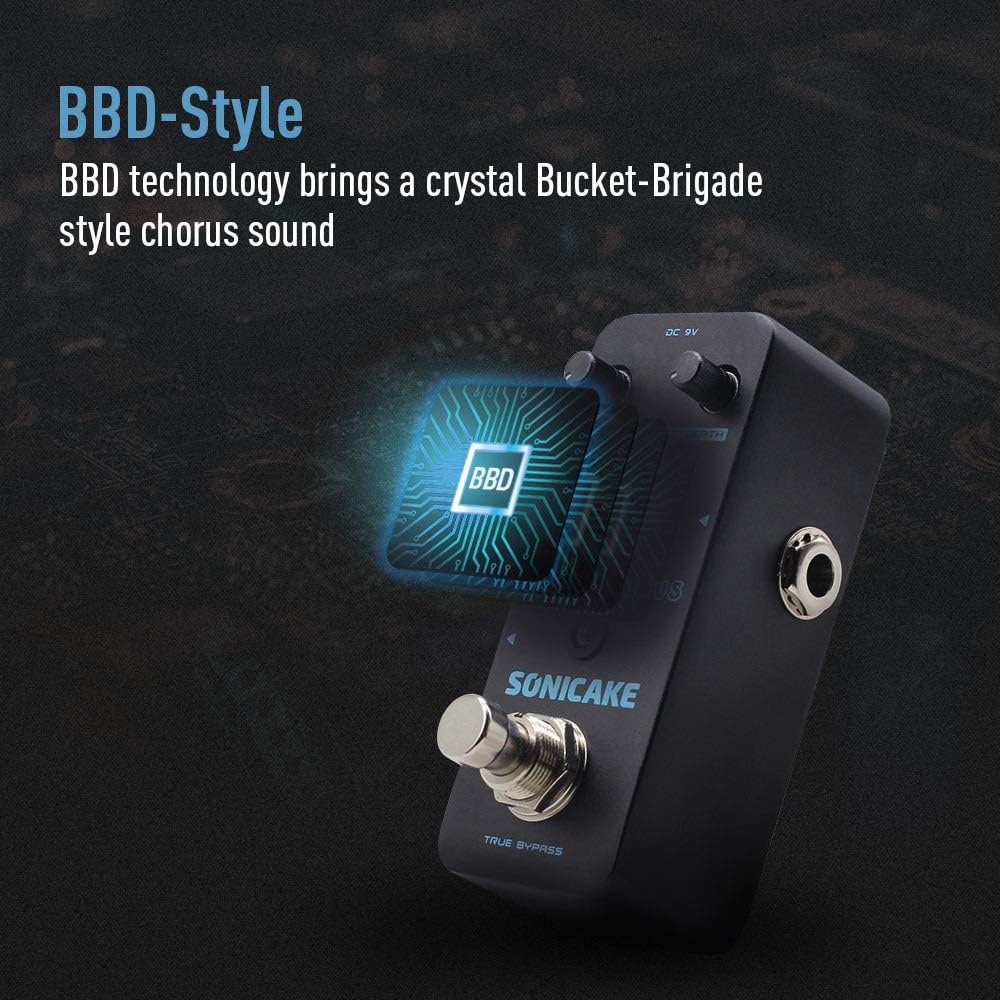
Illustration of the BBD (Bucket-Brigade Device) technology used in the pedal, which contributes to its crystal-clear chorus sound.

Visual representation of the True Bypass footswitch, ensuring a clean and unaltered signal path when the effect is disengaged.
Official product video demonstrating the SONICAKE Chorus Pedal, showcasing its BBD-style analog chorus sound and the functionality of its LEVEL, SPEED, and DEPTH controls.
Official product video providing a detailed sound demonstration of the SONICAKE Chorus Pedal (QSS4 Chorus), highlighting its tonal capabilities and control adjustments.
Enstalasyon
- Koneksyon pouvwa: Connect a standard 9V DC center-negative power supply (not included) to the DC 9V input jack on the pedal. Ensure the power supply meets the specified voltage and polarity requirements.
- Koneksyon Antre: Connect your guitar to the INPUT jack on the side of the pedal using a standard 1/4-inch instrument cable.
- Koneksyon Sòti: Connect the OUTPUT jack on the opposite side of the pedal to your amplifier a oubyen pwochen pedal la nan chèn siyal ou a lè l sèvi avèk yon kab enstriman estanda 1/4-pous.
- Premye Anviwònman: Before powering on, set the LEVEL, SPEED, and DEPTH knobs to their minimum positions to avoid sudden loud sounds.
Opere
- Angaje efè a: Press the True Bypass footswitch to activate the chorus effect. The LED indicator will illuminate, indicating the effect is active.
- Disengaging the Effect: Press the footswitch again to bypass the effect. The LED indicator will turn off, and your signal will pass through unaffected.
- Adjusting Chorus Intensity: Slowly turn the LEVEL knob clockwise to increase the volume of the chorus effect.
- Controlling Modulation Speed: Adjust the SPEED knob to change how quickly the chorus effect sweeps. Experiment with different settings to find your desired rate.
- Setting Chorus Depth: Use the DEPTH knob to control the prominence and thickness of the chorus sound. Higher settings create a more dramatic effect.
Antretyen
- Netwayaj: Use a soft, dry cloth to clean the pedal's surface. Avoid using abrasive cleaners or solvents.
- Depo: Store the pedal in a dry environment away from extreme temperatures and direct sunlight. Disconnect power when not in use for extended periods.
- Koneksyon: Periodically check all cable connections for wear and tear. Ensure jacks are free from dust and debris.
- Pwovizyon pou pouvwa: Always use a regulated 9V DC center-negative power supply to prevent damage to the pedal.
Depanaj
- Pa gen son:
- Tcheke tout koneksyon kab yo (gita, pedal, amp, power).
- Asire w ke ekipman pou pouvwa a byen konekte epi li fonksyone.
- Verify the footswitch is engaged (LED on).
- Son fèb oswa defòme:
- Tcheke reglaj bouton LEVEL la; li ka twò ba oswa twò wo.
- Test with different cables and power supply.
- Ensure your guitar's output and amplifier's input levels are appropriate.
- Bri/ronfleman endezirab:
- Use a high-quality, regulated power supply.
- Ensure proper grounding of your equipment.
- Keep the pedal away from power cables or other electronic devices that may cause interference.
- Efè ki pa kaptivan:
- Confirm the power supply is connected and providing power.
- Check the footswitch for proper operation.
Espesifikasyon
- Nimewo Modèl Atik: QSS2-10
- Pwa atik: 8.1 ons (0.23 kilogram)
- Dimansyon pwodwi: 3.68 x 1.65 x 2.05 pous (9.35 x 4.2 x 5.2 cm)
- Kalite materyèl: Metal (Zinc-alloy die-cast casing)
- Sous pouvwa: DC pouvwa
- Voltage: 9 Volts
- Kalite konektè: 9V center-negative
- Entèfas pyès ki nan konpitè: 1/4-pous Audio
- Fòma siyal: Analòg

Diagram showing the compact dimensions of the SONICAKE Chorus Pedal, measuring 3.68 inches in length, 1.65 inches in width, and 2.05 inches in height.
Garanti ak sipò
For specific warranty information regarding your SONICAKE Chorus Pedal QSS2-10, please refer to the documentation included with your purchase or contact the seller directly. For technical support or further assistance, please reach out to SONICAKE customer service.


