1. Entwodiksyon ak souview
Thank you for choosing the NuWave Pro Precision Induction Cooktop, Model 30301. This advanced countertop burner utilizes induction technology to provide efficient, precise, and safe cooking. Its portable design and accurate temperature control make it an ideal addition to any kitchen, offering a superior cooking experience compared to traditional electric or gas ranges.
This manual provides detailed instructions for the safe and effective use of your NuWave Pro Precision Induction Cooktop. Please read it thoroughly before first use and retain it for future reference.
2. Enfòmasyon enpòtan sou sekirite
AVÈTISMAN: Pou diminye risk dife, chòk elektrik, oswa blesi, li epi konprann tout enstriksyon yo anvan ou itilize aparèy sa a.
- Always place the cooktop on a stable, level, heat-resistant surface.
- Asire w ke gen ase vantilasyon toutotou aparèy la. Pa bloke ouvèti lè yo.
- Pa plonje plat la nan dlo oswa nenpòt lòt likid.
- Use only induction-compatible cookware. Non-compatible cookware will not heat.
- The cooking surface can remain hot even after cooking. Allow it to cool completely before cleaning or storing.
- Kenbe lwen timoun ak bèt kay.
- Pa opere si kòd elektrik la oswa ploge domaje.
- Individuals with pacemakers or similar medical devices should consult their doctor before using an induction cooktop due to potential electromagnetic interference.
3. Pwodwi Features
- Precision Induction Technology: Heats cookware directly, minimizing heat loss and maximizing energy efficiency.
- Kontwòl Tanperati egzat: Offers precise temperature settings for consistent cooking results.
- Konsepsyon pòtab: Compact and lightweight, making it easy to move and store.
- Sifas dirab: Features a shatter-proof ceramic glass cooking surface.
- Plizyè Wattage Anviwònman: Adjustable power levels for various cooking needs.
- Karakteristik sekirite: Automatic shut-off, pan detection, and overheat protection.
4. Konpozan ak Kontwòl
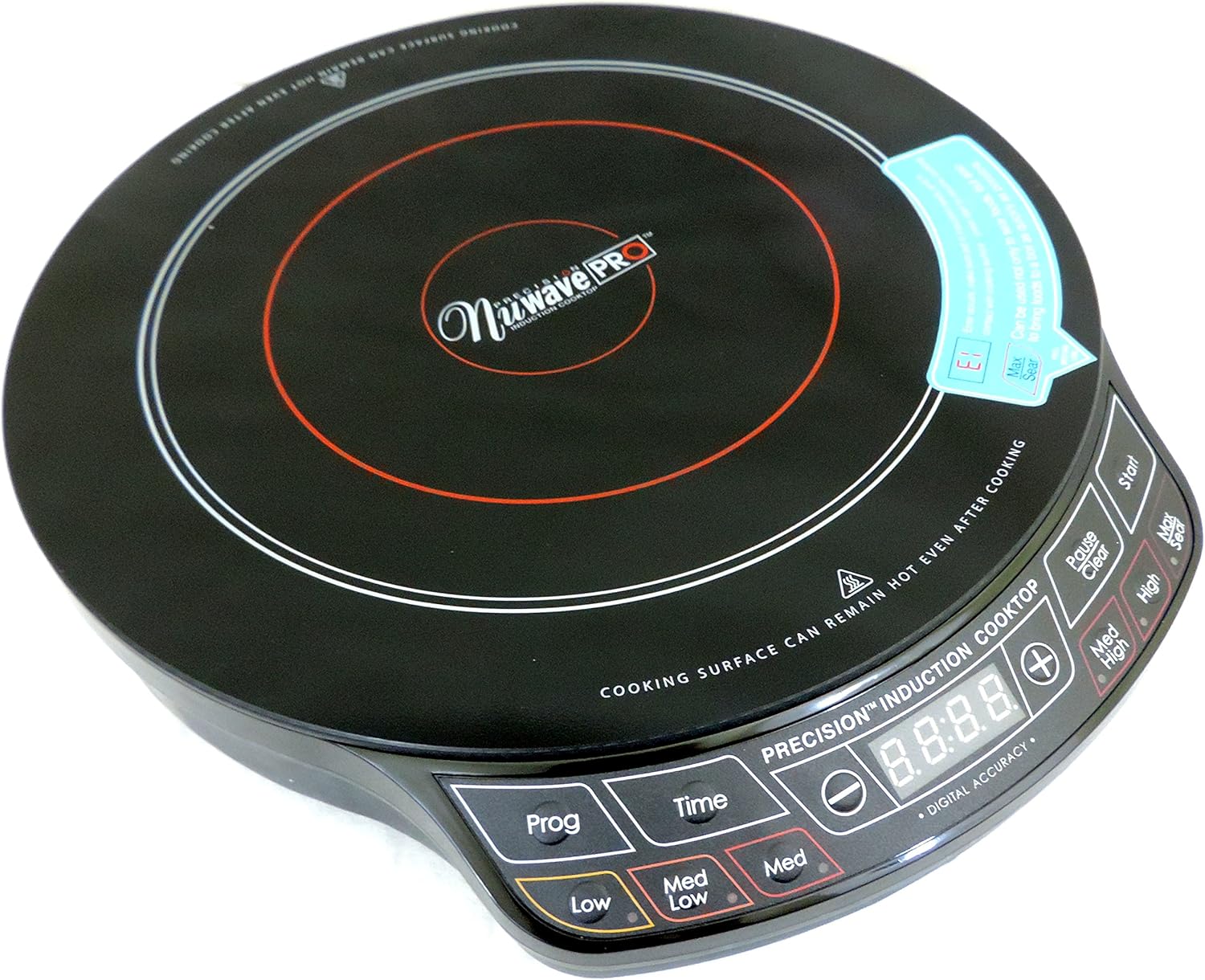
Figi 4.1: Anwo-anba view of the NuWave Pro Precision Induction Cooktop, highlighting the cooking zone and digital control panel.
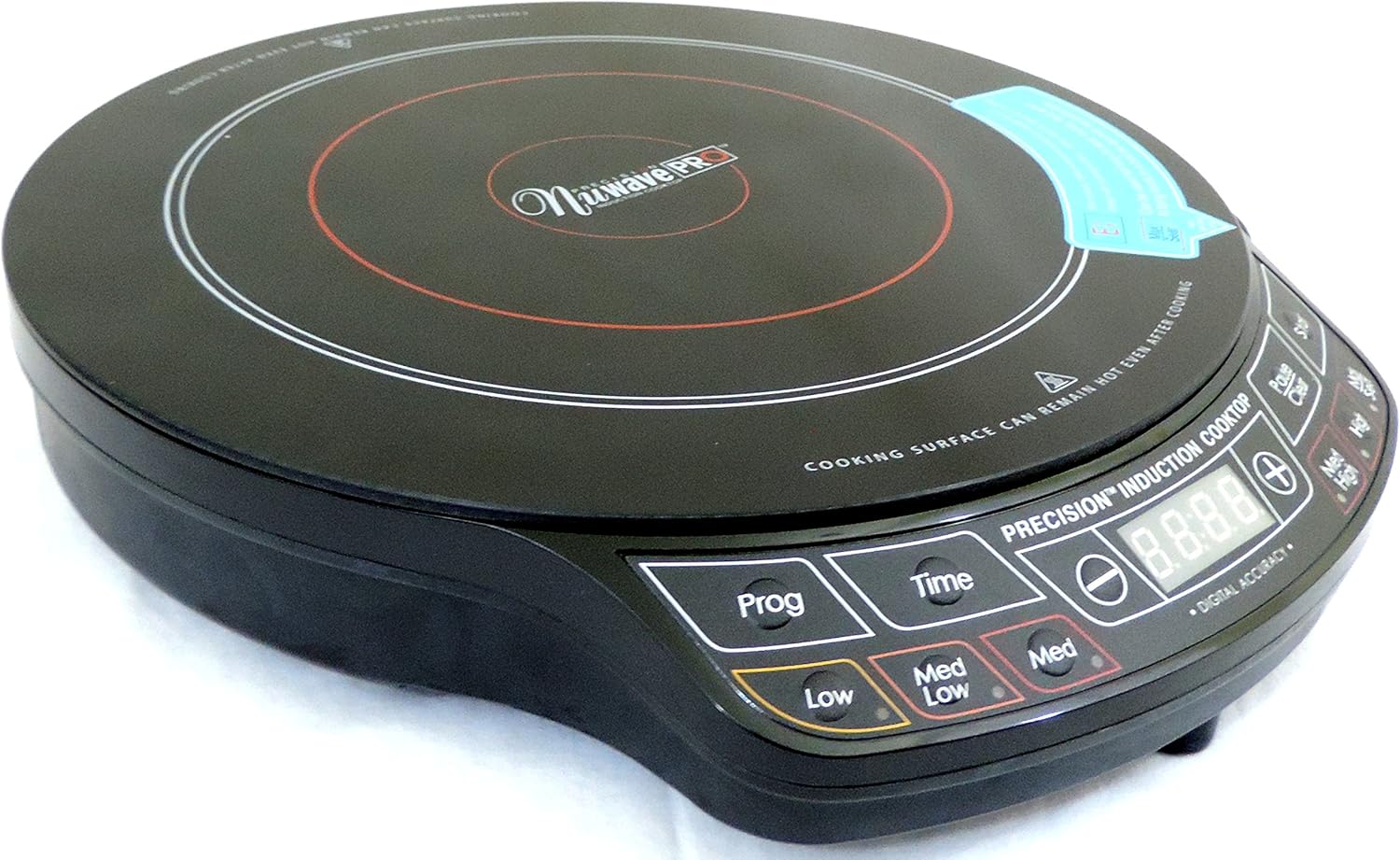
Figi 4.2: Angle view of the NuWave Pro Precision Induction Cooktop, providing a clearer look at the unit's compact design and the layout of the control buttons.
Kontwòl Panel Plis paseview:
- Ekspozisyon dijital: Shows temperature, time, and error codes.
- Prog (Program): Used to access and set pre-programmed cooking functions.
- Tan: Activates and adjusts the cooking timer.
- Low / Med Low / Med / Med High / High / Sear: Pre-set temperature/power level buttons for quick selection.
- +/- Bouton: Adjust temperature or time settings incrementally.
- Kòmanse: Begins the cooking process.
- Pause / Clear: Pauses cooking or clears current settings.
5. Enstalasyon
- Debake: Carefully remove the cooktop and all packaging materials from the box. Retain packaging for storage or future transport.
- Plasman: Place the cooktop on a dry, flat, stable, and heat-resistant surface. Ensure there is at least 4-6 inches of clear space around all sides for proper ventilation. Do not place on metal surfaces.
- Koneksyon pouvwa: Ploge kòd elektrik la nan yon priz estanda 120V AC.
- Konpatibilite pou kwit manje: Ensure your cookware is induction-compatible. This typically includes cast iron, enameled iron, and stainless steel with a magnetic bottom. A simple test is to place a magnet on the bottom of your pot or pan; if it sticks, it's compatible.
6. Operasyon Enstriksyon
Operasyon debaz:
- Place induction-compatible cookware (with contents) centrally on the cooking surface.
- Peze a Kòmanse button to turn on the unit. The digital display will illuminate.
- Select your desired cooking temperature or power level using the pre-set buttons (Low, Med Low, Med, Med High, High, Sear) or use the +/- buttons for precise adjustments.
- To set a cooking time, press the Tan bouton, Lè sa a, sèvi ak la +/- buttons to adjust the duration. Press Kòmanse again to confirm and begin cooking.
- To pause cooking, press Pran yon pozPou rekòmanse, peze Kòmanse.
- To clear settings or turn off the unit, press and hold the Pause / Clear bouton.
Using Pre-Programmed Settings (Prog):
La Pwog button allows access to various pre-programmed cooking functions. Refer to the included recipe book or NuWave's official website for specific details on these programs and their usage.
Note: Always ensure the cooktop is clean and dry before use. Do not operate without cookware on the surface.
7. Antretyen ak netwayaj
CAUTION: Always unplug the cooktop and allow it to cool completely before cleaning.
- Netwaye sifas la: Siye sifas vè seramik ak anonsamp cloth and mild detergent. For stubborn stains, use a non-abrasive cleaner specifically designed for glass cooktops. Dry thoroughly with a soft cloth.
- Kontwòl Panel: Siye panèl kontwòl la ak yon mou, damp cloth. Do not use abrasive cleaners or immerse the unit.
- Vantilasyon: Periodically check the air intake and exhaust vents for dust or debris. Use a soft brush or vacuum cleaner to gently clear any blockages.
- Depo: Store the cooktop in a cool, dry place when not in use.
NAN. Depanaj
| Pwoblèm | Kòz posib | Solisyon |
|---|---|---|
| Recho a pa limen. | Pa branche; kouran koupetage; priz ki gen pwoblèm. | Asire w ke aparèy la byen branche nan yon priz ki fonksyone. Tcheke disjonktè a. |
| Istansil pou kwit manje yo pa chofe. | Cookware is not induction-compatible; cookware is too small or not centered; no cookware detected. | Use induction-compatible cookware. Ensure cookware is centered and covers a sufficient portion of the cooking zone. |
| Inite fèmen san atann. | Overheat protection activated; pan removed; internal error. | Allow unit to cool down. Ensure proper ventilation. Replace pan if removed. If problem persists, contact customer support. |
| Temperature control seems inaccurate. | Variations in cookware material/thickness; user expectation. | Induction cooktops heat very rapidly. Adjust settings gradually. Ensure cookware is flat-bottomed. |
| Unit does not shut off with button. | Button not held long enough; temporary software glitch. | Peze epi kenbe la Pause / Clear button for a few seconds. If unresponsive, unplug the unit from the wall for 30 seconds, then plug back in. |
9. Espesifikasyon
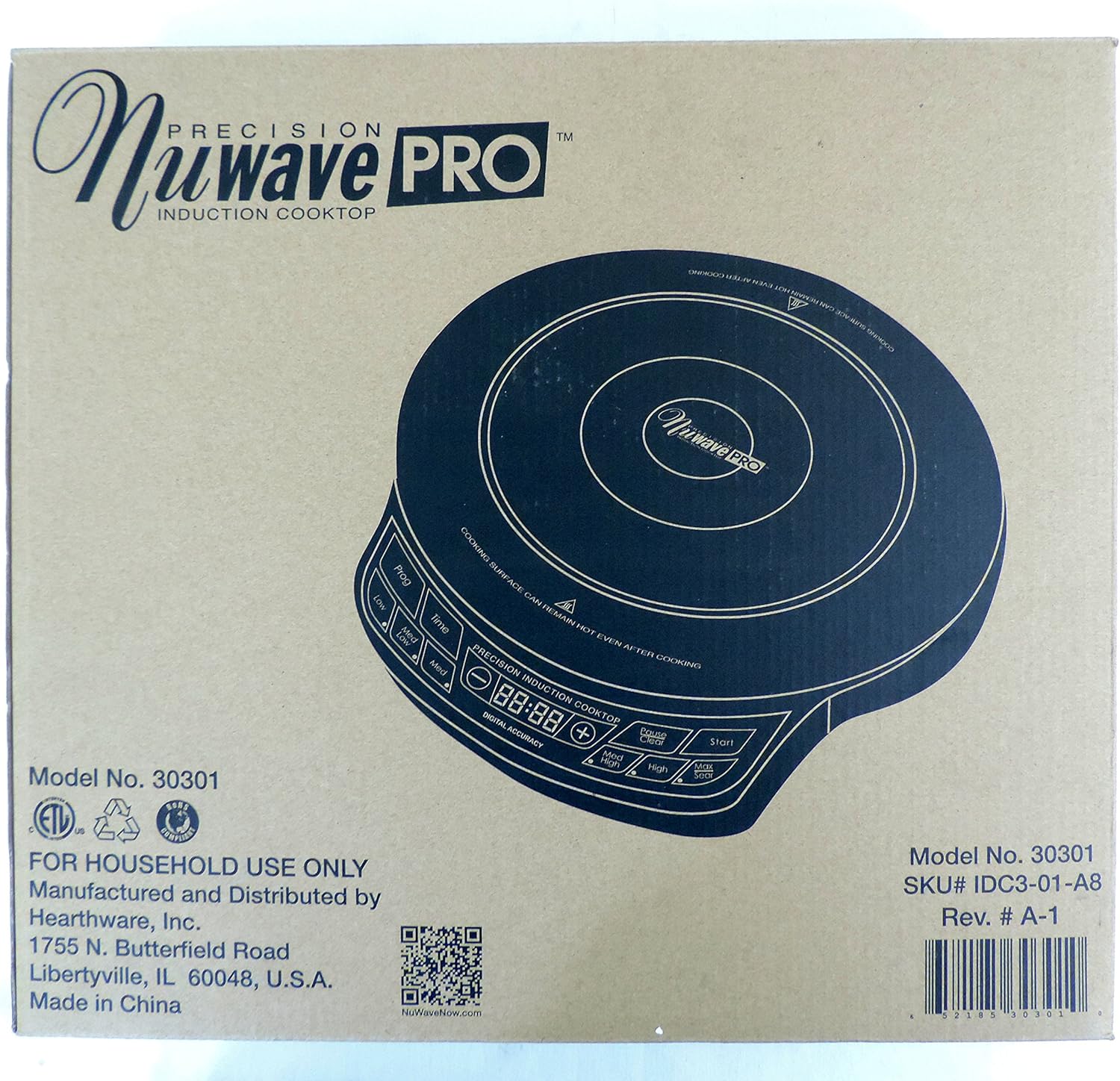
Figure 9.1: Product packaging displaying key model information and manufacturer details.
| Atribi | Detay |
|---|---|
| Nimewo Modèl | 30301 |
| Mak | Nuwave |
| Koulè | Nwa |
| Eleman chofaj | 1 |
| Kontwòl Kalite | Pouse bouton |
| Kalite brûler | Endiksyon |
| Konpozan ki enkli | Cooking Pot (as per product data, though not explicitly shown in images) |
| Sous pouvwa | Induction (Electrical) |
| UPC | 652185303010 |
| Dimansyon pake | 15.94 x 14.41 x 3.66 pous |
| Pwa atik | 6.76 liv |
| Dat Premye Disponib | 1 fevriye 2017 |
10. Garanti ak sipò
Your NuWave Pro Precision Induction Cooktop is designed for durability and performance. While specific warranty details are not provided in this manual, Nuwave typically offers a limited warranty on its products. Please refer to the warranty card included with your purchase or visit the official Nuwave websit la pou jwenn enfòmasyon ki pi resan sou garanti a.
For customer support, service inquiries, or to register your product, please visit the official Nuwave websit la oubyen kontakte depatman sèvis kliyan yo a:
- Ofisyèl Websit: www.nuwavenow.com
- Règleman retounen: Products purchased from authorized sellers typically have a 30-day return policy. Please check with your retailer for specific return terms.


