Marathon CL030033BK Atomic Wall Clock User Manual
Model: CL030033BK | Brand: Marathon
1. Entwodiksyon
Thank you for choosing the Marathon CL030033BK Atomic Wall Clock. This clock is designed for precision and convenience, featuring atomic self-setting and self-adjusting capabilities. It automatically synchronizes with the atomic time signal, ensuring accurate timekeeping without manual adjustments. This manual provides detailed instructions for setting up, operating, and maintaining your new clock.
2. Pwodwi Features
- Chronomèt atomik: Automatically synchronizes with the atomic time signal for precise time.
- Self-Setting & Self-Adjusting: Automatically sets time and adjusts for Daylight Saving Time.
- Ekspozisyon gwo, fasil pou li: Clear digital display for time, date, day of the week, and temperature.
- Mòd miltip: Displays time, date, and temperature (in both Celsius and Fahrenheit).
- 8 Zòn Tan: Selectable time zones to suit your location.
- Plasman versatile: Features a built-in table stand and wall-mount option.
- Konsepsyon dous: Modern aesthetic with a brushed steel effect frame.
- Batri opere: Mache ak 2 pil AA (enkli).

Figi 2.1: Devan view of the Marathon CL030033BK Atomic Wall Clock, showcasing its large digital display.

Figure 2.2: Key features of the Atomic Wall Clock, including its large, easy-to-read display, multiple display modes (time, date, temperature), and support for 8 time zones.
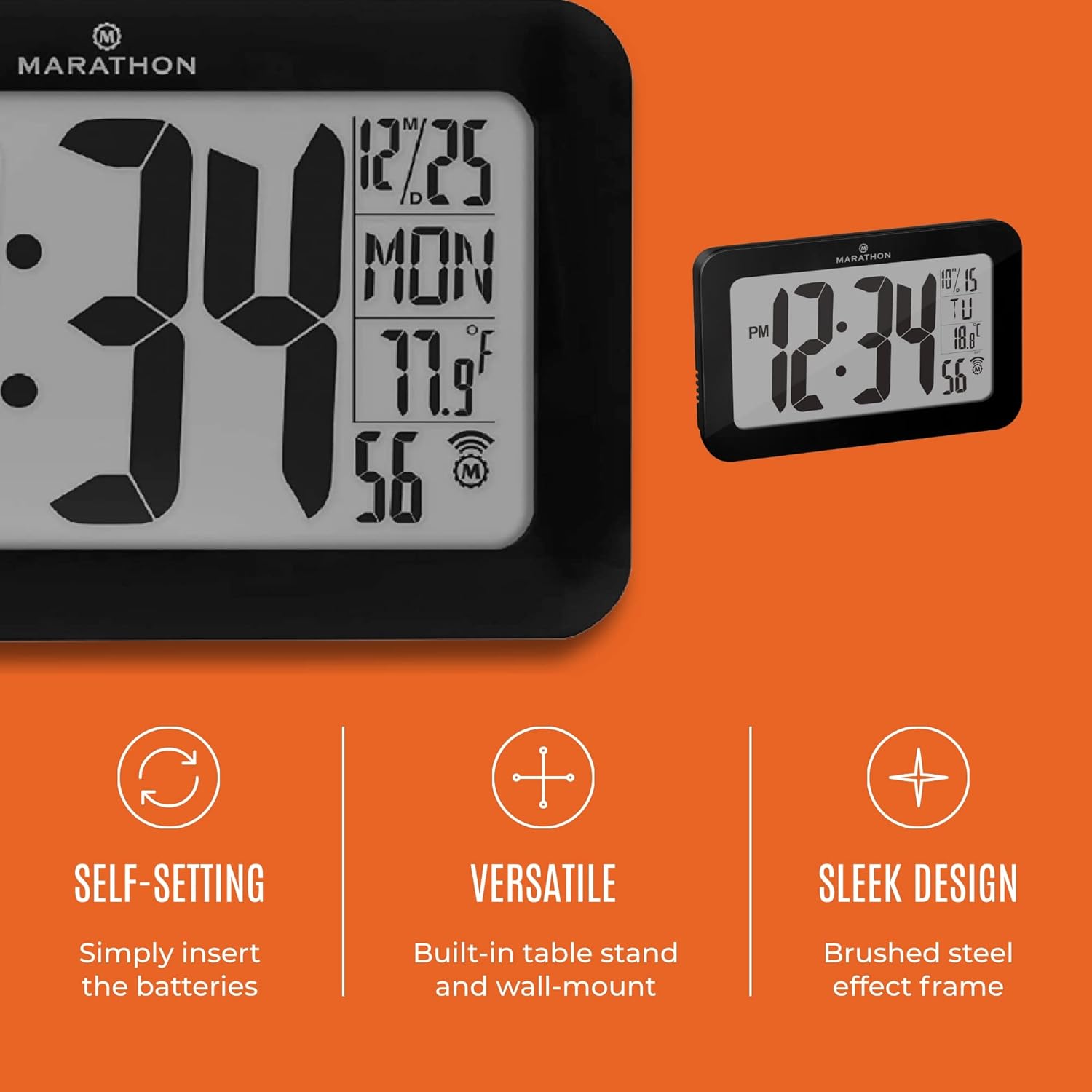
Figure 2.3: Illustrates the clock's self-setting capability (simply insert batteries), versatile placement options (built-in table stand and wall-mount), and sleek design with a brushed steel effect frame.
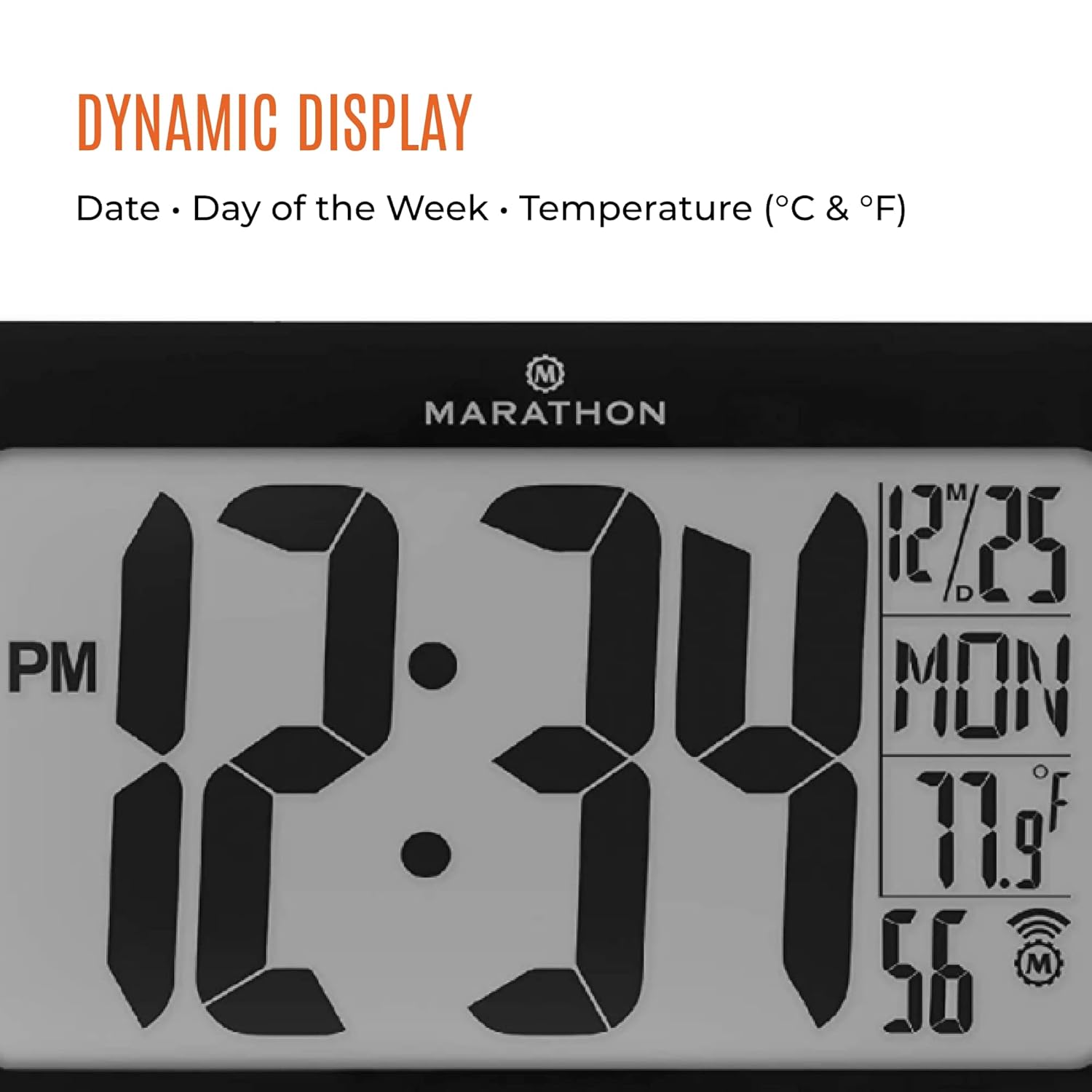
Figure 2.4: Close-up of the dynamic display, showing the current date, day of the week, and temperature in both Celsius and Fahrenheit.
3. Enstalasyon
- Debake: Carefully remove the clock from its packaging. Ensure all components are present: the clock unit and 2 AA batteries.
- Enstalasyon batri: Locate the battery compartment on the back of the clock. Insert the two included AA batteries, ensuring correct polarity (+ and -). The clock will power on automatically.
- Senkronizasyon inisyal: Upon battery installation, the clock will begin searching for the atomic time signal. This process may take several minutes to a few hours, depending on your location and signal strength. Place the clock near a window for better reception.
- Plasman:
- Tab kanpe: Extend the built-in stand on the back of the clock to place it on a flat surface.
- Mi Mount: Use the integrated keyhole slots on the back of the clock to hang it securely on a wall using appropriate hardware (not included).

Figure 3.1: The clock is easy to set and use, primarily requiring only the insertion of the included AA batteries for automatic setup.
4. Operasyon Enstriksyon
The Marathon CL030033BK is designed for minimal user intervention due to its atomic synchronization. Once set up, it largely operates automatically.
4.1 Automatic Time Synchronization
The clock will automatically receive the atomic time signal (WWVB in North America) and adjust its time accordingly. This typically occurs overnight to avoid interference. The signal icon on the display indicates reception strength.
4.2 Manual Time Zone Selection
While the time is atomic, you may need to manually select your desired time zone. Refer to the buttons on the back of the clock (if any) for a 'Time Zone' or 'TZ' button. Pressing this button will cycle through the 8 available time zones until your local zone is displayed.
4.3 Montre mòd
The clock's dynamic display cycles through or can be manually switched between different information modes:
- Tan: Displays the current time (AM/PM indicator).
- Dat: Displays the month and day.
- Jou nan semèn nan: Montre jou aktyèl la.
- Tanperati: Displays the indoor temperature in either Celsius or Fahrenheit. There may be a button (e.g., 'C/F' or 'TEMP') to switch between these units.
5. Antretyen
- Ranplasman batri: When the display dims or the clock stops functioning, replace the 2 AA batteries. Always replace both batteries at the same time with new ones.
- Netwayaj: Clean the clock's surface with a soft, dry cloth. Do not use abrasive cleaners or chemicals, as they may damage the finish or display.
- Depo: Si w ap sere revèy la pou yon peryòd tan pwolonje, retire pil yo pou anpeche likid koule.
NAN. Depanaj
- Clock not setting time:
- Asire w ke pil yo fre ak kòrèkteman enstale.
- Place the clock near a window, away from electronic devices that may cause interference.
- Allow sufficient time (up to 24 hours) for the clock to receive the atomic signal, especially during initial setup or after battery replacement.
- Ekran an fèb oswa vid:
- Ranplase pil yo ak nouvo.
- Incorrect time zone:
- Manually adjust the time zone using the dedicated button on the back of the clock.
7. Espesifikasyon

Figure 7.1: Dimensions of the Marathon CL030033BK Atomic Wall Clock, showing its width, height, and digit size.
| Karakteristik | Detay |
|---|---|
| Mak | Maraton |
| Nimewo Modèl | CL030033BK |
| UPC | 063442321072 |
| Koulè | Nwa |
| Kalite ekspozisyon | Analog (Digital Display) |
| Style | Haitian |
| Karakteristik espesyal | Atomic, Self-Setting, Self-Adjusting |
| Sous pouvwa | Batri Powered |
| Batri enkli | Wi (2 pil AA) |
| Kalite aliye | Wall Mount, Table Stand |
| Materyèl ankadreman | Alloy Steel |
| Pwa atik | 11 gram |
| Dimansyon atik (LxWxH) | 22.9 x 3.8 x 14.5 santimèt |
| Mòd operasyon | Atomik |
| Gade Mouvman | Quartz |
| Revèy | Non |
| Kalite chanm | Chanm, chanm k ap viv, biwo |
8. Enfòmasyon sou Garanti
Marathon products are manufactured to high-quality standards. For specific warranty details, including duration and coverage, please refer to the warranty card included with your purchase or visit the official Marathon Watch Company websit la. Kenbe prèv acha ou pou reklamasyon garanti.
9. Sipò pou Kliyan
If you encounter any issues or have questions regarding your Marathon CL030033BK Atomic Wall Clock that are not covered in this manual, please contact Marathon customer service. Contact information can typically be found on the product packaging or the official Marathon Watch Company websit.


