Entwodiksyon
Mèsi pou acha aasing the Senso Bluetooth Headphones. These wireless sports earbuds are designed to provide high-fidelity audio with deep bass and crystal clear treble, featuring Bluetooth 4.1 CSR technology and IPX7 waterproof rating. This manual will guide you through the setup, operation, and maintenance of your new headphones to ensure optimal performance and longevity.
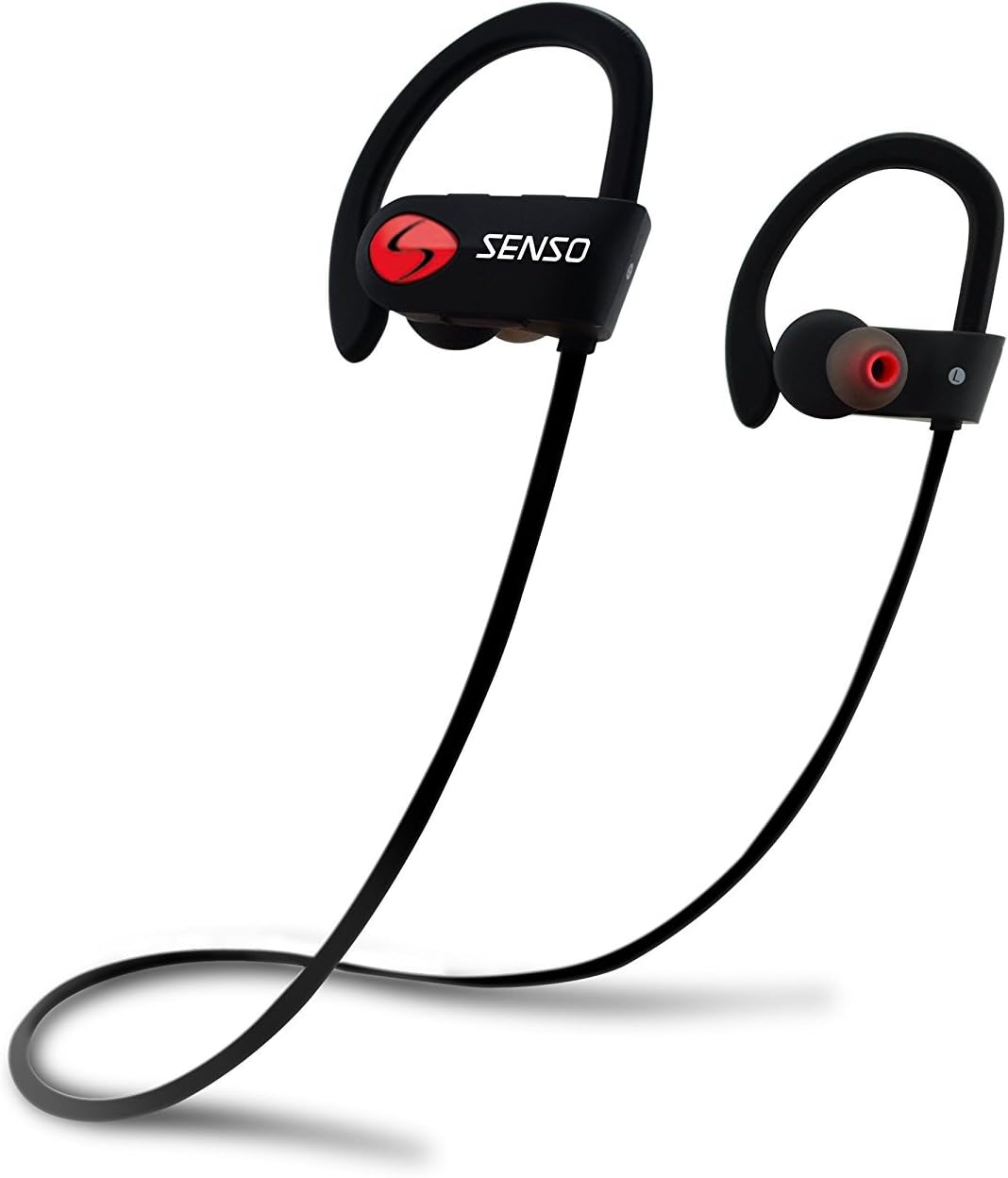
Image: Senso Bluetooth Headphones, showcasing their sleek black design with red accents and ear hooks.
Ki sa ki nan bwat la
Tanpri verifye sa ki nan pake a pou asire w tout atik yo la:
- Senso Bluetooth Headphones (1 pair)
- Hard Carry Case (1)
- Short Charging Cable (Micro USB) (1)
- Long Charging Cable (Micro USB) (1)
- Dual Car Charger (1)
- Sets of Gel Flex Silicone Ear Tips (Small, Medium, Large)
- Manyèl Itilizatè (dokiman sa a)

Image: All included accessories for the Senso Bluetooth Headphones, including the headphones, charging cables, ear tips, and carrying case.
Pwodwi souview
The Senso activbuds s-250 are designed for active lifestyles, offering a secure and comfortable fit with advanced audio technology.
- True HD High Fidelity Sound: Equipped with Bluetooth 4.1 CSR technology and acoustic components for deep bass and clear treble.
- Evalyasyon ki enpèmeyab IPX7: Designed to withstand sweat and splashes, making them ideal for sports and workouts.
- Konfòtab ak an sekirite anfòm: Ergonomically designed flexible ear hooks and gel Flex silicone earbuds ensure a stable and fatigue-free experience.
- Long lavi batri: Up to 8 hours of music playback and 240 hours of standby time on a single 1.5-hour charge.
- CVC 6.0 Noise Suppression: Reduces ambient noise for clearer calls and immersive music listening.
- Ranje san fil: Connects seamlessly with Bluetooth-enabled devices up to 30 feet away.

Image: Diagram highlighting key features of the Senso Bluetooth Headphones, including IPX7 waterproof rating, HD sound, and comfortable fit.
Enstalasyon
1. Chaje kas ekoutè yo
Before first use, fully charge your Senso Bluetooth Headphones. A full charge takes approximately 1.5 hours.
- Locate the Micro USB charging port on the right earbud, usually covered by a small rubber flap.
- Connect the provided USB charging cable to the headphones and the other end to a USB power source (e.g., computer USB port, wall adapter, or the included car charger).
- The LED indicator light will turn red during charging and turn blue or off when fully charged.
2. Konekte ak aparèy ou an
Swiv etap sa yo pou konekte kas ekoutè ou yo ak yon aparèy ki gen Bluetooth:
- Asire w ke kas ekoutè yo etenn.
- Press and hold the multi-function button on the right earbud for approximately 5-7 seconds until the LED indicator light flashes red and blue alternately. This indicates pairing mode.
- Sou aparèy ou an (telefòn entelijan, tablèt, òdinatè), aktive Bluetooth epi chèche nouvo aparèy.
- Select "Senso activbuds s-250" (or similar name) from the list of available devices.
- Once connected, the LED indicator light on the headphones will flash blue slowly or turn solid blue, and you may hear a voice prompt confirming the connection.
Nòt: If prompted for a password, enter "0000". The headphones will automatically attempt to reconnect to the last paired device when turned on.
Enstriksyon Operasyon
Kontwòl souview
All controls are located on the right earbud.
| Bouton/Aksyon | Fonksyon |
|---|---|
| Bouton milti-fonksyon (MFB) |
|
| Volim monte (+) |
|
| Volim Dawonn (-) |
|
Mete kas ekoutè yo
The Senso headphones feature flexible ear hooks for a secure fit. Gently place the earbuds into your ears and adjust the ear hooks over your ears until they feel comfortable and stable. Experiment with the different sizes of silicone ear tips to find the best seal for optimal sound quality and comfort.

Image: Close-up of the Senso Bluetooth Headphones, showing the ear hook design and ear tip for a secure fit.
Antretyen
Bon swen ap pwolonje lavi kas ekoutè ou yo:
- Netwayaj: Siye kas ekoutè yo ak yon mou, damp cloth. Do not use harsh chemicals or abrasive cleaners. Remove ear tips and clean them separately with mild soap and water, then dry thoroughly before reattaching.
- Depo: When not in use, store the headphones in the provided hard carry case to protect them from dust, dirt, and physical damage.
- Ekspozisyon dlo: While IPX7 rated, avoid prolonged submersion in water. Ensure the charging port cover is securely closed to maintain water resistance.
- Tanperati: Avoid exposing the headphones to extreme temperatures (hot or cold) as this can affect battery life and overall performance.

Image: Senso Bluetooth Headphones alongside their sturdy carry case, emphasizing proper storage.
Depanaj
Si w gen pwoblèm ak kas ekoutè w yo, eseye solisyon sa yo:
| Pwoblèm | Solisyon |
|---|---|
| Kas ekoutè yo pa vle limen | Asire w ke kas ekoutè yo byen chaje. Konekte yo nan yon sous kouran epi tcheke endikatè chaj la. |
| Pa ka konekte ak aparèy la |
|
| Pa gen son oswa volim ki ba |
|
| Koupe son antre/soti |
|
Espesifikasyon
| Karakteristik | Detay |
|---|---|
| Non modèl | activbuds s-250 |
| Koneksyon Teknoloji | Bluetooth |
| Bluetooth vèsyon | 4.1 |
| Gamme Bluetooth | Jiska 30 pye |
| Nivo rezistans dlo | IPX7 ki enpèmeyab |
| Lavi batri | 8 Hours (Music Playback) |
| Tan pou chaje | 1.5 èdtan |
| Kontwòl bri | Active Noise Cancellation (CVC 6.0 Noise Suppression) |
| Repons Frekans | 20 Hz - 22 kHz |
| Ekoutè Jack | Mikwo USB |
| Pwa atik | 0.16 ons (apeprè 4.54 g) |
| Dimansyon pwodwi | 4.9 x 4.7 x 1.3 pous |
| Materyèl | Silicone |
| Manifakti | Senso |
Garanti ak sipò
Senso Bluetooth Headphones come with a Garanti manifakti 1 an. Garanti sa a kouvri domaj nan materyèl ak atizan konn fè nan itilizasyon nòmal.
Anplis de sa, a 30-day no-questions-asked return policy is offered for your peace of mind.
For warranty claims, technical support, or any inquiries, please contact Senso customer service through the retailer where you purchased the product or visit the official Senso websit pou enfòmasyon kontak.
Tanpri konsève prèv acha ou a pou validasyon garanti a.


