Entwodiksyon
This user manual provides comprehensive instructions for the Plugable USB 3.0 to HDMI 4K DisplayLink Video Graphics Adapter (Model: UGA-4KHDMI). This adapter allows you to connect additional displays to your computer, enhancing your workspace and productivity with support for resolutions up to 3840x2160 (4K UHD).
The adapter leverages DisplayLink Technology to provide extended display capabilities across various operating systems, including Windows, macOS, and ChromeOS. Its compact design ensures portability, making it suitable for both office and mobile use.
Enstalasyon
Ki sa ki nan bwat la
- Plugable USB 3.0 to HDMI 4K DisplayLink Video Graphics Adapter (UGA-4KHDMI)
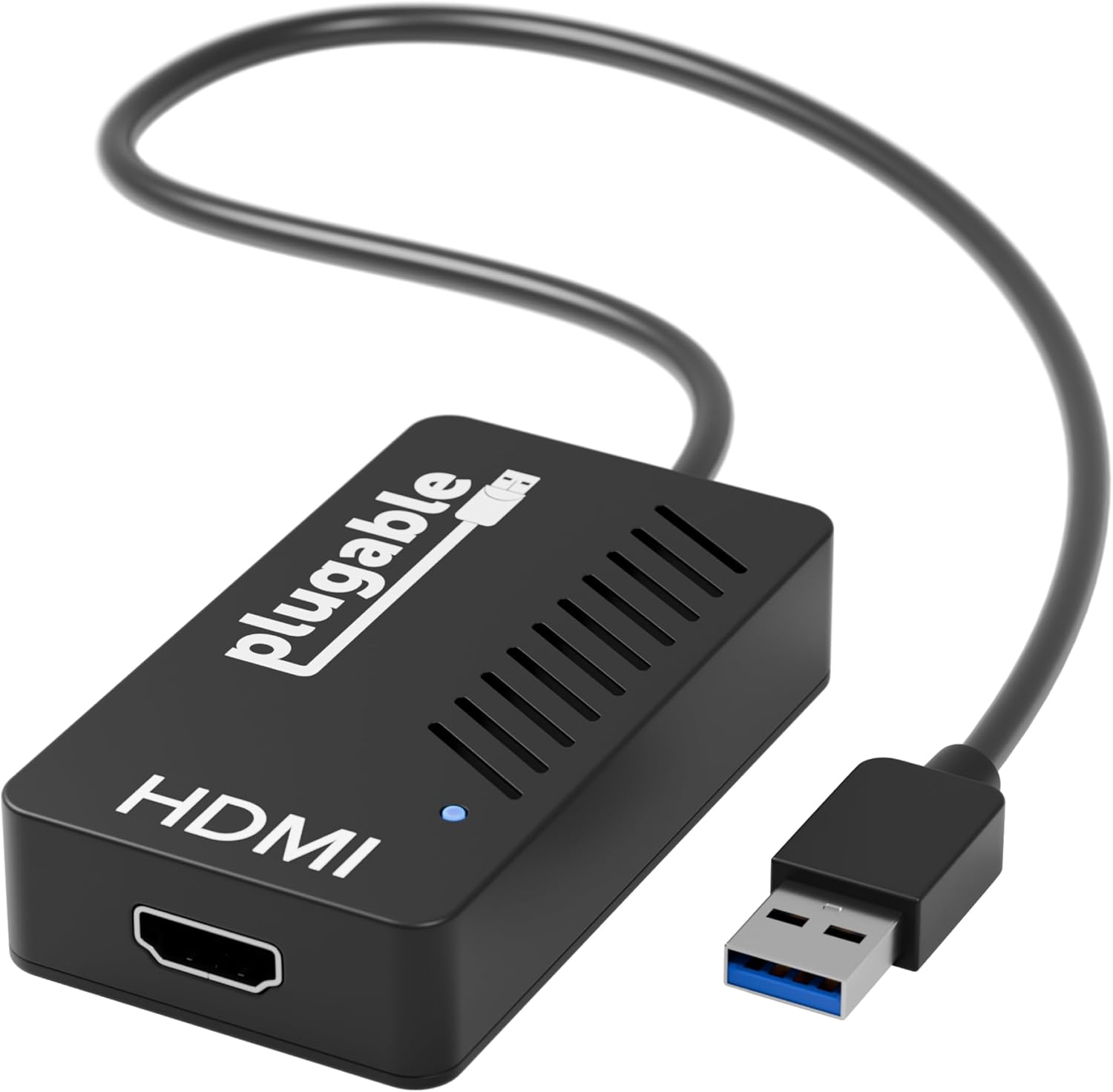
Image: The Plugable USB 3.0 to HDMI 4K DisplayLink Video Graphics Adapter, a compact black device with an HDMI port on one end and a USB 3.0 connector on a short cable on the other. A small blue LED indicator is visible on the top surface.
Enstalasyon chofè
Before connecting the adapter, it is recommended to install the latest DisplayLink drivers for your operating system. Drivers can typically be found on the official DisplayLink website or the Plugable support page. Follow the on-screen instructions during installation.
- Windows: Compatible with Windows 11, 10, 8.1, 7, XP.
- MacOS: Compatible with macOS 10.14 and newer.
- ChromeOS: Compatible with ChromeOS 100 or newer.
Konekte adaptè a
- Connect the USB 3.0 end of the adapter to an available USB 3.0 port on your computer.
- Connect an HDMI cable (not included) from your display to the HDMI port on the Plugable adapter.
- Pouvwa sou ekspozisyon ou a.

Image: A diagram illustrating the connections for the USB 3.0 to 4K HDMI Adapter. It shows the adapter with an HDMI output port and a USB 3.0 input connector, indicating compatibility with HDMI displays and USB 3.0 host ports, and explicitly stating it is not compatible with DisplayPort.
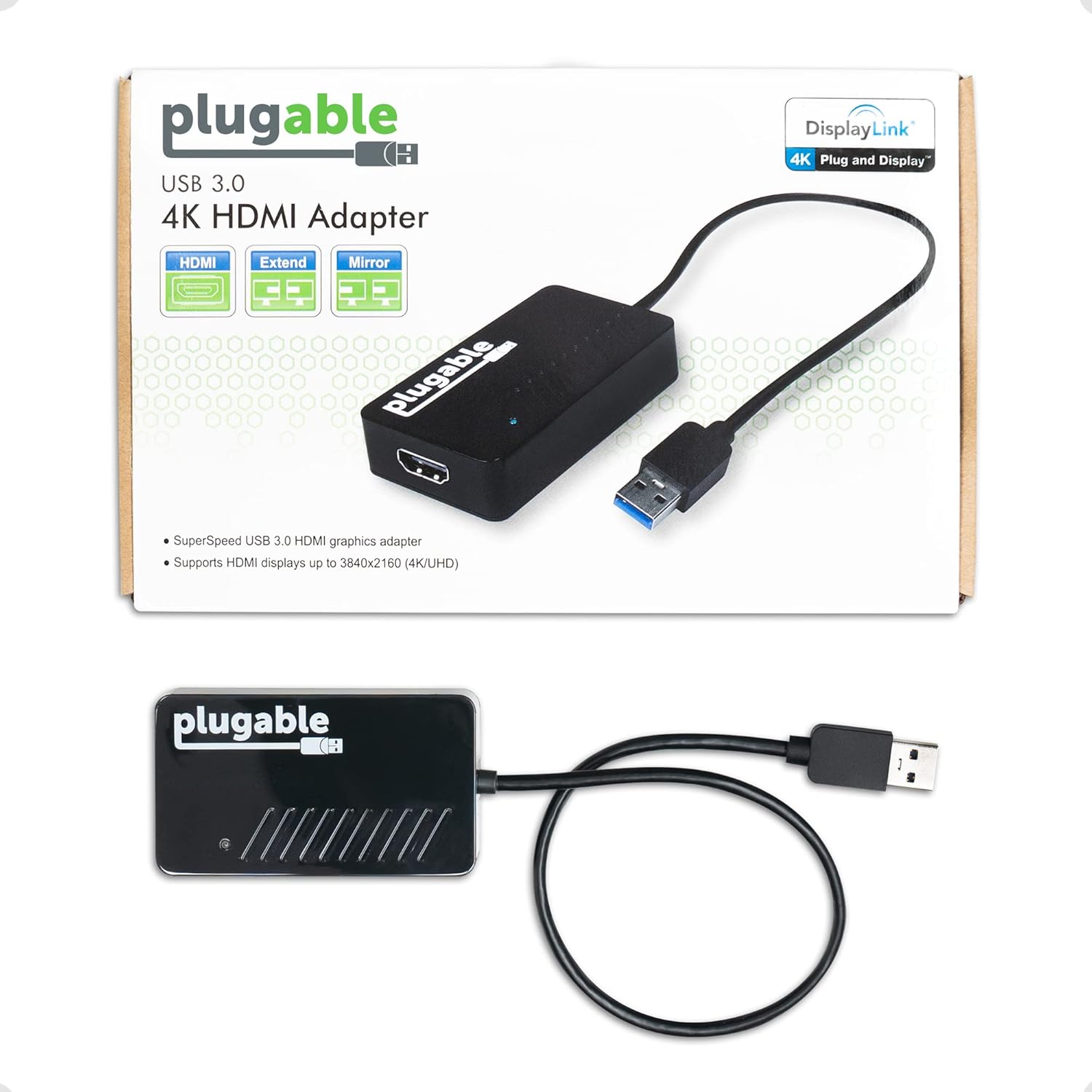
Image: The Plugable USB 3.0 to HDMI 4K Adapter shown both in its retail packaging and as a standalone unit. The packaging highlights "DisplayLink 4K Plug and Display" and "SuperSpeed USB 3.0 HDMI graphics adapter". The standalone unit is black with the "plugable" logo and an HDMI port.
Enstriksyon Operasyon
Mòd ekspozisyon
Once the adapter and drivers are installed, your operating system should detect the new display. You can configure the display mode through your system's display settings:
- Extended Display: Extend your desktop across multiple monitors, allowing for increased workspace and multitasking.
- Mirror/Duplicate Display: Duplicate your primary display onto the connected monitor, useful for presentations or sharing content.
The Plugable USB 3.0 to HDMI adapter supports resolutions up to 3840x2160 at 30Hz (4K UHD). On Windows, you can connect up to 6 additional displays, and on macOS, up to 4 additional displays (one 4K display per adapter).

Image: A workstation setup featuring a laptop connected to six external monitors, demonstrating enhanced productivity with multiple displays. The Plugable adapter facilitates this multi-monitor configuration.
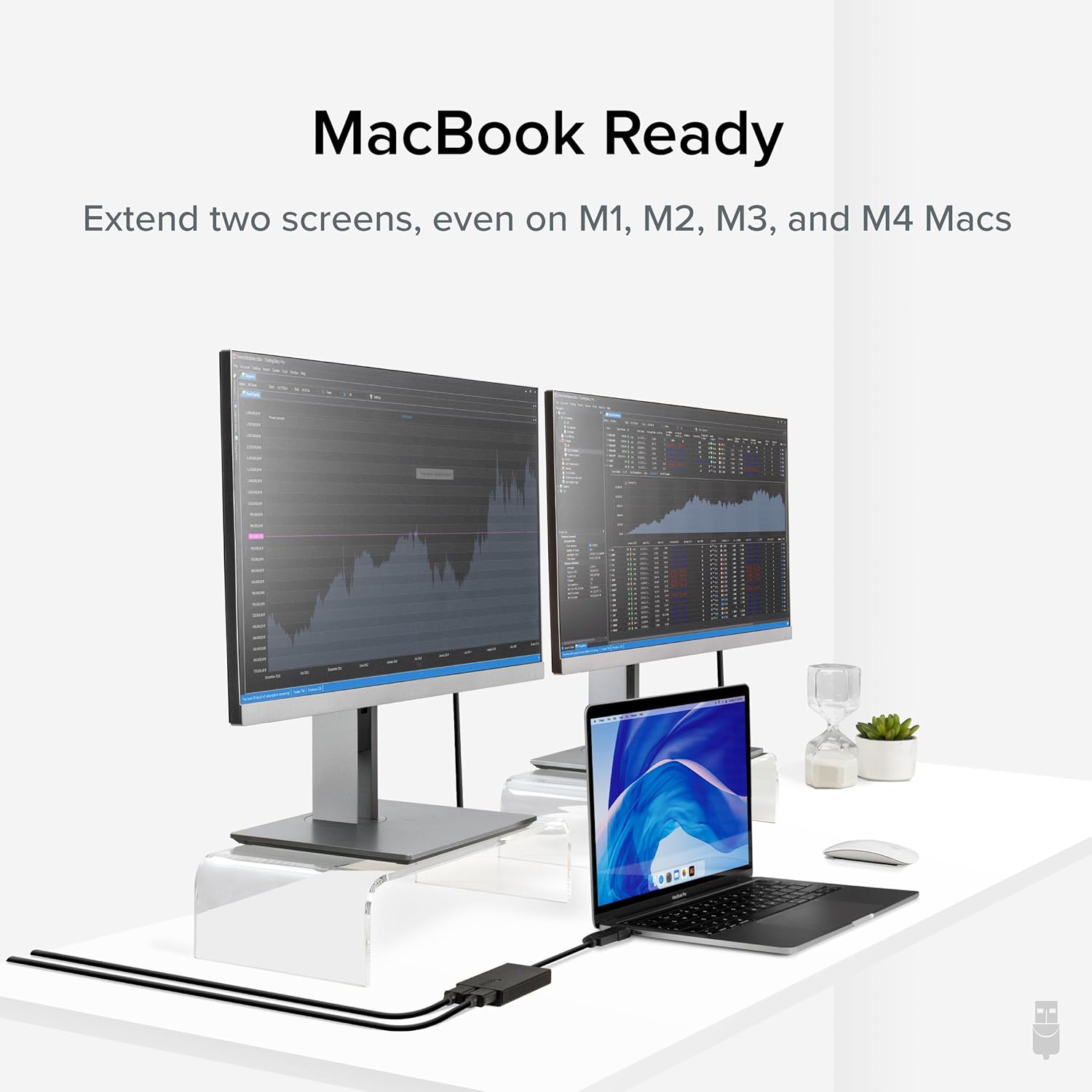
Image: A MacBook laptop connected to two external monitors, showcasing the extended display capability. The Plugable adapter enables this dual-monitor setup for MacBook users, including those with M1, M2, M3, and M4 chips.
Pwodwi souview Videyo
Videyo: Yon finiview of the Plugable USB 3.0 to 4K HDMI Adapter, demonstrating its features such as 4K UHD support, extended display capabilities, USB 3.0 compatibility, and compact design for portability. It shows the adapter in use with a laptop and multiple monitors.
Antretyen
To ensure the longevity and optimal performance of your Plugable USB 3.0 to HDMI 4K DisplayLink Video Graphics Adapter, follow these general maintenance guidelines:
- Netwayaj: Use a soft, dry cloth to clean the exterior of the adapter. Avoid using liquid cleaners or aerosols, as they may damage the device.
- Depo: Sere adaptè a nan yon kote ki fre epi sèk, lwen limyè solèy dirèk ak tanperati ekstrèm lè w pa ap itilize li.
- Manyen: Avoid dropping the adapter or subjecting it to strong impacts. Do not bend or pull the cable excessively.
- Mizajou: Regularly check for and install the latest DisplayLink drivers to ensure compatibility and performance improvements.
Depanaj
If you encounter issues with your Plugable USB 3.0 to HDMI 4K DisplayLink Video Graphics Adapter, please refer to the following resources:
- Official Troubleshooting Guide: A detailed troubleshooting guide is available in PDF format. You can access it isit la.
- Pwoblèm komen:
- Pa gen ekspozisyon: Ensure the adapter is securely connected to both your computer's USB 3.0 port and the display's HDMI port. Verify that the display is powered on and set to the correct input source. Reinstall DisplayLink drivers if necessary.
- Low Resolution/Performance: Confirm that your computer's USB port is USB 3.0 (often indicated by a blue insert). Ensure the latest DisplayLink drivers are installed. Check your display settings to confirm the desired resolution and refresh rate are selected.
- Pwoblèm chofè: If the display is not detected or behaves erratically, try uninstalling and reinstalling the DisplayLink drivers. Ensure your operating system is up to date.
For further assistance, please contact Plugable Support as detailed in the Warranty and Support section.
Espesifikasyon
| Karakteristik | Detay |
|---|---|
| Mak | Plugable |
| Nimewo Modèl | UGA-4KHDMI |
| Platfòm pyès ki nan konpitè | PC |
| Pwa atik | 0.32 ons |
| Dimansyon pwodwi (LxWxH) | 1 x 1 x 1 pous |
| Koulè | Nwa |
| Kalite Connector | HDMI |
| Aparèy konpatib | Windows 11, 10, 8.1, 7, XP; macOS 10.14+; ChromeOS 100+ (including MacBook Pro/Air, HP Spectre, Dell XPS, Lenovo ThinkPad, Surface Pro/Laptop, LG Gram, Acer Aspire, ASUS Zenbook, most Chromebooks) |
| Max Rezolisyon | 3840x2160 (4K UHD) at 30Hz |
Garanti ak sipò
Every Plugable product, including the USB 3.0 to HDMI 4K DisplayLink Video Graphics Adapter, is backed by a 2-Ane Kouvèti against defects and comes with Sipò pou tout lavi.
If you have any questions, require technical assistance, or need to inquire about warranty services, please contact our North American-based support team. Contact information can typically be found on the official Plugable websit (plugable.com/support).


