
1. Entwodiksyon
Thank you for choosing the Jectse 5G LTE Mobile Hotspot Router. This device provides high-speed portable Wi-Fi connectivity, allowing you to stay connected on the go. It supports up to 12 devices simultaneously and features WPA/WPA2 encryption for secure internet access. This manual will guide you through the setup, operation, and maintenance of your new mobile hotspot.
2. Enfòmasyon sou Sekirite
- Pa ekspoze aparèy la nan tanperati ekstrèm, limyè solèy dirèk, oswa anviwònman imid.
- Evite jete oswa sibi aparèy la nan gwo enpak.
- Use only the provided or approved charging cable and battery.
- Pa eseye demonte oswa repare aparèy la tèt ou. Kontakte sèvis kliyan si gen pwoblèm.
- Kenbe aparèy la lwen dlo ak lòt likid.
3. Pake kontni
Tanpri tcheke pake a pou atik sa yo:
- Jectse 5G LTE Mobile Hotspot Router
- USB Chaje Kab
- Batri rechargeable (3000 mAh)
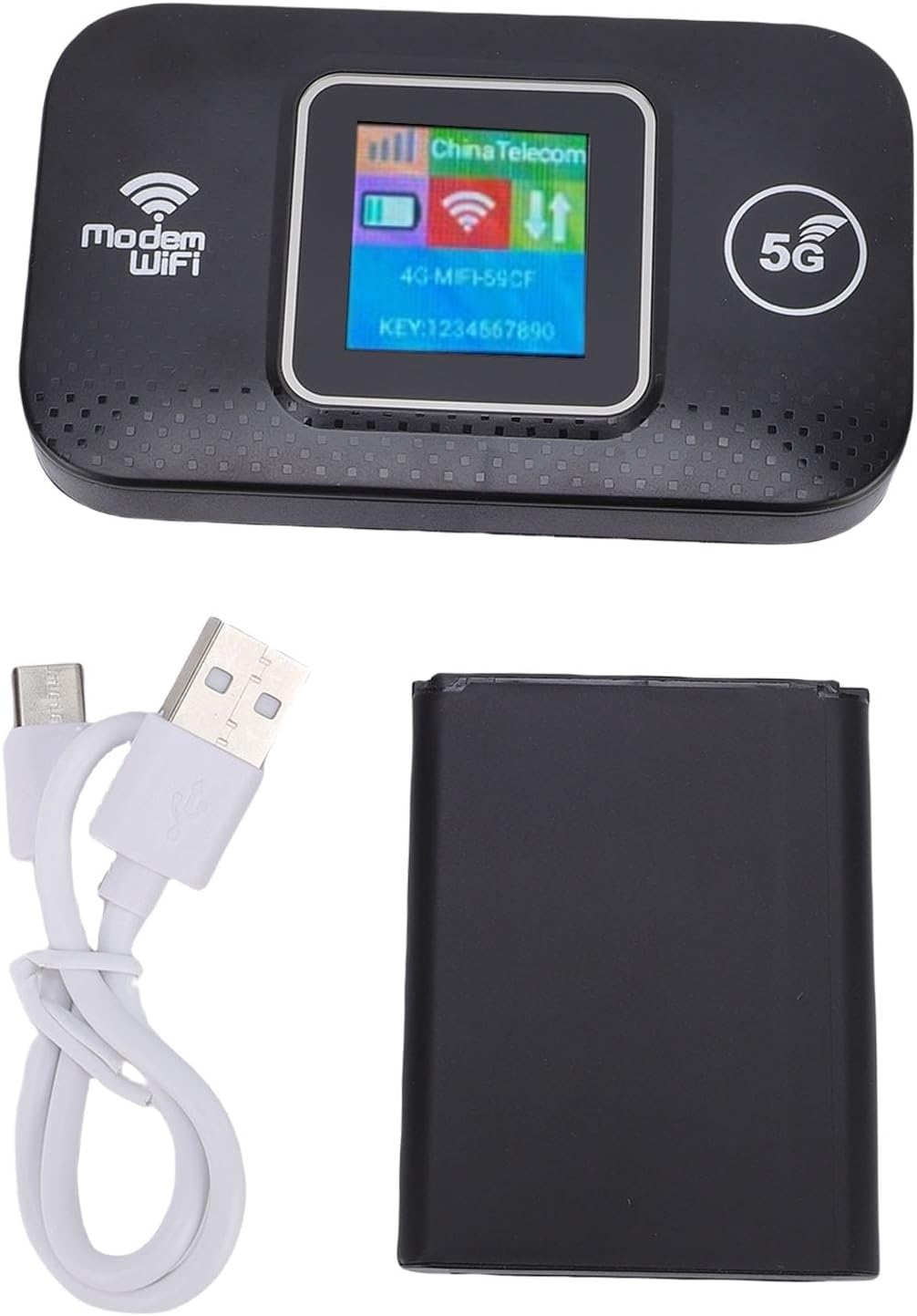
Image: The Jectse 5G LTE Mobile Hotspot Router, its USB charging cable, and the removable battery, illustrating the main components included in the package.
4. Pwodwi souview
The Jectse Mobile Hotspot is designed for ease of use and portability. It features a compact design with essential indicators and ports.

Imaj: Yon plis paseview of the mobile hotspot's features, highlighting SIM card plug-and-play, high-end chip for fast and stable performance, 150Mbps high speed, 3000mAh battery for durability, strong signal, and one-button start for convenience.
Eleman Aparèy:
- Ekspozisyon ekran: Shows network status, signal strength, battery level, and Wi-Fi information.
- Bouton pouvwa: Itilize pou vire aparèy la sou / sou.
- Fant kat SIM: For inserting your 5G/LTE SIM card.
- USB-C pò: Pou chaje aparèy la.

Imaj: Yon imaj detaye view of the USB-C port located on the side of the mobile hotspot, used for charging the device.
5. Enstalasyon
5.1 Mete Kat SIM lan
- Asire w ke aparèy la etenn.
- Locate the SIM card slot, usually under the battery cover.
- Carefully insert your active 5G/LTE SIM card into the slot with the gold contacts facing down, ensuring it clicks into place.
5.2 Mete batri a
- Louvri kouvèti lòj batri a sou do aparèy la.
- Align the battery contacts with the terminals inside the compartment.
- Gently press the battery into place and close the cover.
5.3 Limen ak Premye Koneksyon
- Peze epi kenbe bouton pouvwa a jiskaske ekran an limen.
- Wait for the device to boot up and establish a network connection. The display will show signal strength and network type (e.g., 4G, 5G).
- On your smartphone, tablet, or laptop, search for available Wi-Fi networks.
- Select the Wi-Fi network name (SSID) displayed on the hotspot's screen.
- Enter the Wi-Fi password (KEY) shown on the hotspot's screen.
- Yon fwa konekte, ou ka kòmanse navige sou entènèt la.
6. Operasyon Enstriksyon
6.1 Konekte plizyè aparèy
The Jectse Mobile Hotspot supports connecting up to 12 devices simultaneously. Simply follow the steps in Section 5.3 for each device you wish to connect.

Image: A visual representation of the mobile hotspot's capability to support multiple users, showing various devices like monitors, desktop PCs, laptops, and smartphones connected to the hotspot's Wi-Fi signal.
6.2 Network Security (WPA/WPA2)
Your mobile hotspot uses WPA and WPA2 encryption protocols to protect your network from unauthorized access. The default password is provided on the device screen. For enhanced security, it is recommended to change the default Wi-Fi password through the device's web management interface (if available, refer to advanced settings in a separate guide).
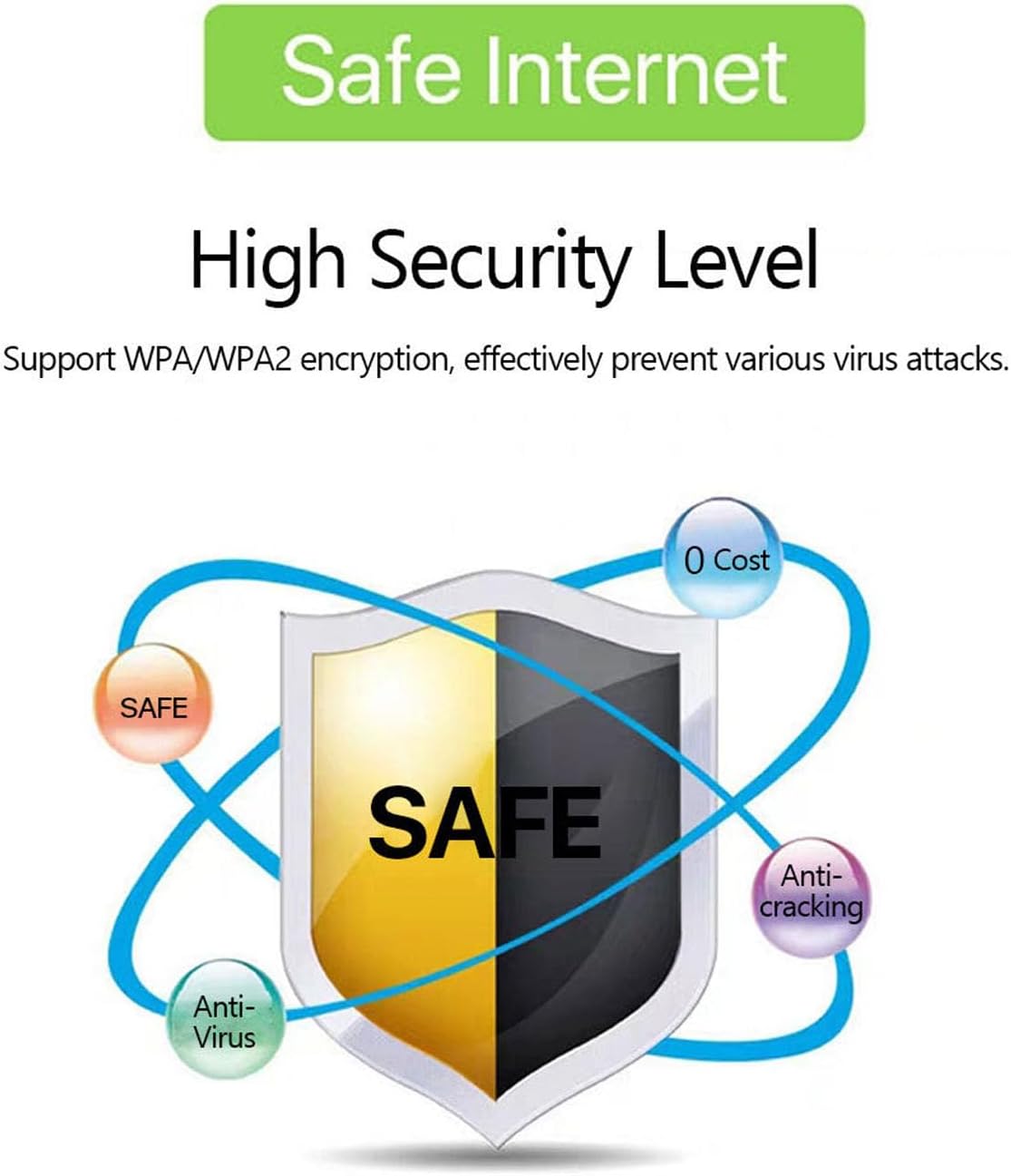
Image: A graphic emphasizing the high security level of the device, featuring a shield icon and text indicating support for WPA/WPA2 encryption to prevent virus attacks and ensure safe internet usage.
6.3 Itilizasyon ak Chaje Batri
The device is equipped with a 3000 mAh battery, providing extended usage time. When the battery level is low, connect the device to a power source using the provided USB charging cable.

Image: A visual depicting the mobile hotspot's battery life, showing a battery icon at 50% charge. The device features a 3000 mAh battery (note: image text states 3600mAh, but product description confirms 3000mAh) for extended use.
7. Antretyen
7.1 Netwaye Aparèy la
To clean the device, use a soft, dry cloth. Do not use liquid cleaners or aerosols, as they may damage the device.
7.2 Swen Batri
- Evite dechaje batri a nèt souvan.
- Charge the battery regularly, even if the device is not in use, to maintain its lifespan.
- Sere aparèy la nan yon kote ki fre epi sèk lè w pa itilize li pou yon bon bout tan.
NAN. Depanaj
8.1 Pa gen koneksyon entènèt
- Tcheke kat SIM: Asire w ke kat SIM lan byen mete epi li aktif avèk yon plan done.
- Fòs siyal: Verify that the device has sufficient signal strength. Move to an area with better network coverage if needed.
- Rdemare aparèy: Turn the hotspot off and then on again.
- Anviwònman APN: If issues persist, you may need to configure the Access Point Name (APN) settings manually. Refer to your mobile carrier's instructions for the correct APN.
8.2 Vitès Entènèt ki ba
- Kantite Aparèy Konekte: Too many devices connected simultaneously can reduce speed. Disconnect some devices.
- Konjesyon rezo a: Speed can be affected by network congestion in your area.
- Fòs siyal: Ensure good signal strength.
8.3 Pa ka konekte ak Wi-Fi
- Modpas ki kòrèk la: Double-check that you are entering the correct Wi-Fi password (KEY) as displayed on the hotspot's screen.
- Pwòksimite Aparèy: Ensure your connecting device is within the Wi-Fi range of the hotspot.
- Rekòmanse Aparèy: Restart both the hotspot and the device you are trying to connect.
9. Espesifikasyon
| Karakteristik | Spesifikasyon |
|---|---|
| Nimewo Modèl | Jectse57yq0tl4p8 |
| Koneksyon Teknoloji | 5G LTE, Wi-Fi, USB |
| Vitès Telechajman Maksimòm | Jiska 300 Mbps |
| Kapasite batri | 3000 mAh |
| Aparèy sipòte | Jiska 12 koneksyon similtane |
| Pwotokòl Sekirite | WPA, WPA2 |
| Sipòte Gwoup Mizik LTE | B1, B3, B5, B7, B8, B20, B38, B40, B41 |
10. Garanti ak sipò
10.1 Enfòmasyon sou Garanti
This product comes with a 90-day warranty from the date of purchase. The warranty covers manufacturing defects and malfunctions under normal use. It does not cover damage caused by misuse, accidents, unauthorized modifications, or natural disasters.
10.2 Sipò pou Kliyan
If you encounter any issues or have questions regarding your Jectse 5G LTE Mobile Hotspot Router, please contact the seller or refer to the official Jectse support channels for assistance. Please have your model number (Jectse57yq0tl4p8) and purchase details ready when contacting support.