
Entwodiksyon
This manual provides essential information for the safe and efficient operation of your Metz 32MQH7000Z Smart Google QLED+ LED TV. Please read it thoroughly before using the television and retain it for future reference.
The Metz MQH7000 TV features Gen6 QLED+ technology, delivering excellent image quality and vibrant colors. The enhanced stability of QLED+ technology also extends the TV's lifespan, ensuring reliable use.
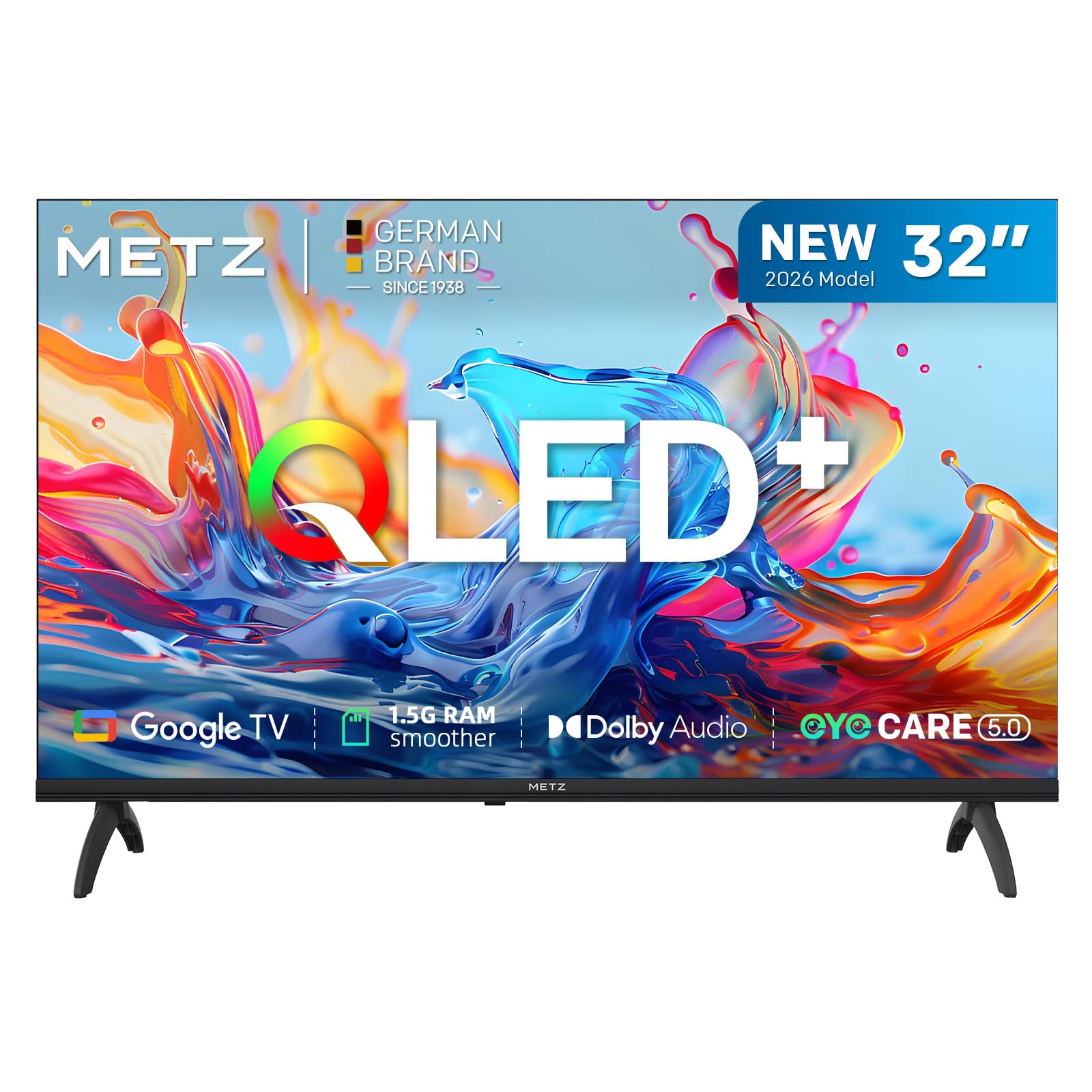
Imaj: Devan view of the Metz 32MQH7000Z 32-inch Smart Google QLED+ LED TV.
Ki sa ki nan bwat la
Verifye ke tout konpozan yo prezan nan anbalaj la:
- Kontwòl Remote
- Pouvwa kab
- Manyèl itilizatè
- TV Bases (2)
- Vis pou baz yo
- pil AAA (2)

Image: Contents of the Metz 32MQH7000Z TV box, including remote control, power cable, user manual, TV bases, and screws. The image also displays the TV's dimensions and available input/output ports.
Enstalasyon
1. Attaching the TV Bases
- Mete ekran televizyon an ak anpil atansyon sou yon sifas ki plat e mou pou evite li domaje.
- Align each base with the corresponding slots on the bottom of the TV.
- Secure the bases using the provided screws. Ensure they are firmly attached.
2. Konekte Aparèy Ekstèn
Refer to the diagrams below for port locations:
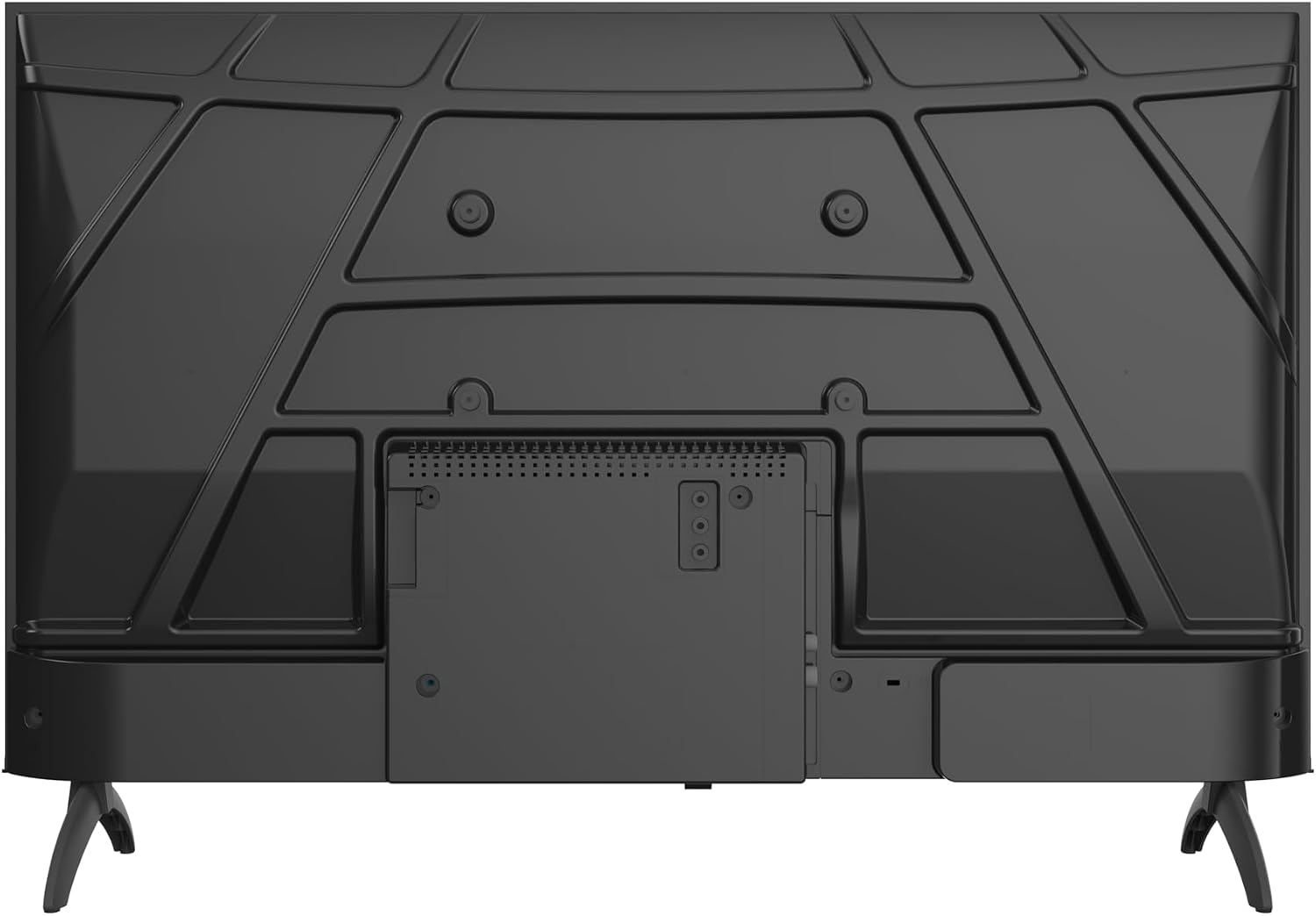
Imaj: Dèyè view of the Metz 32MQH7000Z TV, highlighting the VESA mounting points and the main connection panel.

Imaj: Bò kote view of the Metz 32MQH7000Z TV, illustrating the location of various input ports including HDMI and USB.
- Pò HDMI (x2): Connect Blu-ray players, game consoles, or other HDMI-enabled devices.
- Pò USB (x2): Konekte aparèy depo USB yo pou lekti medya oswa mizajou lojisyèl.
- Antenna/Cable Input (DVB-T/T2/C/S/S2): Connect your antenna or cable for terrestrial, cable, or satellite broadcasts.
- Plas CI+: Insert a CI+ module for encrypted channels.
- Pò LAN: Konekte yon kab Ethernet pou yon koneksyon entènèt filaire.
- Sòti ekoutè: Konekte kas ekoutè pou tande prive.
- Soti odyo dijital: Connect to an external audio system for enhanced sound.
3. Koneksyon pouvwa
- Konekte kab kouran an nan pò kouran televizyon an.
- Branche lòt bout kab kouran an nan yon priz miray.
Enstriksyon Operasyon
1. Inisyal Enstalasyon
Upon first power-on, the TV will guide you through the initial setup process, including language selection, network connection, and Google TV account login.
2. Entèfas Google TV
Your Metz TV features Google TV, providing a personalized experience with access to popular streaming apps and content recommendations.

Image: The Google TV interface, displaying a selection of streaming application icons and personalized content suggestions.
- Aksè Aplikasyon: Navigate through the home screen to find and launch applications like Netflix, YouTube, Prime Video, and Disney+.
- Kontwòl vwa: Use the remote control's microphone button to issue voice commands for searching content, controlling playback, and more.
3. Picture Settings (Gen 6 QLED+, HDR10 & HLG)
Your TV utilizes Gen 6 QLED+ technology for superior image quality. Adjust picture settings via the TV menu to optimize your vieweksperyans nan.

Imaj: Yon gwo plan view of the television screen, highlighting the vibrant and rich color reproduction achieved by QLED+ technology.
The TV supports HDR10 and HLG for enhanced contrast and color accuracy in compatible content. These technologies automatically adjust to provide deeper blacks and brighter highlights.

Image: A diagram illustrating the multi-layered Quantum Dot structure, designed to maintain color stability and vibrancy for over 10 years, comparing Metz QLED performance to conventional QLED over time.

Image: A side-by-side comparison demonstrating the visual improvement with HDR10 & HLG enabled, showing more vibrant colors and deeper contrast compared to a standard picture.
4. Sound Settings (Dolby Audio)
The integrated Dolby Audio system provides powerful and clear surround sound. Access the sound settings in the TV menu to customize audio profiles (e.g., Standard, Cinema, Music, Speech).

Image: An overhead perspective of a person seated on a sofa, watching the TV, with visual representations of Dolby Audio sound waves extending from the screen, indicating an immersive audio experience.
5. Koneksyon
- Bluetooth 5.1: Konekte kas ekoutè san fil, ba son, oswa lòt aparèy ki gen Bluetooth.

Image: A graphic illustrating Bluetooth 5.1 connectivity, featuring a sleek sports car to symbolize fast, intelligent, and reliable wireless connections.
- Wi-Fi: Konekte ak rezo san fil lakay ou pou jwenn aksè entènèt ak difizyon.
- Multi-Screen Casting (Chromecast): Cast content from your smartphone, tablet, or computer directly to the TV screen using Chromecast built-in.

Image: A visual representation of multi-screen casting, demonstrating how content can be streamed from a smartphone or laptop to the television for an immersive vieweksperyans nan.
6. Karakteristik Swen Je
The TV includes Eye Care features designed to reduce eye strain during prolonged viewing.
- Limyè ble ki ba: Redui emisyon limyè ble danjere yo.
- San tranbleman: Minimizes screen flickering for a more comfortable vieweksperyans nan.
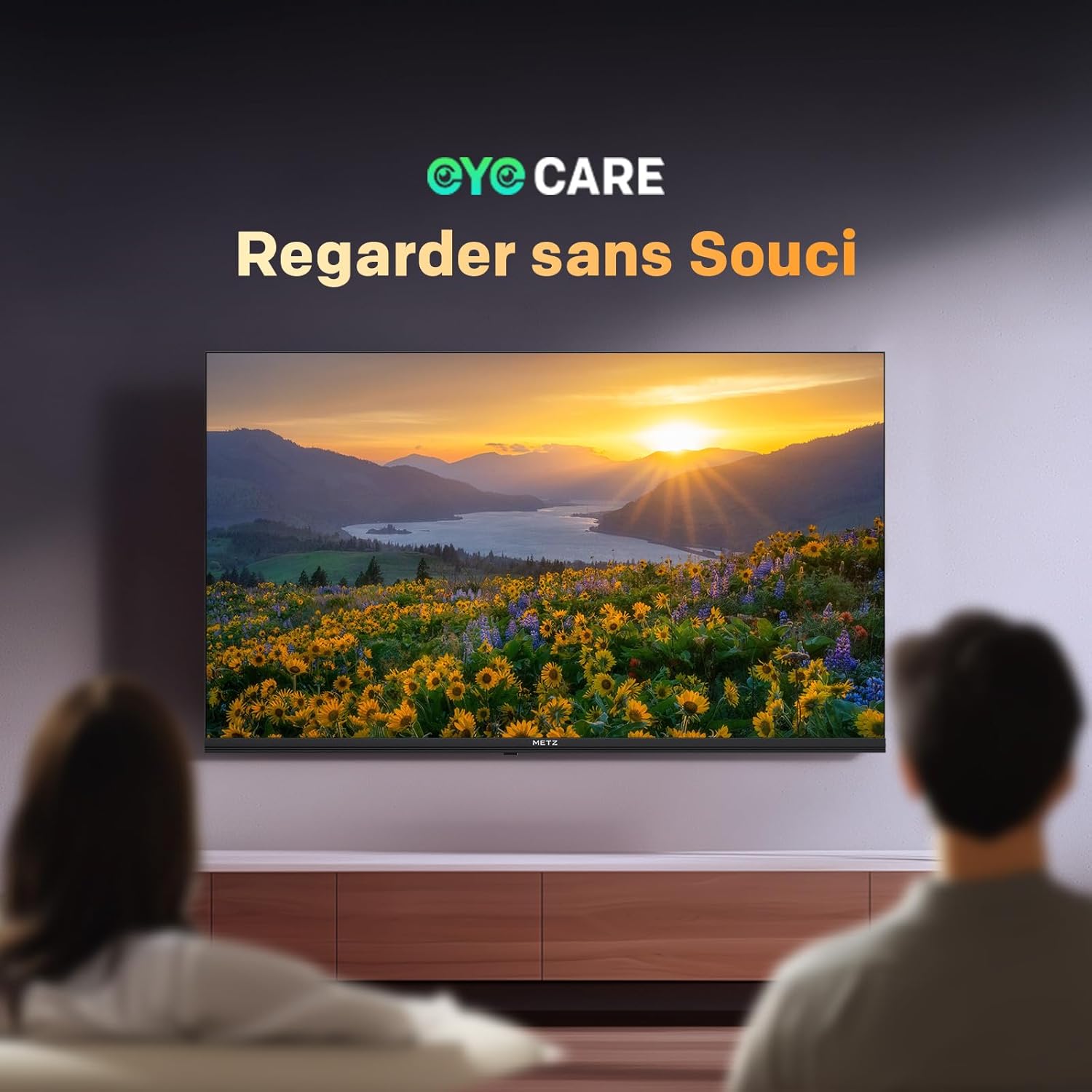
Image: A scene depicting individuals comfortably watching television, illustrating the benefits of the TV's Eye Care features for a relaxed vieweksperyans nan.

Image: Two comparative images demonstrating the benefits of Low Blue Light and Flicker-Free technologies. The top image shows a scene with and without low blue light, while the bottom image illustrates the difference with and without flicker-free technology for reduced eye fatigue.
7. Enhanced Performance (1.5 GB RAM)
The TV is equipped with 1.5 GB of RAM, providing a 50% increase in memory compared to previous models. This enhancement ensures smoother operation, faster application loading, and improved multitasking capabilities, reducing lag and enhancing overall responsiveness.

Image: A graphic representation highlighting the upgrade to 1.5 GB RAM, indicating a 50% increase in memory for improved television performance and responsiveness.
Antretyen
Netwaye ekran an
Siye ekran an dousman avèk yon twal mou ki pa gen pousyè. Pou mak ki difisil pou retire, siye l dousman.ampLave twal la avèk dlo oswa yon pwodui netwayaj ekran espesyalize. Evite itilize pwodui chimik ki agresif oswa materyèl abrazif.
Netwayaj televizyon C aasing
Sèvi ak yon twal mou epi sèk pou siye televizyon an.asing. Do not use liquid cleaners directly on the TV.
Swen Jeneral
- Debranche televizyon an nan priz kouran an anvan ou netwaye li oubyen si ou p ap itilize li pou yon bon bout tan.
- Kenbe televizyon an lwen limyè solèy dirèk, sous chalè, ak twòp pousyè.
- Asire bon vantilasyon alantou televizyon an pou anpeche surchof.
Depanaj
Si w rankontre pwoblèm ak televizyon w lan, gade solisyon komen sa yo:
| Pwoblèm | Solisyon posib |
|---|---|
| Pa gen pouvwa | Check if the power cable is securely plugged into both the TV and the wall outlet. Ensure the power outlet is functional. |
| Pa gen imaj, men gen son | Verify the correct input source is selected. Check cable connections (HDMI, antenna). Try another HDMI port. |
| Pa gen son, men imaj la prezan | Check the volume level and mute status. Ensure external audio devices are correctly connected and powered on. Check audio output settings in the TV menu. |
| Remote Control pa travay | Ranplase pil yo nan kontwòl remote la. Asire w pa gen okenn obstak ant kontwòl remote la ak detèktè IR televizyon an. |
| Pòv Kalite Foto | Adjust picture settings (brightness, contrast, sharpness). Check antenna or cable connection for signal strength. For streaming, ensure a stable internet connection. |
| Pa ka konekte ak Wi-Fi | Asire w routeur Wi-Fi ou a limen epi li nan zòn li. Antre modpas Wi-Fi a ankò. Eseye rekòmanse televizyon an ak routeur la. |
Espesifikasyon
| Karakteristik | Detay |
|---|---|
| Non modèl | MQH7000 |
| Nimewo Modèl | 32MQH7000Z |
| Gwosè ekran | 32 Pouces (80 cm) |
| Teknoloji ekspozisyon | QLED (Gen 6 QLED+, Quantum Dot QLED) |
| Rezolisyon | 768p (1366 x 768 piksèl) |
| Rafrechisman pousantaj | 60 Hz |
| Sipò HDR | HDR10, HLG |
| Sistèm operasyon | Google TV |
| RAM | 1.5 GB |
| Teknoloji Audio | Dolby Audio, Dolby Digital, Dolby Digital Plus |
| Koneksyon | Bluetooth 5.1, Wi-Fi, USB (x2), HDMI (x2), LAN |
| Sentonizè | DVB-T/T2/C/S/S2, CI+ |
| Karakteristik espesyal | Auto Volume Leveller, Bezel-Less Design, Chromecast, Eye Comfort Mode, Game Mode |
| VESA Mounting Standard | 200 x 100 mm |
| Dimansyon pwodwi (ak sipò) | 21.4P x 71.5L x 47.5H cm |
| Ane ki gen konpòtman egzanplè | 2026 |
| Peyi orijin | Polòy |

Image: The energy efficiency label for the Metz 32MQH7000Z TV, indicating an energy class of E and power consumption details. For more information, visit the official EU EPREL database: https://eprel.ec.europa.eu/qr/2590878
Garanti ak sipò
Your Metz 32MQH7000Z TV comes with a 2-ane garanti apati dat acha a. Tanpri konsève prèv acha ou pou reklamasyon garanti.
For technical assistance, troubleshooting beyond this manual, or warranty service, please contact Metz customer support. Contact information can typically be found on the official Metz websit la oubyen nan dokimantasyon ki vini ak pwodwi ou a.
For additional resources and product information, visit the official Metz brand store: Metz Brand Store