
1. Gid Enstalasyon
1.1 Debale ak Kontni Pakè a
Carefully unpack your LG OLED77C6HUP TV. Ensure all components listed below are present. Retain the packaging materials for future transport or service needs.
- Televizyon entelijan LG OLED evo AI 4K seri C6 77 pous
- Majik Remote
- Pil pou kontwòl remote (2 AAA)
- Pouvwa kab
- Eleman kanpe
- Manyèl Itilizatè (dokiman sa a)
- Gid Quick Start

Image: LG OLED evo AI TV showing overall dimensions and included accessories.
1.2 Enstalasyon kanpe
If you are not wall-mounting the TV, attach the included stand. Follow the instructions provided in the Quick Start Guide for secure assembly. The stand footprint is 20.5 inches wide.

Imaj: Detaye view of the TV stand base.
1.3 Montaj mi
For wall mounting, use a VESA compatible mount with a standard of 300 x 200 mm. Consult a professional for installation to ensure safety and proper mounting.

Imaj: Side profile of the LG OLED TV, illustrating its thin design suitable for wall mounting.
1.4 Konekte periferik
Connect your external devices to the TV's ports. The TV features 4 HDMI ports, 2 USB 2.0 ports, 1 USB 3.0 port, an Ethernet port, and an antenna input.
- HDMI: For Blu-ray players, gaming consoles, and set-top boxes.
- USB: For external storage devices or compatible accessories.
- Ethernet (LAN): Pou yon koneksyon entènèt filaire.
- Antèn/Kab: Pou emisyon sou lè a oswa televizyon pa kab.

Imaj: Dèyè view of the LG OLED TV highlighting the connectivity ports.
1.5 Enstalasyon pil kontwòl remote la
Open the battery compartment on the back of the Magic Remote. Insert two AAA batteries, ensuring correct polarity (+/-). Close the compartment securely.
1.6 Initial Power On and webEnstalasyon Sistèm Operasyon an
Connect the power cable to the TV and a wall outlet. Press the power button on the remote or TV. Follow the on-screen instructions to complete the initial setup of webOS, including network connection, channel scanning, and basic settings.
2. Opere televizyon ou
2.1 Fonksyon debaz
- Pouvwa: Peze bouton pouvwa a sou telekòmand lan pou limen oswa etenn televizyon an.
- Volim: Sèvi ak bouton volim monte/desann pou ajiste nivo son an.
- Chèn: Use the channel up/down buttons to change channels or navigate lists.
- Antre: Press the input button to select connected devices (HDMI, USB, etc.).
2.2 Karakteristik televizyon entelijan (webOS)
Televizyon ou a ap mache sou webOS operating system, providing access to various streaming services and smart features. Use the Magic Remote to navigate the intuitive interface.

Imaj: La webOS smart TV platform interface, showcasing available applications and content.
AI Hub for Personalization
The AI Hub, accessible via the AI button on your remote, offers personalized AI experiences including Multi AI Search, AI Concierge, AI Picture Wizard, AI Sound Wizard, AI Voice ID, and AI Chatbot.
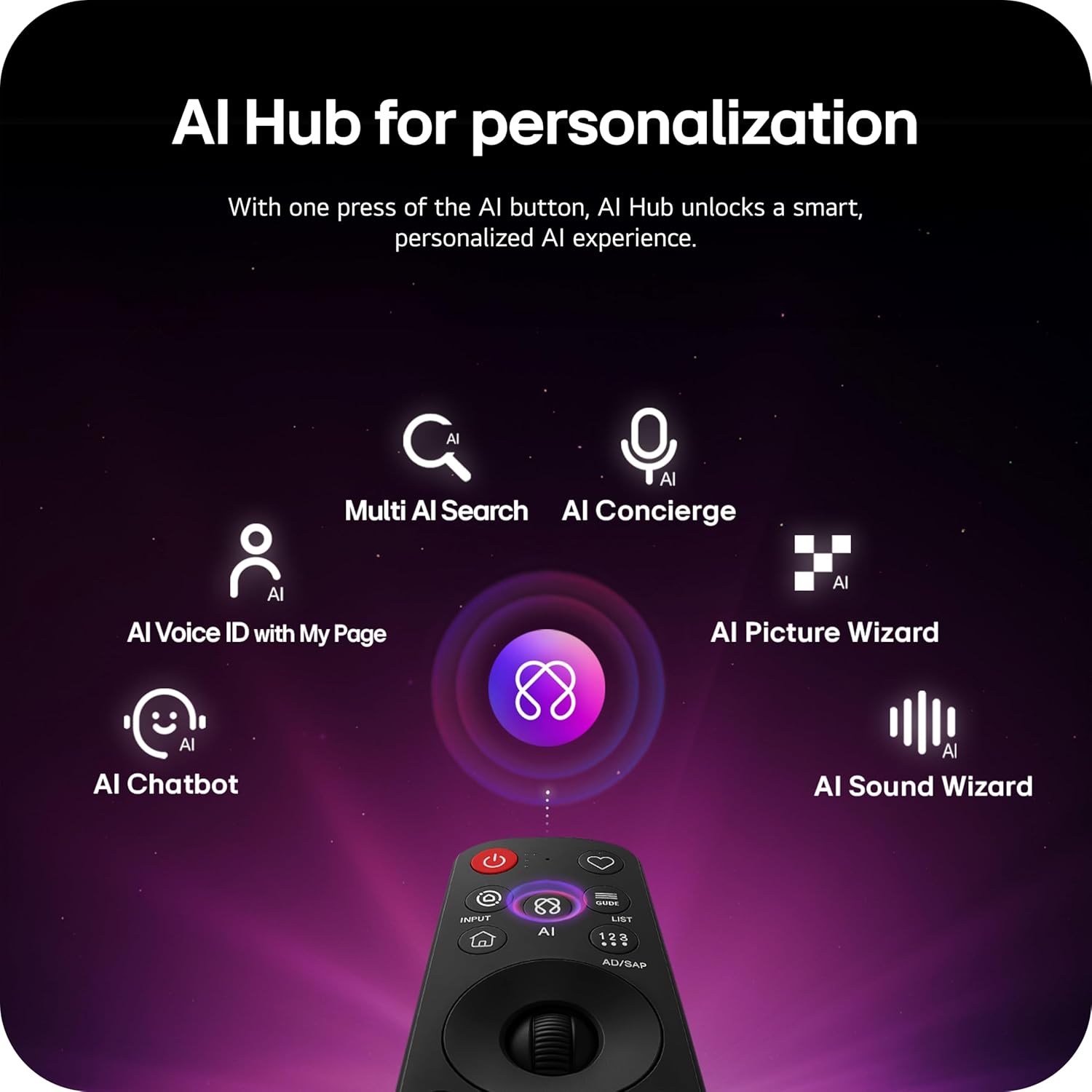
Image: Magic Remote highlighting the AI button and various AI Hub features.
Multi AI Search with Google Gemini and Microsoft Copilot
Utilize the Multi AI search function to find content and information across multiple AI models, including Google Gemini and Microsoft Copilot, for broader and more relevant results.
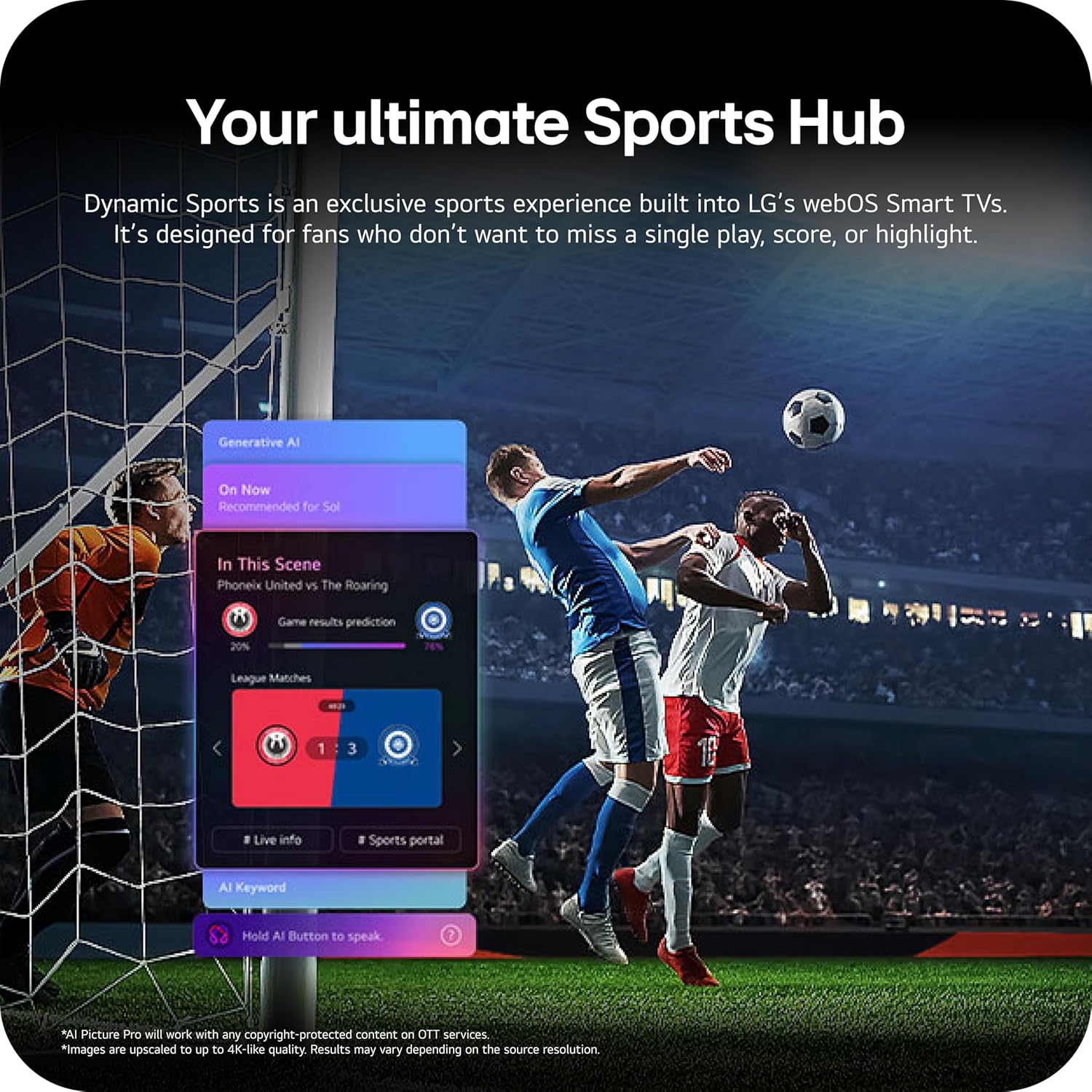
Image: Multi AI search interface displaying integration with Google Gemini and Microsoft Copilot.
2.3 Anviwònman Foto
Your LG OLED TV offers advanced picture technologies for optimal viewing.
- Brightness Booster Pro: Magnifies each pixel to shine up to 3.2 times brighter for enhanced luminosity.
- Nwa pafè ak koulè pafè: Over 8.3 million self-lit pixels deliver perfect black levels and accurate colors in any lighting condition.
- Vizyon Dolby, HDR10, HLG: Supports multiple HDR formats for extraordinary color, contrast, and brightness.
- Mòd Filmmaker: Prezève vizyon orijinal direktè a lè li enfim efè pòs-tretman yo.
- Foto AI: The a11 AI Processor Gen3 optimizes picture quality in real-time.
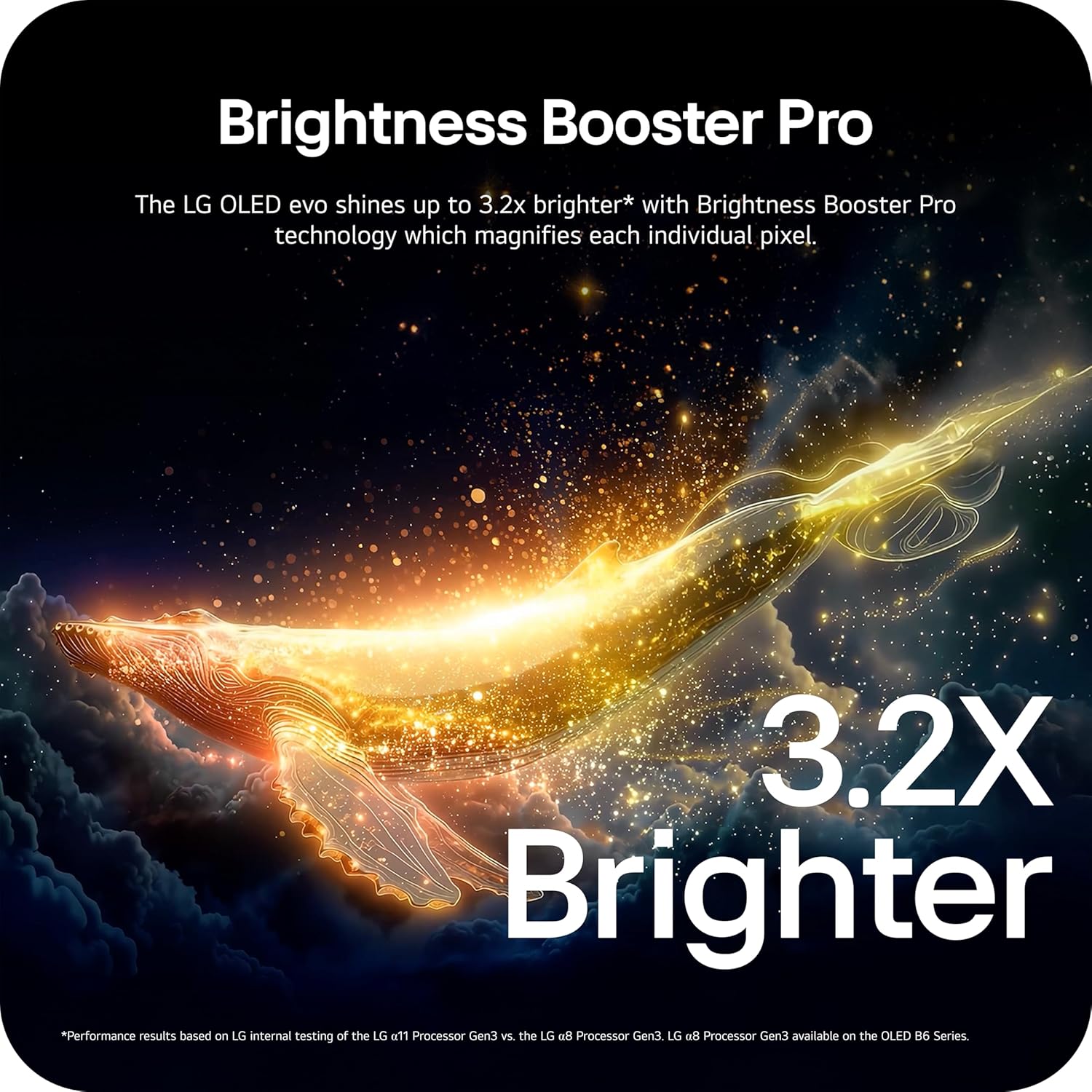
Image: Visual representation of Brightness Booster Pro technology, illustrating increased brightness.

Image: Display demonstrating Perfect Black and Perfect Color capabilities in various light conditions.
2.4 Anviwònman son
Experience immersive audio with your TV's sound features.
- Dolby Atmos: Bay son miltidimansyonèl ki deplase bò kote w.
- Wow Òkès: Integrates the TV's speakers with a compatible LG soundbar for an enhanced audio experience.
2.5 Karakteristik jwèt yo
The TV is equipped with features for an optimal gaming experience.
- Pousantaj rafrechisman 165Hz: Supports high frame rates for smooth gameplay.
- Tan Repons 0.1ms: Minimizes input lag for quick reactions.
- NVIDIA G-Sync ak AMD FreeSync Premium: Reduces screen tearing and stuttering for fluid visuals.

Image: Dynamic gaming visual highlighting the 165Hz refresh rate and G-Sync/FreeSync compatibility.
2.6 Sports Hub
The Dynamic Sports Hub provides an exclusive sports experience, ensuring you don't miss any key moments, scores, or highlights.

Image: Screenshot of the Dynamic Sports Hub interface during a live soccer game.
3. Antretyen ak Swen
3.1 OLED Care
To maintain the best picture quality and longevity of your OLED display, utilize the built-in OLED Care features. These features help protect the display from potential issues over time.
3.2 Enstriksyon netwayaj
- Ekran: Gently wipe the screen with a soft, dry, microfiber cloth. For stubborn marks, lightly dampRense twal la avèk dlo distile. Evite pwodui chimik ki agresif oswa materyèl abrazif.
- Kò televizyon: Sèvi ak yon twal mou epi sèk pou netwaye ankadreman an ak sipò a.
- Kontwòl Remote: Siye ak yon twal mou, sèk.
3.3 Mizajou lojisyèl
Asire w ke lojisyèl televizyon w lan ajou pou yon pèfòmans optimal ak nouvo fonksyonalite. webOS 26 automatically downloads updates for up to 5 years. If auto-update is disabled, you will receive a notification to accept or deny updates. An LG account is required to access network-based smart services.
3.4 LG Shield Security
LG Shield provides digital protection against malware, viruses, and other cyber threats through real-time scanning and automatic updates. An LG account is required to access network-based smart services.

Image: LG Shield security feature, represented by shield and lock icons, indicating digital protection.
4. Depanaj Pwoblèm komen
This section addresses common problems you might encounter with your TV. If the issue persists, contact customer support.
| Pwoblèm | Solisyon posib |
|---|---|
| Pa gen pouvwa | Asire w kab kouran an byen konekte ak televizyon an ak yon priz elektrik ki fonksyone. Teste priz la ak yon lòt aparèy. |
| Pa gen imaj / Ekran nwa | Check if the TV is turned on. Verify the correct input source is selected. Ensure all HDMI cables are securely connected. Try restarting the TV by unplugging it for 30 seconds and plugging it back in. |
| Pa gen Son | Check the volume level and ensure the TV is not muted. Verify external audio devices (soundbar, receiver) are properly connected and powered on. Check audio output settings in the TV menu. |
| Remote Control pa reponn | Replace the batteries in the Magic Remote. Ensure there are no obstructions between the remote and the TV. Re-pair the remote if necessary (refer to the Quick Start Guide). |
| Network Connectivity Issues (Wi-Fi/Ethernet) | Check your router and modem to ensure they are working correctly. Restart your network equipment. Re-enter Wi-Fi password or check Ethernet cable connection. |
| Picture Quality Issues (e.g., motion blur, color smearing) | Adjust picture settings (e.g., sharpness, color, motion interpolation). Ensure Filmmaker Mode is off if you prefer motion smoothing. Check the source content quality. |
5. Espesifikasyon teknik
Below are the key technical specifications for the LG OLED77C6HUP TV.
| Karakteristik | Spesifikasyon |
|---|---|
| Nimewo Modèl | OLED77C6HUP |
| Gwosè ekran | 77 pous |
| Teknoloji ekspozisyon | OLED (Self-Luminous Pixels) |
| Rezolisyon | 4K (3840 x 2160) |
| Rafrechisman pousantaj | 120 Hz (Native), up to 165 Hz (PC Gaming) |
| Processeur | a11 AI Processor 4K Gen3 |
| Sipò HDR | Dolby Vision, HDR10, HLG |
| Tan repons | 0.1 Milisegond |
| Sistèm operasyon | webOS |
| Sòti odyo | 2.2 Chanèl, Dolby Atmos |
| Pò HDMI | 4 |
| Pò USB | 2 (USB 2.0), 1 (USB 3.0) |
| Koneksyon | Wi-Fi, Bluetooth 5.3, Ethernet |
| Ekran Mirroring | AirPlay, Google Cast |
| Estanda Mòn VESA | 300 x 200 mm |
| Dimansyon pwodwi (ak sipò) | 67.4" lajè x 40.7" wotè x 10.5" pwofondè |
| Dimansyon pwodwi (san sipò) | 67.4" lajè x 38.7" wotè x 1.9" pwofondè |
| Pwa Atik (ak sipò) | 59.5 liv |
| Pwa Atik (san sipò) | 51.8 liv |
6. Enfòmasyon sou Garanti
Your LG OLED77C6HUP TV comes with a 1 Ane Pati ak Travay limited warranty. Please retain your proof of purchase for warranty claims. For detailed terms and conditions, refer to the warranty card included with your product or visit the official LG websit.
7. Sipò pou Kliyan
Pou plis asistans, sipò teknik, oswa kesyon sou sèvis, tanpri vizite sit sipò ofisyèl LG a. website or contact their customer service. You can also refer to the comprehensive User Manual (PDF) available for download on the LG support page.
LG Sipò Websit: https://www.lg.com/us/support
Manyèl Itilizatè (PDF): Telechaje PDF