
Entwodiksyon
Thank you for choosing the Cillso Smartwatch. This manual provides detailed instructions on how to set up, operate, and maintain your device. This smartwatch features a 1.95-inch HD display, Bluetooth calling capabilities, IP68 water resistance, comprehensive health monitoring including SpO2 and sleep tracking, over 100 sports modes, and integrated Alexa for voice control. Please read this manual carefully to ensure optimal performance and longevity of your smartwatch.
Enstalasyon
1. Chaje mont entelijan an
Before initial use, fully charge your smartwatch. Connect the provided charging cable to the charging port on the back of the watch and to a standard USB power adapter (not included). A full charge typically takes approximately 2 èdtan. The watch has a 300mAh batri, bay 5-7 days of normal use ak jiska 30 days of standby time.

Image: The smartwatch display indicating a 1.95-inch screen, 2 hours charging time, 5-7 days normal use, 30 days standby time, and a 300mAh battery capacity.
2. Enstalasyon ak koneksyon aplikasyon an
- Telechaje App a: Scan the QR code in the quick start guide or search for the companion app (e.g., 'GloryFit' as suggested by watch dial image) in your smartphone's app store (Android or iOS).
- Enskri/Konekte: Swiv enstriksyon ki sou ekran yo pou kreye yon kont oswa konekte.
- Konekte Smartwatch la: Ensure Bluetooth is enabled on your smartphone. Open the app, navigate to the device section, and select 'Add Device'. Choose your Cillso Smartwatch from the list of available devices. Confirm the pairing request on both your phone and the smartwatch.
Enstriksyon Operasyon
1. Navigasyon debaz
- Ekran tactile: Glise anlè, anba, agoch, oswa adwat pou navige nan meni ak notifikasyon yo. Tape pou chwazi atik yo.
- Bouton bò: Press the side button to return to the home screen or to wake up the display.
2. Apèl Bluetooth
Smartwatch la sipòte Bluetooth 5.3 calling, allowing you to make and receive calls directly from your wrist when connected to your smartphone. It features a bati-an mikwofòn and supports dosye apèl yo ak jiska 100 kontak.
- Reponn apèl: When an incoming call notification appears, tap the green phone icon to answer.
- Rejte apèl: Tape ikòn telefòn wouj la pou rejte yon apèl k ap antre.
- Fè apèl: Access the dial pad or contact list on your smartwatch to initiate a call.
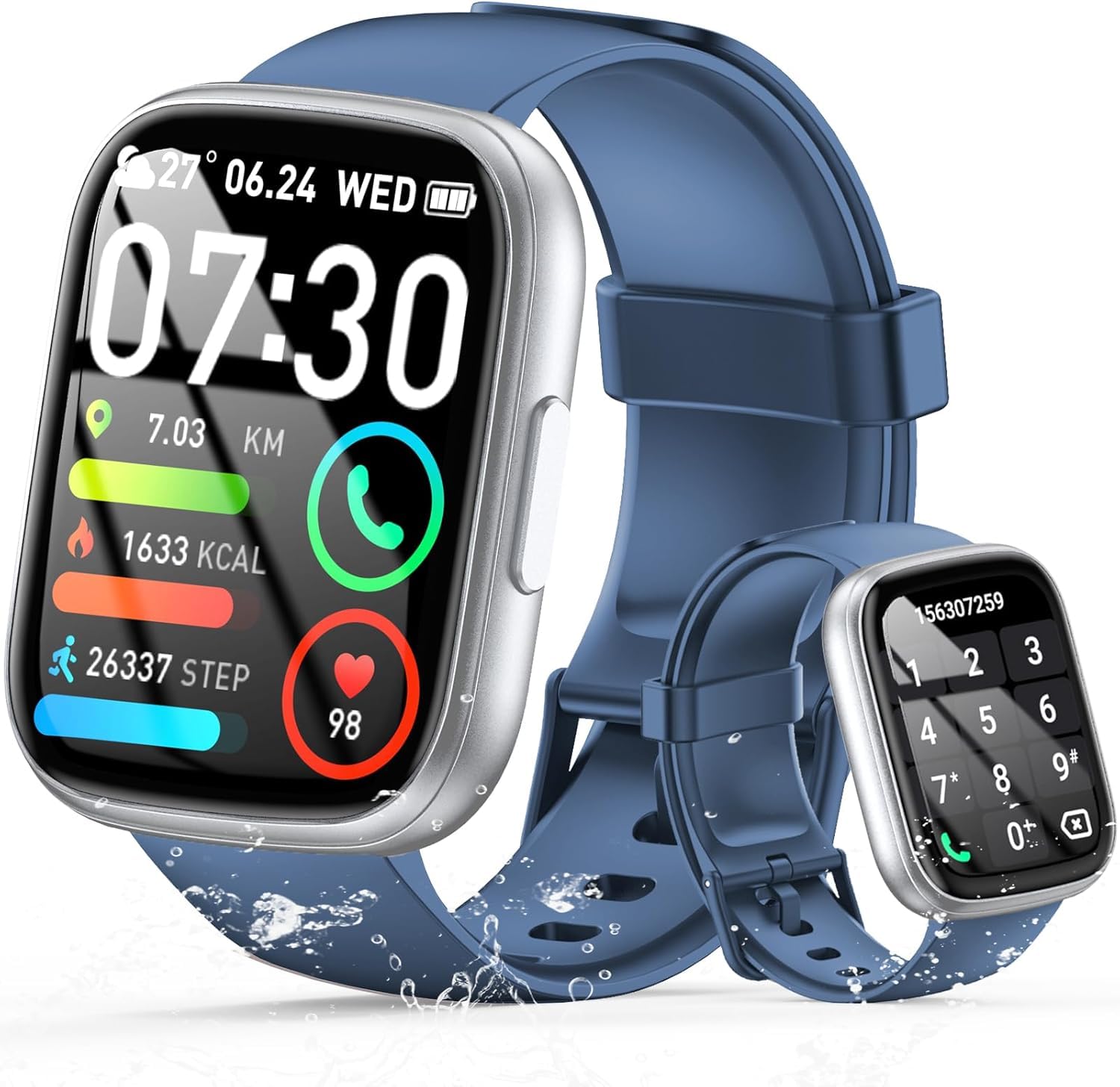
Image: The smartwatch displaying an incoming call, along with icons for built-in mic, Hi-Fi Spectra, call records, and 100 contacts. Examples of dial pad and contact list are also shown.
3. Siveyans Sante
The smartwatch provides continuous health monitoring features to help you track your well-being.
- Siveyans batman kè: The watch continuously monitors your heart rate throughout the day. View your heart rate data on the watch or in the app.
- Siveyans oksijèn nan san (SpO2): Mezire nivo saturation oksijèn nan san ou.
- Siveyans dòmi: Tracks your sleep patterns, including deep sleep, light sleep, and wake times, to provide insights into your sleep quality.

Image: Visual representation of heart rate, blood oxygen (SpO2), and sleep monitoring graphs and data on the smartwatch and a person sleeping while wearing the watch.
4. Mòd Espò
Smartwatch la sipòte over 100 sports modes to accurately track your workouts. Common modes include running, basketball, climbing, skipping, swimming, and badminton. It tracks metrics such as steps, distance, calories burned, and exercise duration.

Image: A person cycling with the smartwatch, illustrating various sports modes like running, basketball, climbing, skipping, swimming, and badminton. Also shows tracking for steps, distance, and calories.
5. Entegrasyon Alexa
Avèk Alexa integrated, you can use voice commands to control music playback, check weather, set alarms, and more directly from your smartwatch.
6. Personalized Watch Dials
Customize your smartwatch with over 200 stylish watch faces available through the companion app. You can also upload your favorite photos to create personalized watch dials. The display features wide color gamut, AM LED technology, and color accuracy.

Image: The smartwatch showcasing multiple personalized watch dial options, highlighting wide color gamut, AM LED, and color accuracy features.
7. Multifunctional Features
- Kontwòl Mizik: Play, pause, skip tracks, and adjust volume for music playing on your connected smartphone.
- Kontwòl kamera: Remotely control your smartphone's camera to frame, focus, and snap photos or start/stop video recording.
- Revèy Alam: Mete alam pou reveye w oswa pou fè w sonje evènman enpòtan yo.
- Lòt Karakteristik: Includes weather forecasts, stopwatch, timer, and more.

Image: The smartwatch displaying interfaces for music control, remote camera control, and alarm clock settings, along with icons for other features like temperature, weather, and microphone.
Antretyen
1. Netwayaj
Wipe the smartwatch regularly with a soft, dry cloth. For stubborn dirt, use a slightly damp twal epi seche byen. Evite itilize pwodui chimik ki agresif oswa materyèl abrazif.
2. Rezistans dlo (IP68)
The Cillso Smartwatch is IP68 ki reziste dlo, meaning it is protected against dust ingress and can withstand immersion in water up to 1.5 meters for up to 30 minutes. It is suitable for daily use, hand washing, and light rain. However, it is not recommended for hot showers, saunas, or diving, as steam and high water pressure can compromise the seal.
3. Swen batri
- Evite tanperati ekstrèm, ki ka diminye lavi batri a.
- Chaje aparèy la nèt anvan ou pa fè l lontan.
- Sèvi ak sèlman kab chaje yo bay la.
Depanaj
- Mont lan pa limen: Asire w ke mont lan chaje nèt. Konekte l nan plato a pou omwen 30 minit.
- Pa ka konekte ak telefòn nan: Make sure Bluetooth is enabled on your phone and the watch is within range. Restart both devices and try pairing again through the app.
- Done sou sante ki pa egzak: Asire w ke mont lan byen sere sou ponyèt ou, ni twò sere ni twò lach. Netwaye detèktè yo regilyèman.
- Notifikasyon ki pa resevwa: Check app permissions on your phone to ensure the companion app has access to notifications. Verify that notifications are enabled within the app settings.
- Alexa pa reponn: Ensure the watch is connected to your phone and has an active internet connection. Check Alexa settings within the companion app.
Espesifikasyon
| Nimewo Modèl | B0GQGYDJS7 |
| Mak | Cillso |
| Gwosè ekran | 1.95 pous |
| Koneksyon Teknoloji | Bluetooth 5.3 |
| Evalyasyon rezistans dlo | IP68 |
| Kapasite batri | 300 mAh (lityòm-polymère) |
| Tan pou chaje | Apeprè. 2 èdtan |
| Itilizasyon nòmal lavi batri | 7-10 jou |
| Tan sibstiti | Jiska 30 jou |
| Kapasite Depo memwa | 1 GB |
| Antre Entèfas Imèn | Mikwofòn, ekran taktil |
| Konpozan ki enkli | Chaje kab |
Garanti ak sipò
Warranty information for your Cillso Smartwatch is typically provided with your purchase documentation. Please refer to those materials for details regarding warranty coverage and terms. For technical support, product inquiries, or assistance with troubleshooting beyond this manual, please contact Cillso customer service through the contact information provided with your product or on the official Cillso websit.