
1. Enfòmasyon sou Sekirite
Before using your new Samsung TV, please read all safety instructions carefully to prevent electric shock, fire, or injury. Keep this manual for future reference.
- Pa ekspoze televizyon an ak lapli oswa imidite.
- Asire bon vantilasyon. Pa bloke ouvèti vantilasyon yo.
- Sèvi ak sèlman kòd elektrik manifakti a bay la.
- Do not open the TV cabinet. Refer all servicing to qualified personnel.
- Kenbe pil yo pa rive jwenn timoun yo.
2. Ki sa ki nan bwat la
Verifye ke tout konpozan yo prezan anvan ou kontinye ak konfigirasyon an.
- Samsung 65-Inch Class M70H Series Mini LED Smart TV
- IR Simple Remote Control (TM2240A) with batteries
- Pouvwa kab
- Konpozan kanpe
- Manyèl Itilizatè (dokiman sa a)
- Kat Garanti

Figure 2.1: Package Contents and Dimensions. This image illustrates the TV's dimensions, the included remote control, power cable, and user manual.
3. Enstalasyon
3.1. Enstalasyon kanpe
- Mete ekran televizyon an ak anpil atansyon sou yon sifas ki plat e mou pou evite li domaje.
- Aliyen konpozan sipò yo ak fant ki deziyen pou yo anba televizyon an.
- Fikse sipò a byen sere avèk vis yo bay yo. Asire w sipò a byen tache.
- Leve televizyon an avèk prekosyon epi mete l sou yon sifas ki estab e ki plat.
3.2. mi Mounting
This TV supports VESA mount standard 200 x 200 mm. For wall mounting, use a compatible wall mount kit (sold separately) and follow the instructions provided with the wall mount. Professional installation is recommended.
3.3. Konekte Aparèy
Connect your external devices to the TV's ports as shown below.

Figure 3.1: Rear Panel Connections. This image displays the various input ports on the back of the TV.
- HDMI 1 (eARC): Enhanced audio return for high-quality sound and advanced formats.
- HDMI 2 & 3: Transmits high-definition video and audio from external devices (e.g., Blu-ray player, game console).
- USB-APò rektangilè estanda pou pouvwa oswa lekti medya.
- Kab/ANT: Konektè pou siyal antèn san fil oswa siyal televizyon kab.
- Ethernet (LAN)Koneksyon entènèt filaire pou difizyon, mizajou ak fonksyon entelijan.
3.4. Premye Limen
- Konekte kab kouran an nan televizyon an epi answit nan yon priz miray.
- Peze bouton Power (Power) ki sou kontwòl remote la oswa sou televizyon an.
- Swiv enstriksyon ki sou ekran an pou w konplete konfigirasyon inisyal la, ki gen ladan koneksyon rezo a ak eskanè chanèl yo.
4. Opere televizyon ou
4.1. Kontwòl Remote
The included IR Simple Remote Control (TM2240A) provides intuitive navigation. Ensure batteries are correctly inserted. For detailed functions, refer to the on-screen e-Manual.
4.2. Anviwònman Foto
Your Samsung M70H TV features advanced picture technologies for an optimal vieweksperyans nan.
- Mini LED Processor 4K: This advanced processor enhances picture quality by delivering brighter highlights and deeper blacks, bringing out fine details.
- Pure Spectrum Color: Experience a billion true-to-life colors with advanced color technology and Mini LED precision.
- Mini LED HDR: Enjoy HDR picture quality with brighter highlights and deeper blacks compared to traditional HDR TVs, enhancing vibrant colors and lifelike details.
- Supreme Mini LED Dimming: This software-based technology provides precise dimming for improved contrast, resulting in a superb picture.
- Motion Xcelerator + DLG 120Hz: Experience smooth visuals and clear fast-motion. This technology optimizes the refresh rate up to 120Hz (on 55" and larger models), ideal for gaming and sports. Note that DLG 120Hz may reduce image sharpness.
- Ranfòsè Koulè: Enhances color intensity, making every hue more vibrant.

Figure 4.1: Mini LED Processor 4K. This image highlights the TV's powerful 4K processor.

Figure 4.2: Pure Spectrum Color. This image demonstrates the enhanced color vibrancy with Pure Spectrum Color.

Figure 4.3: Mini LED HDR. This image illustrates the dramatic detail provided by Mini LED HDR.
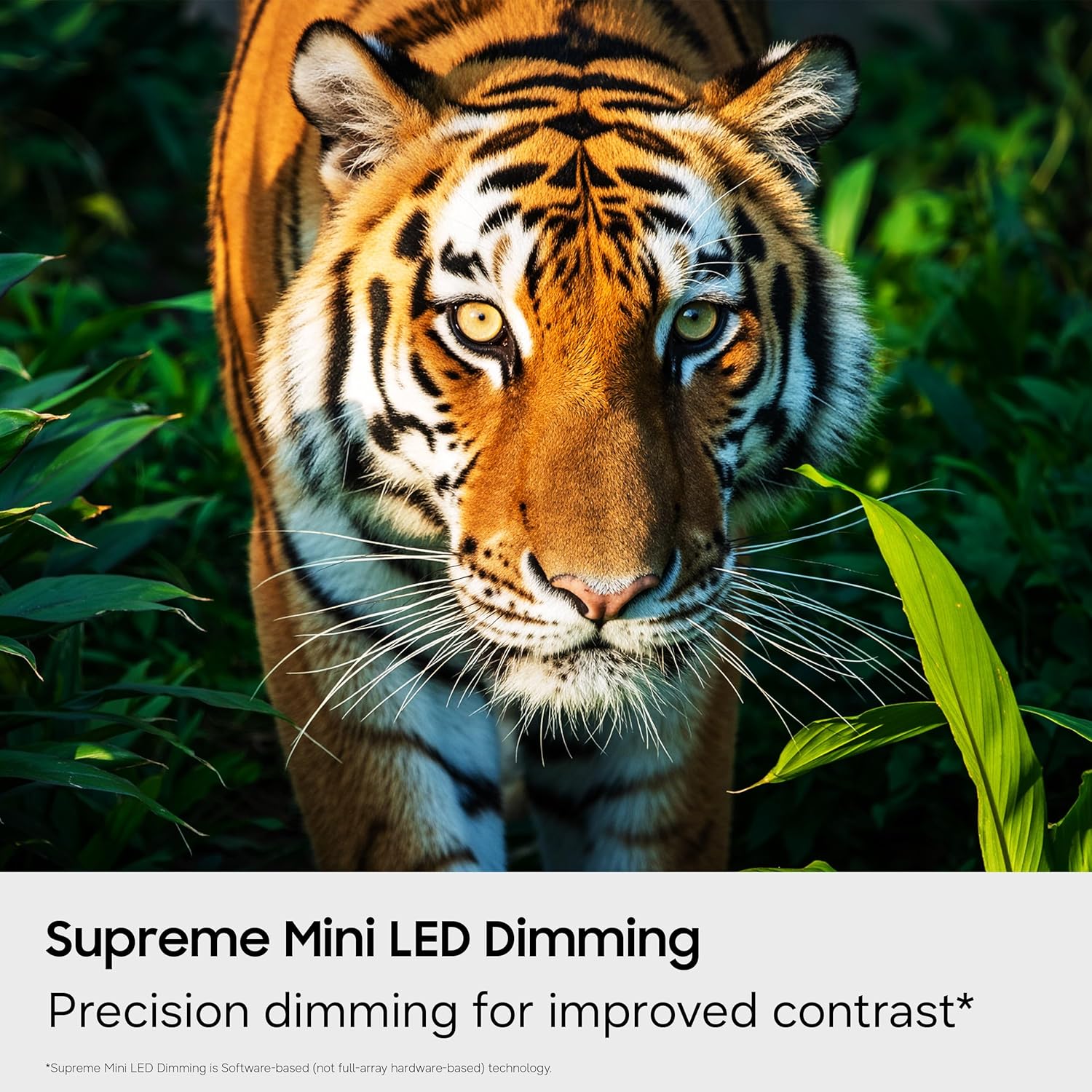
Figure 4.4: Supreme Mini LED Dimming. This image showcases the precision dimming for enhanced contrast.

Figure 4.5: Motion Xcelerator + DLG 120Hz. This image demonstrates blur-free action for fast-paced content.
4.3. Smart Features (Tizen OS)
Your TV runs on the Tizen operating system, offering a personalized smart TV experience.
- Endless Free Content (Samsung TV Plus): Access over 2,700 free streaming options, including 750+ subscription-free channels. An internet connection and Samsung Account are required for network-based smart services.
- Mwaye Gaming: A central hub for games from consoles, cloud services, and gaming apps. Provides personalized recommendations.
- Konpayon Vizyon IA: Utilize AI-enhanced picture and sound, along with personalized experiences. Requires a Samsung account and internet connection.
- SmartThings Hub: Connect and control smart devices through your TV. Requires a Samsung account and internet connection.
- Sekirite Samsung Knox: Built-in triple-layer data protection for your TV experiences, safeguarding sensitive data and IoT devices.

Figure 4.6: Endless Free Content. This image displays the Samsung TV Plus interface with numerous streaming channels.

Figure 4.7: Vision AI Companion. This image illustrates the AI features and interface of the TV.
4.4. Mòd espesyal
- Mòd foutbòl: Optimizes settings for sports, providing clearer motion and more vibrant greens for a stadium-like experience.
- AI Enèji Mode: Reduces power consumption by auto-adjusting brightness based on room lighting and user activity.
5. Antretyen
5.1. Netwaye televizyon ou an
- Toujou debranche televizyon an anvan ou netwaye li.
- Use a soft, dry microfiber cloth to gently wipe the screen and exterior.
- Pa sèvi ak pwodui netwayaj likid, espre, oswa twal abrazif, paske yo ka domaje ekran an oswa fini an.
5.2. Mizajou lojisyèl
Ensure your TV's software is up to date for optimal performance and security. Connect your TV to the internet and navigate to the settings menu to check for and install available updates. Samsung provides 7 years of automatic OS updates.
NAN. Depanaj
If you encounter issues with your TV, refer to the following common solutions. For more detailed troubleshooting, consult the on-screen e-Manual or Samsung Support.
- Pa gen pouvwaTcheke si kab kouran an byen konekte ak televizyon an ak priz miray la. Asire w ke priz la fonksyone byen.
- Pa gen imaj/son: Verify that the correct input source is selected. Check all cable connections (HDMI, antenna).
- Remote Control pa travay: Replace the batteries in the remote. Ensure there are no obstructions between the remote and the TV. Re-pair the remote if necessary (refer to the e-Manual for pairing instructions).
- Slow Startup / Unresponsive Interface: This can sometimes be resolved by adjusting settings related to Samsung TV Plus or other smart features. Navigate deep into the menu structure to disable features that might be causing delays. A factory reset may also resolve persistent issues, but will erase personalized settings.
- Pwoblèm Koneksyon Rezo: Check your Wi-Fi router or Ethernet cable. Try restarting your router and the TV.
7. Espesifikasyon
| Karakteristik | Detay |
|---|---|
| Non modèl | UN65M70HAFXZA |
| Gwosè ekran | 65 pous |
| Teknoloji ekspozisyon | Mini-dirije |
| Rezolisyon | 4K (3840 x 2160) |
| Rafrechisman pousantaj | 120 Hz (DLG 120Hz) / 60 Hz (Native) |
| Fòma HDR sipòte | HDR10+ |
| Sistèm operasyon | Tizen |
| Koneksyon Teknoloji | Bluetooth (v5.3), HDMI (x3), USB (x1), Wi-Fi, Ethernet |
| Antre odyo | HDMI, USB |
| Oratè Deskripsyon | Built-in Speakers (2.0 Channel) |
| Estanda Mòn VESA | 200 x 200 mm |
| Dimansyon pwodwi (D x W x H) | 8.7"P x 56.9"L x 34.7"H (ak sipò a) |
| Pwa atik | 31.7 liv (ak sipò a) |
| Ane ki gen konpòtman egzanplè | 2026 |
8. Garanti ak sipò
8.1. Enfòmasyon sou Garanti
This Samsung TV comes with a 1 ane manifakti limite garanti. Please refer to the included Warranty Card for full terms and conditions. Keep your proof of purchase for warranty claims.
8.2. Sipò pou Kliyan
For technical assistance, troubleshooting, or warranty service, please contact Samsung Customer Support. You can find contact information on the Samsung official websit la oubyen sou Kat Garanti ou a.
9. Videyo pwodwi yo
Gade videyo pwodwi ofisyèl la pou plis enfòmasyonview of the Samsung Mini LED M70H Series features.
Video 9.1: Samsung Mini LED M70 Features. This video provides a visual demonstration of the key features of the M70H series TV.