
1. Pwodwi souview
The boAt Airdopes 148 Gen 2 are True Wireless Stereo (TWS) earbuds designed for an immersive audio experience. They feature a long-lasting battery, advanced microphone technology for clear calls, and a low-latency mode for gaming. This manual provides instructions for setting up, operating, and maintaining your earbuds.
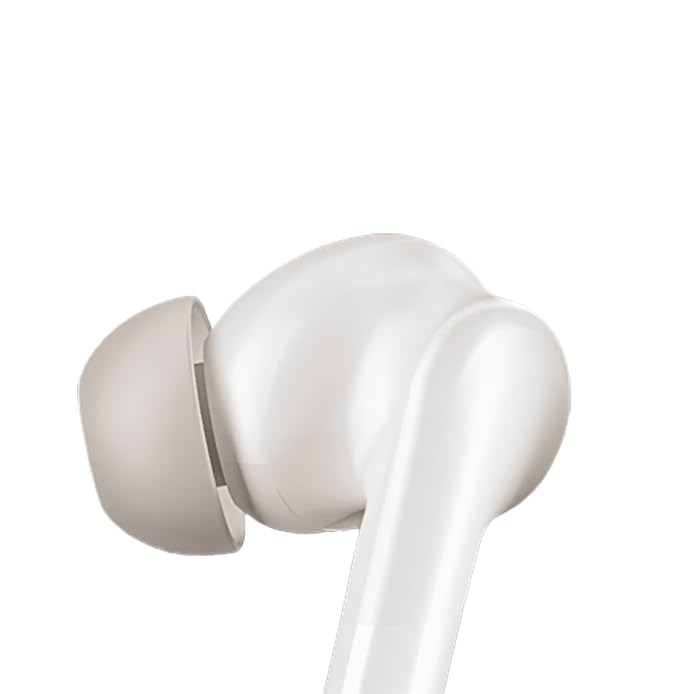
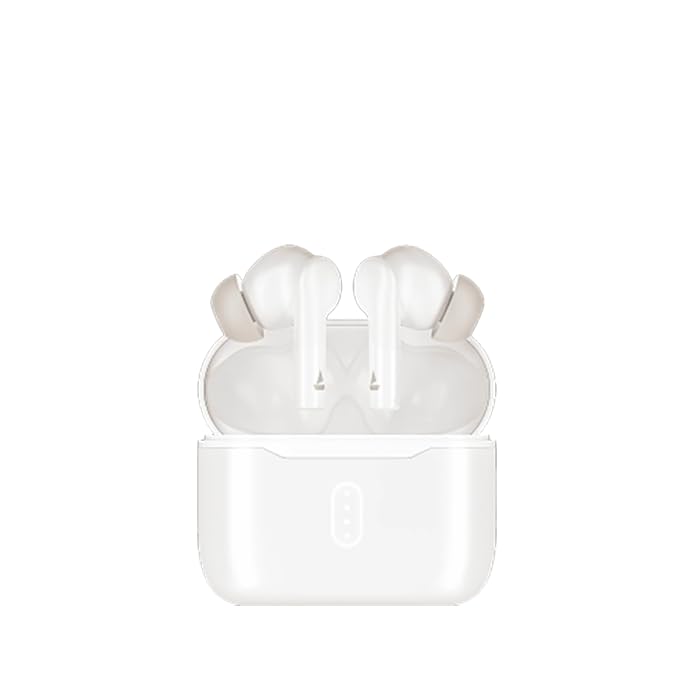
Image: boAt Airdopes 148 Gen 2 earbuds shown with their charging case.
2. Ki sa ki nan bwat la
Tanpri verifye sa ki nan pake a pou asire w tout atik yo la:
- boAt Airdopes 148 Gen 2 Earbuds (Left and Right)
- Ka chaje
- USB Chaje Kab
- Kousen zòrèy adisyonèl (divès gwosè)
- Manyèl itilizatè
3. Enstriksyon Enstalasyon
3.1 Premye chaj
Anvan premye itilizasyon an, chaje ekoutè yo ak bwat chaje a nèt.
- Mete tou de ekouteur nan ka chaje a.
- Konekte kab chaje USB a nan pò chaje ki sou bwat la epi nan yon sous kouran.
- The indicator lights on the case will show charging status. Once fully charged, the lights may change or turn off.

Image: The boAt Airdopes 148 Gen 2 charging case with earbuds inserted, illustrating the charging process.
3.2 Pairing with Your Device (Insta Wake N' Pair)
The Airdopes 148 Gen 2 feature Insta Wake N' Pair (IWP) technology for seamless connection.
- Louvri kouvèti a nan ka chaje a. Ekoutè yo pral otomatikman limen epi antre nan mòd appariement.
- Pèmèt Bluetooth sou smartphone ou oswa lòt aparèy.
- Chèche pou "Airdopes 148 Gen 2" in the list of available Bluetooth devices.
- Chwazi li pou konekte. Yon fwa konekte, ou pral tande yon envit odyo.
Note: The earbuds will automatically connect to the last paired device when the case lid is opened, if Bluetooth is enabled on the device.

Image: A visual representation of key features including Bluetooth v5.4 and Insta Wake N' Pair technology.
4. Operasyon Enstriksyon
4.1 Kontwòl manyen
The Airdopes 148 Gen 2 feature intuitive touch controls on each earbud:
- Jwe/Poz: Tape yon sèl sou chak ekoutè.
- Pwochen Track: Tape de fwa sou ekoutè dwat la.
- Track Previous: Tape de fwa sou ekoutè gòch la.
- Reponn/Fen Apèl: Tape yon sèl sou chak ekoutè.
- Rejte apèl: Peze pandan 2 segonn sou nenpòt ekoutè.
- Aktive Asistan Vwa: Tape twa fwa sou nenpòt ekoutè.
- BEAST Mode On/Off: Peze pandan 3 segonn sou ekoutè dwat la.
- Switch Dual EQs: Long press (3 seconds) on the left earbud.
4.2 Mòd BEAST (Latans ki ba)
Activate BEAST Mode for an ultra-low latency audio experience, ideal for gaming and video streaming. This minimizes audio delay between your device and the earbuds.
- Aktive: Long peze ekoutè dwat la pou 3 segonn.
- Pou dezaktive: Long press the right earbud for 3 seconds again.
4.3 Dual EQs
Switch between different sound profiles (e.g., Balanced, Bass) to suit your audio preference.
- To Switch: Peze ekoutè gòch la pandan 3 segonn.
4.4 Asistan Vwa
Access your device's voice assistant (e.g., Google Assistant, Siri) directly from the earbuds.
- Aktive: Tape twa fwa sou nenpòt ekoutè.
4.5 Calling with ENx Technology
The earbuds feature Quad Mics with ENx Technology for clear voice calls by cancelling environmental noise.

Image: A user wearing an earbud, highlighting the Quad Mics with ENx Technology for enhanced call clarity.
4.6 Lavi batri
The Airdopes 148 Gen 2 offer up to 48 hours of total playback time with the charging case. ASAP Charge provides 180 minutes of playback from just 10 minutes of charging.

Image: A graphic illustrating the impressive battery life of up to 48 hours and the fast charging capability.
5. Antretyen
5.1 Netwayaj
Netwayaj regilye ede kenbe kalite son ak ijyèn.
- Siye ekoutè yo ak bwat chaje a dousman avèk yon twal mou, sèk, epi ki pa gen pousyè.
- Retire bout zòrèy yo epi netwaye yo avèk savon dou ak dlo, apresa seche yo byen anvan ou mete yo ankò.
- Use a cotton swab or a small, soft brush to carefully clean the speaker mesh and charging contacts.
Imaj: Yon gwo plan view of an earbud tip, showing the area that requires regular cleaning.
5.2 Rezistans dlo (IPX4)
The Airdopes 148 Gen 2 are IPX4 rated, meaning they are resistant to splashes of water and sweat. They are not designed for submersion in water.
- Avoid exposing the earbuds to heavy rain or submerging them in water.
- Dry the earbuds thoroughly if they get wet from sweat or splashes before placing them back in the charging case.
NAN. Depanaj
If you encounter issues with your Airdopes 148 Gen 2, try the following solutions:
- Pa gen pwoblèm son/koneksyon:
- Asire w ke ekoutè yo chaje.
- Asire w ke Bluetooth aktive sou aparèy ou an.
- Forget "Airdopes 148 Gen 2" from your device's Bluetooth list and re-pair.
- Rekòmanse aparèy ou an.
- Yon ekoutè pa travay:
- Mete tou de ekoutè yo tounen nan bwat la, fèmen kouvèti a, tann kèk segond, epi louvri l ankò.
- Asire ke tou de ekoutè yo chaje.
- Pwoblèm chaj:
- Tcheke kab chaje a ak adaptè a.
- Asire w ke kontak chaje yo sou ekoutè yo ak sou bwat la pwòp.
- Ba Volim:
- Ajiste volim nan tou de aparèy ou an ak ekoutè yo.
- Clean earbud speaker mesh.
7. Espesifikasyon
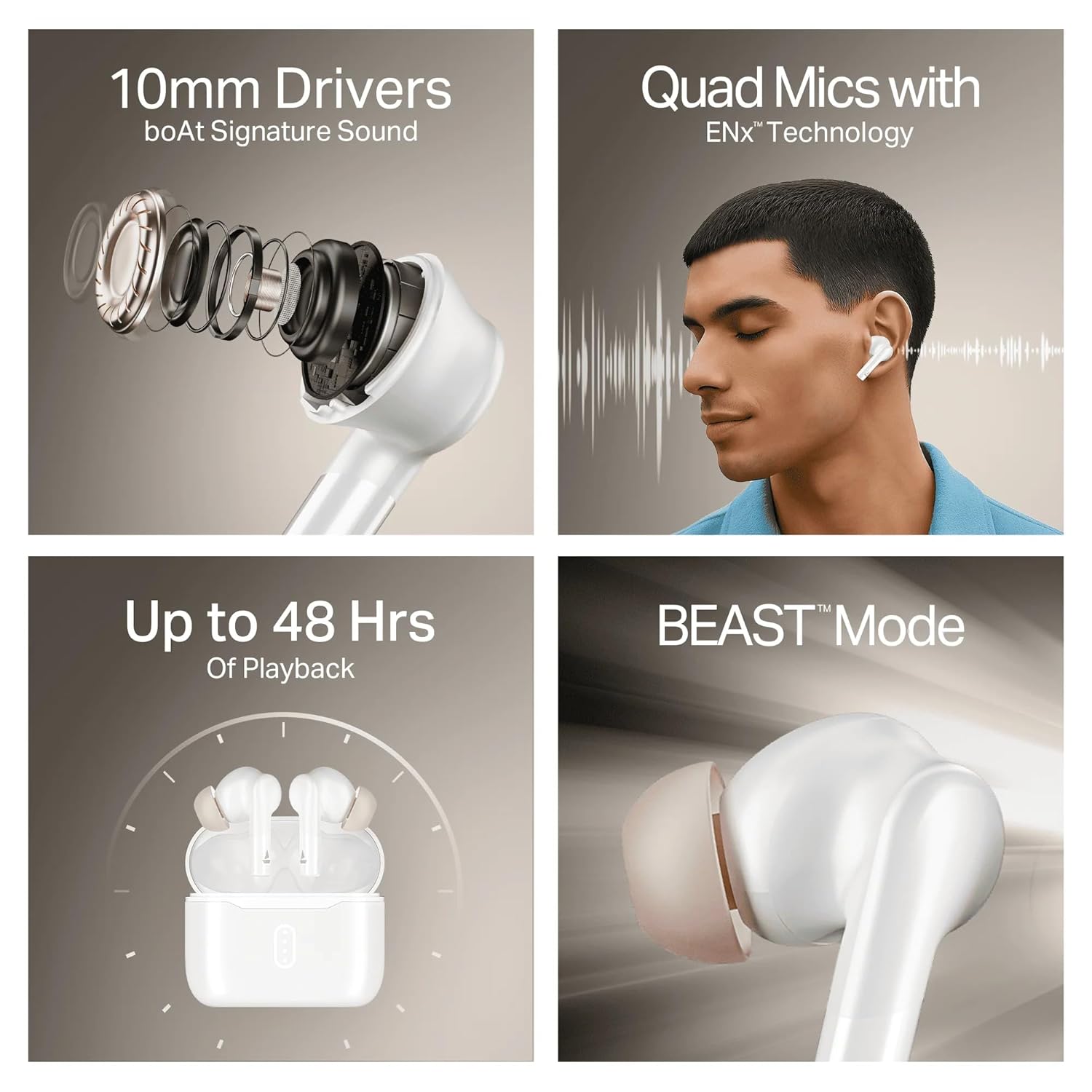
Image: A summary of key specifications and features of the Airdopes 148 Gen 2.
| Karakteristik | Deskripsyon |
|---|---|
| Non modèl | Airdopes 148 Gen 2 |
| Bluetooth vèsyon | 5.4 |
| Lektur Tan | Jiska 48 èdtan (avèk chaje ka) |
| ASAP Chaje | 10 mins charge = 180 mins playback |
| Mikwofòn | Mikwofòn kwadripèl ak teknoloji ENx |
| Chofè yo | 10mm |
| Rezistans dlo | IPX4 |
| Latency Mode | BEAST Mode (Ultra-low latency) |
| Koneksyon | San fil |
| Kalite kontwòl | Kontwòl manyen |
| Aparèy konpatib | Laptops, Smartphones, Tablets |
8. Garanti ak sipò
8.1 Enfòmasyon sou Garanti
The boAt Airdopes 148 Gen 2 comes with a 12 + 3 months manufacturer warrantyTanpri konsève prèv acha ou a pou reklamasyon garanti a.
8.2 Sipò pou Kliyan
For any support, queries, or warranty claims, please contact boAt customer service:
- Imèl: info@imaginemarketingindia.com
- Manifakti: Imajine Maketing Ltd


