
1. Entwodiksyon
This manual provides detailed instructions for the setup, operation, and maintenance of your ieGeek S2 Outdoor Solar Security Camera. Please read it thoroughly before use to ensure optimal performance and safety.
The ieGeek S2 is a versatile wireless security camera featuring 2K HD resolution, 300° pan/tilt (PTZ) functionality, color night vision, PIR human detection, two-way audio, and solar power capabilities. It is designed for outdoor use with IP65 weather resistance and supports Alexa integration.
2. Pake kontni
Verifye ke tout atik ki nan lis anba a yo enkli nan pakè ou a. Si gen nenpòt atik ki manke oswa ki domaje, tanpri kontakte sèvis kliyan.
- ieGeek S2 Outdoor Security Camera (with magnetic bracket) x1
- Panèl solè x1
- Power Cable (USB) x1
- Screws x3, Anchors x3
- Baz x1
- Adhesive Tape x1
- Manyèl Enstriksyon x1

Image: All components included in the ieGeek S2 package.
Video: Unboxing the ieGeek S2 camera and its accessories, including the solar panel.
3. Enstalasyon ak Enstalasyon
3.1 Monte Kamera a
The ieGeek S2 camera offers flexible installation options, including magnetic mounting for quick setup without drilling, or traditional screw mounting for enhanced security.

Image: Various magnetic installation methods for the camera.

Image: Magnetic installation offers a simple, drill-free setup.
3.2 Konekte Panèl Solè a
For continuous power, connect the included solar panel to your camera. Ensure the solar panel is placed in an area with amplimyè solèy la dirèk.
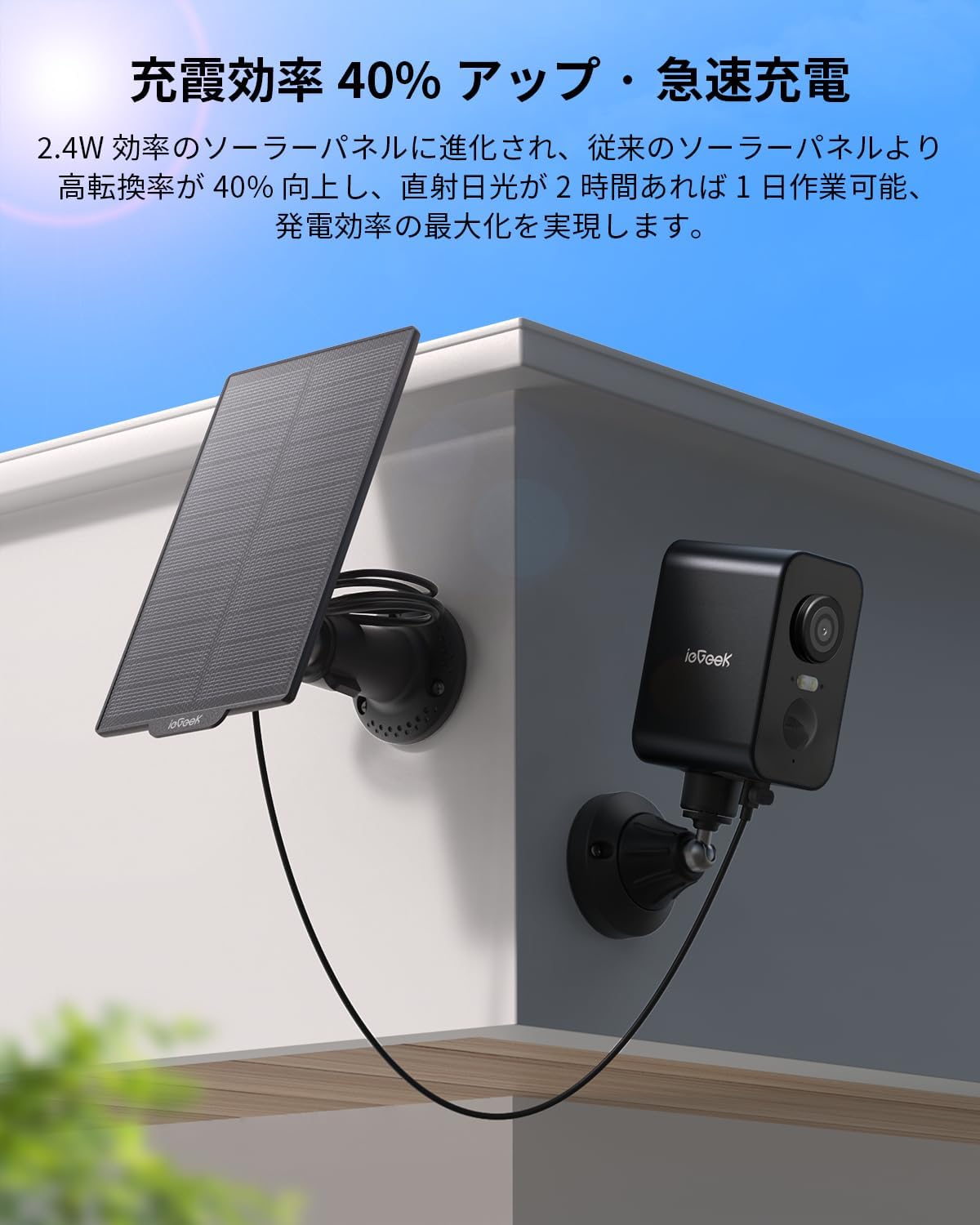
Image: Solar panel connected to the camera for charging.

Image: The 2.4W solar panel provides efficient, continuous power.
3.3 Telechaje Aplikasyon ak Koneksyon Wi-Fi
Before connecting, download the 'ieGeek Cam' app from your device's app store (iOS/Android compatible). The camera supports 2.4GHz Wi-Fi networks only.
Video: Detailed instructions for camera installation and Wi-Fi connection using the mobile app.

Image: Bluetooth connection for easy device pairing.
4. Operasyon Enstriksyon
4.1 PTZ Control & Wide-Angle View
Control the camera's horizontal movement (up to 300°) remotely via your smartphone. The 130° ultra-wide-angle lens ensures comprehensive coverage without blind spots.

Image: PTZ function with 300-degree horizontal rotation for full coverage.

Image: Remote PTZ control and 130° ultra-wide angle for comprehensive monitoring.
4.2 2K HD Video Quality
Kaptire foto klè ak detayetage with 2K (2304x1296) high-definition resolution, allowing for easy identification of faces and license plates.

Image: 2K HD resolution for realistic and detailed scenes.
4.3 Vizyon lannwit koulè
Equipped with infrared LEDs and white lights, the camera automatically switches to night vision. When human motion is detected, it can switch to color recording, providing clear evidence even at night.

Image: Color night vision for enhanced security in low-light conditions.
Video: Demonstrates AI detection and night vision capabilities, showing a person detected at night.
4.4 PIR Human Detection & Alerts
The PIR thermal sensor accurately detects human movement with 99% precision, minimizing false alarms from leaves or insects. Receive real-time notifications on your smartphone and trigger sound/light alarms when an intruder is detected.

Image: PIR human detection for accurate alerts.

Image: Smart PIR thermal detection distinguishes humans from other objects.
4.5 Odyo De-fason
With a 360° omnidirectional microphone and built-in speaker, engage in smooth two-way conversations with visitors or delivery personnel from anywhere.
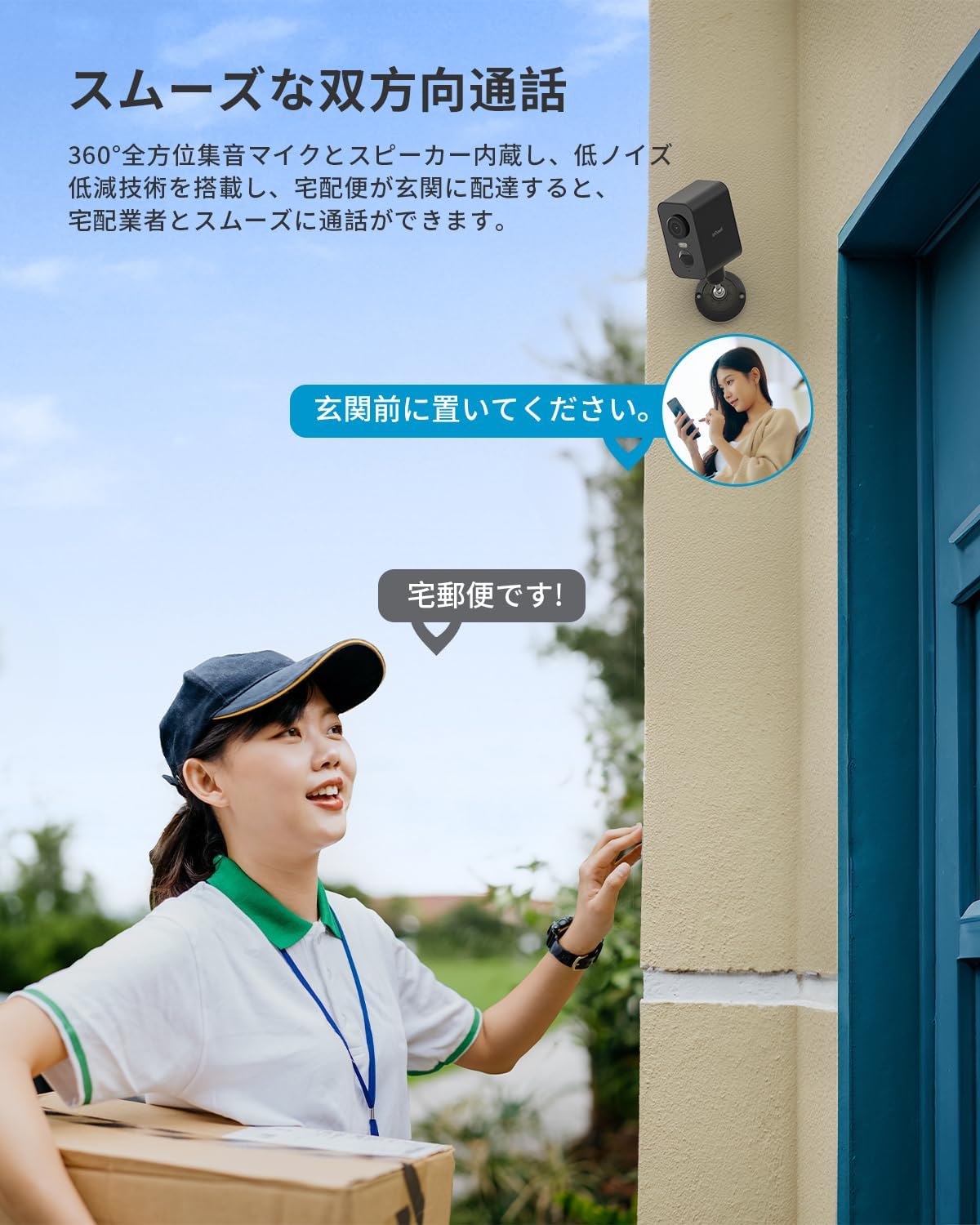
Image: Smooth two-way communication feature.
4.6 Opsyon Depo
Anrejistre footage can be saved to a microSD card (up to 128GB, sold separately) or to the cloud (6 seconds free for 7 days). Footage is automatically overwritten for continuous recording.
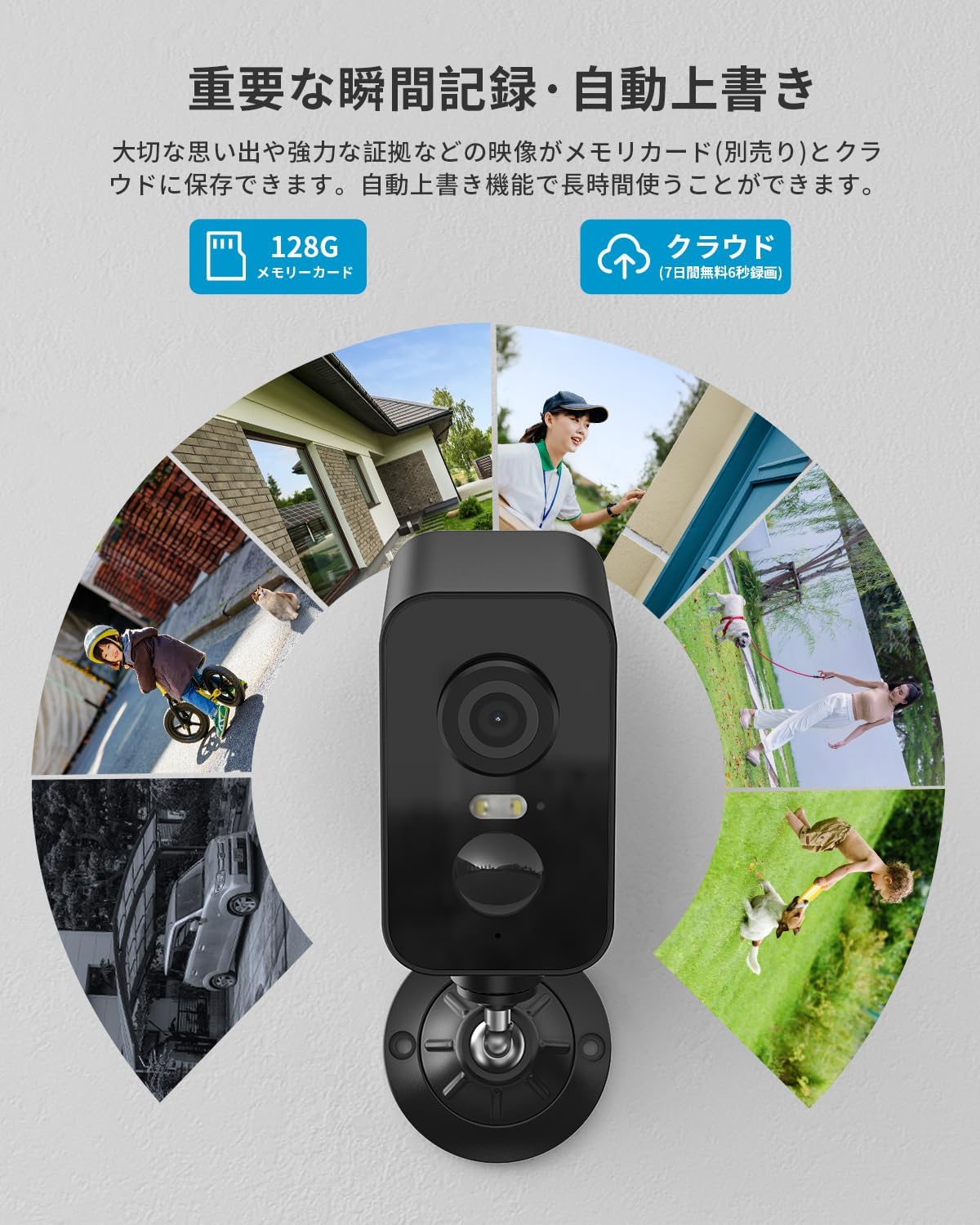
Image: Important moments can be saved to a memory card or cloud storage.
4.7 Konpatibilite Alexa
Integrate your camera with Alexa for voice control, allowing you to easily check your garden, entrance, or garage status hands-free.

Image: Alexa integration for convenient voice control.
4.8 Deteksyon entelijan IA
The latest AI image analysis function (paid feature) recognizes and classifies people, pets, vehicles, and packages within the image, simplifying recorded video searches.

Image: Smart AI detection for advanced object recognition.
5. Antretyen
5.1 IP65 Weather Resistance
The camera features IP65 waterproof and dustproof specifications, along with temperature resistance from -20°C to 50°C. This ensures reliable operation in harsh outdoor environments, including rain, wind, snow, and direct sunlight.

Image: IP65 waterproof and dustproof rating for outdoor durability.

Image: Operates reliably in extreme weather conditions.
NAN. Depanaj
If you encounter any issues with your ieGeek S2 camera, please refer to the following common solutions:
- Pwoblèm Koneksyon: Ensure your Wi-Fi network is 2.4GHz. Check the camera's signal strength in the app. Restart your router and camera.
- Fo Alam: Adjust the PIR detection sensitivity in the app (levels 1-10). Utilize the humanoid detection area feature to focus on specific zones.
- Pa gen pouvwa: Verify the solar panel is receiving direct sunlight. Check the battery level in the app. Ensure the charging cable is securely connected.
- Kalite videyo pòv: Ensure the camera lens is clean. Check your Wi-Fi connection stability.
For further assistance, please contact ieGeek customer support.
7. Espesifikasyon
| Karakteristik | Detay |
|---|---|
| Mak | ieGeek |
| Non modèl | S2 |
| Koneksyon Teknoloji | San fil (Wi-Fi, Bluetooth) |
| Karakteristik espesyal | 2K HD Resolution, PTZ Technology, Image Sensor, Two-Way Audio, Night Vision |
| Andedan kay la / Deyò Itilizasyon | Deyò |
| Aparèy konpatib | Smartphones |
| Sous pouvwa | Batri Powered |
| Rezolisyon Capture Videyo | 1296p (2K) |
| Kalite aliye | Window Mount (Magnetic/Adhesive) |
| Koulè | Nwa |
| Vizyon lannwit Range | 15 mèt |
| Dimansyon pwodwi | 10 x 10 x 10 cm |
| GTIN | 734931803163 |
8. Garanti & Sipò
ieGeek offers comprehensive support for your product:
- Garanti pwodwi: 1-year standard product warranty.
- Garanti pwolonje: An additional 2-year extended warranty program is available, offering a maximum of 3 years of coverage.
- Garanti pou ranbousman: 30-jou garanti ranbousman.
- Sipò pou tout lavi: Dedicated customer support is available for the lifetime of the product.
For warranty claims or technical assistance, please refer to the contact information provided in the product packaging or on the official ieGeek websit.