
1. Entwodiksyon
This manual provides essential information for setting up, operating, maintaining, and troubleshooting your Sharp Aquos QLED 55 Inch 4K Ultra HD Xumo Smart TV. Please read this manual thoroughly before using your television and retain it for future reference.
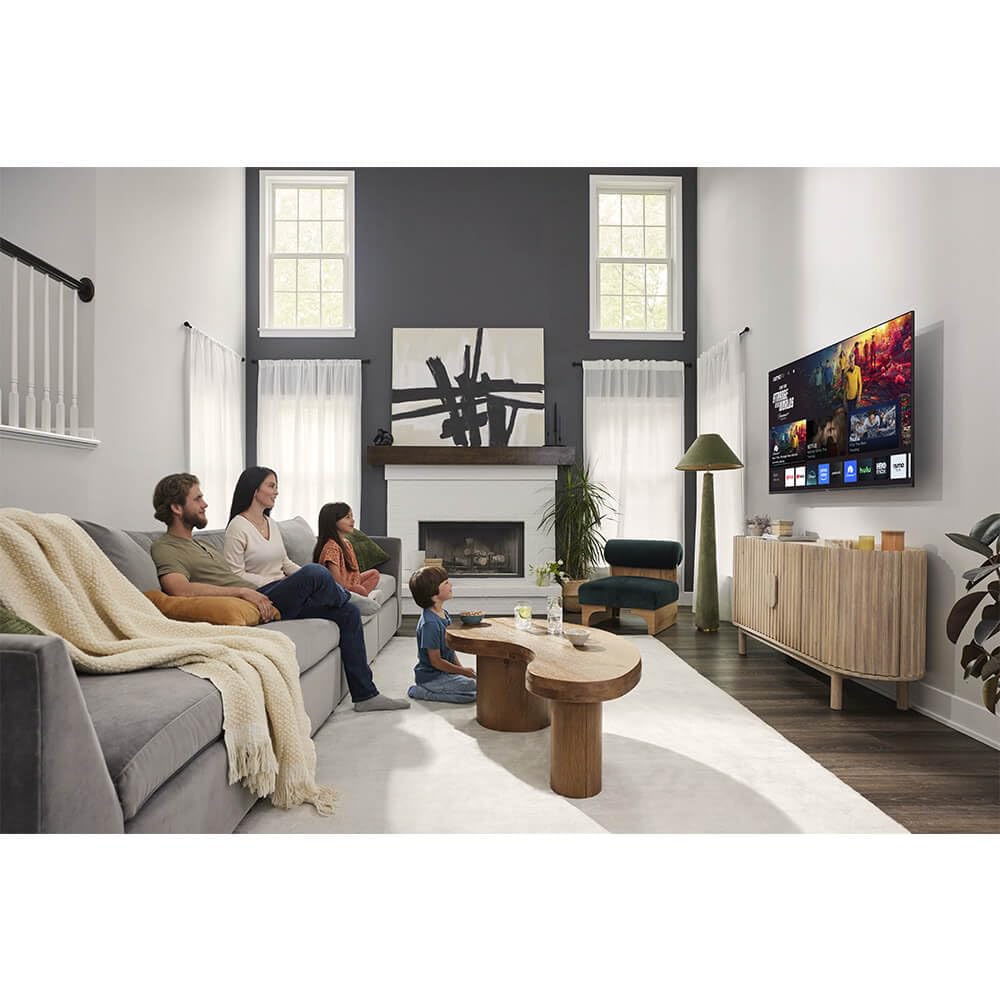
Imaj: Devan view of the Sharp Aquos QLED 55 Inch 4K Ultra HD Xumo Smart TV.
2. Enfòmasyon sou Sekirite
Always follow basic safety precautions when using this television to reduce the risk of fire, electric shock, and injury. Keep the television away from moisture, direct sunlight, and heat sources. Ensure proper ventilation and do not block any ventilation openings. Use only the power cord and accessories specified by the manufacturer. Refer to the full safety guidelines in the included printed manual.
3. Ki sa ki nan bwat la
Your Sharp Aquos QLED 55 Inch 4K Ultra HD Xumo Smart TV package includes:
- Sharp Aquos QLED 55 Inch 4K Ultra HD Xumo Smart TV
- Vwa Remote Kontwòl
- Sipò pou televizyon (2 moso)
- Vis pou Sipò Televizyon
- Kòd pouvwa
- Manyèl Itilizatè (dokiman sa a)
- Gid Quick Start
4. Enstalasyon
4.1 Mete Sipò Televizyon an an Plak
- Mete ekran televizyon an ak anpil atansyon sou yon sifas ki plat e mou pou evite li domaje.
- Aliyen chak moso sipò a ak twou vis ki koresponn yo anba televizyon an.
- Fèmen chak moso sipò a byen sere avèk vis yo bay yo. Asire w ke yo byen sere.
4.2 Montaj sou miray (opsyonèl)
If you choose to wall mount your TV, ensure you use a VESA-compatible wall mount kit (sold separately) that supports the 55-inch screen size and weight. Follow the instructions provided with your wall mount kit. Remove the TV stand before mounting.
4.3 Konekte Aparèy
Connect your external devices (cable box, gaming console, soundbar, etc.) to the appropriate ports on the back of the TV. The Sharp Aquos QLED TV features multiple HDMI inputs for versatile connectivity.

Imaj: Dèyè view of the Sharp Aquos QLED TV showing cable management through the stand.
4.4 Koneksyon pouvwa
Plug the power cord into the TV's power input, then into a wall outlet. The TV is now ready for initial setup.
5. Operasyon Enstriksyon
5.1 Premye Enstalasyon ak Koneksyon Rezo a
Upon first power-on, the TV will guide you through the initial setup process. This includes selecting your language, connecting to your Wi-Fi network (dual-band Wi-Fi supported for reliable streaming), and agreeing to terms and conditions. Follow the on-screen prompts.
5.2 Fonksyon kontwòl Remote
The included voice remote allows for intuitive navigation. Use the directional pad to move through menus, the OK button to select, and dedicated buttons for popular streaming services. The built-in voice search feature provides hands-free control for launching apps, adjusting volume, and switching inputs.
5.3 Xumo Smart TV Platform
The Xumo Smart TV system offers fast and intuitive access to your favorite streaming applications. The clean home screen allows for easy navigation and personalized content recommendations.
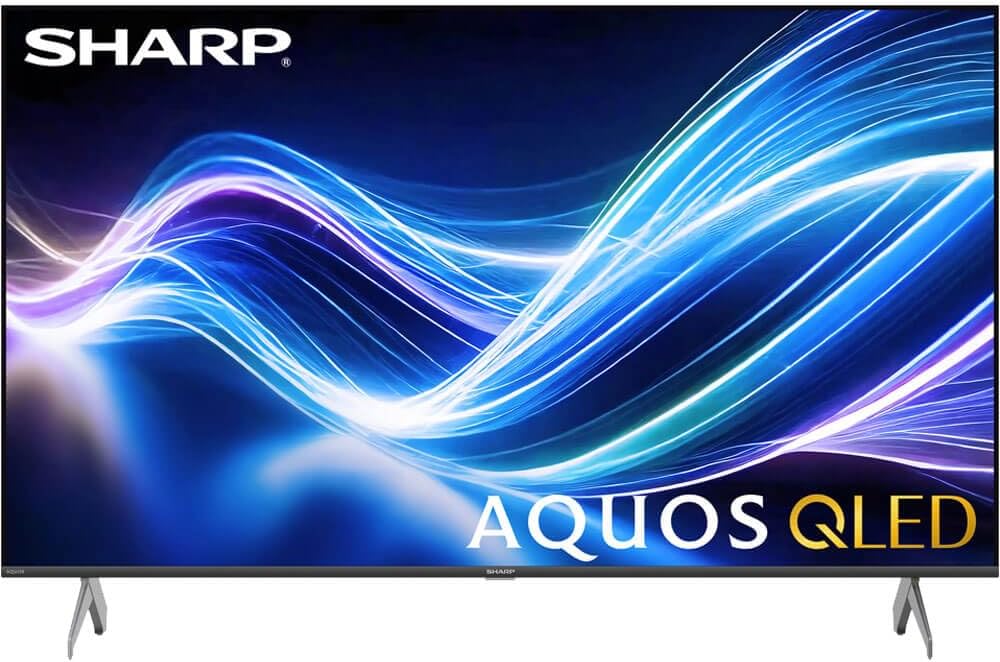
Image: The Xumo Smart TV home screen displaying various streaming apps and voice search functionality.
5.4 Anviwònman Imaj ak Son
Your Sharp Aquos QLED TV supports advanced picture and sound technologies:
- Ekran QLED 4K: Enjoy vibrant, lifelike images with Quantum Dot color and enhanced brightness.
- Vizyon Dolby ak HDR10: These premium HDR formats optimize contrast, depth, and clarity for cinematic picture quality. Access picture settings via the TV menu to fine-tune brightness, contrast, color, and sharpness.
- Odyo Immersion: The TV features optimized sound processing for clear dialogue and enhanced bass. Connect Bluetooth headphones or speakers for wireless listening. Adjust audio modes (Standard, Music, Movie, Speech, Custom) in the sound settings.
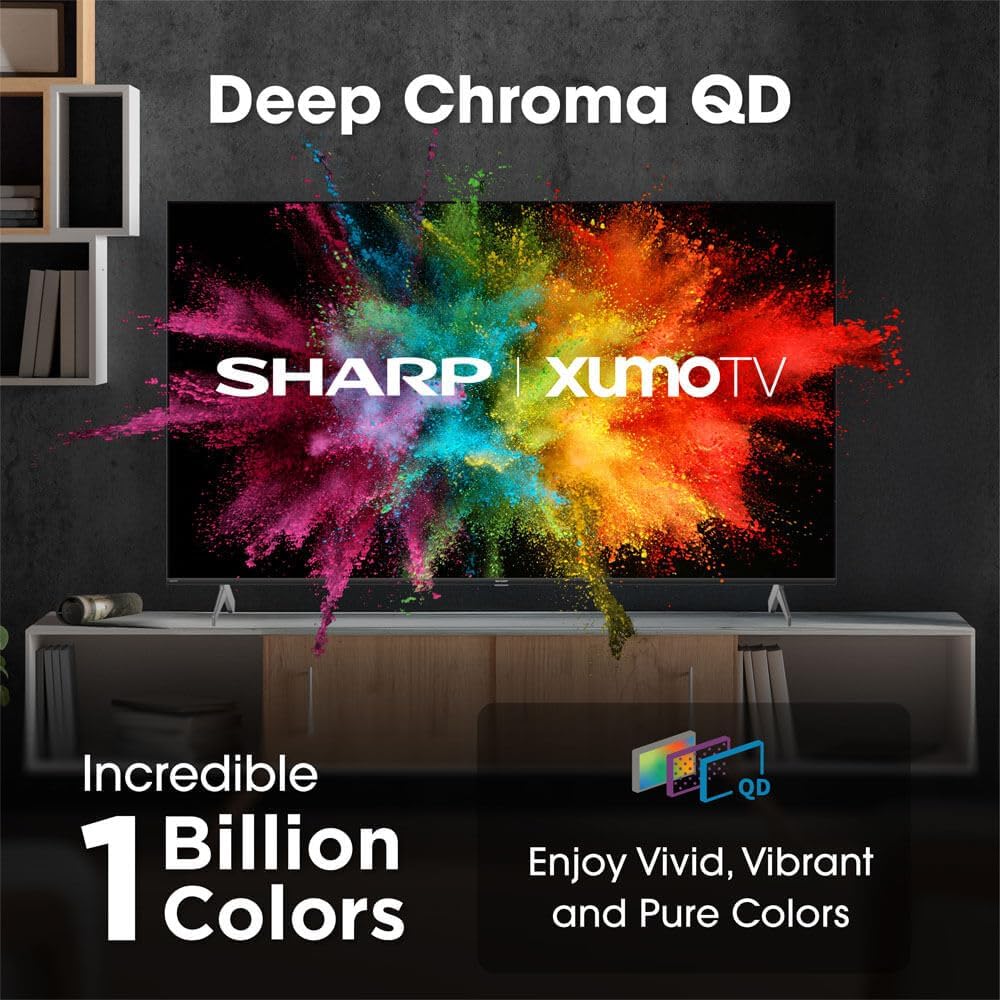
Image: Comparison of Dolby Vision enhanced picture quality against a standard display.

Image: Visual representation of Dolby Atmos creating immersive sound in a living room setting.
6. Antretyen
6.1 Netwaye televizyon an
Pou netwaye ekran an, siye l dousman avèk yon twal mou ki pa gen pousyè. Pou mak ki difisil pou retire, siye l yon ti kras.ampen the cloth with water or a screen-cleaning solution. Never spray liquid directly onto the screen. Clean the TV's exterior with a soft, dry cloth.
6.2 Mizajou lojisyèl
Televizyon ou an ka resevwa mizajou lojisyèl otomatik pou amelyore pèfòmans epi ajoute nouvo fonksyonalite. Asire w ke televizyon ou an konekte ak entènèt la pou resevwa mizajou sa yo. Ou kapab tou tcheke manyèlman pou mizajou nan meni paramèt televizyon an.
NAN. Depanaj
| Pwoblèm | Kòz posib | Solisyon |
|---|---|---|
| Pa gen pouvwa | Kòd kouran an pa konekte, priz kouran an pa fonksyone. | Tcheke koneksyon kòd kouran an, eseye yon lòt priz kouran. |
| Pa gen foto/son | Incorrect input selected, external device off/disconnected. | Verify input source, check device power and connections. |
| Remote pa travay | Batteries low/dead, obstruction between remote and TV. | Ranplase pil yo, retire obstak yo, repare telekòmand lan si sa nesesè. |
| Pwoblèm koneksyon Wi-Fi | Router issues, incorrect password, weak signal. | Restart router, re-enter Wi-Fi password, move TV closer to router or use Ethernet. |
8. Espesifikasyon
- Mak: Sharp
- Nimewo Modèl: 4TC55HP7050U
- Gwosè ekran: 55 pous
- Teknoloji ekspozisyon: QLED Smart
- Rezolisyon: 4K Ultra HD
- Pousantaj rafrechisman: 60Hz
- Karakteristik espesyal: Flat, Dolby Vision, HDR10, Xumo Smart TV, Voice Remote, Bluetooth, Dual-band Wi-Fi
- Koneksyon Teknoloji: RCA, HDMI (multiple ports)
- Sèvis Entènèt Sipòte: Netflix, Hulu, Amazon Prime Video (and more via Xumo platform)
- Pwa atik: 32 liv
- Koulè: Nwa
9. Garanti ak sipò
For warranty information and technical support, please refer to the warranty card included with your product or visit the official Sharp websit la. Kenbe resi acha ou kòm prèv acha pou reklamasyon garanti.