
1. Pwodwi souview
The SGIN Y101 is a 15.6-inch laptop designed for everyday computing tasks, featuring a Core i3 processor, 16GB RAM, and a 1024GB SSD. It operates on Windows 11 Home and includes a backlit keyboard, WiFi 6 connectivity, and a 180-degree hinge for flexible use.

Image: SGIN Y101 Laptop highlighting its Core i3 processor, Windows 11, 7000mAh battery, backlit keyboard, WiFi 6, 180-degree hinge, 16GB RAM, and 1024GB SSD.
2. Ki sa ki nan bwat la
- 1 x SGIN Y101 Laptop
- 1 x Adaptè/Chajè Pouvwa
- 1 x Manyèl Itilizatè (dokiman sa a)

Image: The SGIN Y101 laptop, its power adapter, and the user manual as typically found in the product packaging.
3. Enstalasyon
3.1 Premye Chaje ak Limen
- Konekte adaptè pouvwa a: Plug the power adapter into the DC jack on the side of the laptop and then into a power outlet.
- Chaje batri a: Kite laptop la chaje pou omwen 30 minit anvan premye itilizasyon an, oubyen jiskaske endikatè batri a montre ase chaj.
- Pouvwa sou: Open the laptop lid and press the power button, usually located on the top right of the keyboard, to turn on the device.
3.2 Enstalasyon Windows 11
Follow the on-screen instructions to complete the initial Windows 11 Home setup. This typically includes:
- Chwazi rejyon ou ak layout klavye a.
- Connecting to a Wi-Fi network (WiFi 6 supported).
- Konekte avèk oswa kreye yon kont Microsoft.
- Setting up a PIN or password.
3.3 Konekte periferik
The SGIN Y101 laptop offers various ports for connecting external devices:
Imaj: Detaye view of the laptop's multiple interfaces, including DC jack, Type-C, HDMI, USB 3.2, Security lock, TF card slot, 3.5mm Headphone jack, and RJ45 Ethernet port.
- USB 3.0/3.2 Ports: For connecting USB devices like mice, keyboards, or external storage.
- HDMI Port: Konekte ak yon monitè ekstèn oswa yon televizyon pou yon ekspozisyon pwolonje.
- Kalite-C Port: For data transfer and potentially charging compatible devices.
- Mikwo SD plas: Insert a TF card for expanded storage up to 1TB.
- Jack ekoutè 3.5mm: Konekte kas ekoutè oswa oratè ekstèn.
- RJ45 Ethernet pò: Pou yon koneksyon entènèt filaire.
- Fant Kensington Lock: Pou sekirite fizik.
4. Itilizasyon òdinatè pòtab la
4.1 Klavye ak Touchpad
The laptop features a full-size keyboard with a numeric keypad and a large touchpad for navigation. The keyboard is backlit for use in low-light conditions.
- Klavye retroeklere: Peze Fn + F5 to toggle the keyboard backlight on or off.
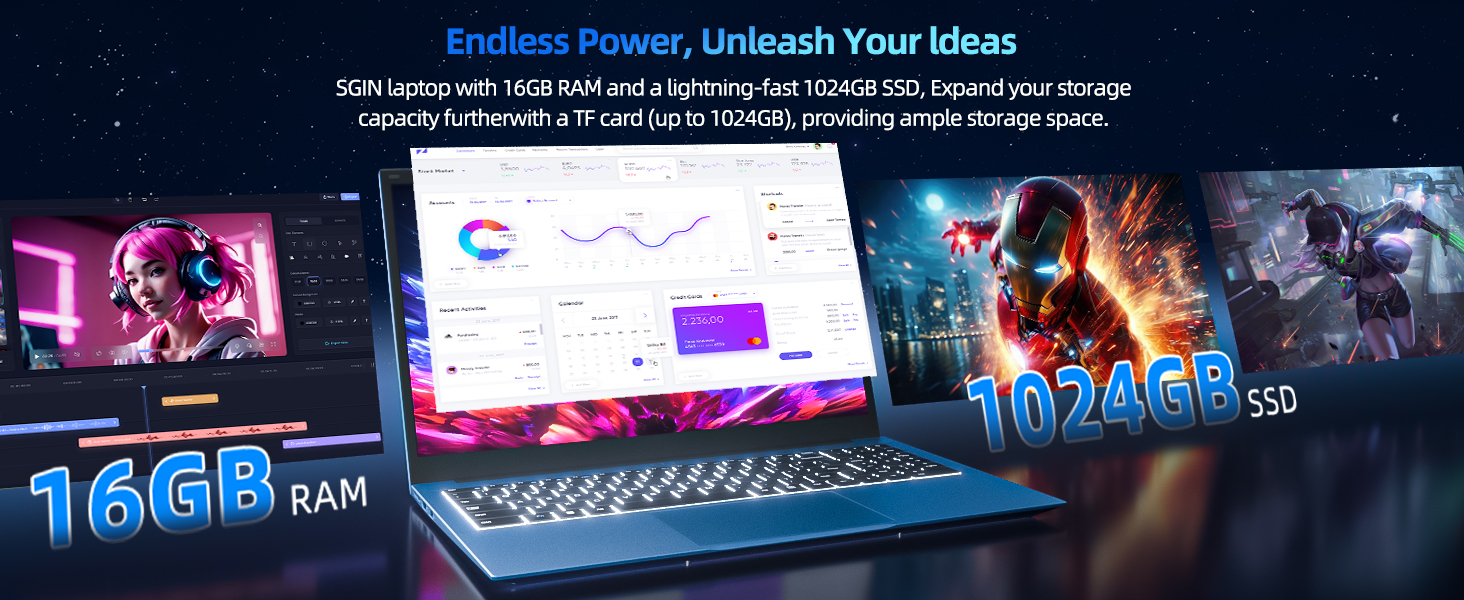
Image: Close-up of the SGIN Y101 laptop's backlit keyboard and numeric keypad, illustrating the Fn+F5 shortcut for backlight control.
4.2 Ekspozisyon Karakteristik
The 15.6-inch Full HD (1920x1080) IPS screen provides clear visuals and wide viewing angles. The laptop also features a 180-degree hinge, allowing the screen to lay flat for easy sharing and collaboration.
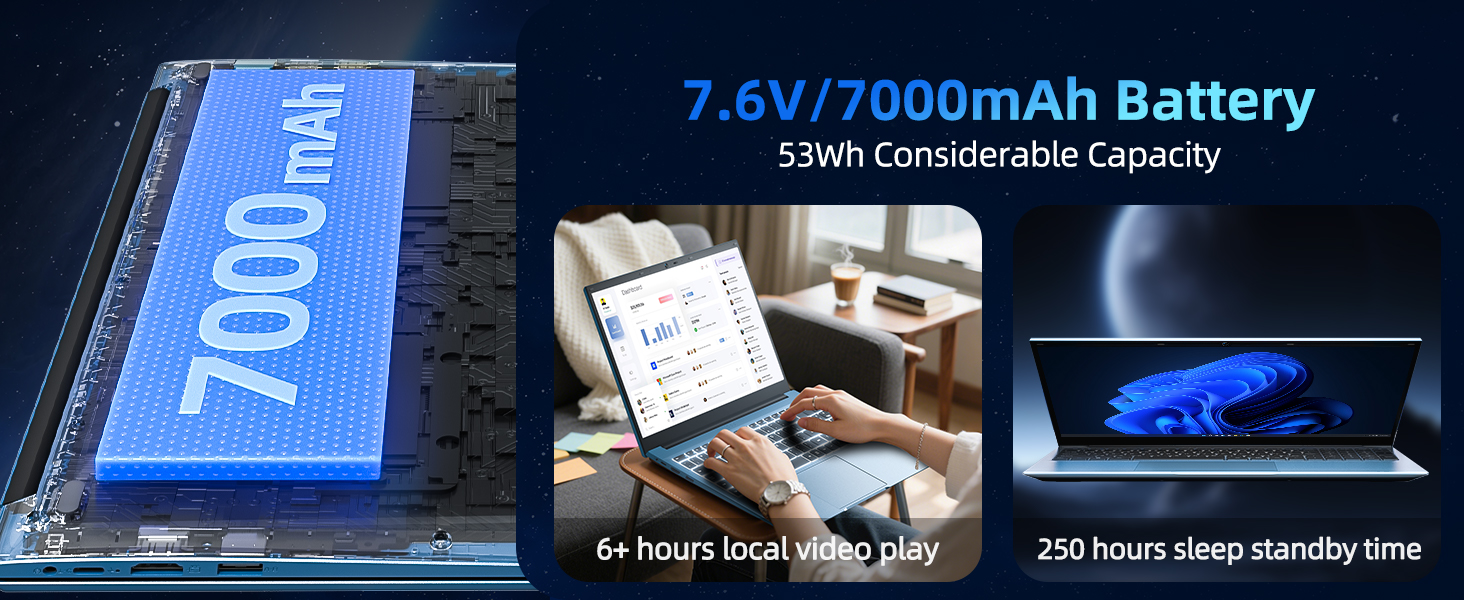
Image: The SGIN Y101 laptop displaying vibrant visuals on its 15.6-inch Full HD IPS screen.

Image: The SGIN Y101 laptop open, illustrating its 180-degree hinge design for flexible viewing ak pataje.
4.3 Konfidansyalite WebCam kouvèti
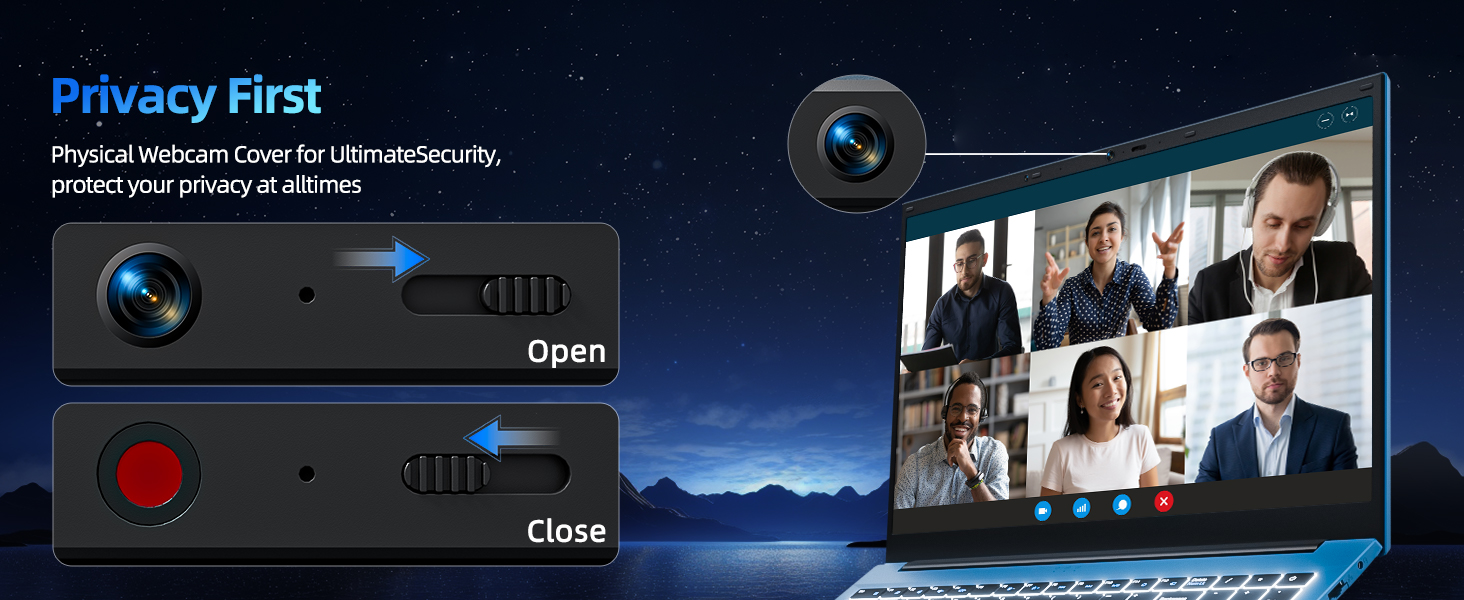
For enhanced privacy, the laptop includes a built-in physical webcam switch. Slide the cover to open or close the webCam jan sa nesesè.
5. Antretyen
5.1 Swen Jeneral
- Evite ekspoze laptop la nan tanperati ekstrèm, limyè solèy dirèk, oswa imidite ki wo.
- Kenbe likid lwen aparèy la.
- Handle the laptop with care to prevent physical damage.
5.2 Netwayaj
- Sèvi ak yon twal mou ki pa gen pousyè pou netwaye ekran an ak deyò a.
- Pou mak ki difisil pou retire, yon ti kras dampSiye twal la avèk dlo oswa yon pwodui netwayaj ki san danje pou ekran.
- Do not spray cleaners directly onto the laptop.
5.3 Swen Batri
- Pou pwolonje lavi batri a, evite dechaje batri a nèt souvan.
- Sere laptop la nan yon kote ki fre epi sèk si ou pa itilize li pou yon bon bout tan.
- The 7000mAh/53.2Wh battery provides up to 8 hours of typical use.

Image: Visual representation of the SGIN Y101 laptop's 7000mAh/53.2Wh large capacity battery, indicating its suitability for extended use.
NAN. Depanaj
This section addresses common issues you might encounter with your SGIN Y101 laptop.
6.1 Power and Boot Issues
- Laptop la pa limen: Asire w adaptè kouran an byen konekte epi batri a gen ase chaj. Eseye yon lòt priz kouran.
- Laptop turns on but screen is black: Connect to an external monitor via HDMI to check if the display is the issue. Restart the laptop.
6.2 Ekspozisyon ak Grafik
- Screen flickering or unusual display: Update graphics drivers. If connecting to an external display, ensure the cable is secure.
- Screen appears dim or too bright: Adjust brightness settings in Windows or using keyboard function keys.
6.3 Pwoblèm koneksyon
- Wi-Fi a pa konekte: Check if Wi-Fi is enabled in Windows settings. Restart your router and the laptop. Ensure correct password entry.
- Aparèy USB yo pa rekonèt: Try a different USB port. Ensure the device drivers are installed.
6.4 Klavye ak Touchpad
- Klavye a pa reponn: Restart the laptop. Ensure no foreign objects are under the keys.
- Touchpad la pa fonksyone: Check Windows settings to ensure the touchpad is enabled. Restart the laptop.
- Limyè dèyè a pa fonksyone: Peze Fn + F5 to ensure it's toggled on.
If you encounter persistent issues not covered here, please refer to the support section for assistance.
7. Espesifikasyon
| Karakteristik | Detay |
|---|---|
| Non modèl | SGIN-Y101 |
| Processeur | Intel Core i3-10100 (2-core, 4-thread, 6MB cache, up to 3.9GHz) |
| RAM | 16GB DDR3 SDRAM |
| Depo | 1024GB SSD (expandable with TF card up to 1TB) |
| Ekspozisyon | 15.6-inch Full HD (1920x1080) IPS |
| Sistèm operasyon | Windows 11 Kay |
| Batri | 7000mAh / 53.2Wh (up to 8 hours battery life) |
| Koneksyon san fil | Wifi 6 (802.11ax) |
| Pò | USB 3.0, HDMI, Micro SD slot, Type-C, Kensington lock, 3.5mm Headphone jack, RJ45 Ethernet |
| Dimansyon (LxWxH) | 15.6 x 9 x 0.6 pous |
| Pwa | 4.97 liv |
| Koulè | Gri |
8. Garanti ak sipò
Your SGIN Y101 laptop comes with comprehensive support and warranty:
- 1-Year Protection: Enjoy a 1-year protection plan covering manufacturing defects.
- Sèvis Reparasyon 1 Zan: The product includes a 1-year repair service.
- Règleman pou retounen 30 jou: Eligible for returns within 30 days of purchase.
- Sipò Kliyan 24/7: Access instant customer help for any queries or issues.
For support, please contact SGIN customer service through the official channels provided at the time of purchase or on the SGIN websit.
9. Videyo Demonstrasyon Pwodwi
Watch this official video for a visual guide on the SGIN 15.6 Inch Laptop Computer's features and connectivity options.
Videyo: Yon finiview and demonstration of the SGIN 15.6-inch laptop, showcasing its design, features, and available ports.