
Entwodiksyon
Thank you for choosing the AstroAI Digital Tire Pressure Gauge. This manual provides detailed instructions for the safe and efficient use of your device. Please read it thoroughly before operation and retain it for future reference.

Image: The AstroAI Digital Tire Pressure Gauge in orange, showing its ergonomic design.
Enstalasyon
1. Debalaj ak enstalasyon batri
Your AstroAI Digital Tire Pressure Gauge comes with pre-installed AAA batteries. If replacement is needed, follow these steps:
- Jwenn lòj batri a sou do aparèy la.
- Dousman glise kouvèti batri a pou louvri.
- Mete de pil AAA, asire w polarite a kòrèk (+/-).
- Fèmen kouvèti batri a byen.

Imaj: Entèn view of the AstroAI Digital Tire Pressure Gauge showing the battery compartment with two AAA batteries.
2. Adaptè Valv Presta
A Presta-to-Schrader adapter is included for compatibility with Presta valves, commonly found on road bikes. This adapter is stored within the battery compartment for convenience.

Image: Close-up of the battery compartment showing the small brass Presta valve adapter stored inside.
Enstriksyon Operasyon
1. Power On and Unit Selection
Press the "ON/UNIT/OFF" button to turn on the device. The display will illuminate. To cycle through measurement units (PSI, bar, kPa, kg/cm²), press the "ON/UNIT/OFF" button repeatedly until your desired unit is displayed.
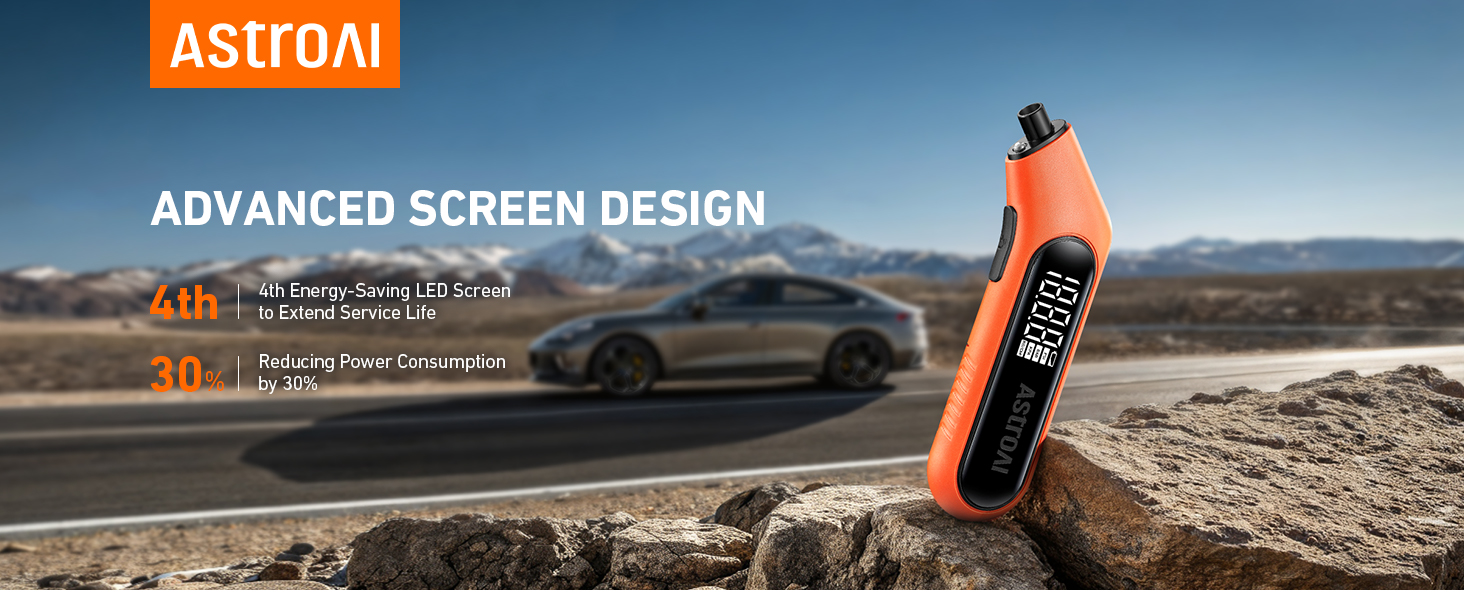
Image: The digital screen of the gauge displaying a tire pressure reading in PSI.
2. Measuring Tire Pressure
For accurate readings, ensure tires are cool (at least 3 hours after parking). Remove the valve cap from the tire.
- Press the gauge nozzle firmly and vertically onto the tire valve stem.
- Hold it in place until the digital display shows a stable reading. The built-in flashlight assists in low-light conditions.
- Remove the gauge. The reading will remain on the display for a few seconds.
- Ranplase bouchon valv la.

Image: A hand holding the AstroAI Digital Tire Pressure Gauge against a car tire valve stem, showing the measurement process.
3. Pouvwa Off
The device will automatically shut off after 30-40 seconds of inactivity to conserve battery life. To manually turn it off, press and hold the "ON/UNIT/OFF" button for 3 seconds.
4. Demonstrasyon Videyo
Video: A demonstration of the AstroAI G300 digital tire pressure gauge in use, showcasing its features and ease of measurement.
Antretyen
- Keep the gauge clean and free from dirt or debris.
- Sere nan yon kote ki sèk lwen tanperati ekstrèm.
- Ranplase pil yo byen vit lè endikatè pil fèb la parèt pou asire lekti yo egzak.
- The Presta valve adapter should be kept in its designated storage slot within the battery compartment to prevent loss.
Depanaj
| Pwoblèm | Kòz posib | Solisyon |
|---|---|---|
| Pa gen ekran/Aparèy la pa vle limen | Pil ki mouri oswa ki mal enstale. | Tcheke polarite pil yo oubyen ranplase yo ak nouvo pil AAA. |
| Lekti kòrèk | Gauge not firmly sealed on valve stem; tires are hot; low battery. | Ensure a tight seal; measure tire pressure when tires are cool; replace batteries. |
| Display difficult to read in bright sunlight | Direct sunlight glare. | Shield the display from direct sunlight or move to a shaded area. |
Espesifikasyon
- Mak: Astro AI
- Modèl: B0CN3325KB
- Materyèl: Akrilonitrile butadien stirèn (ABS)
- Dimansyon (L x W x H): 6.3 x 1 x 2.2 pous
- Pwa: 0.17 liv
- Ranje mezi: 3-300 PSI
- Presizyon: ANSI B40.7 Grade 2A (±0.5%)
- Inite Mezi: PSI, bar, kPa, kg/cm²
- Sous pouvwa: 2 x AAA pil
- Eleman ki enkli: 1 x AstroAI Digital Tire Pressure Gauge, 1 x Presta Valve Adapter
Garanti ak sipò
AstroAI is committed to providing high-quality products. This digital tire pressure gauge is manufactured from superior materials. If any damages from transportation or malfunctions occur, this product can be returned. For further assistance or warranty claims, please contact AstroAI customer support.
Enfòmasyon pou kontakte: Please refer to the product packaging or the official AstroAI websit la pou jwenn detay ki pi resan sou sèvis kliyan an.