
1. Entwodiksyon
This manual provides detailed instructions for the installation, operation, and maintenance of your Aoocci C3 Plus Motorcycle CarPlay System. The C3 Plus features a 5-inch HD touchscreen, supports wireless Apple CarPlay and Android Auto, includes GPS navigation, IP67 waterproofing, and real-time Tire Pressure Monitoring System (TPMS). Please read this manual thoroughly before using the device to ensure proper function and safety.
2. Ki sa ki nan bwat la
Verifye ke tout konpozan yo prezan nan pake a:
- Touch Screen Main Unit
- Mounting Bracket
- Front & Rear Tire Pressure Sensors
- Power Cable & Installation Toolkit
- Power Cable (with USB Port)

Image: All components included with the Aoocci C3 Plus Motorcycle CarPlay System.
3. Enstalasyon
3.1 Monte Aparèy la
The Aoocci C3 Plus comes with a robust mounting bracket designed for motorcycle handlebars. Follow these steps for secure installation:
- Use the provided wrench to install the bracket securely on your motorcycle's handlebar.
- Install the connecting rod onto the bracket.
- Install the CarPlay unit onto the rod and adjust its position for optimal viewing.
- Ensure all connections are tightened and the unit is stable.

Image: Visual instructions for mounting the C3 Plus unit.
3.2 Koneksyon fil elektrik
Connect the power cable to your motorcycle's electrical system. The red wire (ACC) connects to the motorcycle's ACC control line (switched 12V power), and the black wire (GND) connects to the motorcycle battery's negative terminal.
Video: Detailed unboxing, installation, and usage guide for the Aoocci C3 Plus, demonstrating physical setup and initial power-on.
4. Initial Setup & Connection
4.1 pouvwa sou
Once correctly wired, the device will power on automatically with your motorcycle's ignition.
Koneksyon Apple CarPlay san fil 4.2
Pou konekte iPhone ou a ak Apple CarPlay:
- On the C3 Plus screen, select the 'CarPlay' icon.
- On your iPhone, turn on Bluetooth and Wi-Fi.
- In your iPhone's Bluetooth settings, select the device named 'Car-C3plus-xxx'.
- Confirm the connection on both devices.

Image: Apple CarPlay connection steps.
4.3 Koneksyon Android Auto san fil
Pou konekte telefòn Android ou a ak Android Auto:
- On the C3 Plus screen, select the 'Android Auto' icon.
- On your Android phone, turn on Bluetooth and Wi-Fi.
- In your Android phone's Bluetooth settings, select the device named 'Car-C3plus-xxx'.
- Confirm the connection on both devices.

Image: Android Auto connection steps.
5. Operasyon Enstriksyon
5.1 General Interface and Navigation
The 5-inch IPS touchscreen provides a clear and responsive interface. Navigate through menus and applications by tapping and swiping. The main screen displays essential information and quick access to CarPlay/Android Auto, settings, and brightness controls.
Videyo: Finiview of the Aoocci C3 Plus interface, demonstrating navigation, settings adjustments, and core features.
5.2 CarPlay & Android Auto Features
Once connected, you can access various smartphone functions directly from the C3 Plus screen:
- Navigasyon: Use Google Maps, Apple Maps, Waze, and other compatible navigation apps.
- Mizik: Play music from your smartphone's library or streaming services.
- Mesaj: Voye epi resevwa mesaj.
- Apèl men lib: Fè epi resevwa apèl dirèkteman atravè aparèy la.

Image: CarPlay and Android Auto interfaces on the C3 Plus screen.
5.3 Siri Voice Control (for CarPlay only)
For CarPlay users, Siri voice control allows you to manage navigation, calls, and music without removing your hands from the handlebars. Activate Siri with a tap or voice command.
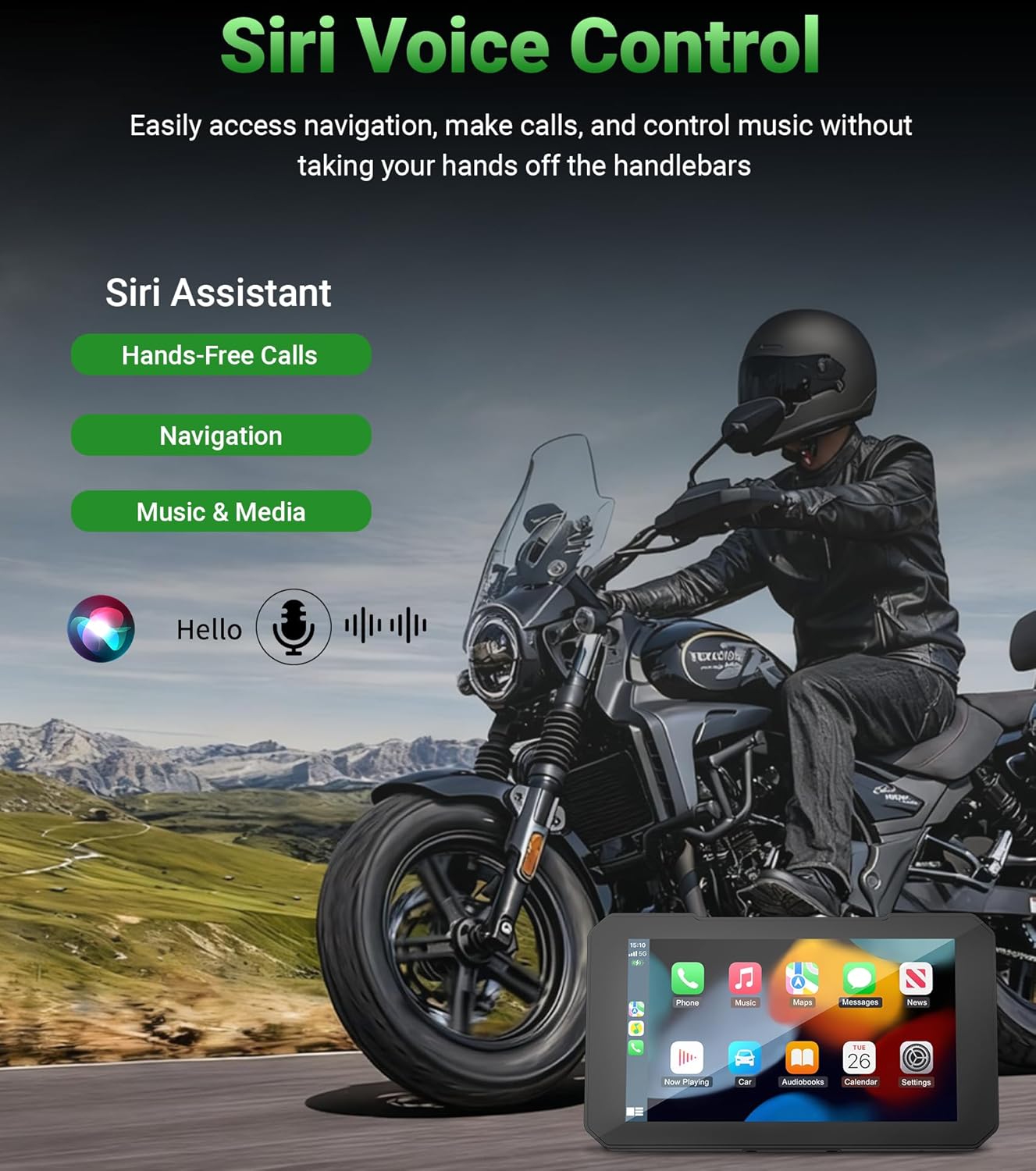
Image: Siri voice control functionality.
5.4 Navigasyon GPS
The integrated GPS navigation system supports various mapping applications, providing clear travel routes and reducing travel time. The bright 800nit display ensures visibility even in direct sunlight.
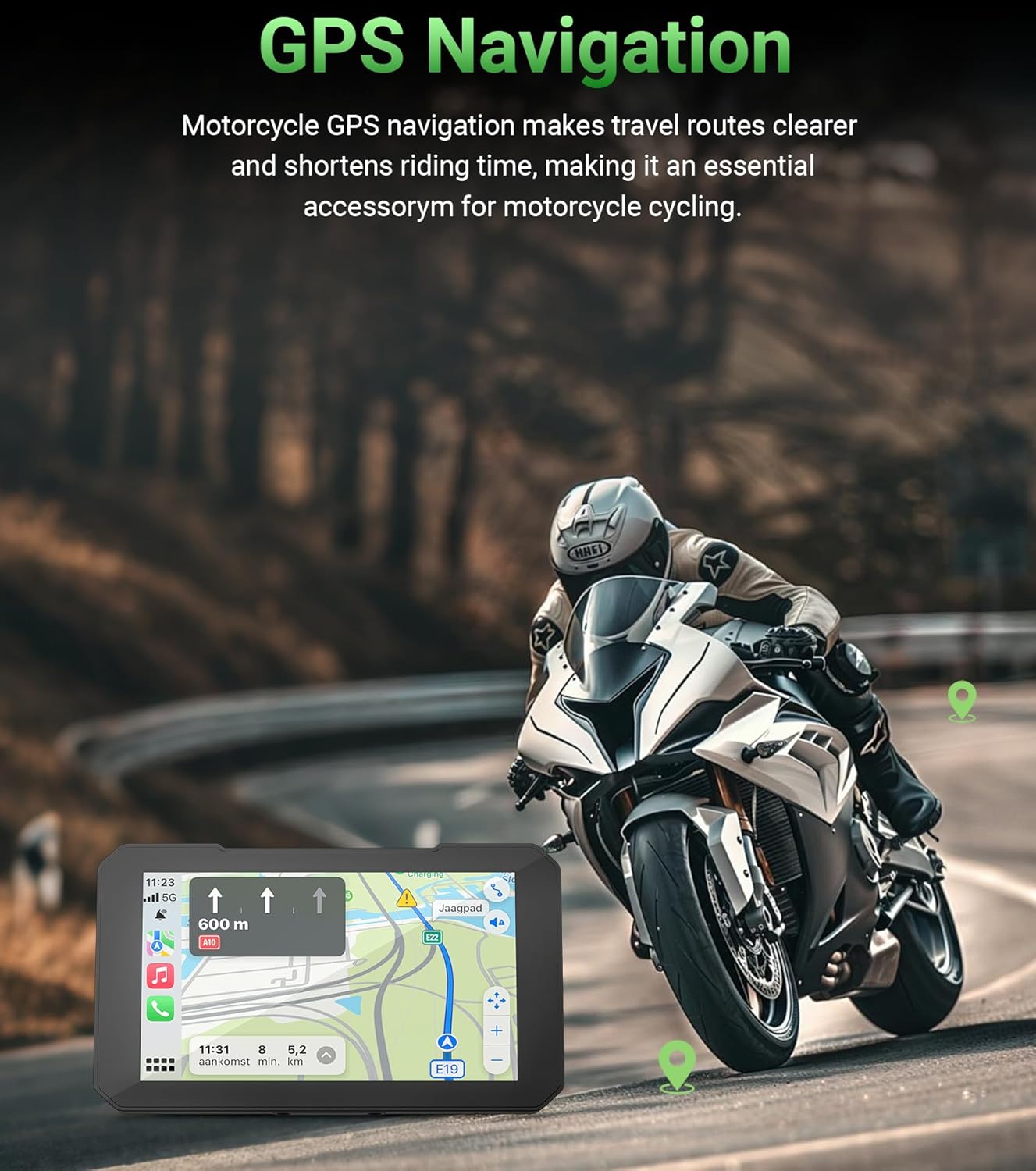
Image: GPS navigation in use on the C3 Plus.
5.5 Real-Time Tire Pressure Monitoring System (TPMS)
The C3 Plus includes real-time TPMS to monitor your motorcycle's tire pressure and temperature. Customizable alerts will warn you of unsafe pressure or temperature changes, enhancing riding safety.

Image: Real-time tire pressure and temperature monitoring.
5.6 Dual Bluetooth Connectivity
The unit features built-in dual Bluetooth, allowing simultaneous connection to your smartphone and a Bluetooth helmet or headset. This enables seamless audio streaming and hands-free communication.
6. Antretyen
The Aoocci C3 Plus is designed for durability in various conditions:
- IP67 ki enpèmeyab: The unit is fully sealed against rain, dust, and vibrations, making it suitable for all weather conditions.
- Rezistans tanperati ekstrèm: Operates reliably from -20°C to 80°C (-4°F to 176°F).
To maintain optimal performance, regularly clean the screen with a soft, damp twal. Evite itilize pwodwi chimik piman bouk oswa materyèl abrazif.

Image: IP67 Waterproof and Extreme Temperature Resistance features.
NAN. Depanaj
If you encounter issues with your Aoocci C3 Plus, refer to the following common solutions:
- Pa gen pouvwa: Check the power cable connections to the motorcycle battery and ACC line. Ensure the motorcycle ignition is on.
- Connectivity Issues (CarPlay/Android Auto): Ensure Bluetooth and Wi-Fi are enabled on your smartphone and the C3 Plus. Try forgetting the device in your phone's Bluetooth settings and re-pairing.
- Screen Dimness: Adjust the brightness settings in the device menu. Note that extreme direct sunlight can affect screen visibility.
- TPMS Not Displaying Readings: Ensure the tire pressure sensors are correctly installed and tightened. Check the battery level of the sensors if applicable.
- Pa gen son: Verify the volume settings on both the C3 Plus and your connected helmet/headset. Ensure your helmet/headset is properly paired via Bluetooth.
Pou plis asistans, tanpri kontakte sèvis kliyan.
8. Espesifikasyon
| Karakteristik | Spesifikasyon |
|---|---|
| Mak | Aoocci |
| Non modèl | C3Plus |
| Gwosè ekran | 5 pous |
| Kalite ekspozisyon | IPS Touch Display |
| Rezolisyon | 854×480 |
| Klète | KOUMAN |
| Evalyasyon ki enpèmeyab | IP67 |
| Tanperati Fonksyònman | -20 ° C a 80 ° C (-4 ° F a 176 ° F) |
| Koneksyon Teknoloji | Bluetooth, fil |
| Sistèm sipòte | Apple CarPlay, Android Auto |
| Karakteristik espesyal | Bluetooth, Touchscreen, Waterproof, Real-Time TPMS, Siri Support (CarPlay only) |
| Kalite aliye | Dashboard Mount (Motorcycle Handlebar) |
| Pwa atik | 1.7 liv |
| Dimansyon atik L x W x H | 8.17"L x 5.6"L x 2"H |
9. Garanti & Sipò
The Aoocci C3 Plus portable wireless CarPlay & Android Auto screen comes with a 12-month quality assurance warranty soti nan dat acha a.
For any questions, technical support, or warranty claims, please contact our customer service team directly. We aim to respond within 24 hours.
Sèvis Kliyan:
- 24-hour customer service response time.
- 12-month quality guarantee.
- Sipò teknik pou tout lavi.