
Entwodiksyon
Welcome to the user manual for your Rapoo EV310M Wireless Vertical Mouse. This ergonomic mouse is designed for comfort and efficiency, featuring multi-mode wireless connectivity and adjustable DPI settings. Please read this manual carefully to ensure proper setup and optimal performance.
Kontni pake
- Rapoo EV310M Wireless Vertical Mouse
- Reseptè USB (ki estoke andedan sourit la)
- AA Battery (pre-installed or included)
- Gid Quick Start (dokiman sa a)
Pwodwi souview
Familiarize yourself with the components of your Rapoo EV310M mouse.
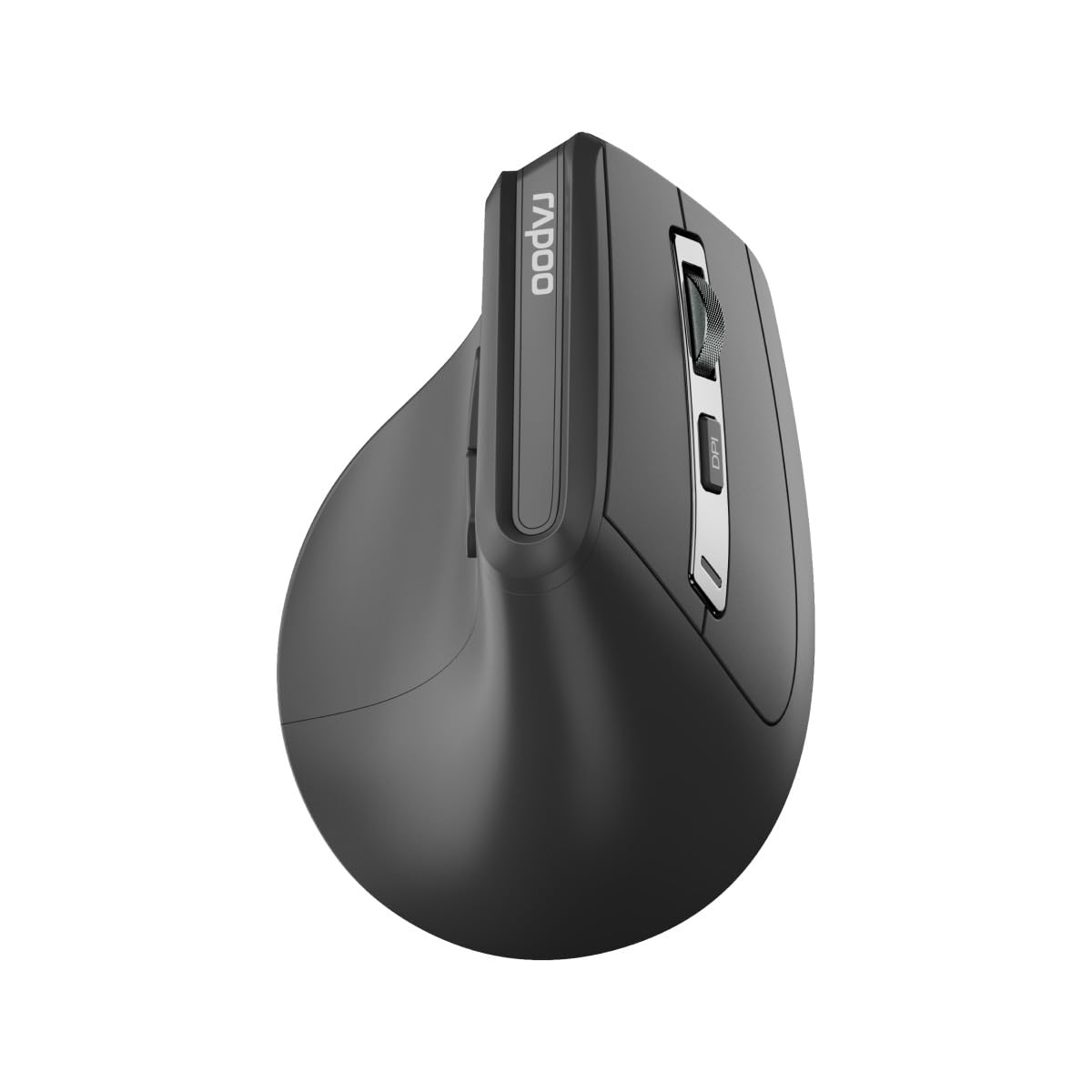
Imaj: Anlè view of the Rapoo EV310M Wireless Vertical Mouse, highlighting the scroll wheel and DPI button.
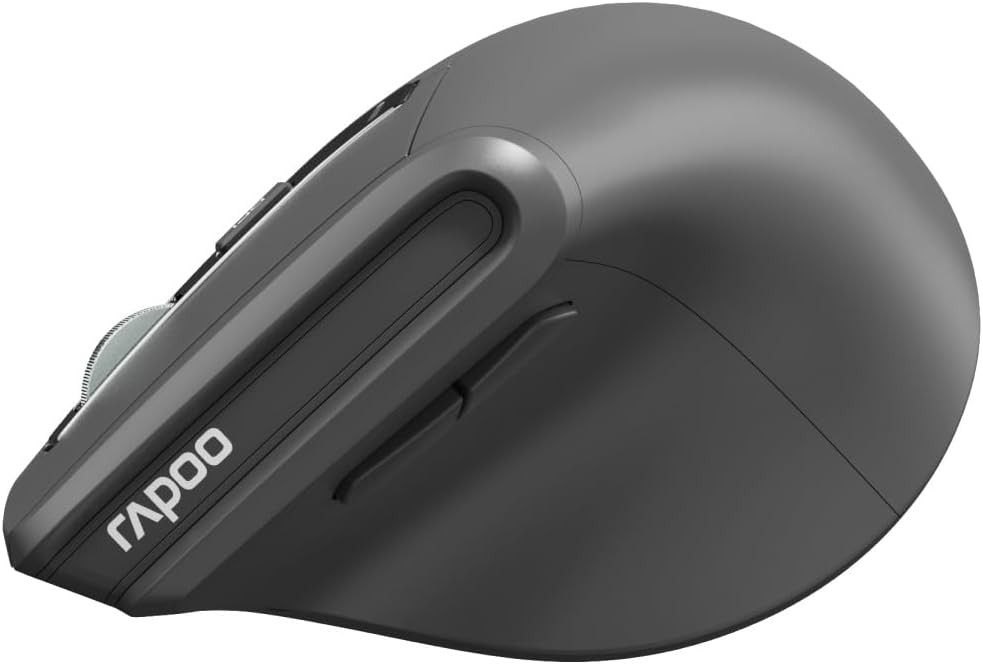
Imaj: Bò kote view of the Rapoo EV310M Wireless Vertical Mouse, showing the forward and backward navigation buttons.
Fonksyon bouton
- Bouton Klike Goch: Fonksyon klike gòch estanda.
- Bouton Klike Dwat: Fonksyon estanda klike sou bò dwat la.
- wou woulo liv: Monte/desann, klike sou bouton mitan sourit la.
- Bouton DPI: Ajiste sansiblite kurseur a (DPI).
- Bouton Avant: Navige pi devan nan web navigatè oswa file eksploratè.
- Bouton dèyè: Navige bak nan web navigatè oswa file eksploratè.
- Mode Switch Button/Indicator: Switches between 2.4GHz and Bluetooth modes.
Enstalasyon
1. Enstalasyon batri
- Jwenn lòj batri a sou anba sourit la.
- Louvri kouvèti lòj batri a.
- Mete yon pil AA, asire w polarite a kòrèk (+/-).
- Fèmen kouvèti lòj batri a.
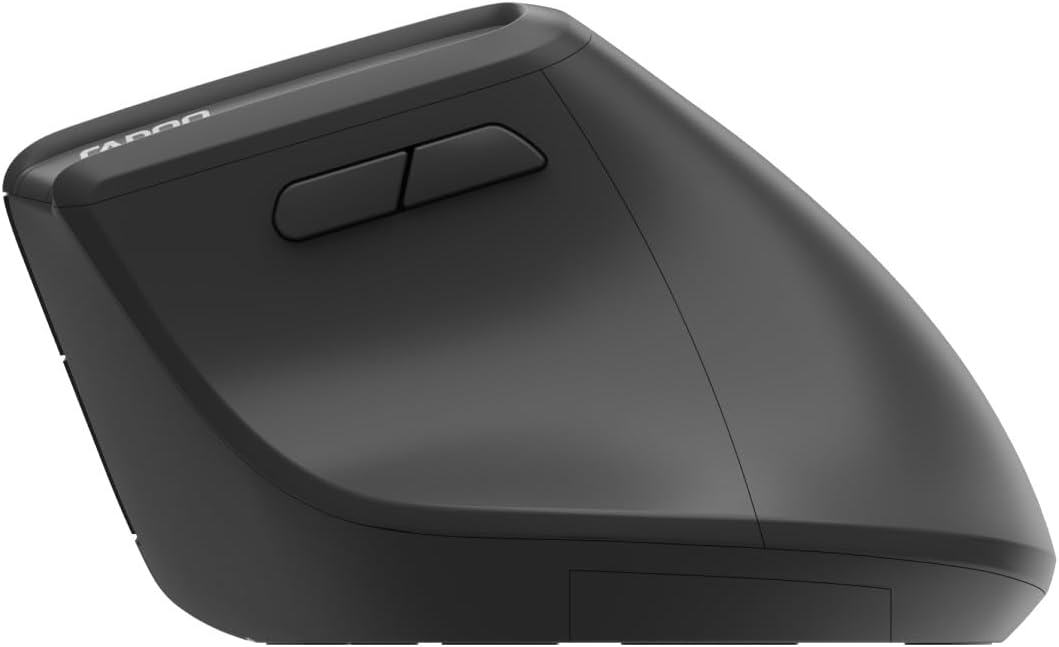
Image: Underside of the mouse, illustrating the battery compartment and the storage slot for the USB receiver.
2. Konekte sourit ou a
The Rapoo EV310M supports multi-mode wireless connection: 2.4 GHz via USB receiver and Bluetooth 3.0/5.0.
2.1. Koneksyon san fil 2.4 GHz
- Remove the USB receiver from its storage slot on the bottom of the mouse.
- Ploge reseptè USB a nan yon pò USB ki disponib sou òdinatè w lan.
- Turn on the mouse using the power switch (usually on the bottom).
- The mouse should connect automatically. If not, press the mode switch button until the 2.4GHz indicator lights up.
2.2. Bluetooth Koneksyon
- Vire sourit la.
- Press the mode switch button to select a Bluetooth channel (e.g., Bluetooth 1 or Bluetooth 2). The indicator light for the selected Bluetooth channel will start blinking slowly.
- Press and hold the mode switch button for 3 seconds until the indicator light blinks rapidly. This indicates the mouse is in pairing mode.
- Sou òdinatè w la oswa aparèy ou an, ouvri paramèt Bluetooth yo epi chèche nouvo aparèy.
- Select "RAPOO EV310M" from the list of available devices to pair.
- Yon fwa li konekte, limyè endikatè a ap sispann flache epi li ap rete fiks pou kèk segond anvan li etenn.
Enstriksyon Operasyon
1. Ajisteman DPI
The DPI (Dots Per Inch) button allows you to adjust the cursor speed and sensitivity.
- Peze a bouton DPI located on the top of the mouse to cycle through available DPI settings (e.g., 800, 1200, 1600, 2400 DPI).
- Each press will change the sensitivity, allowing you to find your preferred cursor speed.
2. Chanje ant Aparèy Konekte yo
The EV310M mouse can be paired with up to three devices (one 2.4GHz and two Bluetooth devices).
- To switch between connected devices, simply press the bouton switch mòd sou sourit la.
- The indicator light will briefly show which channel (2.4G, BT1, BT2) is active.
Antretyen
Netwayaj
Pou netwaye sourit ou a, sèvi ak yon twal mou epi sèk. Pou pousyè tè ki difisil pou netwaye, siye l yon ti kras.ampRense twal la avèk dlo oswa yon solisyon netwayaj dou. Evite itilize pwodui chimik ki agresif oswa materyèl abrazif.
Ranplasman batri
When the mouse performance degrades or the indicator light signals low battery, replace the AA battery following the installation steps in the Setup section.
Depanaj
Sourit la pa reponn
- Tcheke batri: Asire w ke batri a byen enstale epi li gen ase chaj. Ranplase li si sa nesesè.
- Pouvwa switch: Verifye ke sourit la limen.
- Reseptè USB: For 2.4GHz mode, ensure the USB receiver is securely plugged into a working USB port. Try a different port.
- Koneksyon Bluetooth: For Bluetooth mode, ensure Bluetooth is enabled on your device and the mouse is correctly paired. Re-pair if needed.
- Distans: Ensure the mouse is within the effective operating range of your computer (typically 10 meters).
Mouvman kurseur se iregilye
- Sifas: Use the mouse on a clean, non-reflective surface. A mouse pad is recommended.
- DPI Anviwònman: Adjust the DPI setting to a lower value if the cursor is too fast or jumpy.
- Pwòpte Capteur: Check the optical sensor on the bottom of the mouse for any obstructions or dirt. Clean gently with a soft cloth.
Espesifikasyon
| Karakteristik | Detay |
|---|---|
| Mak | RAPOO |
| Nimewo Modèl | EV310M |
| Koneksyon Teknoloji | Bluetooth (3.0, 5.0), 2.4 GHz san fil |
| DPI sansiblite | Reglabl 800-2400 DPI |
| Kantite bouton | 6 |
| Oryantasyon men | Men dwat |
| Sous pouvwa | Mache ak pil (1x AA) |
| Lavi batri | Jiska 9 mwa |
| Sistèm operasyon konpatibilite | PC, Linux, Mac |
| Pwa atik | 100 gram |
| Koulè | Nwa |
Garanti ak sipò
For warranty information or technical support, please refer to the official RAPOO websit la oubyen kontakte konsesyonè lokal ou a. Kenbe resi acha ou a pou reklamasyon garanti.