
1. Entwodiksyon
This manual provides detailed instructions for using your Xiaomi Pad 7 tablet. It covers everything from initial setup to advanced features, ensuring you can maximize your device's potential. Please read this guide thoroughly to understand all functionalities and maintain optimal performance of your tablet.
Note: The images included in this manual are of the "Xiaomi Pad 7 User Guide" book, which provides the content for this digital manual. They do not depict the Xiaomi Pad 7 tablet itself.
2. Inisyal Enstalasyon
Follow these steps to set up your Xiaomi Pad 7 for the first time:
- Unboxing and Power On: Carefully remove your tablet from its packaging. Press and hold the power button until the Xiaomi logo appears.
- Lang ak Rejyon: Select your preferred language and region from the on-screen prompts.
- Konekte ak Wi-Fi: Choose your Wi-Fi network and enter the password to connect to the internet. This is essential for downloading updates and setting up your Google account.
- Konfigirasyon kont Google: Sign in with your existing Google account or create a new one. This allows access to the Google Play Store, Gmail, and other Google services.
- Xiaomi Account (Optional): Consider signing in or creating a Xiaomi account for access to Xiaomi Cloud services, device synchronization, and other exclusive features.
- Transfè Done: If you are upgrading from another device, follow the on-screen instructions to transfer your data.
- Enstalasyon sekirite: Set up a screen lock method (PIN, pattern, password, fingerprint, or face unlock) to protect your device.
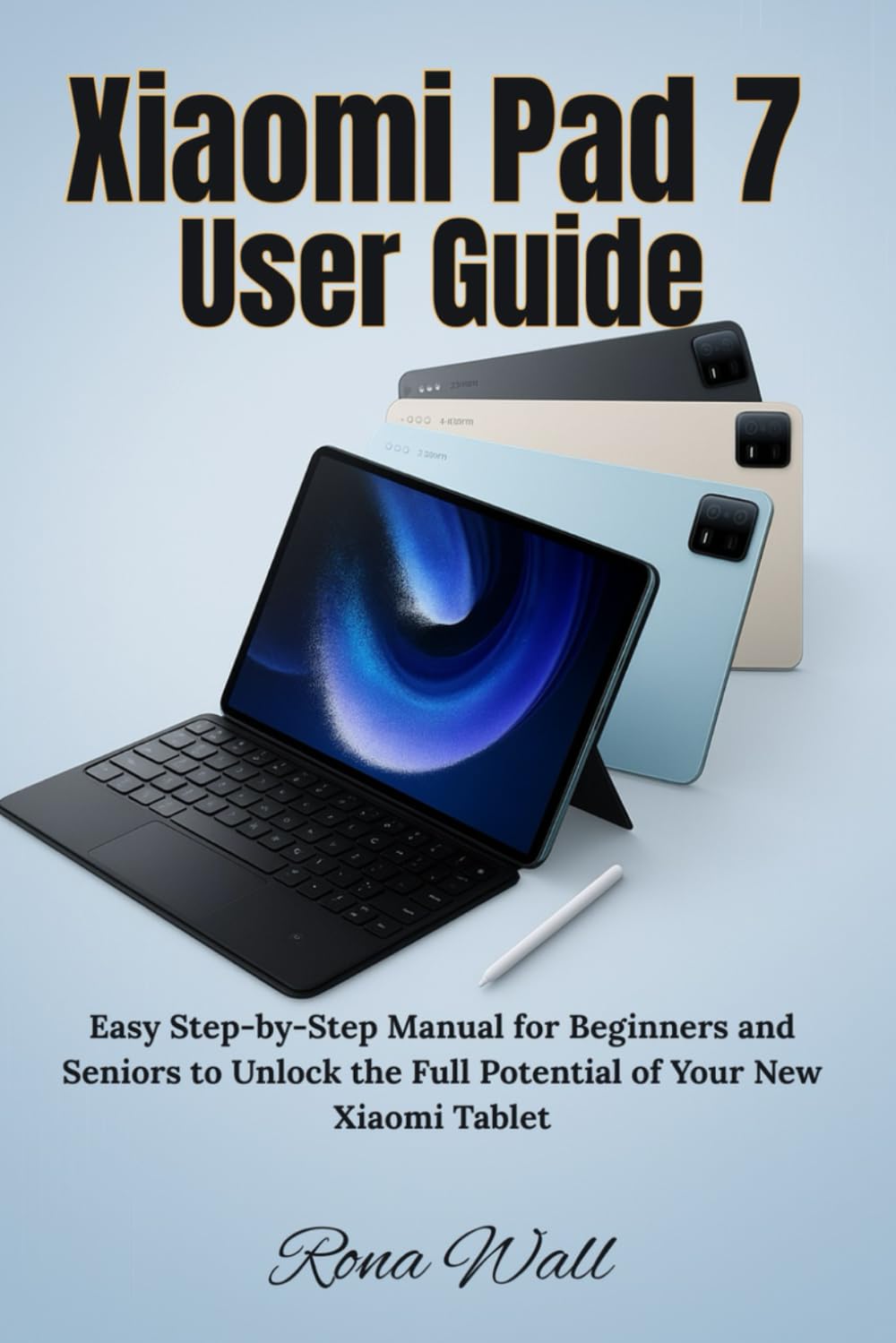
Image: Front cover of the "Xiaomi Pad 7 User Guide" book. This book provides the content for this manual.
3. Device Operation and Navigation
3.1 Physical Layout
Familiarize yourself with the physical buttons and ports on your Xiaomi Pad 7:
- Bouton pouvwa: Located on the top/side, used to turn the device on/off, lock/unlock the screen, and restart.
- Bouton Volim: Located on the side, used to adjust media volume, call volume, and notification volume.
- USB-C pò: Located at the bottom, used for charging, data transfer, and connecting accessories.
- Oratè: Typically located on the sides for audio output.
- Mikwofòn: Pou antre vwa pandan apèl oswa anrejistreman.
3.2 Jès ekran taktil
Navige tablèt ou a lè l sèvi avèk jès taktil entwisyon:
- Tape: Select an item, open an app, or confirm an action.
- Long Press: Jwenn aksè nan meni kontèks yo oubyen deplase ikòn yo.
- Glise: Scroll through pages, switch between home screens, or dismiss notifications.
- Zoom-pou-Zoom: Agrandi oswa retresi kontni tankou foto ak web paj.
- Two-Finger Swipe: Often used for specific app functions or scrolling.
3.3 Notification Panel and Quick Settings
Swipe down from the top of the screen to access:
- Notifikasyon: View alerts from apps and the system.
- Anviwònman rapid: Toggle Wi-Fi, Bluetooth, screen brightness, rotation lock, and more.
4. Key Features and Customization
4.1 Personalization Tools
Customize your Xiaomi Pad 7 to reflect your style:
- Wallpapers and Themes: Change your home screen and lock screen backgrounds. Explore various themes to alter the entire look and feel of your MIUI interface.
- Widgets: Add widgets to your home screen for quick access to information and app functions.
- Layout ekran lakay: Organize app icons, create folders, and adjust grid size.
4.2 Pwodiktivite ak Miltitasking
Enhance your efficiency with these features:
- Fann ekran: Run two apps side-by-side simultaneously.
- Fenèt k ap flote: Open apps in resizable, movable windows over other applications.
- Smart Keyboard and Stylus Support: Connect compatible accessories for improved typing and drawing experiences.
4.3 Entertainment Essentials
Your Xiaomi Pad 7 is designed for immersive entertainment:
- Media lèktur: Enjoy videos, music, and podcasts using pre-installed apps or downloaded streaming services.
- Mòd lekti: Optimize the screen for comfortable reading, reducing eye strain.
- Gaming: Download and play a wide range of games from the Google Play Store.
4.4 Camera and Gallery Mastery
Capture and manage your memories:
- Pran foto ak videyo: Use the camera app to capture high-quality images and record videos. Explore various modes like Portrait, Panorama, and Pro mode.
- Gallery Features: Òganize, view, and perform basic edits on your photos and videos.
- Pataje: Easily share your media through social media, messaging apps, or cloud services.
4.5 Xiaomi Cloud and Account Services
Leverage Xiaomi's ecosystem for data management:
- Sovgad nan Nwaj la: Back up your photos, contacts, messages, and app data to Xiaomi Cloud.
- Aparèy senkronize: Synchronize data across multiple Xiaomi devices.
- Jwenn Aparèy: Locate, lock, or erase your device remotely if it's lost or stolen.
4.6 Security and Privacy Settings
Protect your tablet and personal information:
- Fèmen ekran: Configure PIN, pattern, password, fingerprint, or face unlock.
- Otorizasyon aplikasyon: Manage which apps have access to your camera, microphone, location, and other sensitive data.
- Tablodbò Konfidansyalite: Monitor app access to your privacy-sensitive data.
- Mizajou sekirite: Ensure your system is always up-to-date with the latest security patches.
4.7 Advanced Features and Tips
Explore additional functionalities for enhanced control:
- Optimizasyon batri: Utilize power-saving modes and monitor battery usage to extend battery life.
- Opsyon devlopē: (For advanced users) Access settings for debugging, animation scales, and other system-level controls.
- Mizajou sistèm: Regularly check for and install MIUI system updates to get new features and performance improvements.
5. Antretyen
Proper maintenance ensures the longevity and optimal performance of your Xiaomi Pad 7:
- Netwayaj: Sèvi ak yon twal mou ki pa gen pousyè pou netwaye ekran an ak kò a. Evite pwodui chimik ki agresif oswa materyèl abrazif.
- Mizajou lojisyèl: Always keep your operating system and apps updated to the latest versions for security and performance enhancements.
- Swen batri: Avoid extreme temperatures. Do not let the battery drain completely regularly, and avoid keeping it at 100% charge for extended periods.
- Jesyon Depo: Regularly clear cache, delete unnecessary files, epi dezinstale aplikasyon ou pa itilize yo pou libere espas depo.

Image: Back cover of the "Xiaomi Pad 7 User Guide" book, showing the ISBN barcode.
6. Depanaj Pwoblèm komen
Here are solutions to some common problems you might encounter:
- Aparèy pa Limen: Ensure the battery is charged. Connect to a charger and wait a few minutes before attempting to power on again. If unresponsive, try a forced restart (usually by holding the power button for 10-15 seconds).
- Aplikasyon k ap plante oswa bloke: Close the app and reopen it. Clear the app's cache and data in Settings > Apps. If the issue persists, uninstall and reinstall the app.
- Pwoblèm koneksyon Wi-Fi/Bluetooth: Toggle Wi-Fi/Bluetooth off and on. Restart your tablet and your router/Bluetooth device. Forget the network/device and reconnect.
- Pèfòmans Ralanti: Close background apps. Clear cache. Restart the device. Ensure sufficient free storage space.
- Batri Vide byen vit: Check battery usage in Settings to identify power-hungry apps. Reduce screen brightness, disable unnecessary features (GPS, Bluetooth, Wi-Fi when not in use).
- Reset faktori: As a last resort, if software issues persist, you can perform a factory reset (Settings > About tablet > Factory reset). Avètisman: Sa ap efase tout done ki sou aparèy ou an. Fè yon kopi done enpòtan yo anvan ou kontinye.
7. Espesifikasyon
Detailed technical specifications for the Xiaomi Pad 7 tablet are typically found on the official Xiaomi website, product packaging, or within the device's settings (Settings > About tablet). Key specifications generally include:
- Ekspozisyon: Screen size, resolution, panel type.
- Processeur: CPU model and core count.
- memwa (RAM): Amount of RAM.
- Depo: Internal storage capacity.
- Kamera: Front and rear camera megapixels and features.
- Batri: Battery capacity (mAh).
- Sistèm operasyon: Android version and MIUI version.
- Koneksyon: Wi-Fi standards, Bluetooth version, cellular support (if applicable).
- Dimansyon ak pwa: Physical size and weight of the tablet.
Please refer to the official Xiaomi product page for the most accurate and up-to-date specifications for your specific Xiaomi Pad 7 model.
8. Garanti ak sipò
8.1 Enfòmasyon sou Garanti
Your Xiaomi Pad 7 comes with a limited warranty. The terms and conditions of the warranty vary by region and retailer. Please refer to the warranty card included with your product or visit the official Xiaomi websit la pou jwenn enfòmasyon detaye sou garanti a espesifik pou acha ou a.
Typically, the warranty covers manufacturing defects but does not cover damage caused by misuse, accidents, unauthorized repairs, or normal wear and tear.
8.2 Sipò pou Kliyan
For technical assistance, service, or further inquiries, please contact Xiaomi customer support through one of the following channels:
- Xiaomi ofisyèl Websit: Vizite mi.com/global/support pou FAQ, gid depanaj, ak opsyon pou kontakte nou.
- Sant sèvis: Locate authorized Xiaomi service centers in your region.
- Sipò telefòn: Check the Xiaomi support websit pou nimewo telefòn sèvis kliyan lokal yo.
Lè w ap kontakte sipò a, tanpri kenbe nimewo seri aparèy ou an ak prèv acha a fasil pou jwenn.