
1. Entwodiksyon
Welcome to the Redroad Robot Vacuum R11 User Manual. This guide provides essential information for setting up, operating, and maintaining your new robot vacuum and mop. Please read this manual thoroughly before using the device to ensure safe and efficient operation.
2. Enfòmasyon sou Sekirite
WARNING: Read all safety instructions before use to prevent fire, electric shock, or injury.
- Kenbe aparèy la lwen dlo ak imidite.
- Do not allow children or persons with reduced physical, sensory, or mental capabilities to operate the device without supervision.
- Ensure the charging station is placed on a flat, stable surface, away from heat sources.
- Do not use the device to pick up large or sharp objects, liquids, or burning materials.
- Regularly check and clean the brushes and filters to maintain optimal performance.
3. Pake kontni
Verifye ke tout atik yo prezan nan pakè ou a:
- Redroad Robot Vacuum R11 Main Unit
- Self-Emptying Station (4L capacity)
- 2-an-1 Bwat Fatra ak Tank Dlo
- Mop Cloths (2 included)
- High-Efficiency Filter (2 included)
- Anti-Tangle Side Brush (2 included)
- Netwayaj Bwòs
- Manyèl itilizatè
4. Enstalasyon
4.1. Plasman Estasyon Chaje
Place the self-emptying station against a wall in an open area, ensuring there are no obstacles within 1.5 meters (5 feet) in front and 0.5 meters (1.6 feet) on either side. Plug the station into a power outlet.

4.2. Premye Chajman
Place the robot vacuum onto the charging station. The indicator lights on the robot will illuminate, indicating it is charging. Allow the robot to fully charge before its first use (approximately 3 hours).
4.3. Installing Side Brushes and Mop Pad
- Vire aspiratè robo a tèt anba.
- Align the side brushes with the designated slots on the bottom of the robot and press firmly until they click into place.
- Attach a mop cloth to the mop pad holder using the Velcro strips.
- Slide the mop pad holder into the slot at the rear of the robot until it locks.
4.4. Konble tank dlo a
- Remove the 2-in-1 dustbin and water tank from the robot by pressing the release button.
- Open the water tank cap (blue piece) and fill with clean water. Close the cap securely.
- Reinsert the dustbin and water tank into the robot until it clicks into place.
4.5. Koneksyon App
Download the Redroad app from your smartphone's app store. Follow the in-app instructions to connect your robot vacuum to your home Wi-Fi network (supports dual-band 5GHz & 2.4GHz). This enables smart control features.
5. Operasyon Enstriksyon
5.1. Power On/Off
Press and hold the power button on the robot or use the app to turn the device on or off.
5.2. Netwayaj mòd
The Redroad R11 offers three cleaning modes: vacuuming, sweeping, and mopping. You can select these modes via the mobile app.
- Aspiratè sèlman: For dry debris collection. The large-capacity dustbin efficiently collects more debris.
- Mop sèlman: For wet cleaning. The next-generation air valve precisely controls three water flow levels, effortlessly removing stubborn stains while preventing leaks or over-wetting floors.
- Aspiratè ak mop: Combines both functions for comprehensive cleaning.
5.3. Navigasyon ak Kat Entelijan
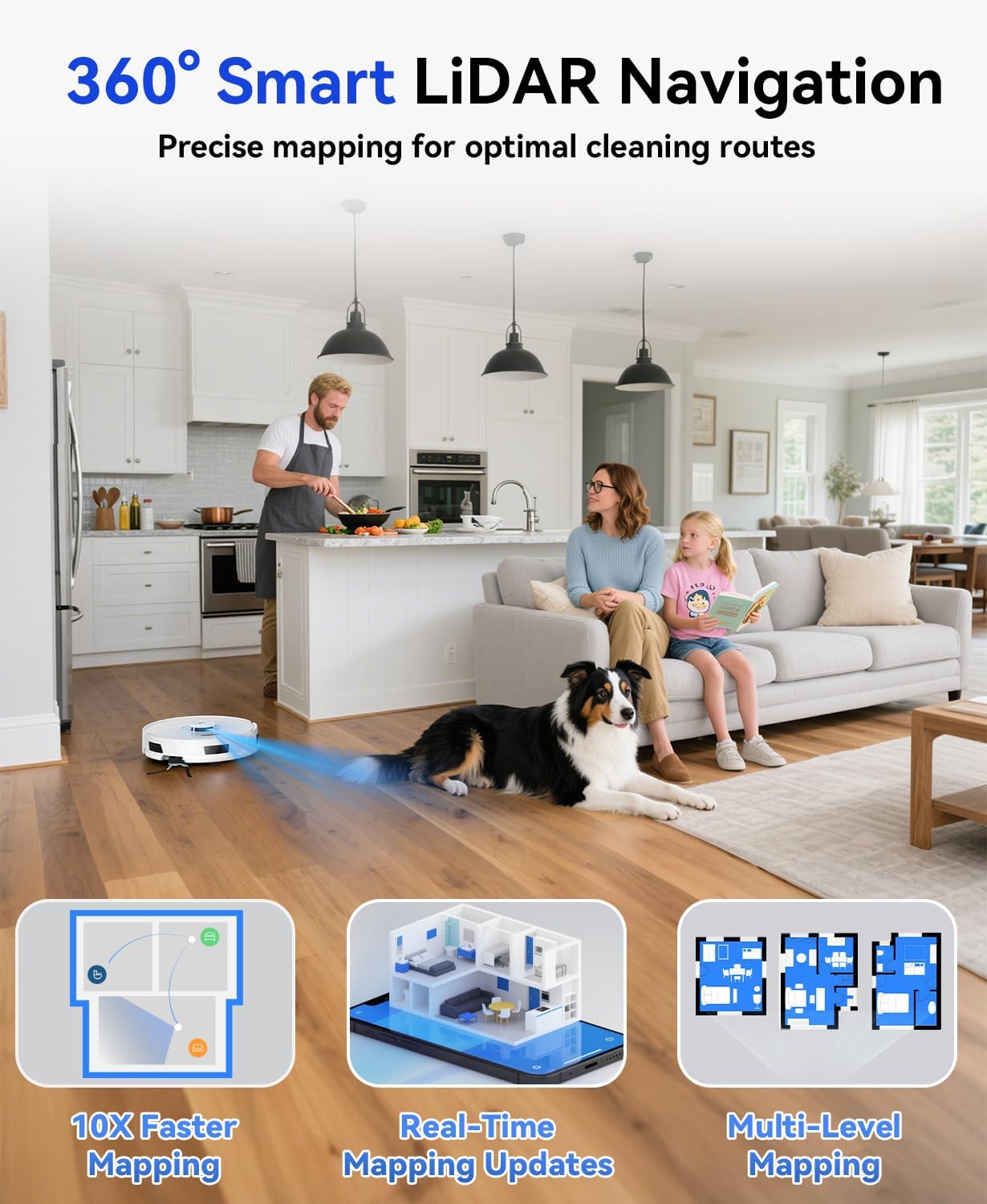
The robot uses 360° Smart LiDAR Navigation to create accurate room maps and smart sweeping routes, avoiding repetition and omissions. It stores up to 4 maps, catering to multi-floor homes.

5.4. Ajisteman puisans aspirasyon an
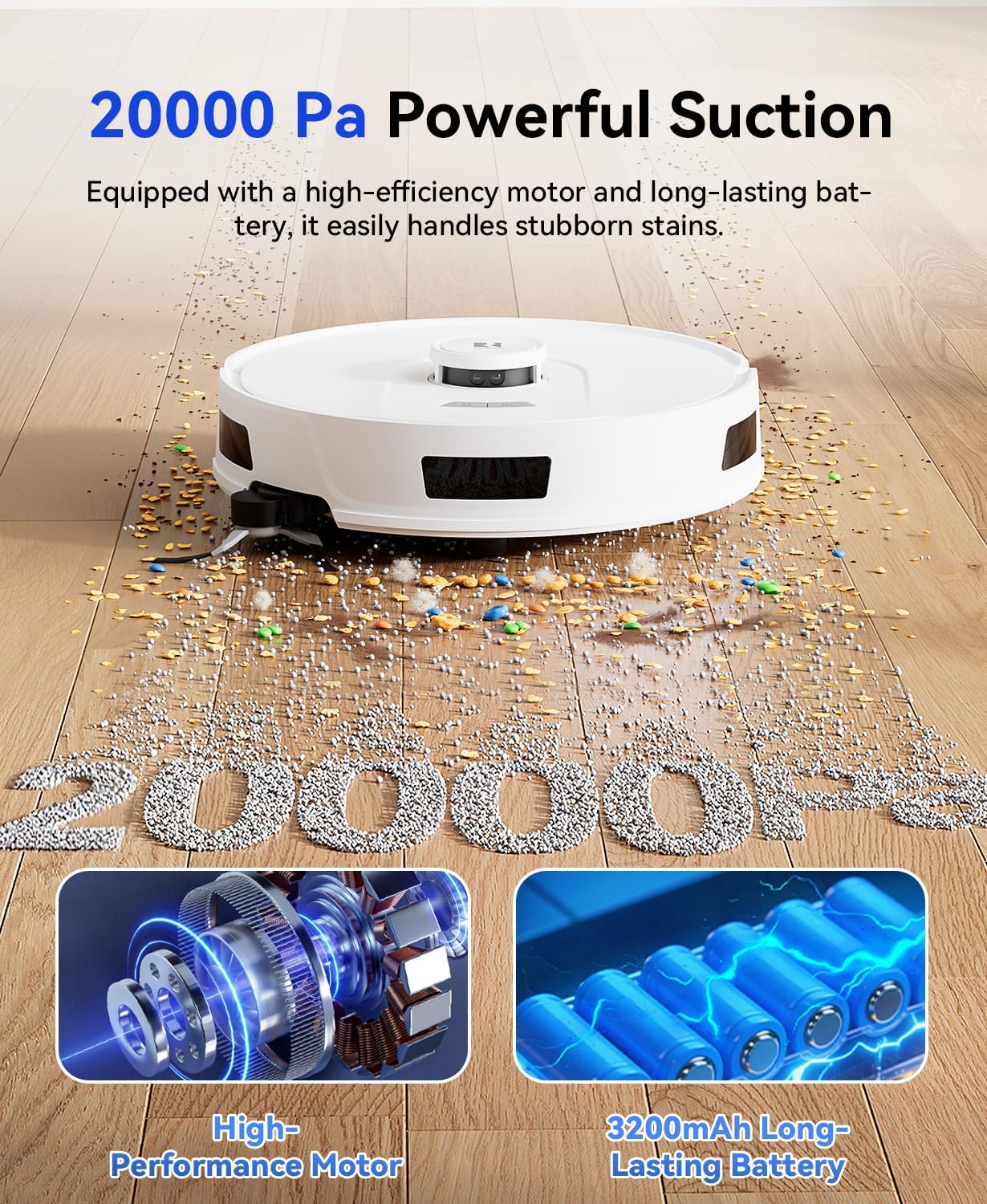
The R11 robot vacuum boasts a powerful suction of over 20,000 Pa. You can adjust the suction levels via the app to suit different cleaning needs and floor types (e.g., carpets, hardwood, tiles).

5.5. Netwayaj Edge
The mechanical arm-extended side brush flexibly extends and retracts, providing over 30% more horizontal coverage than standard side brushes. This allows for effortless sweeping of dust from wall edges and cabinet corners.

5.6. App & Voice Control
Control your robot vacuum via the smart app to set cleaning schedules, switch cleaning modes, adjust suction levels, and more. The device also supports voice control through Alexa and Google Home (supports dual-band WiFi: 5GHz & 2.4GHz).

5.7. No-Go Zones & Virtual Walls
Set no-go zones and virtual walls through the app to prevent the machine from getting stuck in narrow spaces or entering specific areas, ensuring smarter and safer cleaning management.

5.8. Automatic Dust Collection
Enjoy up to 90 days of hands-free cleaning with the 4L extra-large dust bag in the self-emptying station. The powerful suction vacuum base station efficiently empties the collected dirt and debris into the dust bag, ensuring uninterrupted cleaning sessions.

5.9. Videyo pwodwi ofisyèl la
6. Antretyen
6.1. Netwaye bwat fatra a ak filtè a
The 2-in-1 dustbin and water tank should be emptied and cleaned regularly. The high-efficiency filter can be rinsed with water and allowed to air dry completely before reinstallation.
6.2. Bwòs Netwayaj
Periodically remove and clean the main brush and side brushes. The side brush features an anti-tangle design that minimizes hair entanglement, reducing maintenance hassle. Use the included cleaning brush to remove any tangled hair or debris.
6.3. Replacing Dust Bags
The self-emptying station uses 4L dust bags. The package includes two dust bags, providing approximately 180 days of dust collection. Replacement dust bags are expected to be available for purchase soon.
6.4. Netwayaj Capteur yo
Wipe all sensors (LiDAR, anti-drop, collision) with a soft, dry cloth to ensure proper functionality.
NAN. Depanaj
Si ou rankontre nenpòt pwoblèm, gade pwoblèm ak solisyon komen sa yo:
| Pwoblèm | Kòz posib | Solisyon |
|---|---|---|
| Robo a pa limen | Low battery; not on charging station | Place robot on charging station and allow to charge fully. |
| Robo a bloke souvan | Obstacles; no-go zones not set | Clear obstacles. Use the app to set no-go zones or virtual walls. |
| Pèfòmans netwayaj pòv | Full dustbin; clogged filter/brushes | Empty dustbin. Clean or replace filter and brushes. |
| Mop not dispensing water | Empty water tank; clogged water nozzle | Refill water tank. Clean water nozzles. |
For further assistance, please contact Redroad customer support.
8. Espesifikasyon
| Karakteristik | Detay |
|---|---|
| Mak | Wout Wouj |
| Non modèl | Robot Vacuum R11 |
| Pouvwa pou aspirasyon | 20,000 Pa |
| Kapasite batri | 3200 mAh |
| Lavi batri | Jiska 3 èdtan |
| Sistèm Navigasyon | 360° Smart LiDAR |
| Kapasite sak pousyè tè | 4 Liters (Self-Emptying Station) |
| Koneksyon | 5GHz & 2.4GHz Dual-Band WiFi |
| Kontwòl vwa | Alexa/Google Home Compatible |
| Kalite filtre | HEPA |
| Sifas Rekòmandasyon | Carpet, Hardwood, Tile |
| Pwa atik | 16.04 liv |
| Dimansyon pake | 15.51 x 15.04 x 12.95 pous |
9. Garanti ak sipò
Redroad places high importance on product quality and customer satisfaction. The Redroad Robot Vacuum R11 comes with a 1-year warranty for peace of mind.
Should you encounter any operational issues or malfunctions during use, please contact our official after-sales team anytime. We guarantee an effective solution within 24 hours.
Thank you for choosing Redroad robotic vacuums.