
1. Entwodiksyon
This manual provides essential information for setting up, operating, maintaining, and troubleshooting your NIMO 15.6-inch Laptop N152. Please read this manual thoroughly before using your device to ensure proper functionality and longevity.

Image 1.1: NIMO 15.6-inch Laptop, top-down view.
2. Enstalasyon
2.1 Debale ak Premye Enspeksyon
Carefully remove all components from the packaging. Verify that all items listed in the 'What's in the Box' section (Section 6) are present and undamaged. If any items are missing or damaged, contact customer support.
2.2 Chaje òdinatè pòtab la
Before first use, fully charge your NIMO laptop. Connect the provided 65W USB-C PD Fast Charger to the laptop's USB-C port and then to a power outlet. The charging indicator light will illuminate. A 15-minute charge provides approximately 2 hours of use.

Image 2.1: The 65W USB-C PD Fast Charger can charge multiple devices.
2.3 Limen ak Konfigirasyon Inisyal
Press the power button to turn on the laptop. Follow the on-screen instructions to complete the Windows 11 Home setup, including language selection, network connection, and user account creation. You can set up the fingerprint reader during this process for secure login.
3. Operasyon Enstriksyon
3.1 Klavye ak Touchpad
The NIMO N152 features an ergonomic backlit keyboard. To adjust the backlight brightness or toggle it on/off, use the dedicated function keys (Fn + F-key combination, refer to keyboard legends). The touchpad supports multi-touch gestures for enhanced navigation.
3.2 Lektè Anprent Dwèt
The fingerprint reader is integrated into the touchpad for secure and instant login. Once configured, simply place your registered finger on the sensor to unlock your device.
3.3 Ekspozisyon Karakteristik
The 15.6-inch Full HD (1920x1080) IPS anti-glare display offers clear visuals. The 180° hinge allows the screen to lay completely flat, useful for sharing content or collaborating.

Image 3.1: The 180° lay-flat hinge for versatile viewing.
3.4 Koneksyon
The laptop is equipped with various ports for external devices:
- Pò USB 3.0: Pou transfè done gwo vitès.
- USB 2.0 pò: Pou aparèy USB estanda yo.
- HDMI: Konekte ak ekran ekstèn oswa pwojektè.
- Type-C Ports: Pou chaje ak transfè done.
- Micro SD Reader: Pou elaji depo oswa transfè files soti nan kat memwa.
- Audio Jack: Pou kas ekoutè oswa oratè ekstèn.
- Kensington Lock: Pou sekirite fizik.
Imaj 3.2: Kote view of the NIMO laptop showing available ports.
For wireless connectivity, the laptop supports Wi-Fi 6 for stable, high-speed internet and Bluetooth 5.2 for connecting wireless peripherals.
4. Karakteristik kle
4.1 Pèfòmans
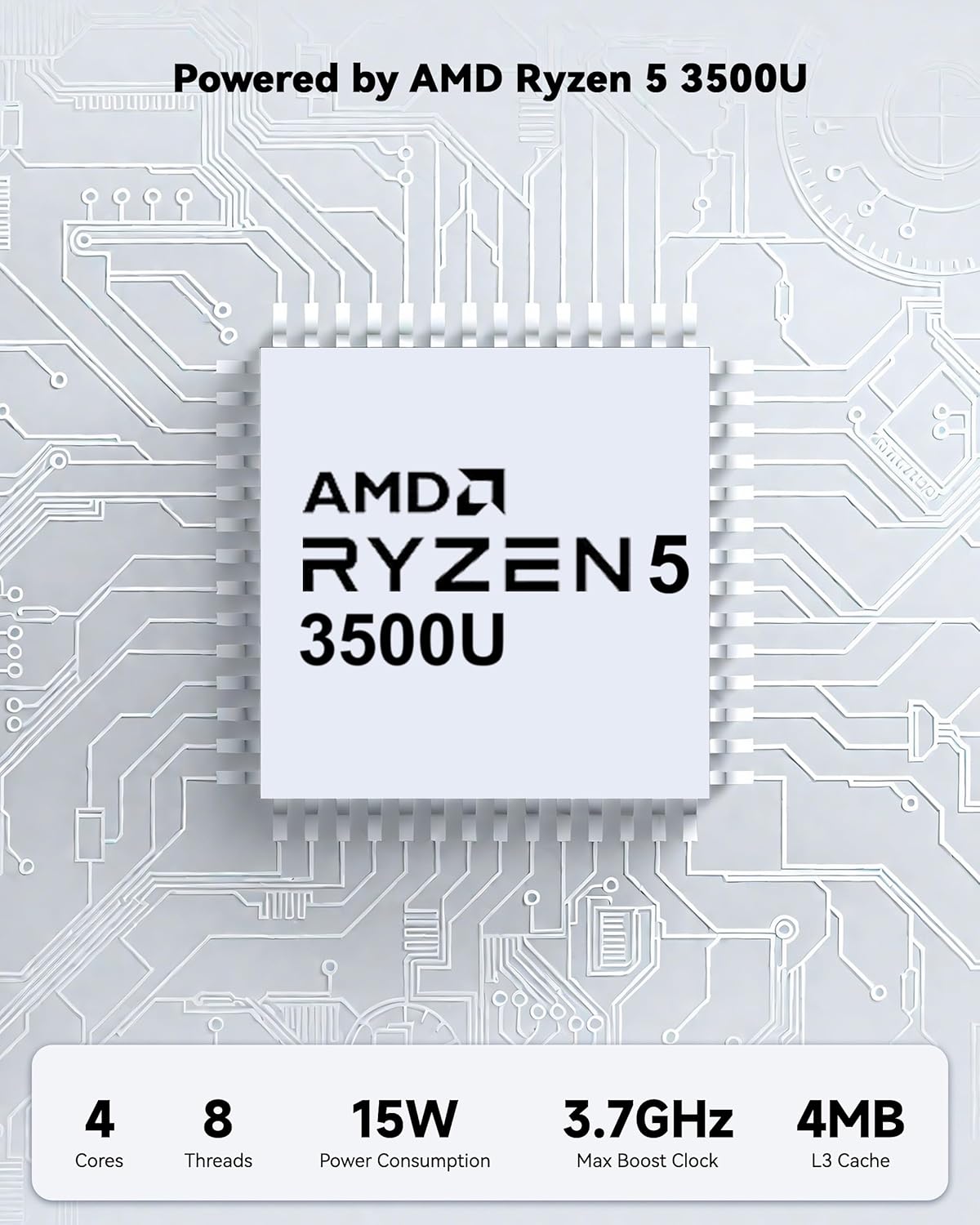
Powered by an AMD Ryzen 5 processor with 4 cores up to 3.7GHz and 16GB DDR4 RAM, the NIMO N152 is designed for efficient multitasking. The 512GB PCIe SSD ensures fast boot-ups and quick file transfers. The RAM is upgradable for future needs.

Image 4.1: AMD Ryzen 5 processor details.
4.2 Visuals and Audio
The 15.6-inch Full HD (1920x1080) IPS anti-glare display provides vibrant visuals with an 85% screen-to-body ratio. The integrated 2MP webcam allows for clear video calls.
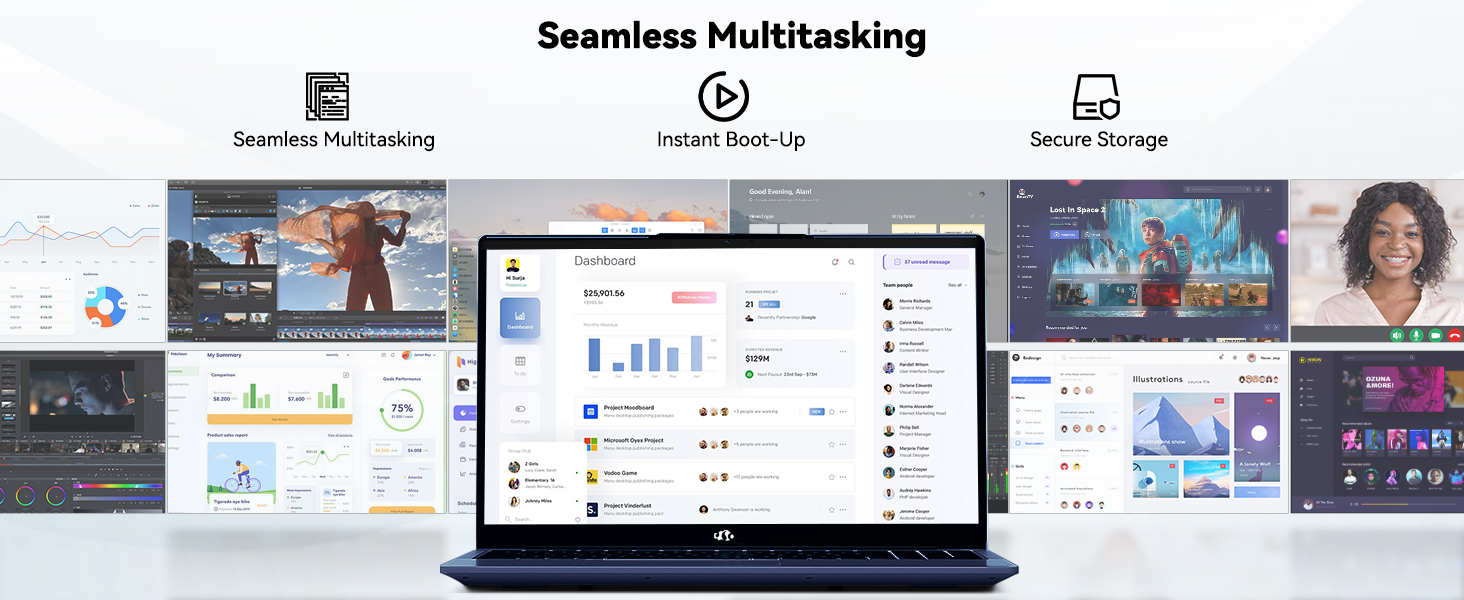
Image 4.2: The laptop's stunning Full HD display.

Image 4.3: The 1080p FHD camera for clear video conferencing.
4.3 Lavi batri
The laptop features a 54WH battery with smart battery optimization for extended lifespan and efficient power control, providing approximately 9 hours of average battery life.

Image 4.4: Smart Battery Optimization features.
4.4 Design and Portability
The NIMO N152 has a durable metal A-shell and a slim, lightweight design, weighing approximately 3.75 pounds.

Image 4.5: The NIMO laptop's lightweight and slim profile.
4.5 Pwodwi souview Videyo
Videyo 4.1: Yon jeneral finiview of the NIMO 15.6-inch laptop, highlighting its features and design.
4.6 Power and Portability Video
Video 4.2: This video demonstrates the power and portability aspects of the NIMO 15.6-inch laptop.
5. Antretyen
5.1 Netwayaj
- Sèvi ak yon twal mou ki pa gen pousyè pou netwaye ekran an ak deyò a.
- Pou tach ki difisil pou retire, pase yon ti krasampSiye twal la avèk dlo oswa yon pwodui netwayaj ki san danje pou ekran.
- Evite pwodui chimik ki agresif, abrazif, oswa solvan.
- Keep vents clear of dust and debris to ensure proper airflow.
5.2 Swen Batri
- Evite dechaje batri a nèt souvan.
- Sere laptop la nan yon kote ki fre epi sèk lè w pa itilize li pou yon bon bout tan.
- Use only the provided NIMO charger.
5.3 Mizajou lojisyèl
Regularly update your operating system and drivers to ensure optimal performance and security. Windows 11 Home will prompt you for updates.
NAN. Depanaj
6.1 Laptop la pa limen
- Asire w ke plato a byen konekte ak laptop la ak yon priz kouran ki fonksyone.
- Verifye si priz kouran an fonksyone byen lè w branche yon lòt aparèy.
- Allow the laptop to charge for at least 30 minutes before attempting to power on again.
6.2 Pwoblèm ekran
- If the screen is blank, try connecting an external monitor to check if the display output is working.
- Adjust screen brightness using the function keys.
- Rekòmanse laptop la.
6.3 Pwoblèm koneksyon
- Wi-Fi: Check your router and internet connection. Ensure Wi-Fi is enabled on the laptop.
- Bluetooth: Verify Bluetooth is enabled and devices are in pairing mode.
- Aparèy USB: Try connecting the device to a different USB port or another computer to rule out device issues.
6.4 Pèfòmans Ralanti
- Fèmen aplikasyon ki pa nesesè k ap fonksyone nan background nan.
- Tcheke epi enstale nenpòt mizajou Windows ki annatant.
- Asire w ke gen ase espas lib sou SSD a.
- Fè yon eskanè viris.
7. Espesifikasyon
| Karakteristik | Spesifikasyon |
|---|---|
| Non modèl | NIMO N152 |
| Gwosè ekran | 15.6 pous |
| Rezolisyon ekran | 1920 x 1080 piksèl (Full HD IPS) |
| Processeur | AMD Ryzen 5 (4 Cores, up to 3.7 GHz) |
| RAM | 16 GB DDR4 (ou ka amelyore l) |
| Vitès memwa | 3200 MHz |
| Disk Drive | 512 GB SSD (PCIe) |
| Koprosesè grafik | Grafik entegre AMD |
| Sistèm operasyon | Windows 11 Kay |
| Kalite san fil | Wi-Fi 6 (802.11a/b/g/n/ac), Bluetooth 5.2 |
| Pò USB 2.0 | 1 |
| Pò USB 3.0 | 3 |
| Mwayèn lavi batri | 9 èdtan |
| Pwa atik | 3.75 liv |
| Dimansyon pwodwi | 14.07 x 8.98 x 0.76 pous |
| Koulè | Ble |
| Dèyè WebCam Rezolisyon | 2 MP |
| Karakteristik espesyal | Klavye retroeklere, lektè anprent, odyo HD, klavye nimerik |
7.1 Sa ki nan bwat la
- 1 x NIMO N152 Laptop
- 1 x Chargeur rapid Kalite-C 65W PD
- 1 x manyèl itilizatè
- Windows 11 Home (Pre-enstale)
8. Garanti ak sipò
Laptop NIMO N152 ou a vini ak yon Garanti manifakti 2 zanAnplis de sa, NIMO ofri yon Règleman pou retounen ak echanj san pwoblèm nan 90 jou. For any product-related questions, technical assistance, or warranty claims, please contact NIMO customer service.
8.1 Enfòmasyon pou Kontakte
For support, you can reach out to the professional after-sales team via email or phone. Please refer to the official NIMO website or product page for the most current contact details.

Image 8.1: NIMO products are covered by a 2-year support.

Image 8.2: 90-Day Return policy.