
Entwodiksyon
This manual provides essential information for setting up, operating, maintaining, and troubleshooting your Apple iPad Pro 11-inch (M5). Please read this guide thoroughly to ensure optimal performance and longevity of your device. For the most up-to-date information and support, visit the official Apple Support websit.
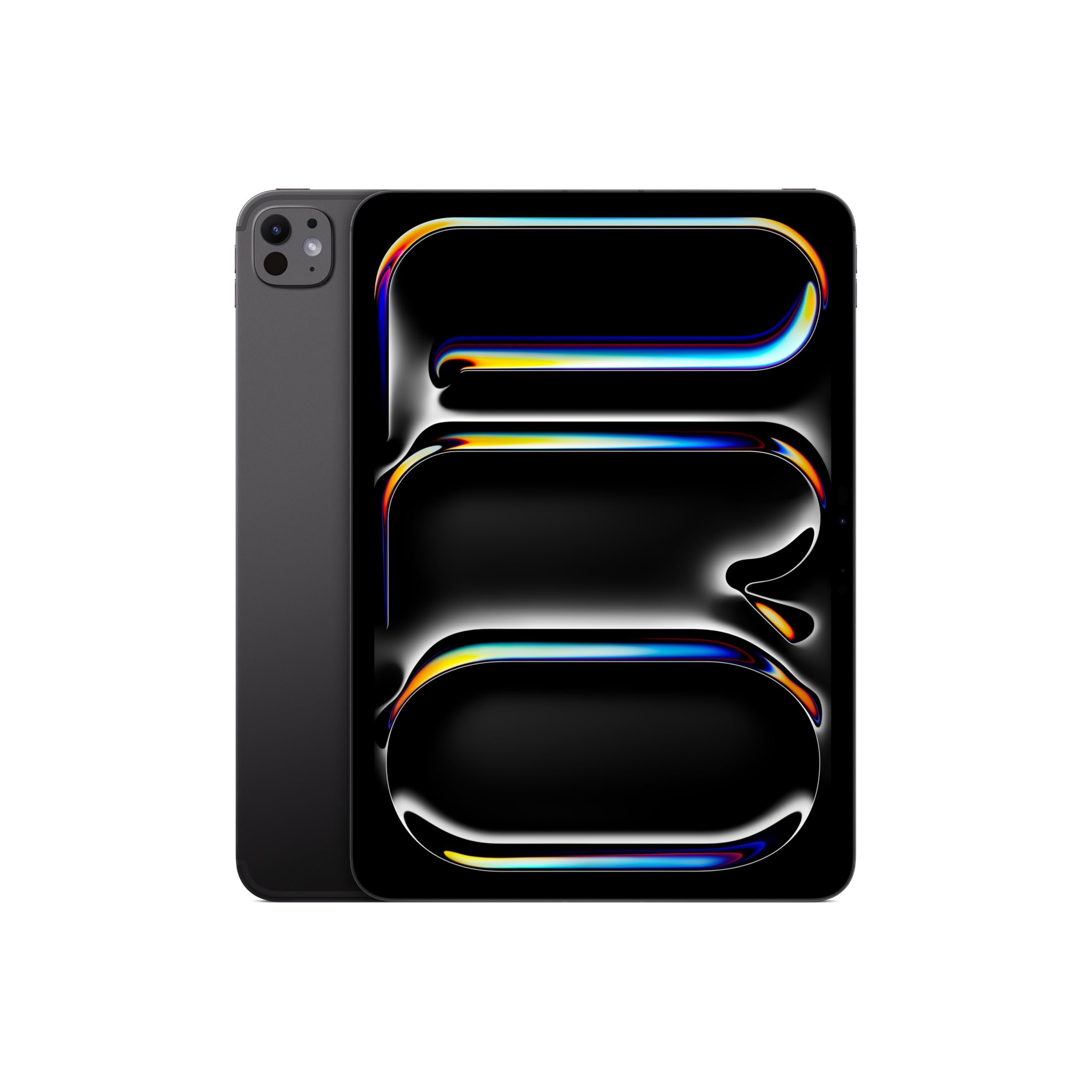
Image: The Apple iPad Pro 11-inch (M5) in Space Black, showcasing konsepsyon elegant li yo.
Ki sa ki nan bwat la
Verify that all items are present in your iPad Pro packaging:
- iPad Pro 11-pous (M5)
- USB-C Charge Kab
- 20W USB-C pouvwa adaptè

Image: The contents of the Apple iPad Pro box, displaying the iPad, USB-C charge cable, and 20W USB-C power adapter.
Enstalasyon
1. Premye Limen
- Peze epi kenbe bouton an tèt la jiskaske logo Apple la parèt.
- Swiv enstriksyon ki sou ekran yo pou chwazi lang ou ak rejyon ou.
2. Connect to Wi-Fi or Cellular
- Wi-Fi: Chwazi rezo Wi-Fi ou nan lis la epi antre modpas la.
- Cellular (Wi-Fi + Cellular models): Insert a nano-SIM card or activate an eSIM plan.
3. Set Up Face ID
Face ID allows you to securely unlock your iPad, authenticate purchases, and sign in to apps using facial recognition.
- During setup, follow the prompts to enroll your face.
- Ensure your face is well-lit and positioned correctly within the frame.
4. Apple ID
Sign in with your existing Apple ID or create a new one. Your Apple ID is used for iCloud, App Store, iTunes Store, and other Apple services.
Itilizasyon iPad Pro ou a
Ekspozisyon ak Entèraksyon
The iPad Pro features an Ultra Retina XDR Display with ProMotion technology, offering adaptive refresh rates for smooth scrolling and responsiveness. It supports P3 wide color and True Tone for accurate color representation.
Pèfòmans Chip M5
Powered by the Apple M5 chip, your iPad Pro delivers exceptional performance for demanding tasks, including professional workflows, advanced gaming, and AI-driven applications. The integrated Neural Accelerators enhance on-device AI capabilities.

Image: The Apple iPad Pro 11-inch (M5) attached to a Magic Keyboard, showcasing its powerful M5 chip and multitasking capabilities with various applications open.
iPadOS and Apple Intelligence
iPadOS 26 provides a flexible windowing system for efficient multitasking. Apple entèlijans is integrated to assist with communication, expression, and task completion, prioritizing user privacy.
Kamera ak eskanè LiDAR
The iPad Pro includes a landscape Sant 12MP Stage kamera for video calls and a 12MP Wide camera with an adaptive True Tone flash for high-quality photos and videos. The Lidar Scanner enhances augmented reality experiences and improves low-light photography.
Koneksyon
Enjoy fast wireless connections with Wi-Fi 7 (Apple N1) for quick data transfers. 5G cellular (Apple C1X) models offer robust connectivity in more locations.
Apple Pencil and Magic Keyboard (Sold Separately)
For enhanced creativity and productivity, the iPad Pro is compatible with Kreyon Apple Pro epi Apple Pencil (USB-C) for drawing, note-taking, and precise control. The Klavye majik offers a comfortable typing experience and a trackpad with haptic feedback.

Image: A user interacting with the Apple iPad Pro using an Apple Pencil, highlighting its utility for creative tasks.

Imaj: Yon gwo plan view of the Apple Pencil Pro in use on the iPad Pro screen, illustrating its precision for digital artistry.
Antretyen
Netwaye iPad Pro ou a
- Sèvi ak yon twal mou ki pa gen pousyè pou netwaye ekran an ak deyò a.
- Evite materyèl abrazif, ayewosòl, solvan, oswa pwodui netwayaj ki gen amonyak.
- Pa flite pwodui netwayaj yo dirèkteman sou aparèy la.
Swen batri
- For optimal battery life, avoid extreme temperatures.
- Charge your iPad Pro using the provided USB-C charge cable and power adapter.
- Regularly update iPadOS to benefit from battery optimization features.
Mizajou lojisyèl
Kenbe iPadOS ou a ajou ak dènye vèsyon an pou asire aksè a nouvo fonksyonalite, amelyorasyon sekirite, ak amelyorasyon pèfòmans. Ale nan Anviwònman > Jeneral > Mizajou Lojisyèl.
Depanaj
Aparèy la pa reponn
If your iPad Pro is unresponsive, try a force restart:
- Peze epi lage bouton Ogmante Volim nan byen vit.
- Peze epi lage bouton Diminye Volim nan byen vit.
- Peze epi kenbe bouton anwo a jiskaske logo Apple la parèt.
Pwoblèm Koneksyon Rezo
- Wi-Fi: Ensure your router is on and within range. Try forgetting the network (Settings > Wi-Fi > [Network Name] > Forget This Network) and reconnecting.
- Selilè: Check your cellular plan status and ensure cellular data is enabled in Settings > Cellular Data.
Pwoblèm aplikasyon an
If an app is not functioning correctly, try closing and reopening it. If the issue persists, check the App Store for updates or reinstall the app.
Espesifikasyon
| Karakteristik | Detay |
|---|---|
| Non modèl | iPad Pro 11-pous (M5) |
| Nimewo Modèl Atik | ME2Q4LL/A |
| Dimansyon pwodwi | 6.99 x 9.83 x 0.21 pous |
| Pwa atik | 15.7 ons |
| Ekspozisyon | 11-inch Ultra Retina XDR Display, Tandem OLED, 2420-by-1668-pixel resolution at 264 ppi, ProMotion, P3 Wide Color, True Tone |
| Chip | Apple M5 chip (9-core CPU, 10-core GPU, Neural Accelerators) |
| Kapasite Depo memwa | 512 GB |
| Kamera | 12MP Wide camera, 12MP TrueDepth (Center Stage) camera, LiDAR Scanner |
| Anrejistreman videyo | Up to 4K at 60 fps, ProRes video recording |
| Koneksyon | Wi-Fi 7 (802.11be), Bluetooth 6, 5G (sub-6 GHz) on Cellular models |
| Pò | Thunderbolt / USB 4 port (Charging, DisplayPort, Thunderbolt 3, USB 4, USB 3) |
| Sekirite | figi ID |
| Batri | Built-in 31.29-watt-hour rechargeable lithium-polymer battery (Up to 10 hours Wi-Fi, 9 hours Cellular) |
| Sistèm operasyon | iPadOS |
Garanti ak sipò
Your Apple iPad Pro 11-inch (M5) is covered by a limited warranty. For detailed warranty information, please refer to the documentation included with your product or visit the official Apple website. Apple also offers various support resources, including online knowledge bases, community forums, and direct customer support.
For technical assistance, service, and support, please visit sipò.apple.com/ipad oubyen kontakte Sipò Apple dirèkteman.